Contents
The expensive launch mistake is rarely the design. It is the wrong price, a broken booking link, a menu that cannot be read on a phone or a search setting that still points at the preview. TableSpark gives an independent UK restaurant the complete site free to build, with finished responsive designs and managed search readiness. Published plans start at £19 a month, excluding VAT. TableSpark commission is 0%. Stripe's standard card-processing fees apply to online payments. This checklist is the final human pass before you publish.
Before publishing a UK restaurant website, test the menu, hours, mobile layout, navigation, contact details, bookings, ordering, domain, SSL, canonical URLs, sitemap, robots controls and Restaurant schema. TableSpark packages those restaurant and search essentials into one managed platform. Build free; published plans are Starter £19, Growth £39 and Full £69 a month, excluding VAT. TableSpark commission is 0%. Stripe's standard card-processing fees apply to online payments.
Launch the guest journey, not just a collection of pages
A restaurant website has a job before a guest ever reads the story: show what is served, when the restaurant is open, where it is and how to book or order. The launch pass should therefore follow the same route a guest follows, from a phone search to a menu, a table and a confirmation.
TableSpark starts from finished restaurant designs and keeps the restaurant workflow together: menu, bookings, tables, ordering, domain and managed search foundation. That removes the usual hand-offs between a generic page builder, a booking widget, an ordering supplier and a technician. You can build the complete site free, then choose Starter at £19, Growth at £39 or Full at £69 a month when you publish. Prices exclude VAT.
For a quick view of the build-and-publish flow, watch the TableSpark restaurant website walkthrough, then use the checks below as the go-live gate.
The 12-step restaurant website pre-launch checklist
- Read the homepage cold
Ask someone who did not build the site to open it on a phone. In ten seconds they should understand the restaurant, the location and the main action: view the menu, reserve or order. Remove anything that competes with those decisions.
- Check every menu item against tonight's service
Confirm names, descriptions, prices, dietary notes, categories and sold-out states. A structured TableSpark menu can be edited directly after launch, so the final check is about truth, not rebuilding a page.
- Verify hours, address and contact details everywhere
Compare the homepage, visit page, footer and contact route. Check kitchen hours separately if they differ from bar or collection hours, and make sure the same facts will be used in structured data.
- Test phone, tablet and desktop layouts
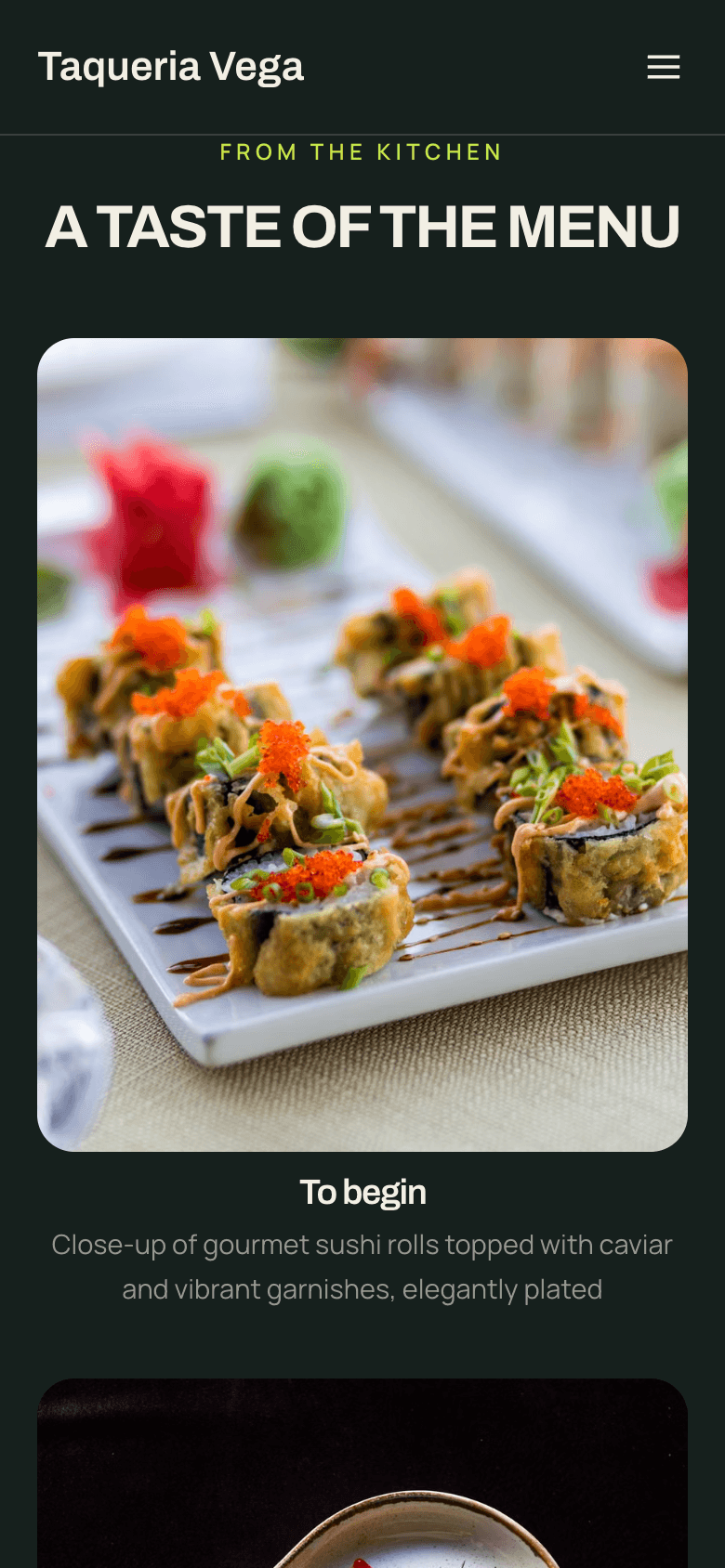
Use real devices where possible. Check readable type, tap targets, navigation, image crops, tables and forms at narrow widths. TableSpark designs adapt across phone, tablet and desktop; this step confirms the chosen content works in each layout.
- Click every internal and external link
Walk the header, footer and every main button. Replace preview addresses, remove dead social links and confirm that menu, booking, ordering, directions, contact and legal pages all open the intended destination.
- Complete a real booking test
On Growth, choose a party size and time, complete the configured deposit or policy step, and confirm that the reservation reaches the correct table inventory and floor-plan workflow. Check the guest confirmation and reminder as well as the restaurant inbox.
- Complete a real ordering test
On Full, add real menu items, review the basket, complete checkout and verify the order reaches the restaurant workflow. TableSpark commission is 0%. Stripe's standard card-processing fees apply to online payments.
- Verify the live domain and managed SSL
Confirm the chosen live address opens over HTTPS and that alternative forms resolve consistently to it. Growth and Full support the restaurant's own domain with managed SSL; every plan can publish on a TableSpark address.
- Inspect titles, descriptions and canonical URLs
Each public page needs a useful search title and description. Its canonical URL should point to the live preferred address, not a preview or duplicate version.
- Open the sitemap and robots controls
The sitemap should list the public pages that matter. Robots controls must allow those pages, and no launch-critical page should carry an accidental noindex instruction.
- Validate Restaurant and LocalBusiness data
Structured data should describe the same restaurant name, address, opening hours, menu URL and public actions shown on the page. Correct mismatches before launch; schema is an explanation of visible content, not a separate set of facts.
- Run the final human go or no-go review
Check spelling, prices, phone number, directions, privacy links and both money-carrying journeys one last time. Publish only when the public facts, guest flows and search signals agree.
Make the phone check decisive
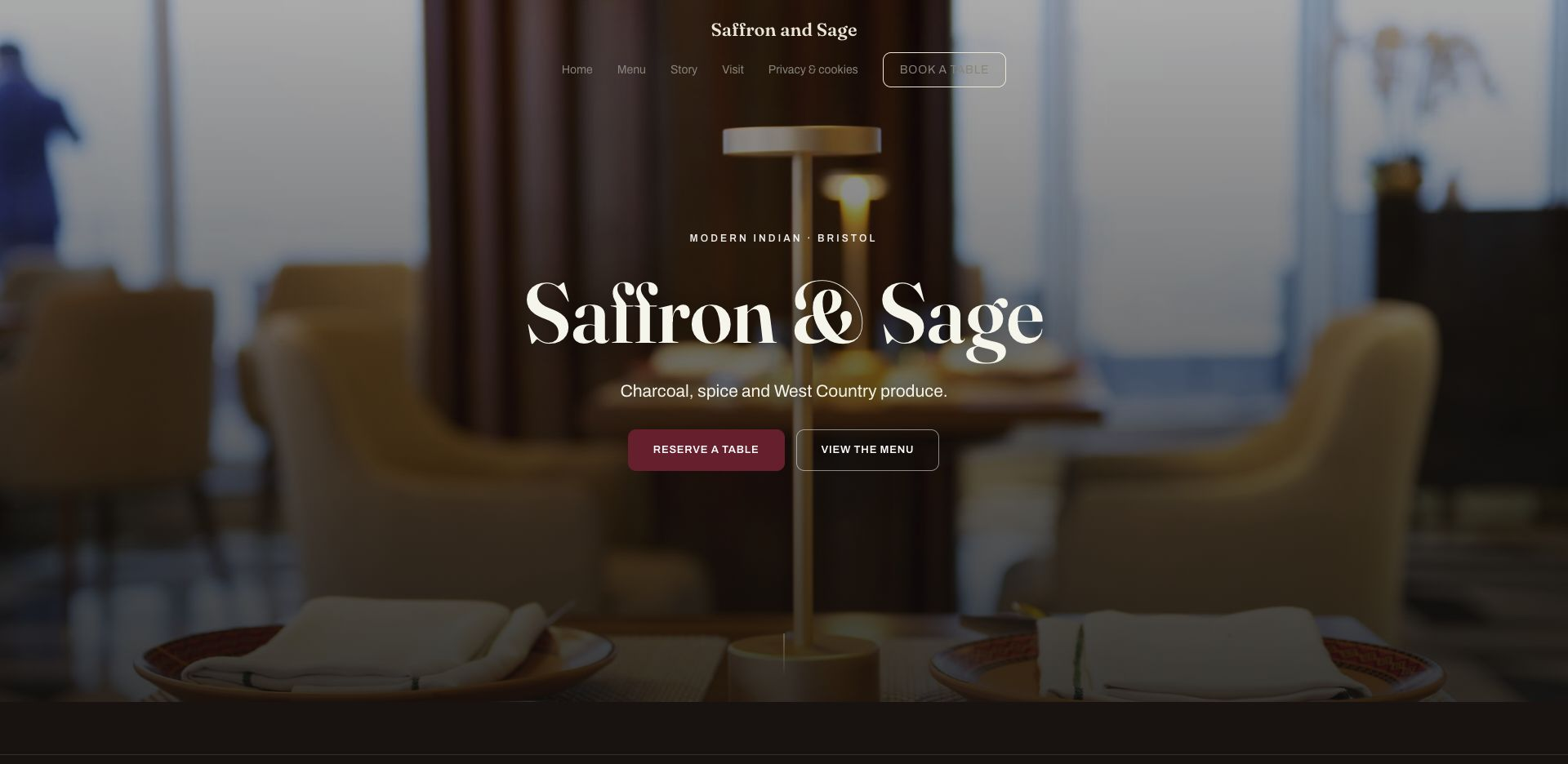
Google predominantly uses the mobile version of a site's content for indexing and ranking, but the commercial reason to care is simpler: a hungry guest should not have to pinch, zoom or hunt for the menu. Check the site at the width of an ordinary phone and complete the same actions you tested on desktop.
The menu must remain readable as text, not shrink into a poster. Prices and dietary details should stay aligned, and the booking or ordering action must remain close enough to use with one thumb. A polished desktop screenshot does not settle any of those questions.
Search readiness is a launch requirement
A working public link is not the same as a page that Google can reliably discover, read and understand. A stray noindex, conflicting canonical, blocked route, orphaned page or incomplete restaurant data can keep an important page out of the path a guest expects.
TableSpark includes the managed technical foundation: crawlable structured restaurant content, titles and descriptions, canonical URLs, sitemaps, robots controls, Restaurant and LocalBusiness schema, internal linking, mobile-first output and search-verification setup. That is specialist work a restaurant should not have to assemble from separate plugins and technicians.
| Check | Pass condition |
|---|---|
| Canonical | Every key page names its live preferred URL, and no page points at a preview or duplicate address. |
| Sitemap | The XML sitemap opens successfully and includes the public restaurant pages that should be discovered. |
| Robots and noindex | Important pages are allowed to be crawled and carry no accidental noindex instruction. |
| Restaurant schema | The structured name, address, hours and menu URL match what guests can see on the page. |
| Internal links | The homepage, menu, booking, ordering, visit and contact routes are reachable through ordinary links. |
| Mobile content | The phone version contains the same essential facts and actions as the desktop version. |
Google describes a canonical URL as the representative URL chosen from a group of duplicate pages. A launch check should therefore confirm that each page names the intended live address and does not preserve a preview URL.
Google says a sitemap helps search engines discover important URLs and also states that submitting one is only a hint, not a guarantee.
Passing this checklist means the website is accurate, usable and technically ready to be discovered. It does not promise a particular ranking, indexing date, booking volume or revenue result. Those outcomes depend on demand, competition, reputation, content, links and search-engine decisions beyond any website platform.
Before sign-off, revisit the mobile-friendly website checks and keep the Google indexing troubleshooting guide ready.
The final five-minute go-live gate
- Menu, prices, dietary notes and sold-out states match the current service.
- Hours, address, phone number and directions agree everywhere.
- The site works on a real phone, tablet and desktop.
- Booking and ordering tests reach the right restaurant workflow.
- The live domain, HTTPS, canonical URLs, sitemap and robots controls are correct.
- Restaurant structured data matches the visible page.
- A second person has completed the main guest journey without guidance.
What should I check before launching a restaurant website?
Check the menu, prices, hours, location, contact details, phone layout, navigation, booking and ordering flows, domain, HTTPS, canonical URLs, sitemap, robots controls, internal links and Restaurant structured data. Finish with a cold review by someone who did not build the site.
How do I test a restaurant website on mobile?
Open it on a real phone and complete the main guest tasks: read the menu, find the restaurant, reserve a table and place a test order where enabled. Confirm that type is readable, buttons are easy to tap and no content overflows sideways.
Do I need to test bookings before launch?
Yes. On Growth, complete a real test reservation against the configured table inventory and floor plan. Check deposits or policies, the guest confirmation, reminders and the restaurant inbox rather than stopping when the form submits.
Do I need to test online ordering before launch?
Yes. On Full, place a complete test order from menu to confirmation and verify it reaches the restaurant workflow. TableSpark commission is 0%. Stripe's standard card-processing fees apply to online payments.
What search checks belong in a restaurant website launch?
Check titles, descriptions, canonical URLs, sitemap, robots controls, accidental noindex instructions, crawlable internal links and Restaurant or LocalBusiness structured data. TableSpark manages this technical foundation as part of the restaurant website.
Does a sitemap guarantee Google will index the restaurant website?
No. Google describes a sitemap as a discovery hint, not a guarantee. Correct canonicals, crawlable links, useful content, structured data and search verification all help search engines understand the site, but no platform can promise indexing or rankings.
What does TableSpark cost after I publish?
Published plans are Starter £19, Growth £39 and Full £69 a month, excluding VAT. You can build and review the complete site free before publishing.
Can I update the restaurant website after launch?
Yes. TableSpark lets the restaurant update dishes, prices, hours, images and content directly, so ordinary changes do not require a new agency project or developer ticket.
Sources
- TableSpark pricing and plan comparison — TableSpark (checked 2026-07-27)
- How TableSpark works — TableSpark (checked 2026-07-27)
- TableSpark restaurant website templates — TableSpark (checked 2026-07-27)
- Google Search Central — mobile-first indexing — Google (checked 2026-07-27)
- Google Search Central — canonical URLs — Google (checked 2026-07-27)
- Google Search Central — sitemaps overview — Google (checked 2026-07-27)
- Google Search Central — LocalBusiness and Restaurant structured data — Google (checked 2026-07-27)
- TableSpark restaurant website builder walkthrough — TableSpark (checked 2026-07-27)
Build the complete restaurant site, then run the checklist
Start free, review every guest and search path, and publish on the plan that fits the restaurant.