Listings answer first
An assistant that can only read directory and marketplace pages repeats them back as the answer.
Directory listing
Marketplace page
An old menu PDF
Guests can now ask Claude or ChatGPT where to eat. The assistant answers from whatever it can read, and when that is a directory or a marketplace that charges commission, the guest ends up there instead of on your own booking page.
An assistant that can only read directory and marketplace pages repeats them back as the answer.
A guest who searched for your restaurant by name can still be sent to a platform that charges you for the booking or the order.
Without a live connection to your restaurant, the assistant has no reliable way to know today's hours, this week's dishes or which tables are free.
Found
Guests ask in their own words. The assistant searches every restaurant published on TableSpark and answers with yours: the town, the cuisine, whether you are open now in UK time, and whether guests can book or order.
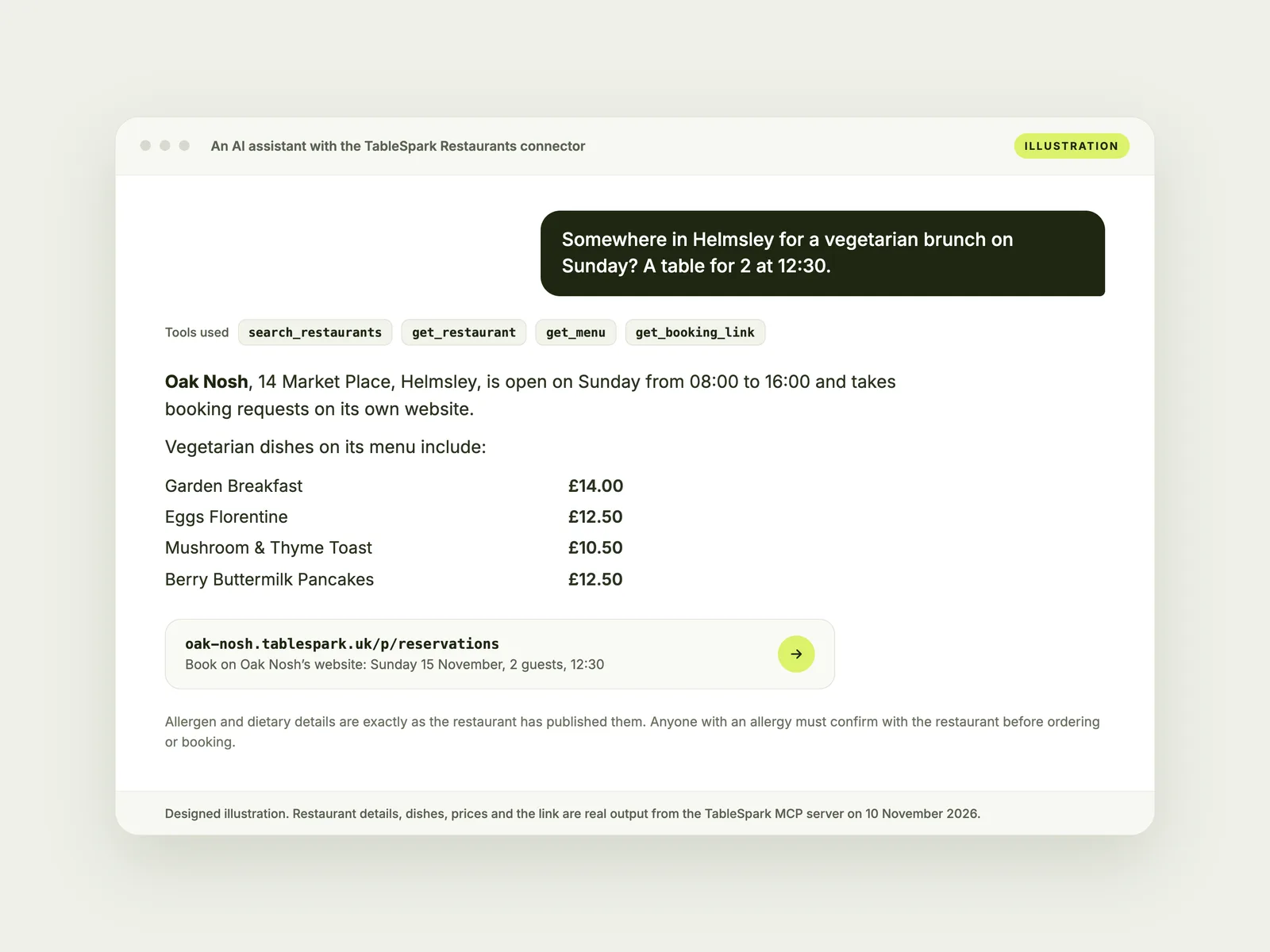
Menu
The assistant reads the menu you publish: sections, dishes, prices, dietary labels and allergens exactly as you list them, with sold-out dishes marked. Change a price in TableSpark and assistants read the new one.
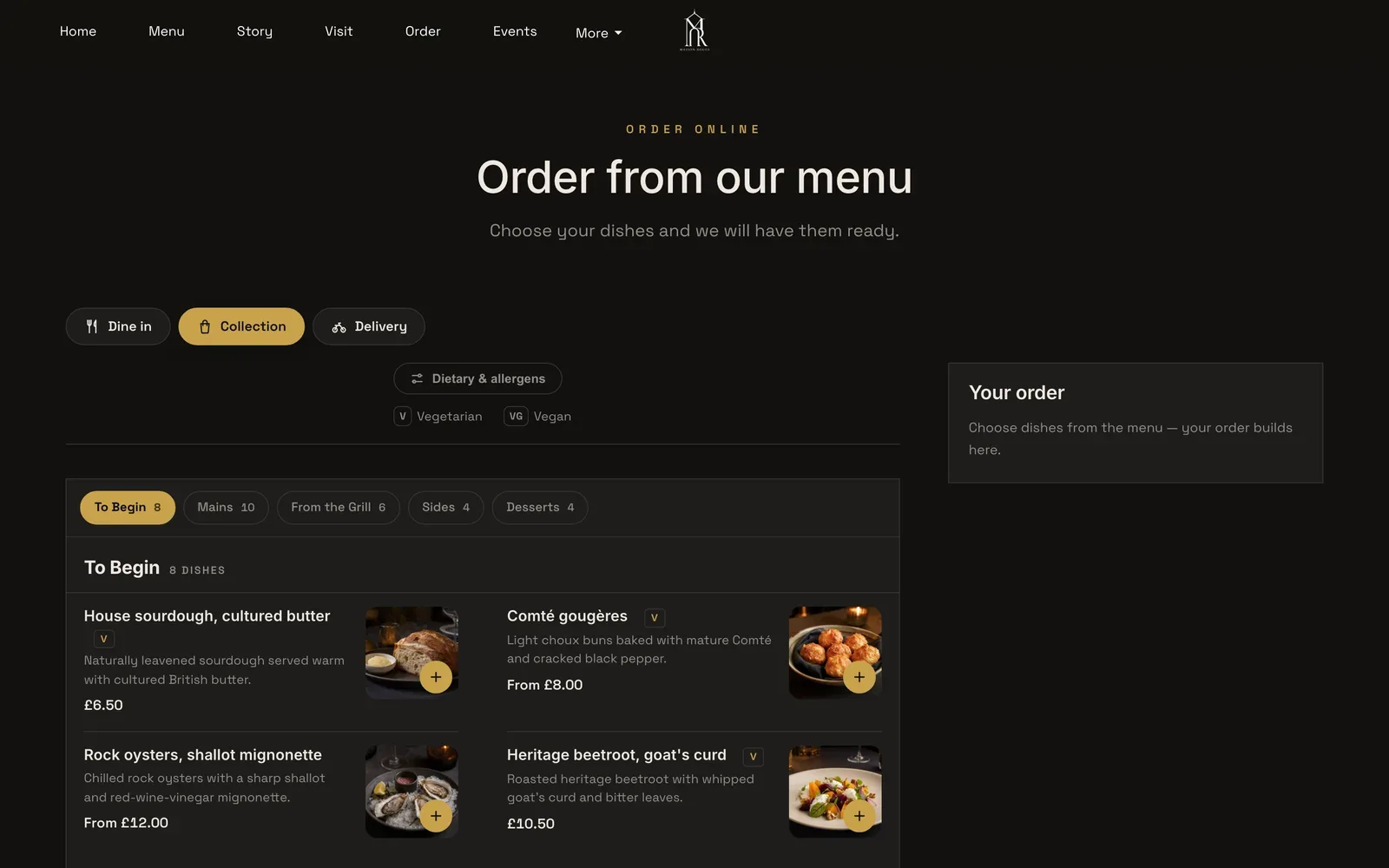
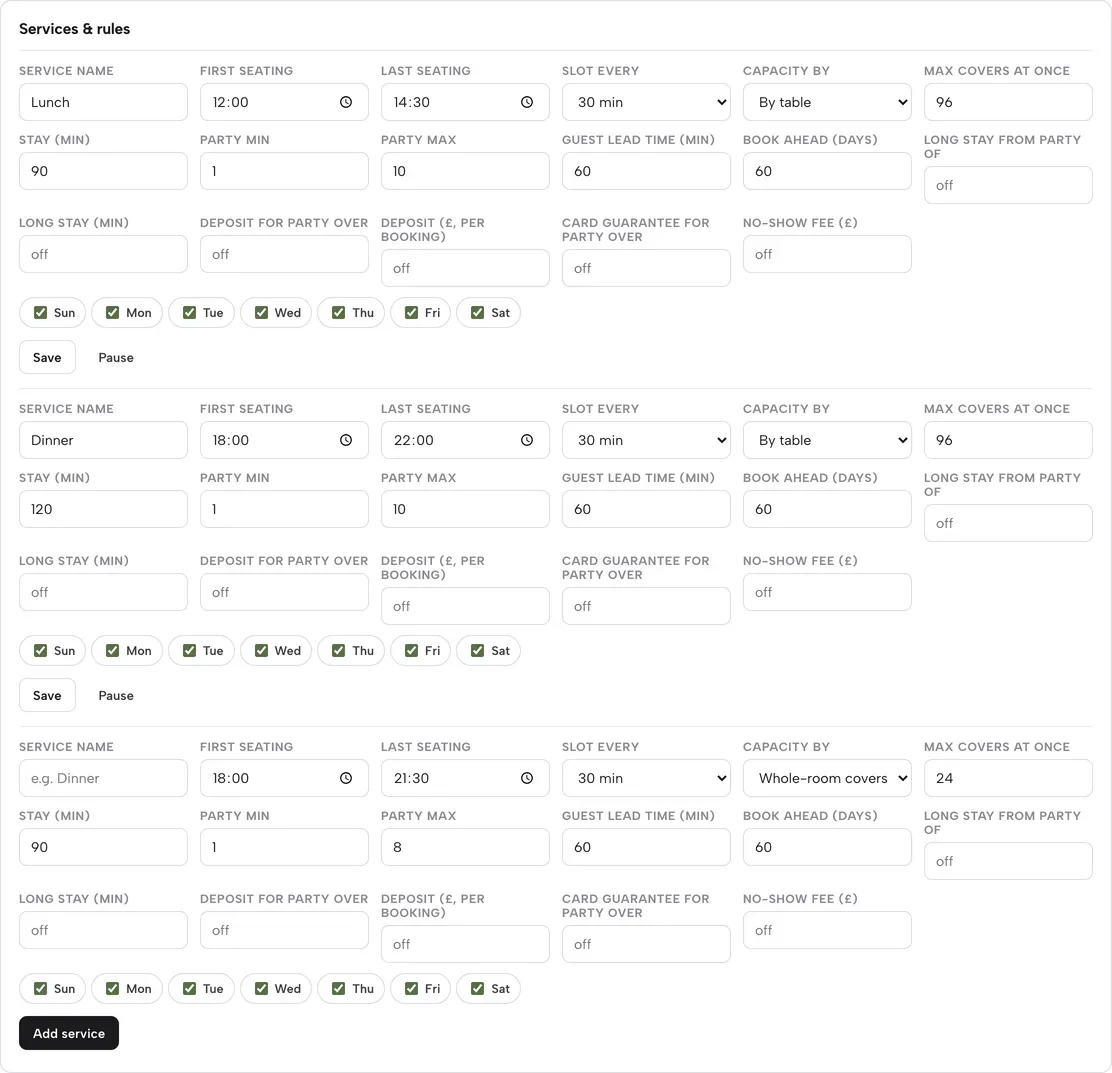
Table times
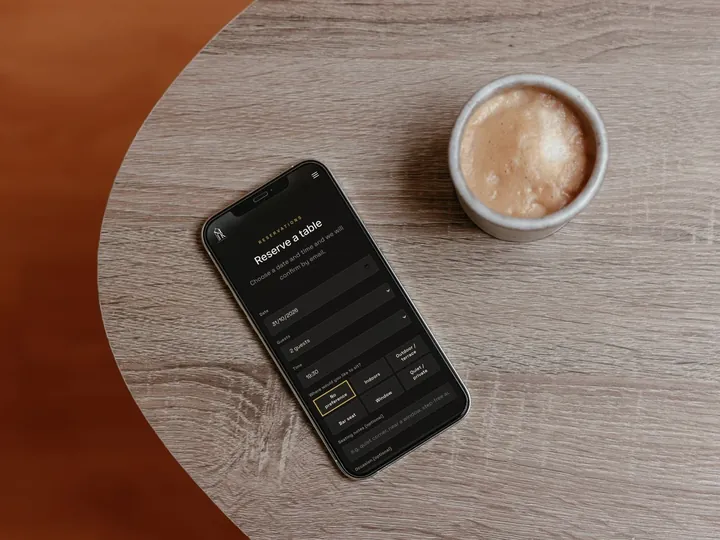
With live table booking on Growth or Full, the assistant checks the same availability your booking form uses, for the guest's date and party size, and offers the times closest to the one they asked for. Every time comes with its own booking link.
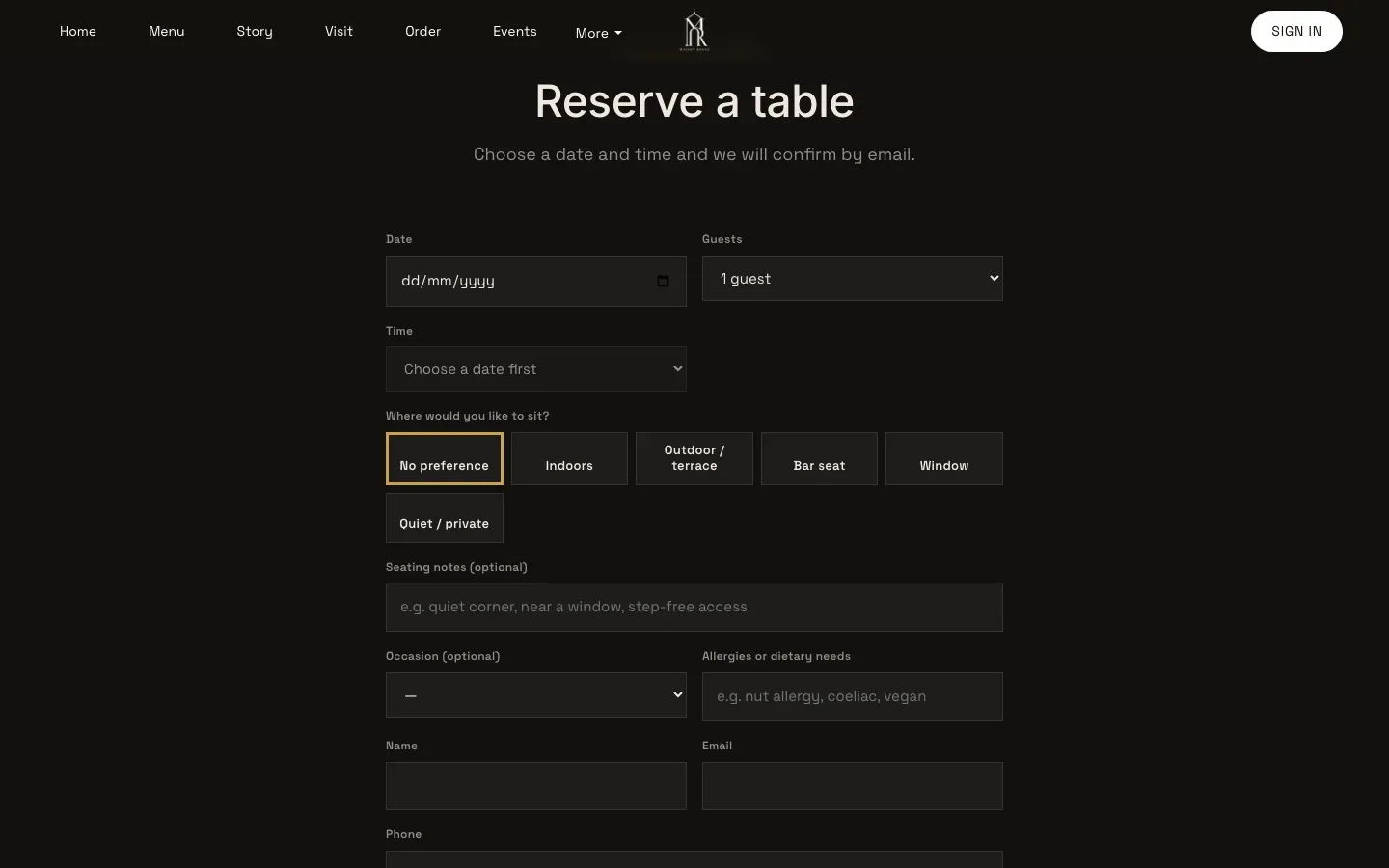
Booking
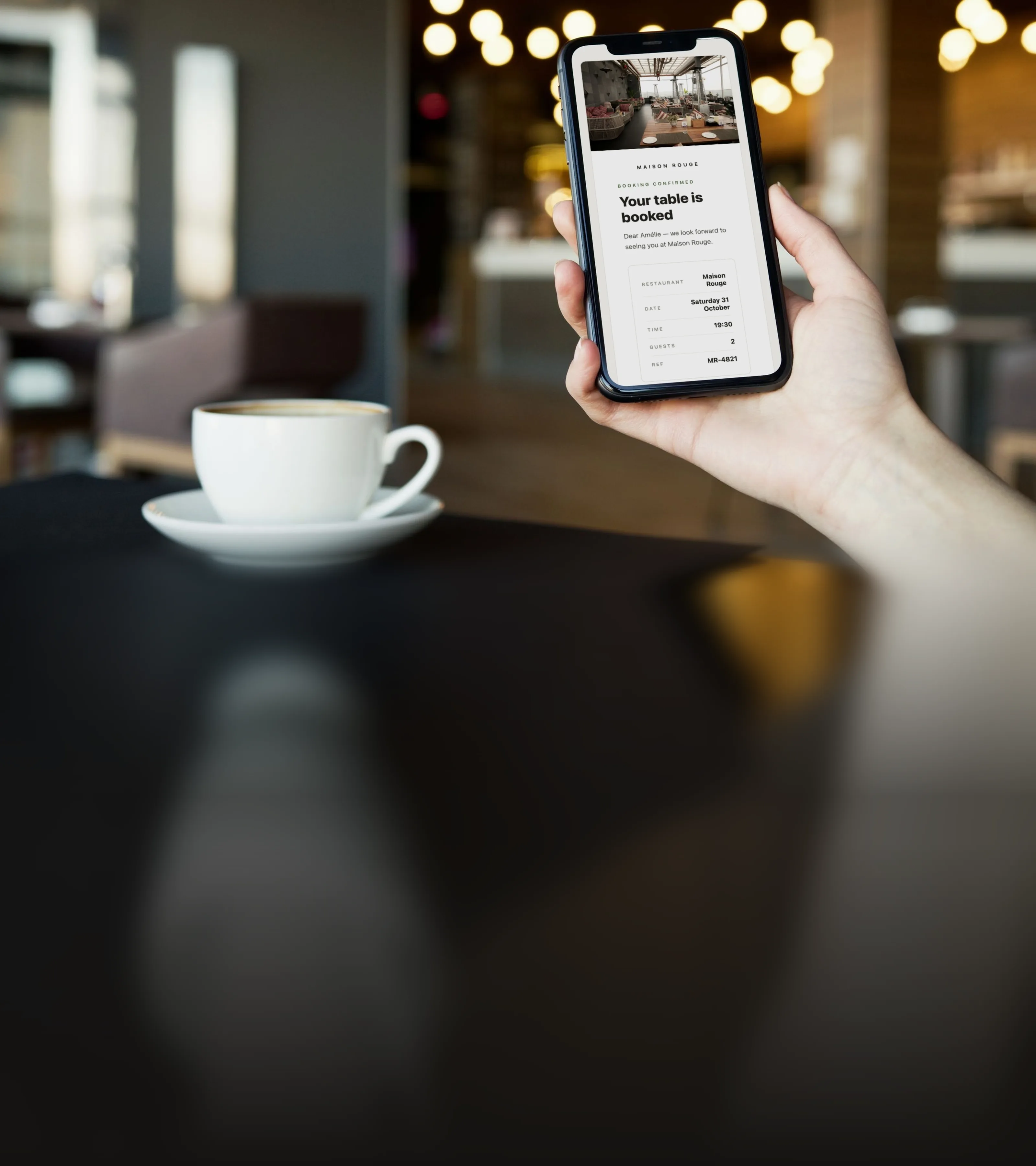
The assistant hands the guest a link to your own booking form, with the date, party size and time they chose already filled in. The guest adds their details and the booking lands in your TableSpark Inbox, at 0% TableSpark commission.
Ordering
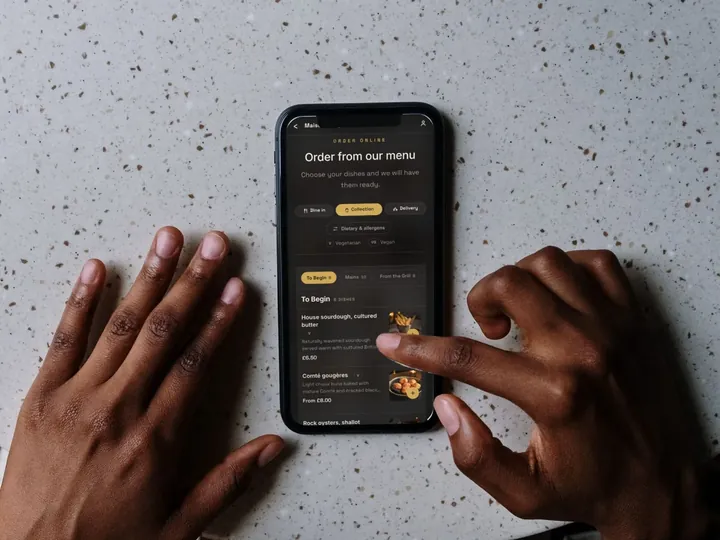
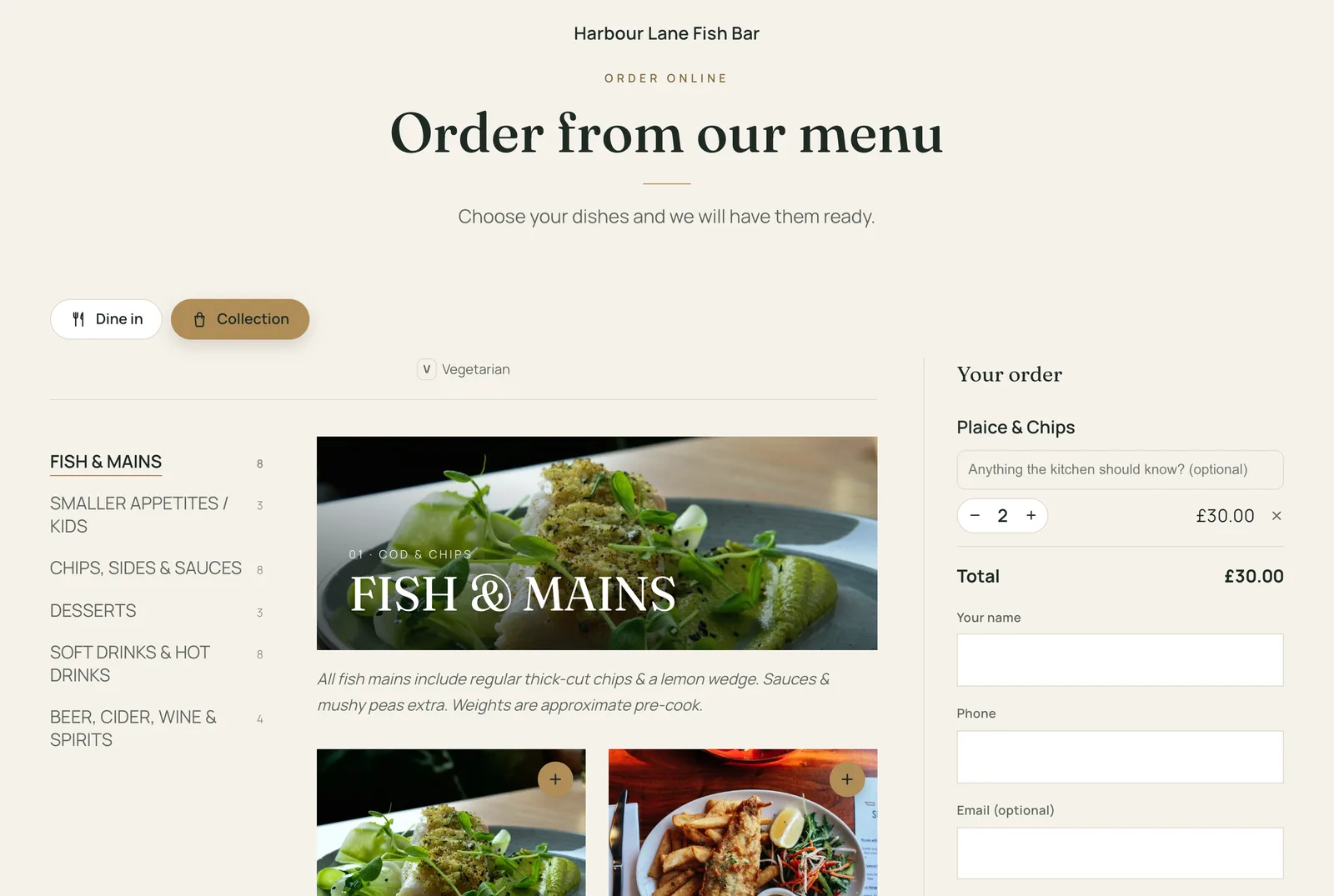
For collection and delivery on Full, the guest picks dishes in the conversation and the assistant opens your order page with them already in the basket. They review the order and pay you there.
Events and vouchers
Guests can ask what is coming up. The assistant lists the events on your site and, on Growth and Full, links to your gift-voucher page, so a present chosen in a chat is still bought from you.
For developers, reviewers and anyone who wants TableSpark restaurants in their own assistant. The server is public and read-only, and needs no account.
https://mcp.tablespark.uk/mcp2025-03-26, 2025-06-18, 2025-11-25 and 2026-07-28uk.tablespark/restaurantshttps://mcp.tablespark.uk/.well-known/mcp/server-card.jsonGo to Customize, then Connectors. Choose Add, then Add custom connector, paste the server URL and choose No sign in. On Team and Enterprise, an owner adds it under Organization settings, then Connectors.
On chatgpt.com/plugins, select the plus button, then Add custom MCP server. Paste the server URL, choose no authentication, then select Create as a plugin.
Run:
claude mcp add --transport http tablespark-restaurants https://mcp.tablespark.uk/mcpAdd to .vscode/mcp.json:
{ "servers": { "tablespark-restaurants": { "type": "http", "url": "https://mcp.tablespark.uk/mcp" } } }Add to ~/.cursor/mcp.json:
{ "mcpServers": { "tablespark-restaurants": { "url": "https://mcp.tablespark.uk/mcp" } } }Add to ~/.gemini/settings.json:
{ "mcpServers": { "tablespark-restaurants": { "httpUrl": "https://mcp.tablespark.uk/mcp" } } }| Tool | What it returns | Inputs (required in bold) |
|---|---|---|
search_restaurants | Restaurants by name, dish or cuisine words, town or postcode; filters for open now, table booking and online ordering | query town cuisine open_now offers limit |
get_restaurant | Address, phone, weekly hours, special dates, open-now in UK time, services and links | restaurant_id |
get_menu | Published menu sections, dishes, prices, dietary labels and allergens, with item_id values for ordering | restaurant_id search dietary |
check_table_availability | Live table times for a date and party size, each with a booking link | restaurant_id date party_size preferred_time |
get_booking_link | The restaurant's booking form, with the date, party size and time filled in | restaurant_id date party_size time |
get_order_link | The restaurant's order page, optionally with dishes already in the basket | restaurant_id items |
list_events | Upcoming events from the restaurant's website | restaurant_id |
get_gift_voucher_link | The restaurant's gift-voucher page | restaurant_id |
Every link from an assistant opens a part of your TableSpark site, so the guest, the booking and the order stay with you.
StarterFrom £19a month, excluding VAT
Every published TableSpark site is listed from Starter, at £19 a month excluding VAT. Growth adds live table times and gift vouchers; Full adds online ordering with dishes already in the basket.
Starter found by name, dish, town or postcode, with your menu, hours, special dates, events and booking requests
Growth live table times from your booking system, a booking link for each time, and gift vouchers
Full online ordering, opened with the guest's dishes already in the basket
Your switch turn the listing off at any time in Settings, then SEO
Prices exclude VAT. 0% TableSpark commission on the bookings and orders your plan includes. Stripe’s standard card-processing fees apply to online payments.
What owners ask before they switch it on: how it works, which plan carries it, and what changes for the team.
No. Publishing your TableSpark site is all it takes. Your menu, hours, special dates and table times reach assistants from the same data your website shows, and a change you publish reaches assistants within a minute.
Yes. In Settings, then SEO, switch off List my restaurant in AI assistants and save. Once your site is published with the switch off, assistants no longer show your restaurant in search or details.
No. The assistant finds the restaurant, reads the menu and checks times. The guest books, orders and pays on your own TableSpark website, at 0% TableSpark commission, and the booking or order lands in your Inbox and Orders screen like any other.
Any assistant that supports remote MCP servers over Streamable HTTP, including Claude, ChatGPT, Claude Code, VS Code, Cursor and Gemini CLI. The setup steps for each are in [Connect it yourself](#connect).
Nothing. The server reads public restaurant information only: the details already on your website. It never reads bookings, orders or guest records.
The assistant gives dietary labels and allergens exactly as you publish them on your menu, and reminds every guest with an allergy to confirm with you before they book or order.

Build your TableSpark site free, publish it, and assistants can find your menu, your hours and your tables.