
A gift card is revenue that arrives before the visit — and a promise you get to keep on your own terms. TableSpark sells them from your own site or straight from the desk, keeps every balance on one audited ledger, and lets guests spend them online or in the room, with 0% TableSpark commission on the sale.
App → Gift cardsSite · Desk · Ledger
Click Gift cards in the sidebar — your outstanding liability and every issued card, live.
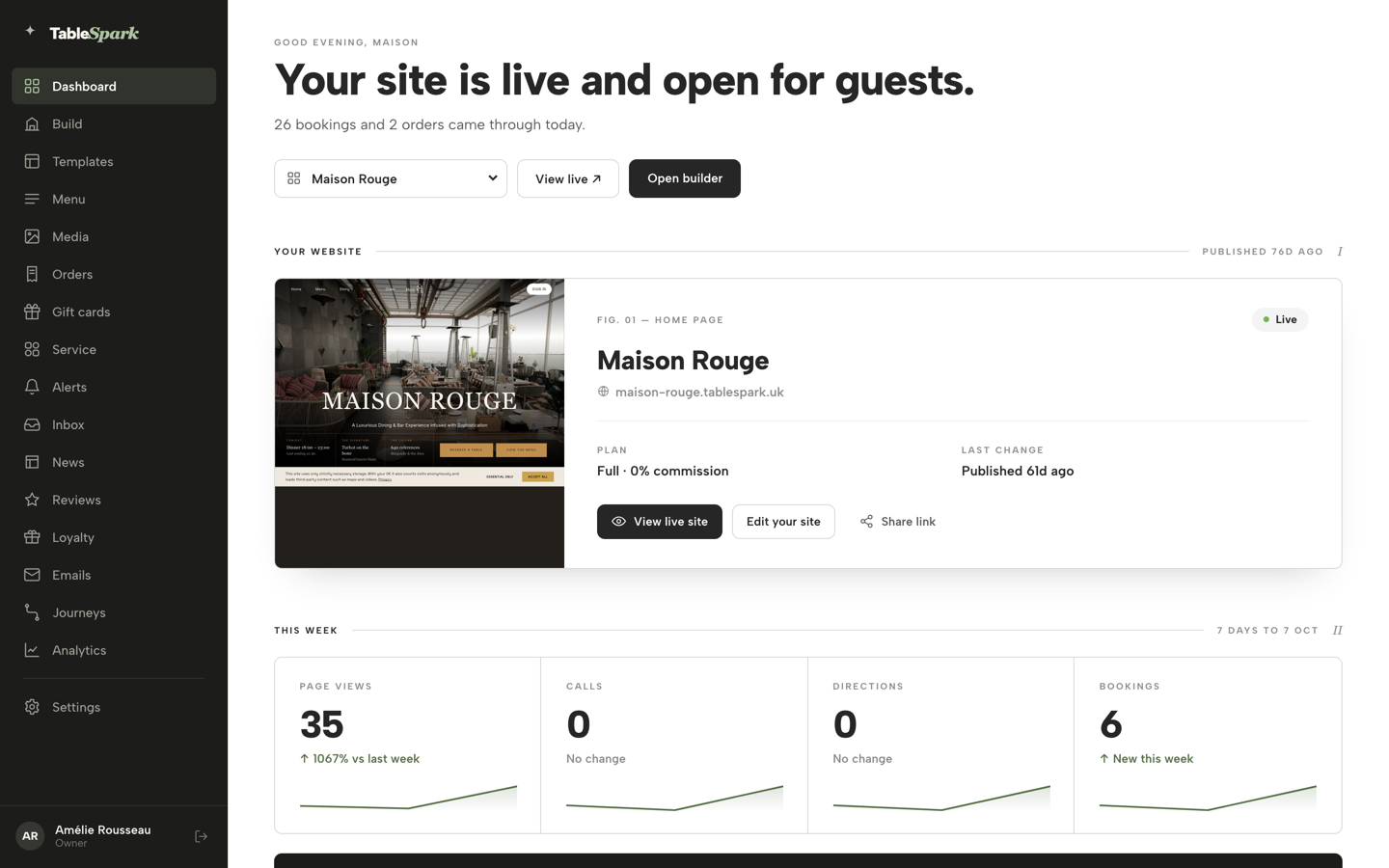
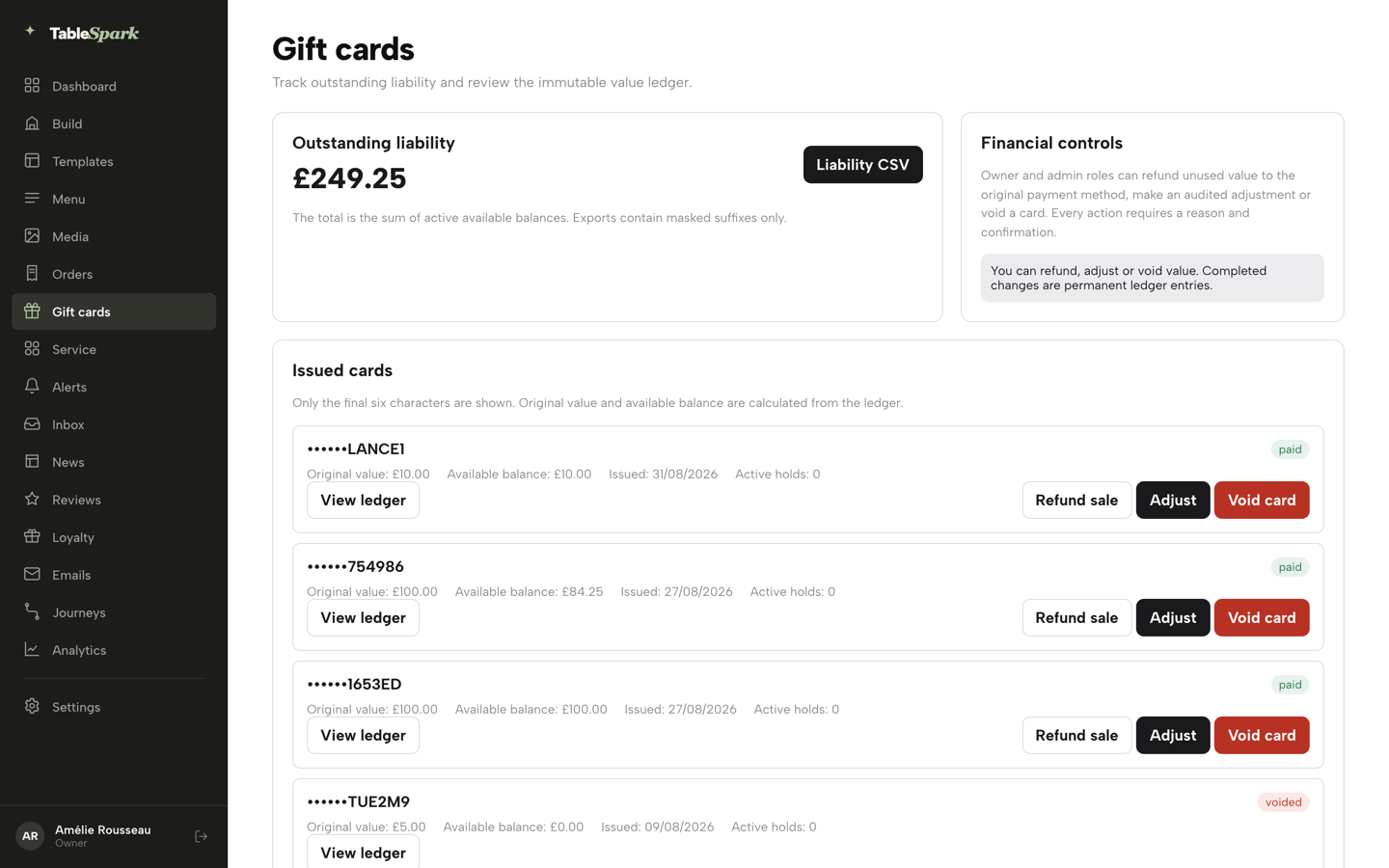
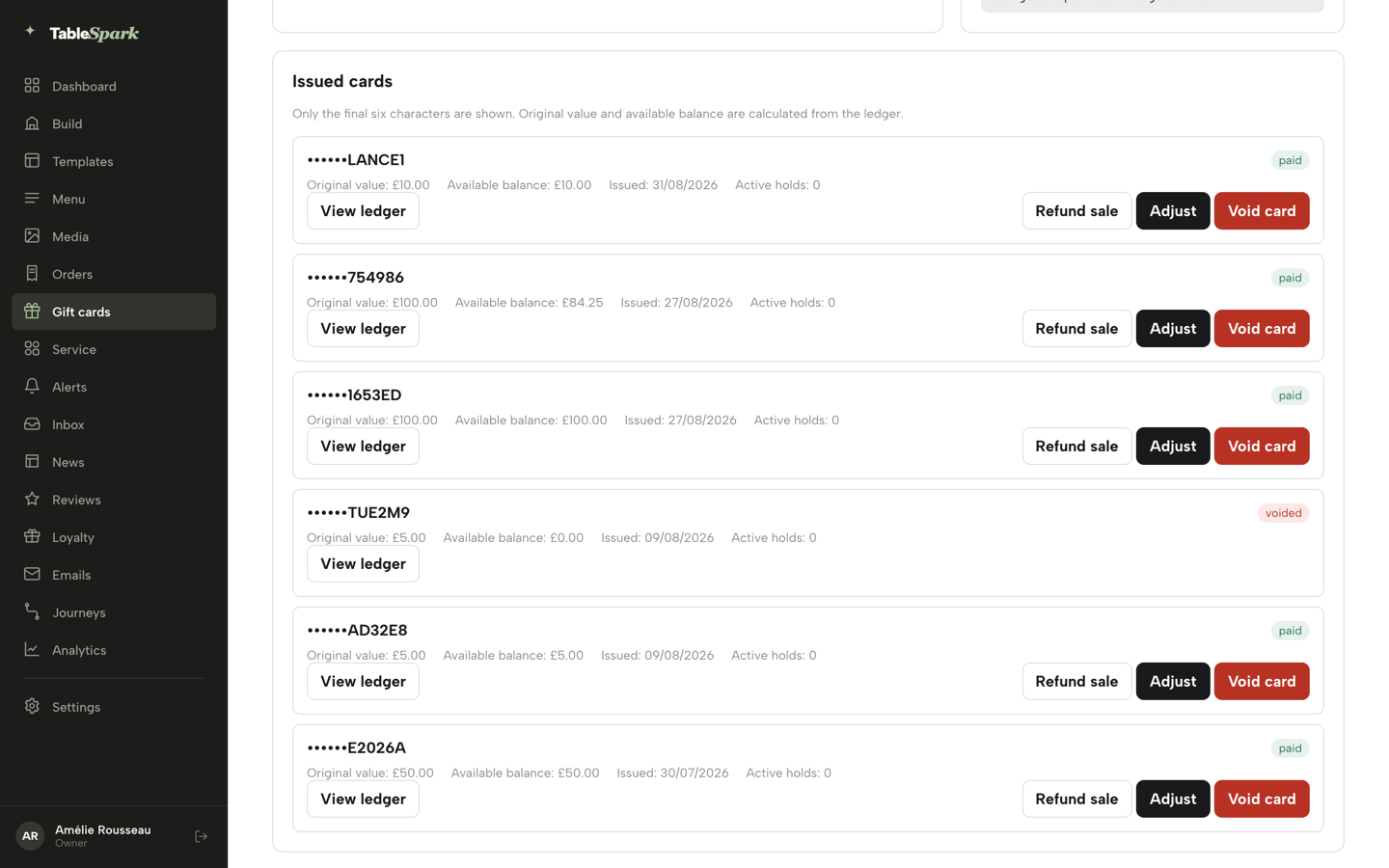
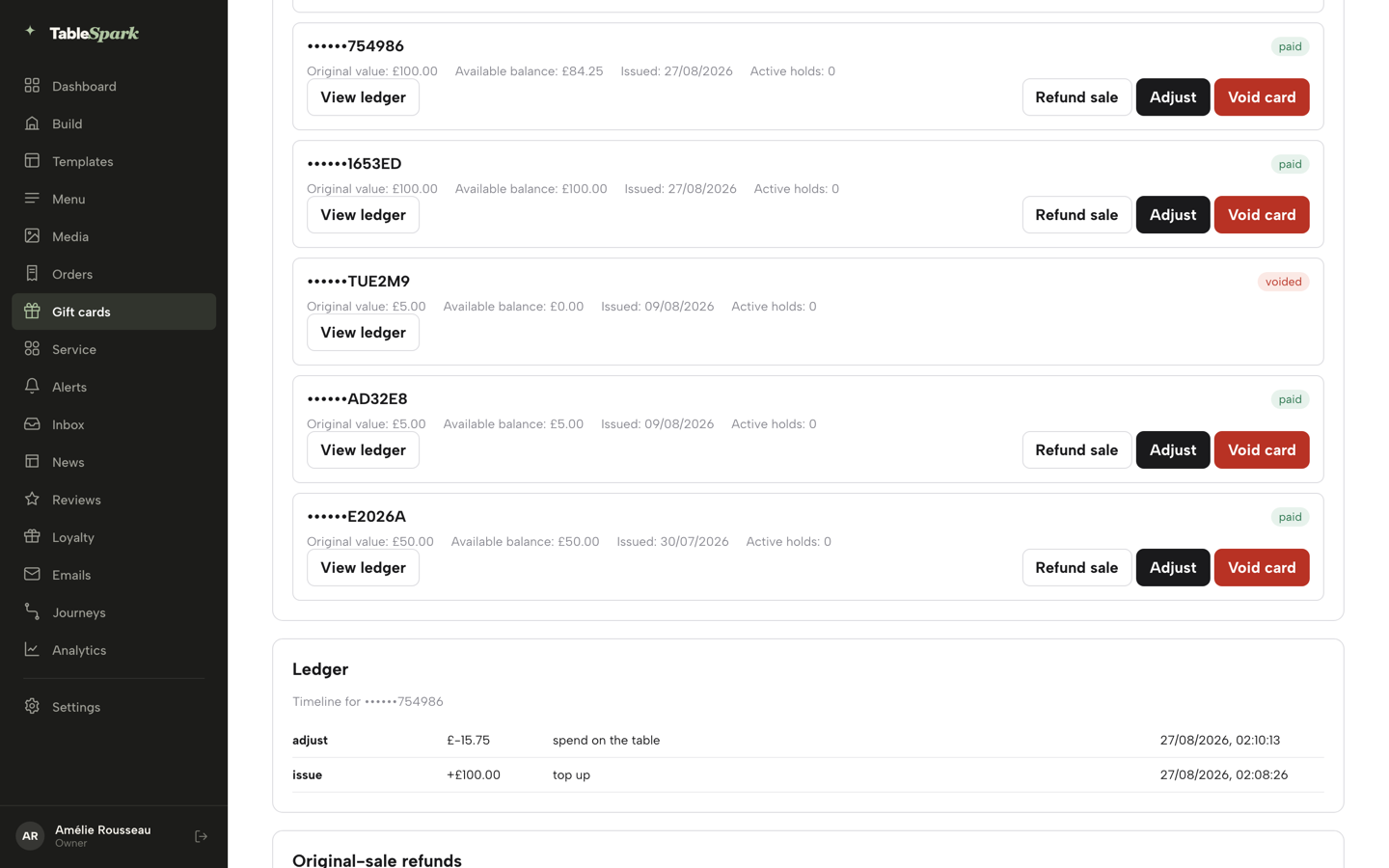
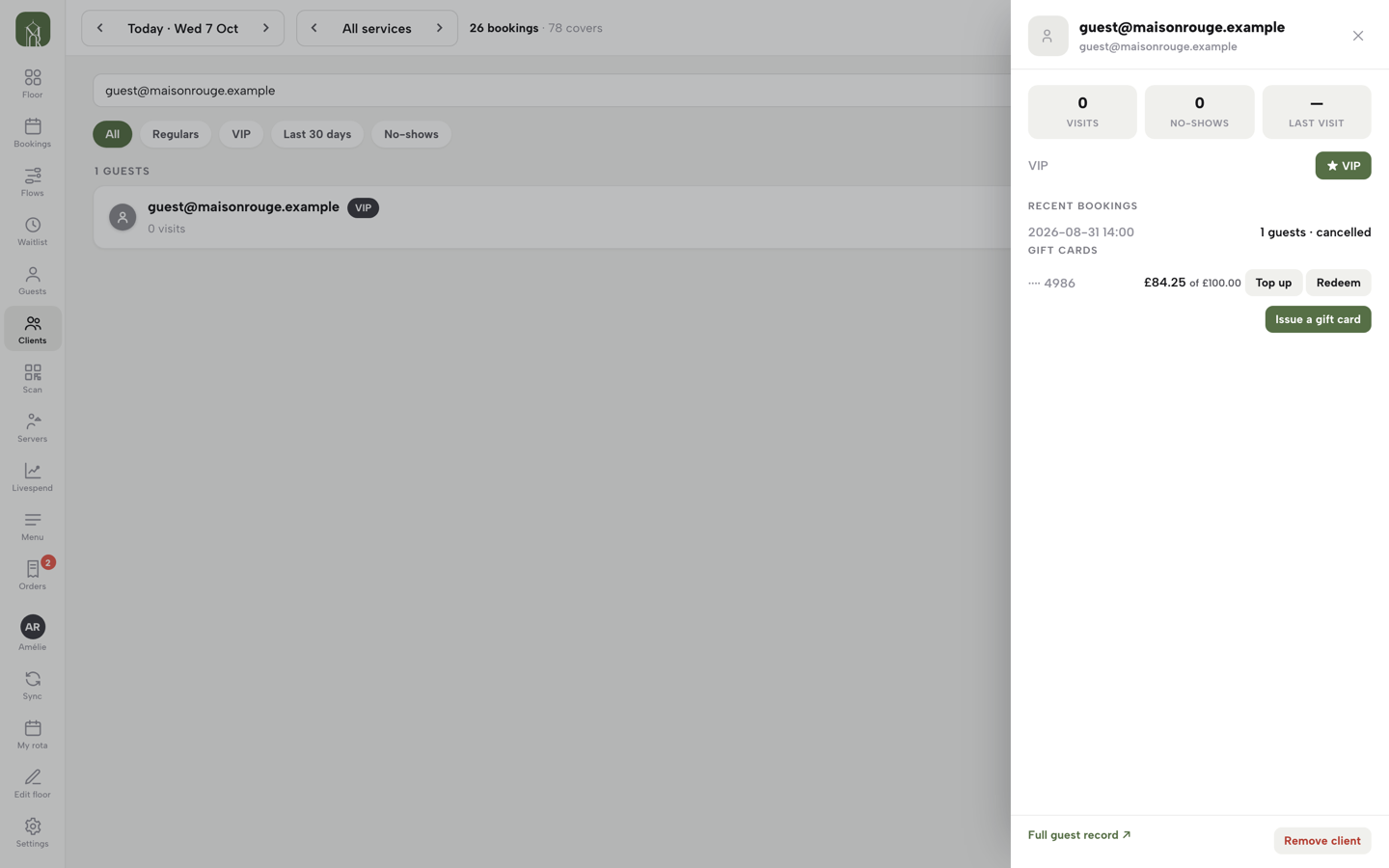
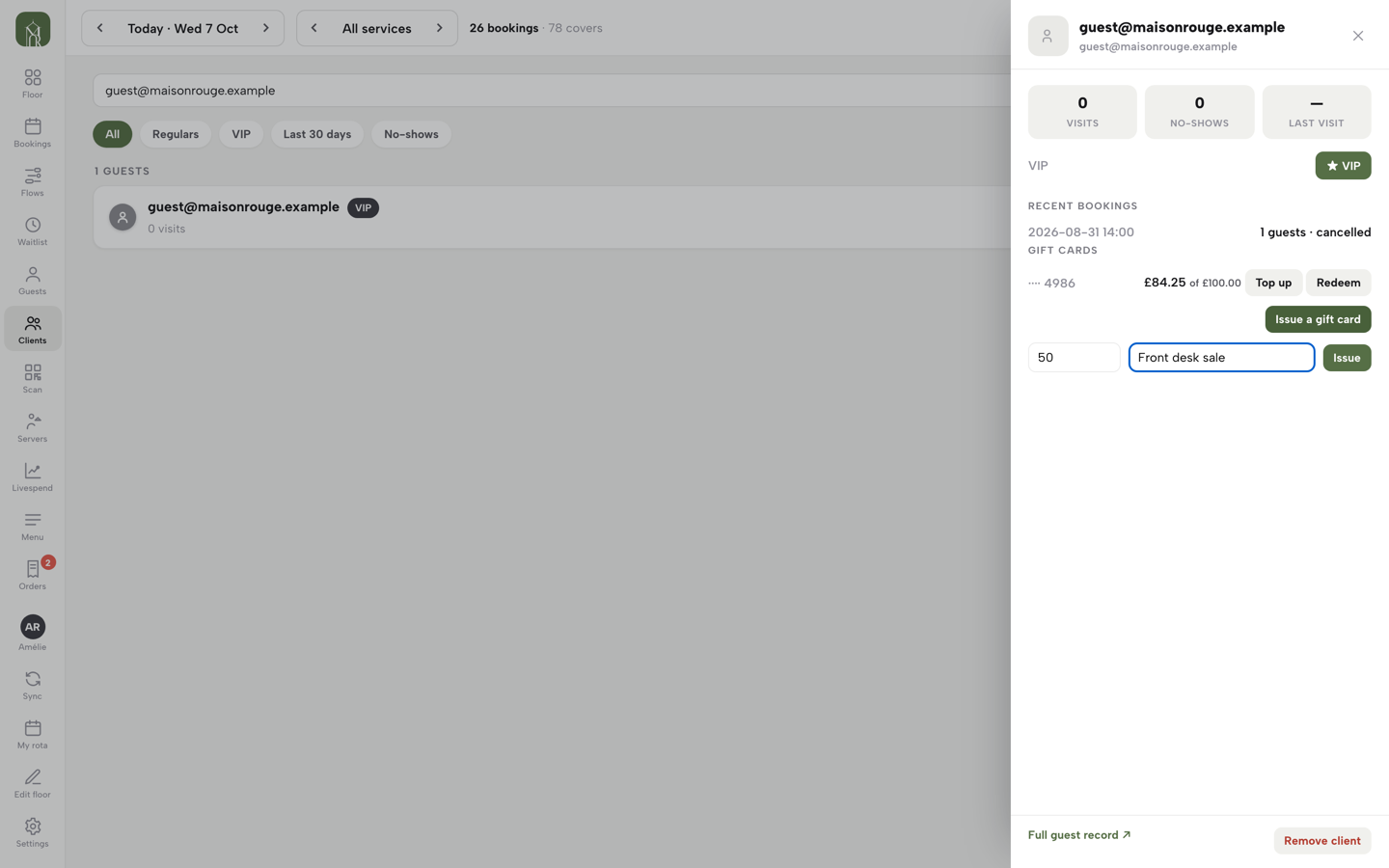
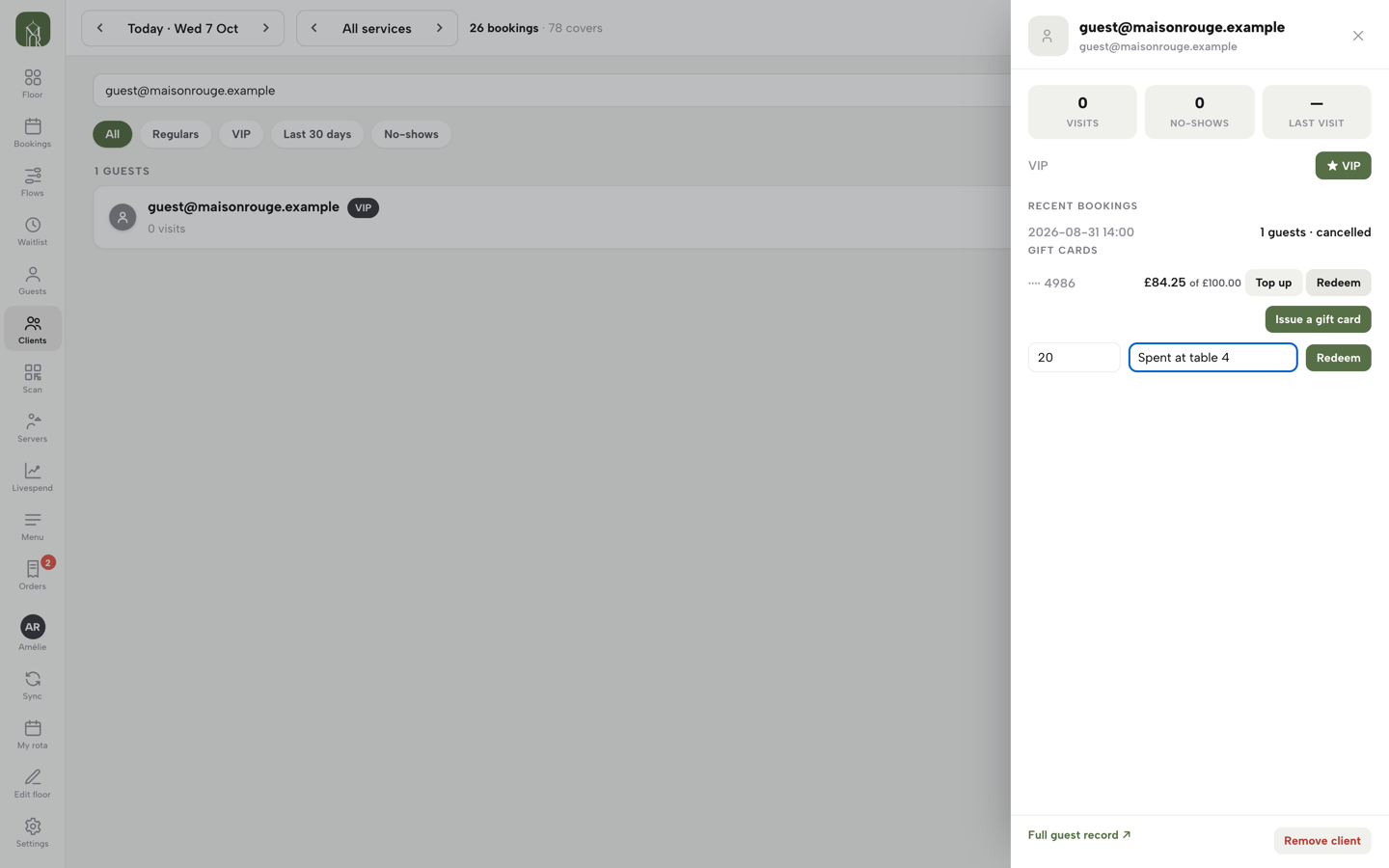
Gift cards opened, the liability and ledger read, the Gift card form found in the Builder, a card issued at the desk and a balance redeemed from the guest sheet.
- WHAT YOU NEED
- Gift cards on for your account — set up with your onboarding
- TIME
- About 7 minutes
- HOW HARD?
- No harder than ringing up a sale
- CAN I BREAK IT?
- Void & refund are permanent — but each asks for a reason and a confirm first
IN PLAIN WORDS / TAP A TERM
What’s “outstanding liability”?
Every active gift-card balance you still owe in food and drink, added up into one number on the ledger.
What’s a card’s “ledger”?
Its full timeline — issued, topped up, redeemed, adjusted, voided — every entry dated and signed, in order.
What does “void” do?
Removes all remaining value from a card, for good. It asks for a typed reason and a confirmation first — check the row before you do.
What’s an “adjust”?
A manual plus-or-minus correction to a card’s balance — a comped birthday, a fix for a mistake — with a required reason behind every point.
Gift cards on your account
Gift cards are switched on for each restaurant from the TableSpark side as part of onboarding, so there is no switch for you to find in Settings. Once gift cards are on for your account, Gift cards appears in your left sidebar as the balance ledger, and a GIFT CARDS row appears on every guest sheet in Service. Everything in this guide flows from that one activation.
Sell from your own site
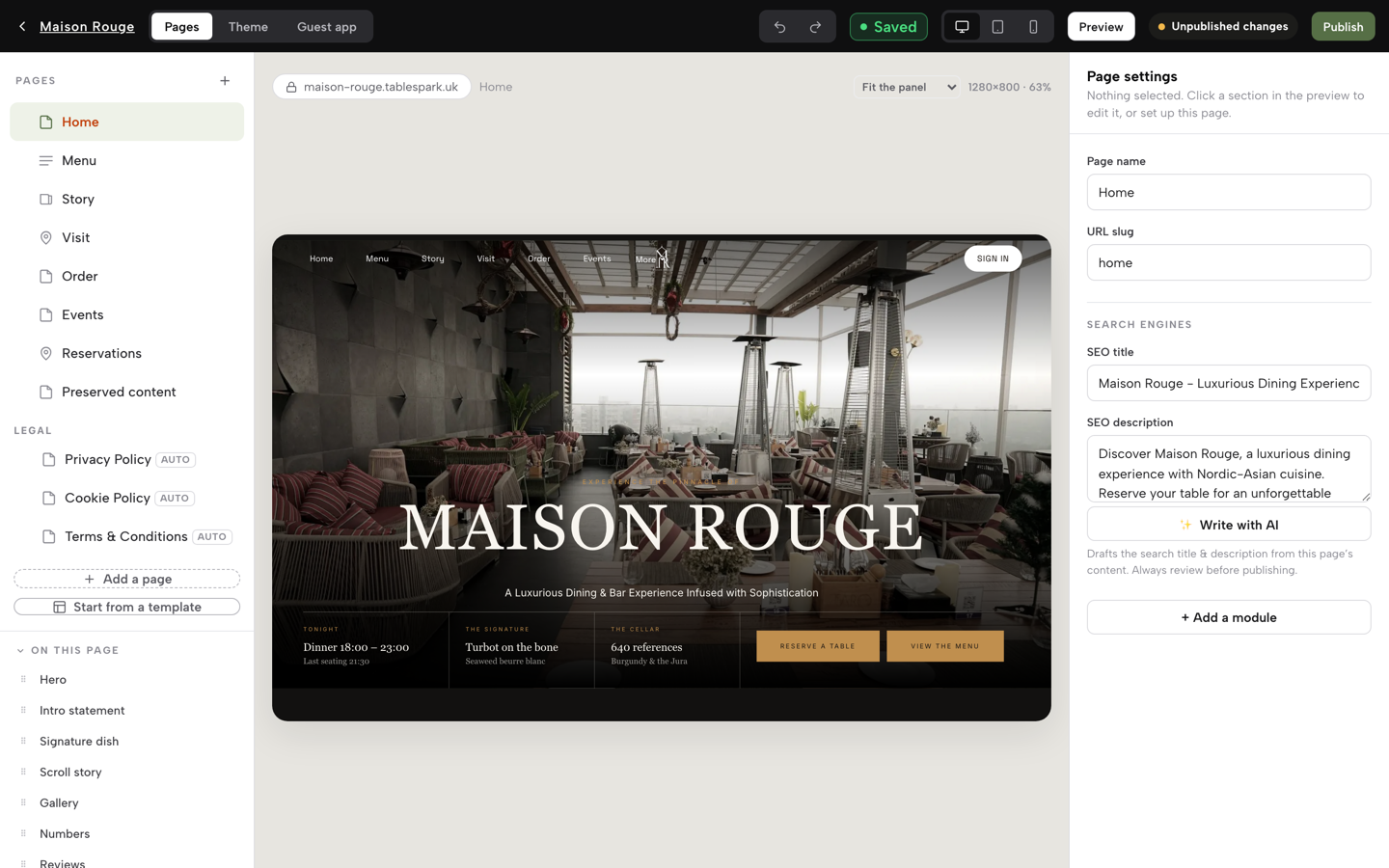
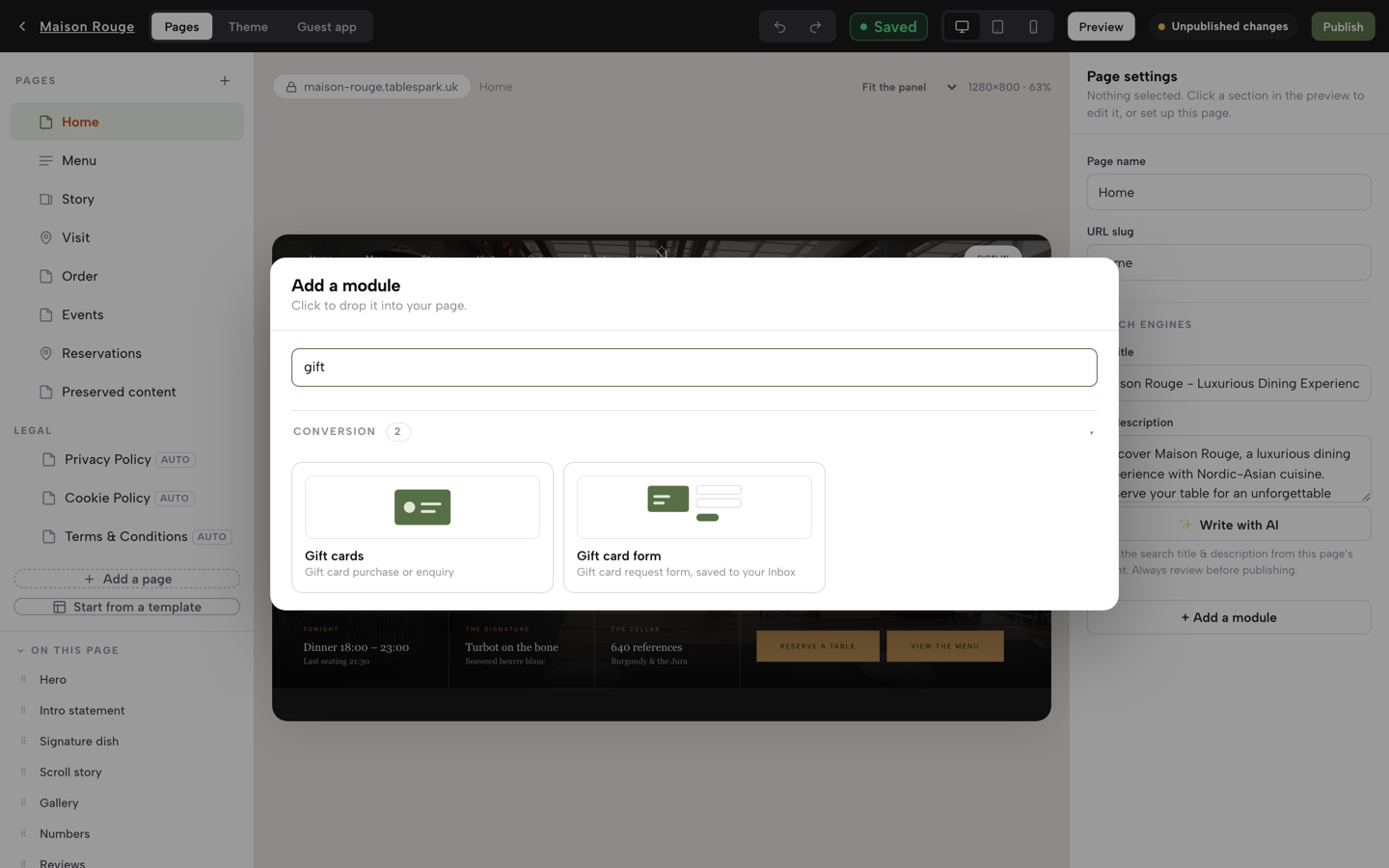
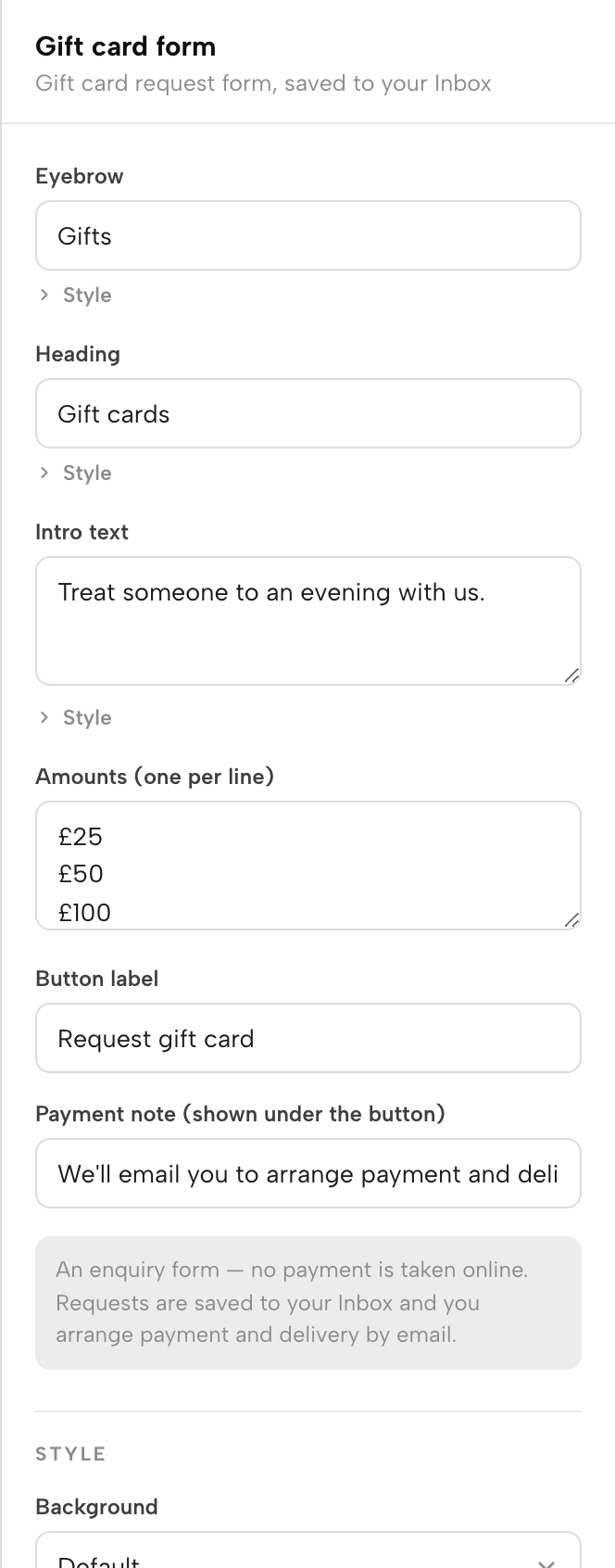
Open Build, click + Add a module in the settings panel, and type “gift” in the search box. Two modules answer: Gift cards — a call-to-action band with amount chips that sends guests to a purchase or enquiry link of your choice — and Gift card form — an in-page amount picker with recipient’s name, your name, email and a personal message. Click a module to drop it into your page; its inspector sets the heading, amounts and button label, like every block in the Builder.
With Payments connected (your own Stripe account, the same connection online ordering uses), the form takes the buyer through Stripe Checkout — a completed sale, paid to your account, with 0% TableSpark commission on the sale. Without a payment connection the same form runs as a request: the details land in your Inbox as a gift-card enquiry and you arrange payment personally — the right shape for a restaurant that likes a phone call behind every voucher. Set the Button label and the Payment note shown under the button to match the way you sell.
Issue a card at the desk
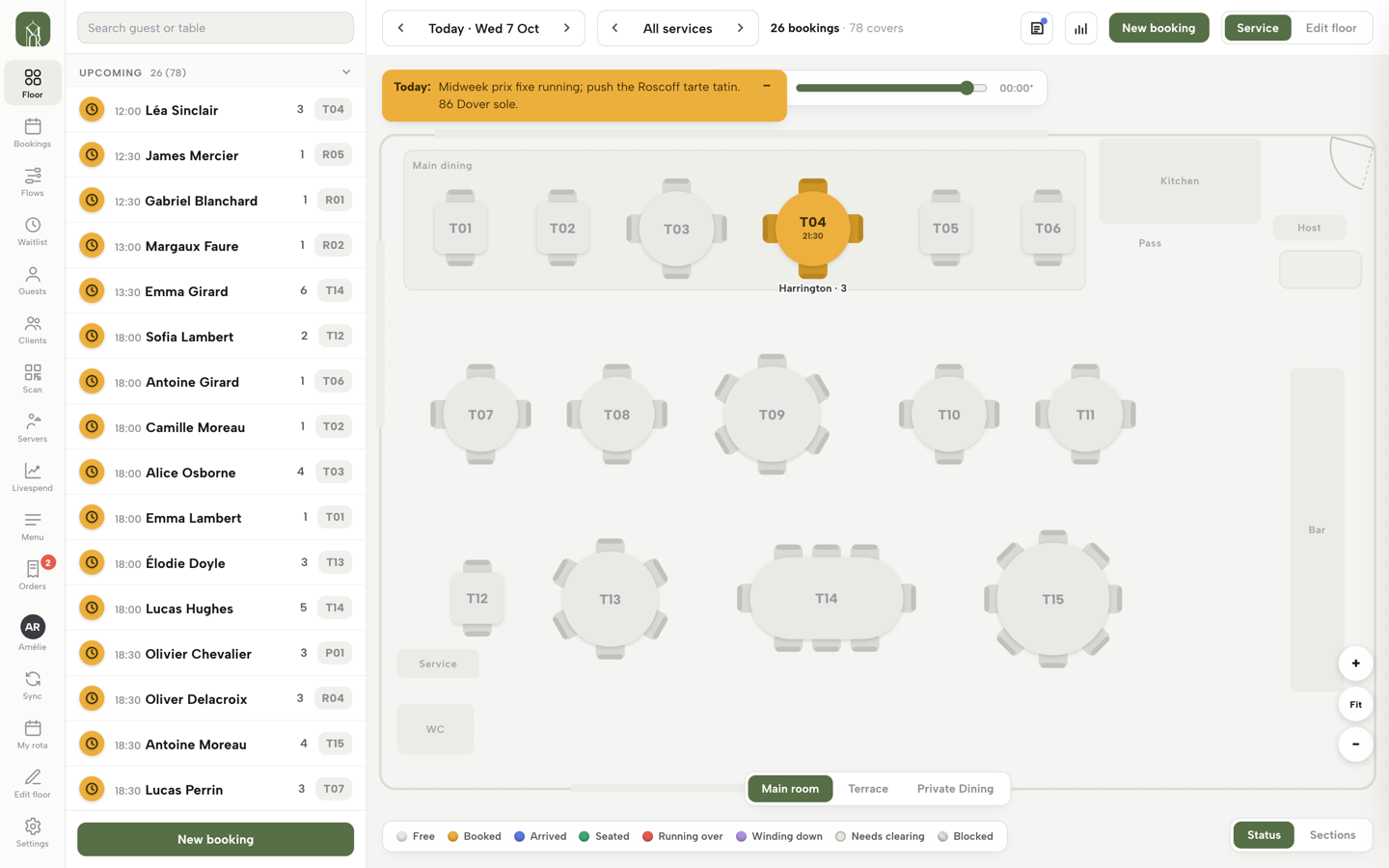
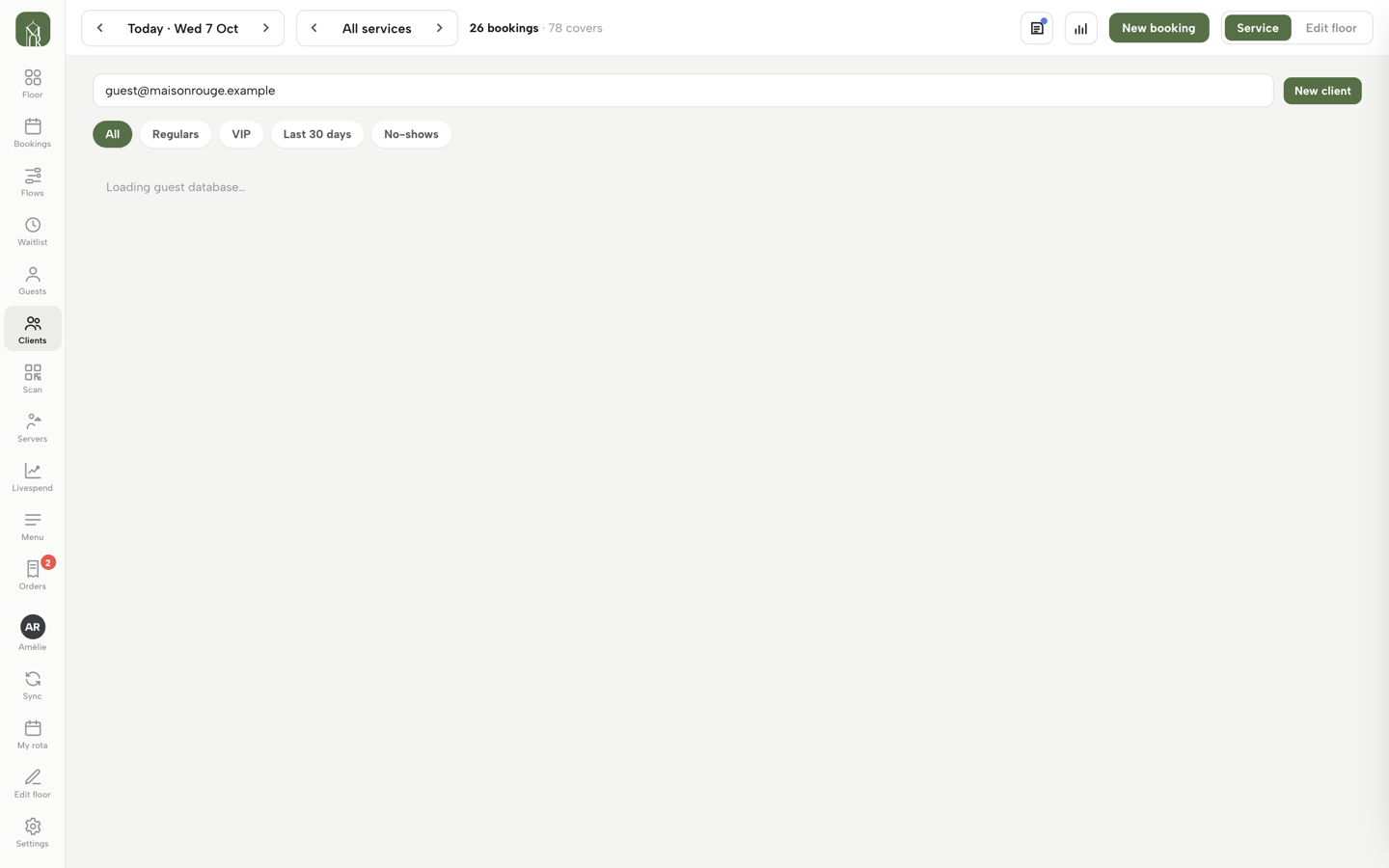
A guest at the bar wants to buy £50 for a friend — no website required. Open Service, click Clients in the left rail, search for the guest and click their row to open their sheet. The GIFT CARDS row lists every card they hold with its balance. A manager — owner or admin role — clicks Issue a gift card, enters an amount and a reason, and clicks Issue. The card’s code and six-digit PIN appear once on screen to hand to the guest, and the same card is emailed to them automatically. A guest needs a valid email on their record first. Anyone with service access can see a guest’s cards; issuing, topping up and redeeming stay with managers.
Read the ledger
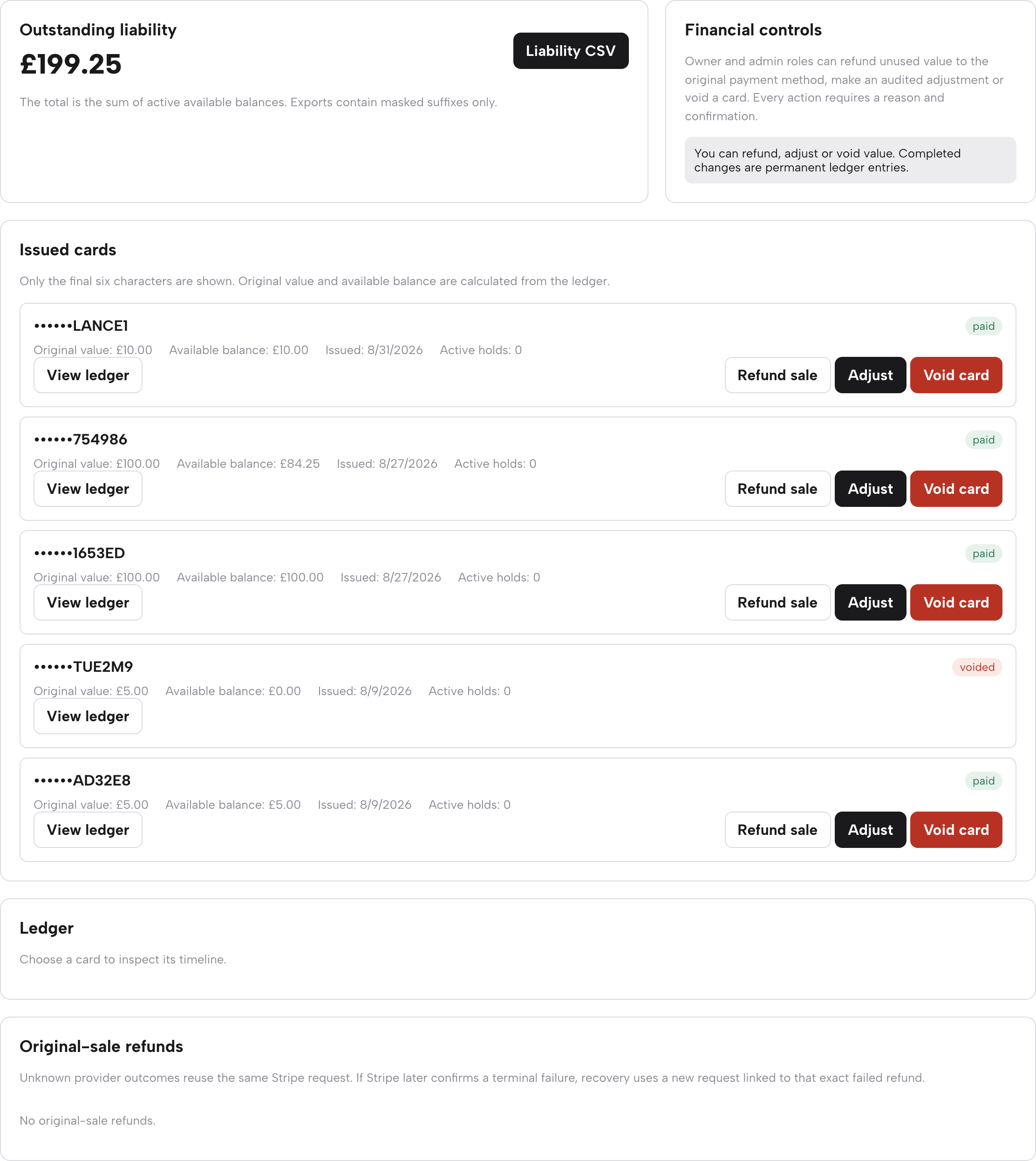
The Gift cards page in the sidebar is your accountant’s view. Outstanding liability totals every active balance you owe in food and drink, with a Liability CSV button whose export carries masked suffixes only. Financial controls tells you what your role can do. Issued cards lists each card by its final six characters with original value, available balance, issue date, active holds and a paid or voided status pill. Click View ledger on any card and its full timeline opens in the Ledger panel below the list — issue, top-up, adjustment, redemption or void, each with its amount, reason and date.

Redeem a balance
At the desk: a manager opens the guest’s sheet in Service (Clients, then the guest), finds the card under GIFT CARDS and clicks Redeem. Enter the amount spent and a reason such as “Spent at table 12”, then click Redeem. The new balance is written to the card’s ledger and the guest is emailed it on the spot. Top up sits beside it for adding value to an existing card, with the same amount and reason.
Online: a signed-in guest who holds a balance sees “Use my gift card — £X available” in online ordering checkout, ticked ready to apply. Where value has been applied to an order, its ticket shows a Gift card −£X line, and Card due at the till £Y for whatever remains to collect. Closing that remaining balance out is ordinary payment — Mark paid on the table’s sheet, the same as any bill.
The gift-card emails
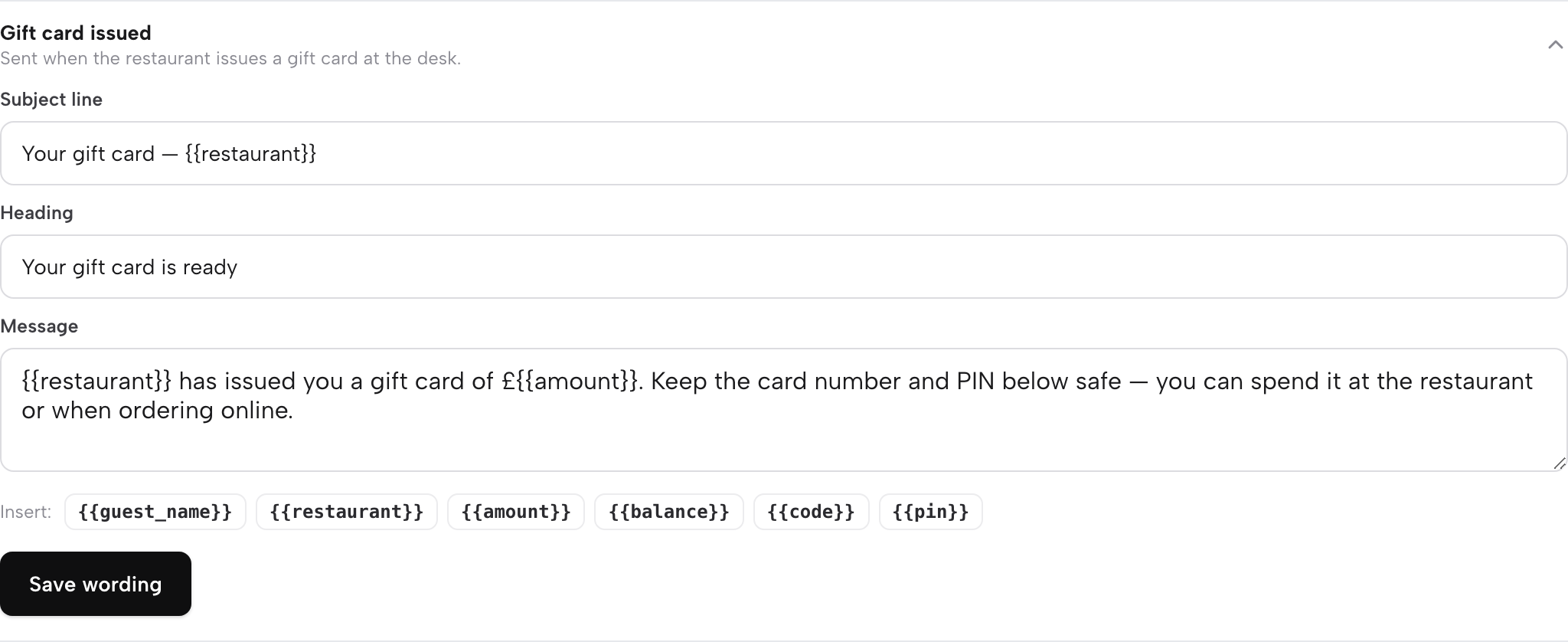
Three automatic guest emails ride along: Gift card issued carries the code and PIN with a plain “keep the card number and PIN below safe”; Gift card topped up and Gift card redeemed both confirm the new balance. Open Settings → Email and look under What your emails say, in the Gift cards group, to click any of them open and edit the subject line, heading and message in your own words, with tags such as {{amount}} and {{balance}} to drop in the real details. They send in your restaurant’s name with your reply-to address, following the same sender identity as every other guest email — guide 12 covers that identity.
Refund, adjust or void a card
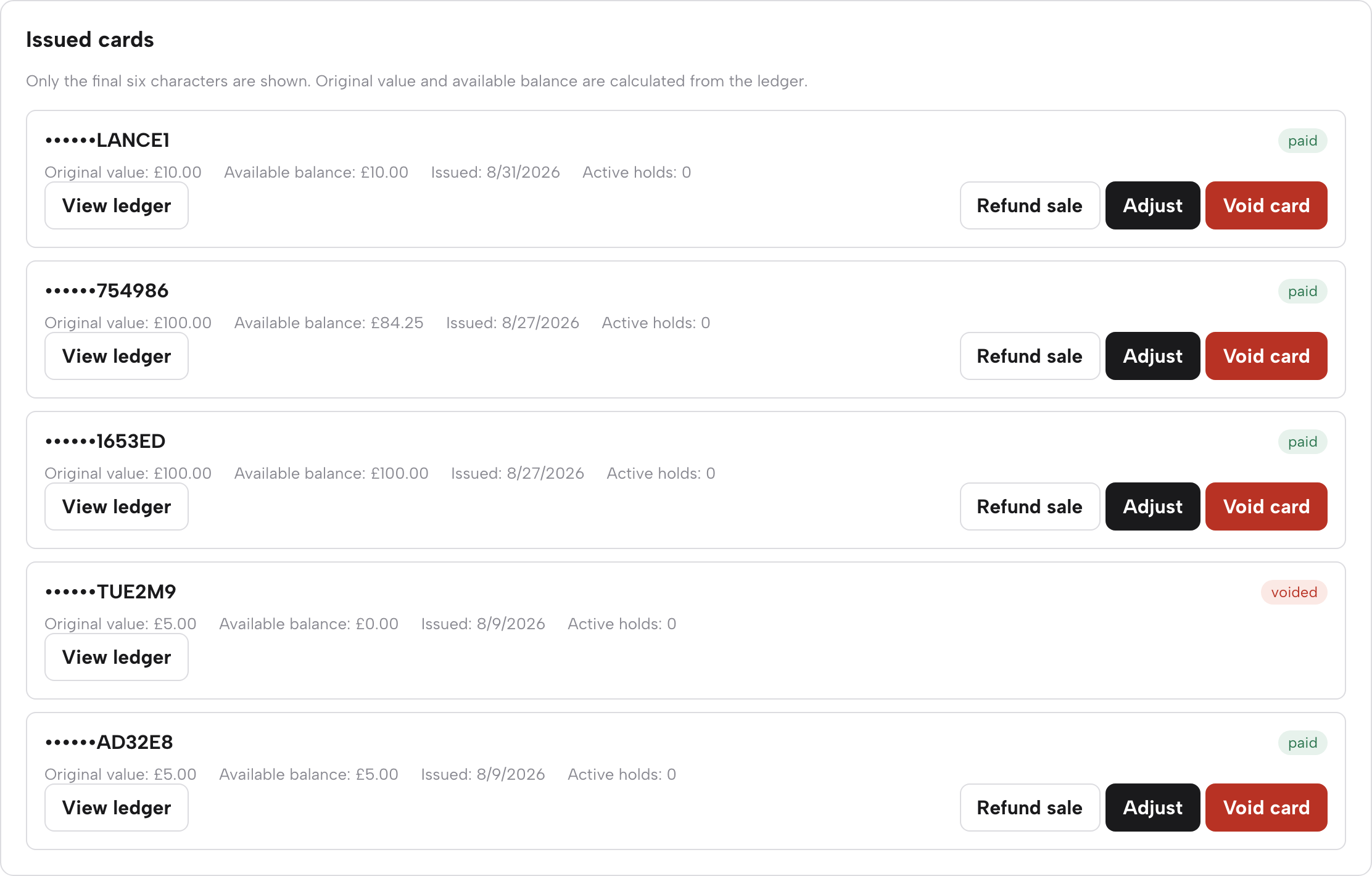
Owner and admin roles carry three financial actions on every paid card’s row on the Gift cards page. Refund sale asks for an amount and a reason, then returns that unused value to the original payment method through Stripe — it pauses while a card is fully spent, has an active checkout hold, or has an unresolved refund in flight. Adjust writes a signed plus-or-minus ledger entry with a required reason — the honest correction tool. Void card removes all remaining value, permanently.
Every one of them demands a typed reason and a confirmation, and lands as a permanent ledger entry — nothing here is silently editable, which is exactly what you want from a page that tracks money you owe. The Original-sale refunds panel at the bottom of the page follows any refund with an unclear Stripe outcome and retries it against the same request, so a wobbly network moment never becomes a double refund.
Next · the people who run the room
Put a card behind the bar
Add the form to your site, issue the first card at the desk tonight, and watch the balance on one ledger.