01
Hero
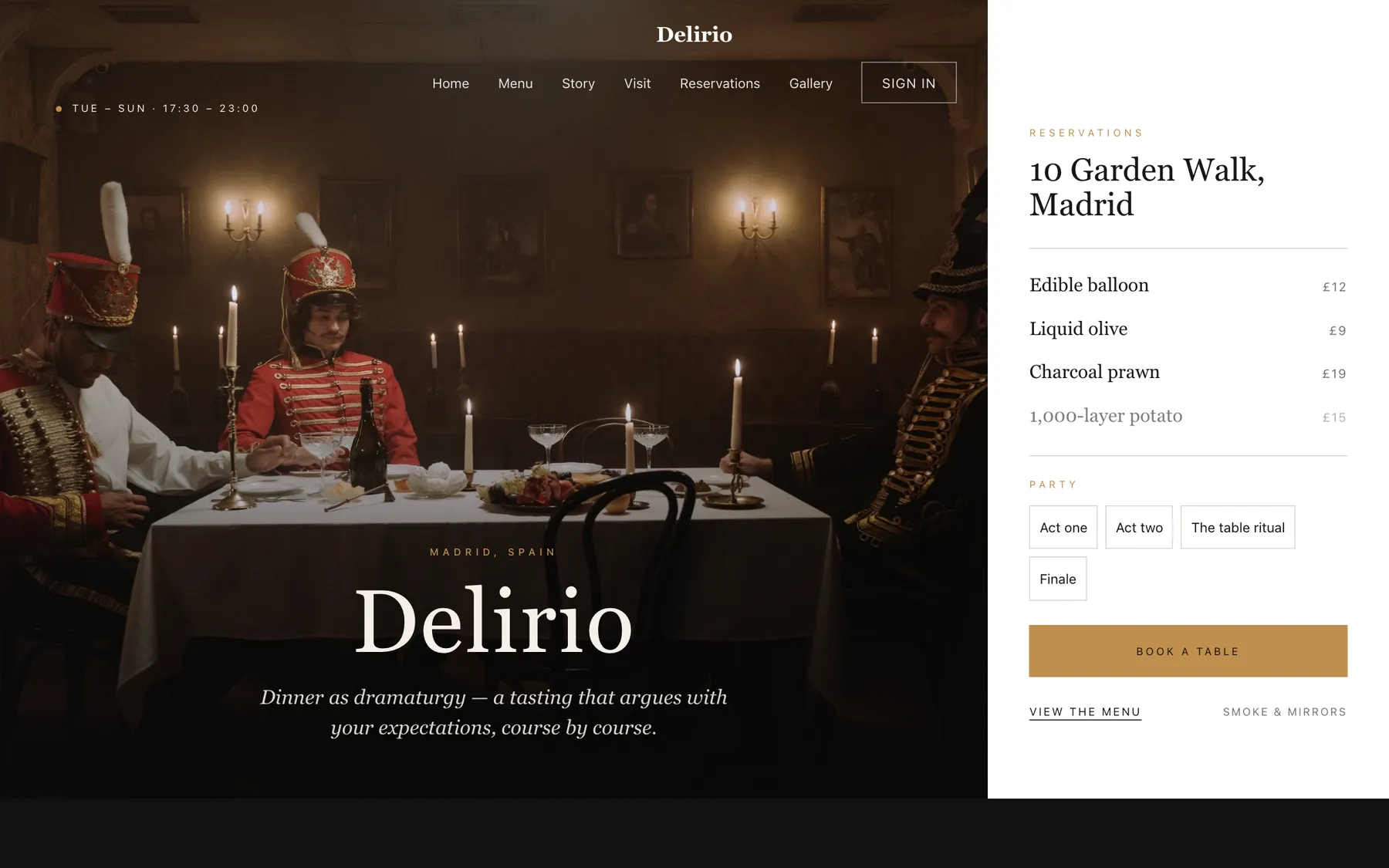
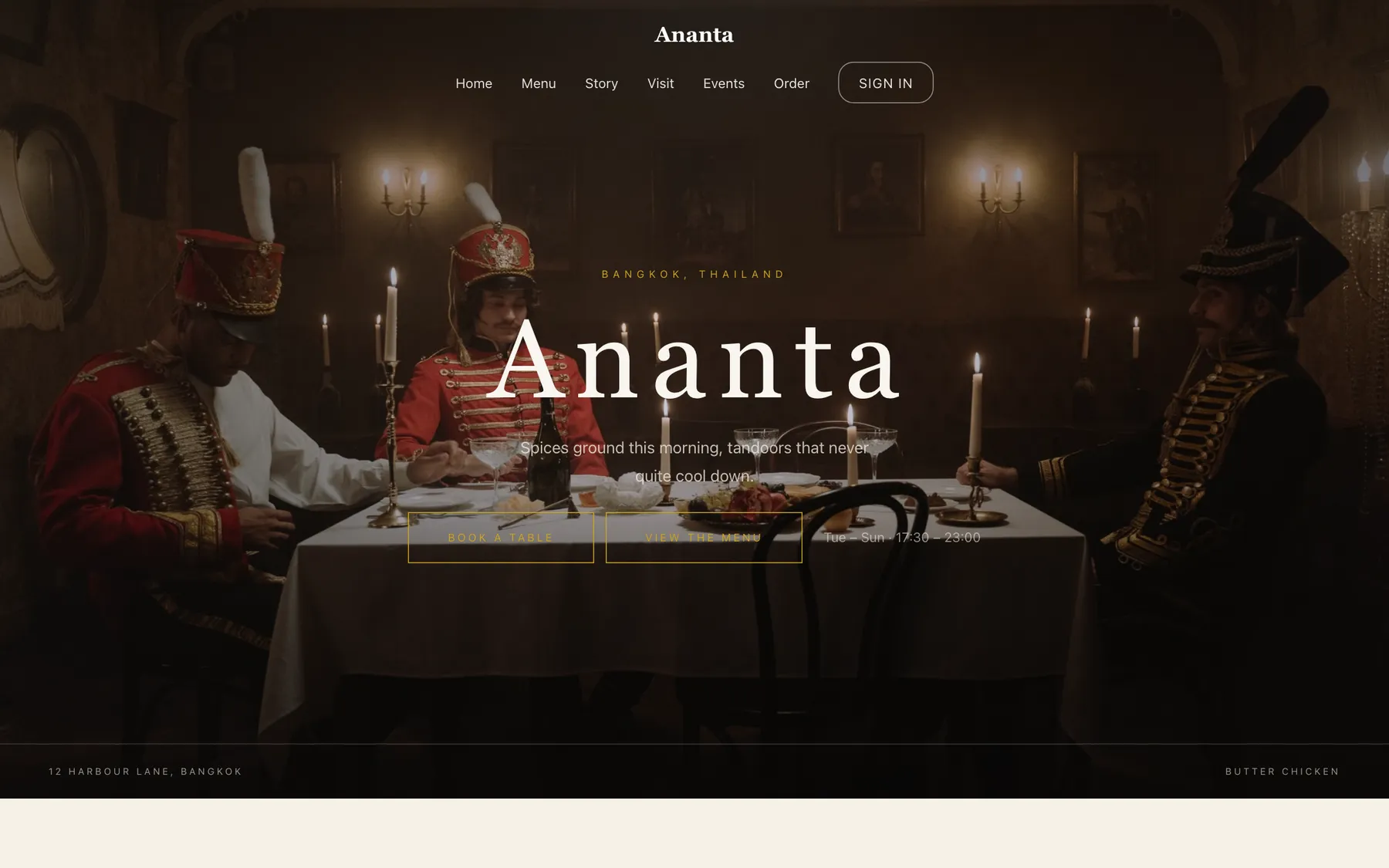
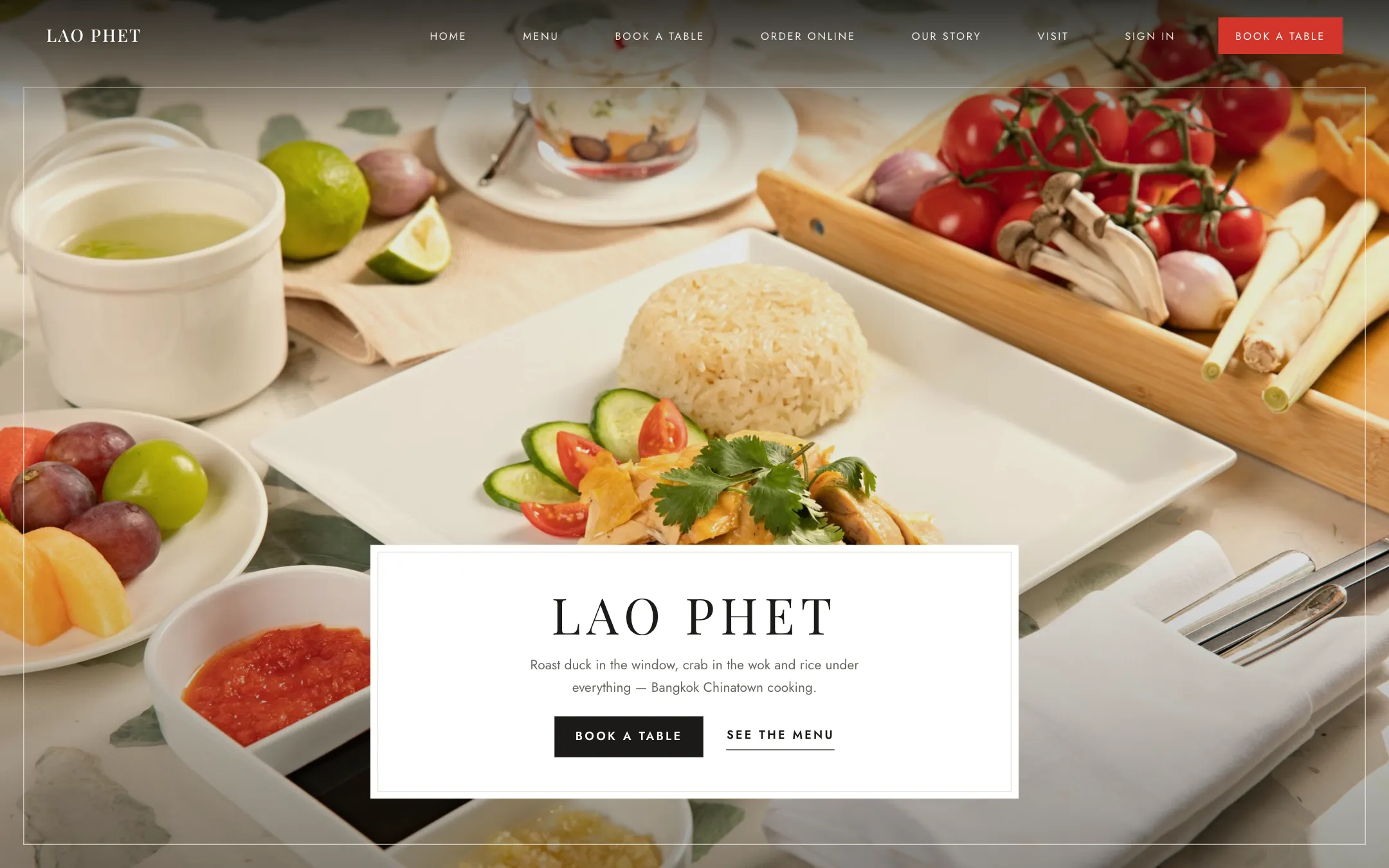
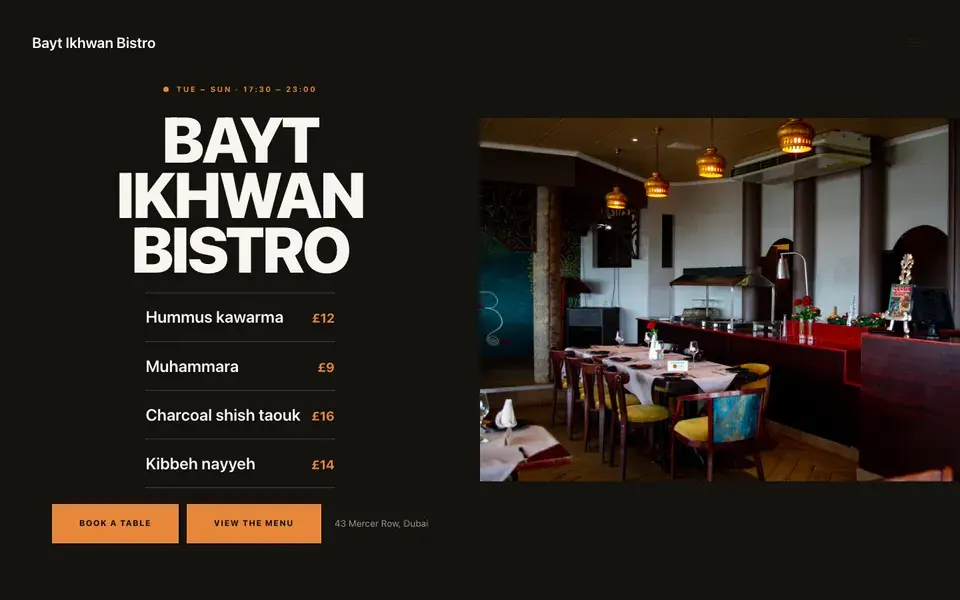
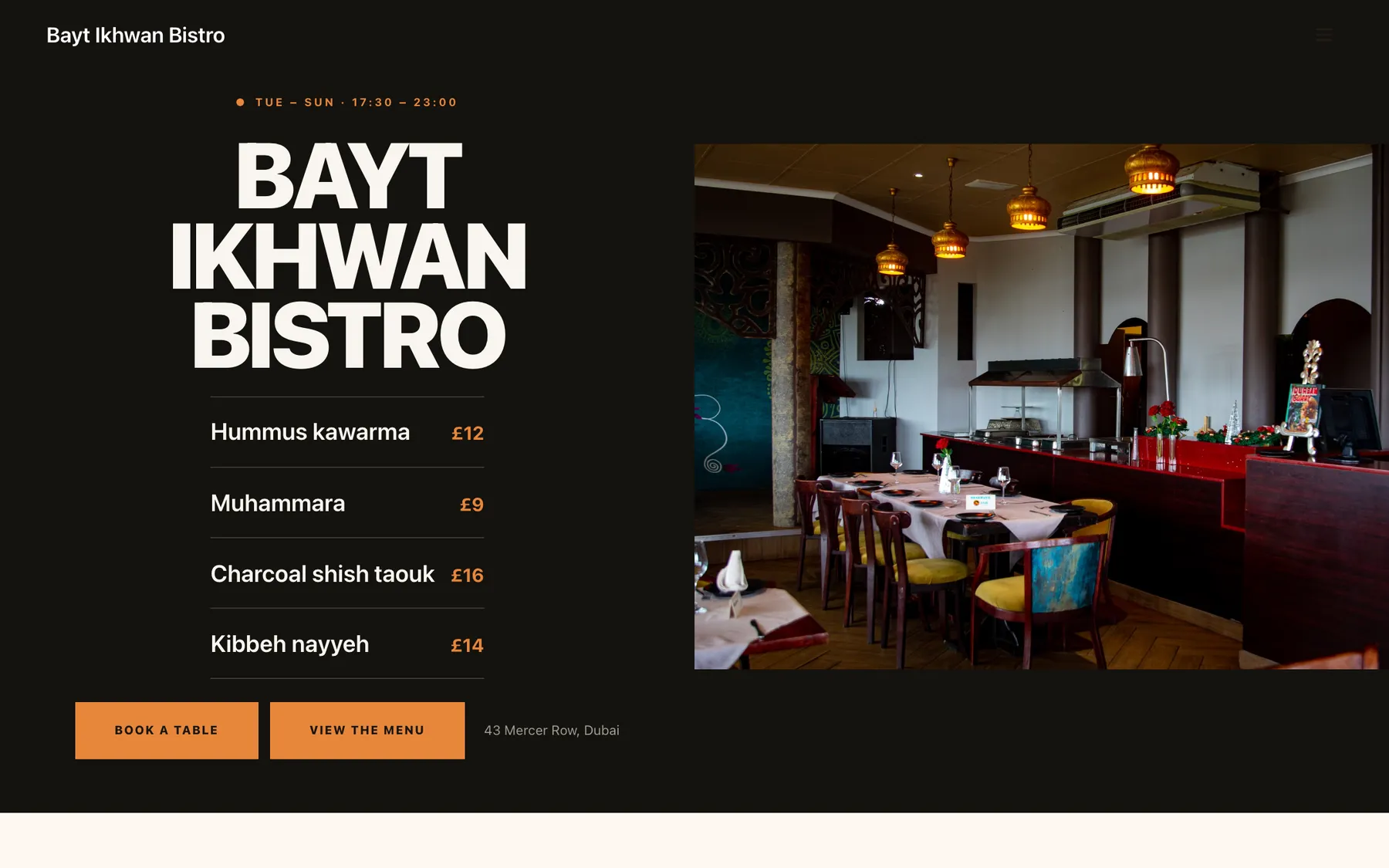
Big opening image, name & buttons, in the Nocturne treatment: One dish lit in a dark room, copy held at the left.
Templates · Syrian-rooted bistro
For bistros with a Levantine pantry and a modern hand: a light, bold template with a hatch-board opening, an editorial menu, and a classic priced ordering list.
Every section is a builder module you can reorder, edit or delete, with no developer.
On bookings and orders, on every plan. Stripe’s standard card-processing fees apply to online payments.
Build and preview the whole site for nothing, and pay only when it goes live.
Starter is £19/mo excl. VAT and includes a complete restaurant website, a live structured menu, enquiry and newsletter forms, and managed search readiness. Growth is £39/mo excl. VAT and adds direct live bookings, a custom domain with managed SSL, and table and floor-plan operations. Full is £69/mo excl. VAT and adds online ordering and multi-site management for up to five restaurant sites. TableSpark commission is 0%. Stripe's standard card-processing fees apply to online payments.
One published monthly price covers the complete website and the management system behind it. Nobody is quoting you four figures and a twelve-week timeline. The design is done — you fill it with your restaurant and press publish. After that the menu, the prices and the photographs stay in your own hands — no ticket, no developer, no waiting. It is designed for the phone first and looks right on everything larger, with reservations, tables, ordering and management in the plans — and 0% commission.
Bayt Ikhwan Bistro is bright warm paper with a violet accent that has nothing traditional about it. Yours might be white tile and morning light, or brass and candles, or something nobody has built yet.
Rather than explain, here is the thing itself: the builder’s Theme controls on one side, the live site on the other, both real. You cannot break it, nothing saves, and no account is required to have a go. Go on.
Loading the live preview…
A Levantine bistro run by chefs with modern training needs a website that reads neither as a heritage restaurant nor as a fine-dining room. The design lands between them: a bright warm ground, a bold contemporary accent, and a hatch-board opening that shows the kitchen working rather than the room posed.
The type is a wide display face over a plain sans, which lets Arabic and English dish names sit together at similar weight without either looking like a translation of the other.
Nine blocks, arranged around an open kitchen:
01
Big opening image, name & buttons, in the Nocturne treatment: One dish lit in a dark room, copy held at the left.
02
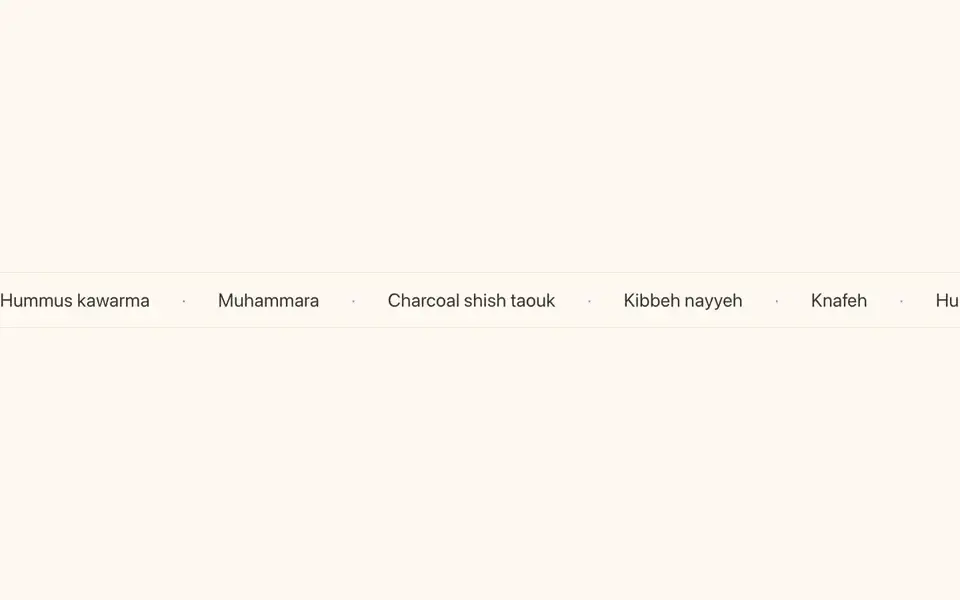
Scrolling awards or words.
03
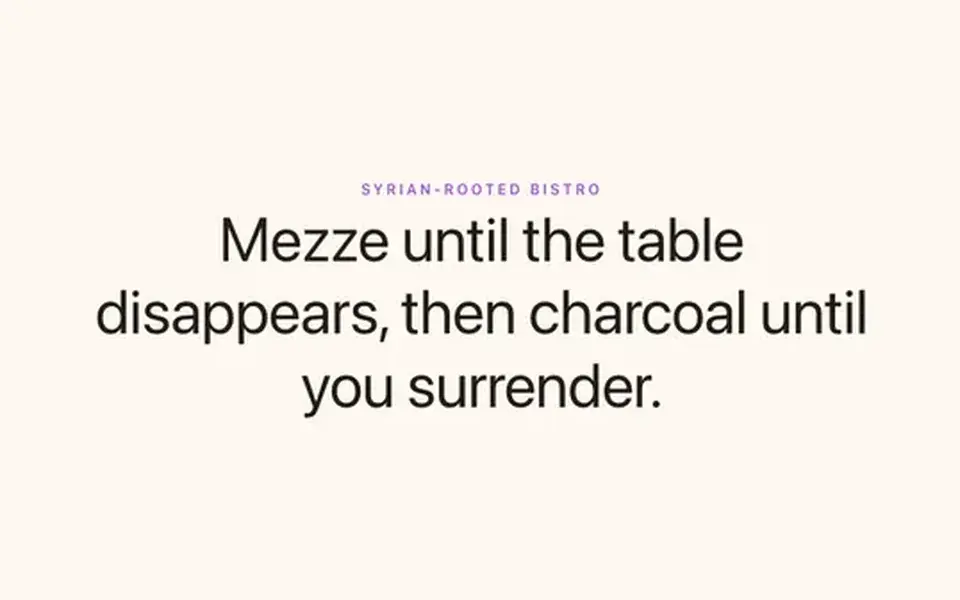
Big opening statement line.
04
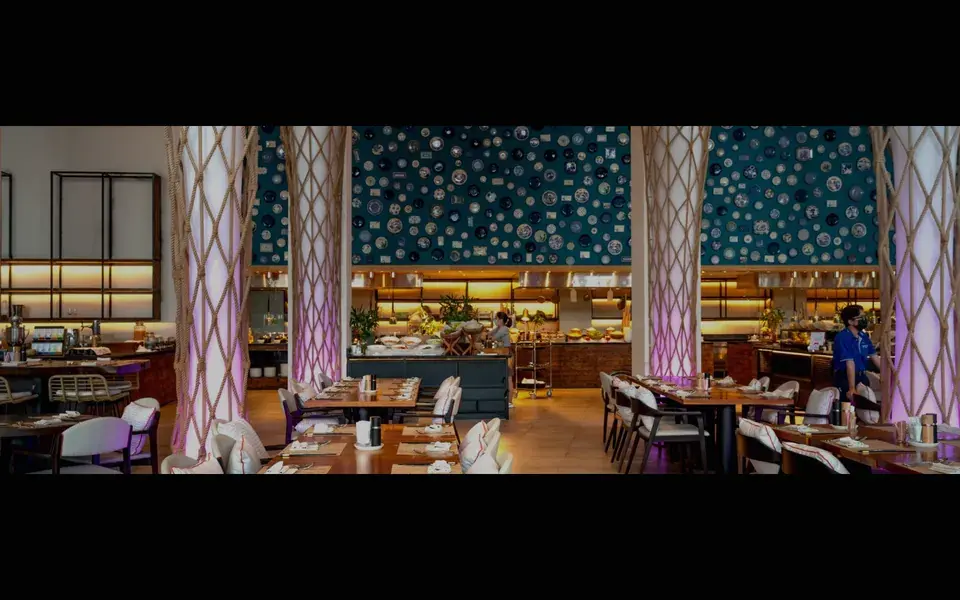
Full-width image band with optional caption.
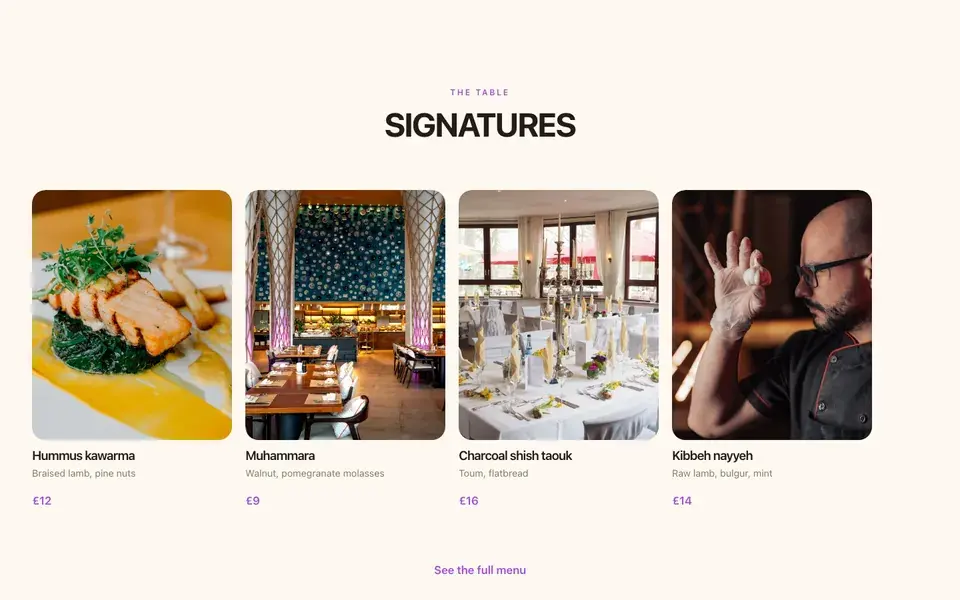
05
A few dishes on a sliding rail.
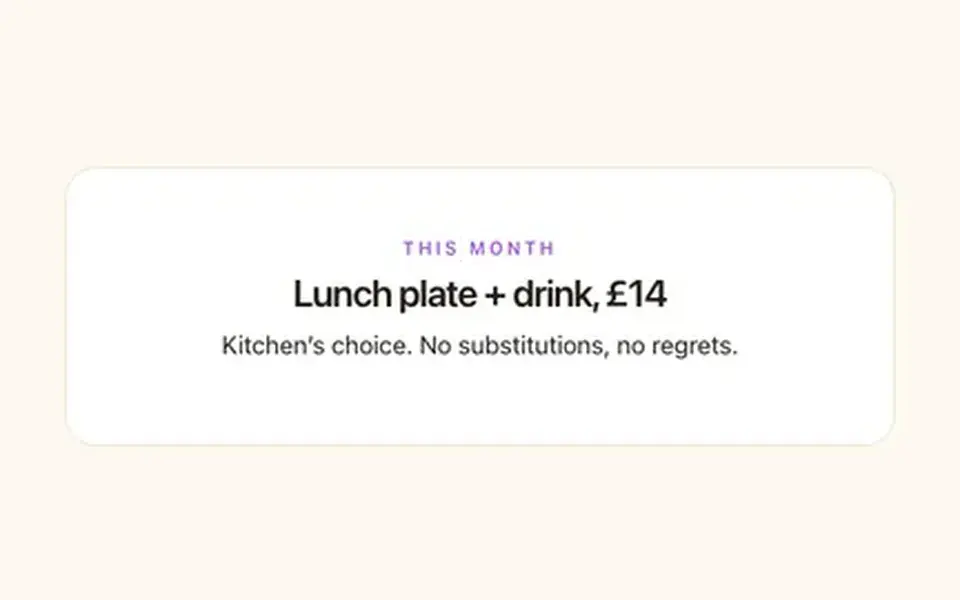
06
Time-bounded offer that hides itself when it ends.
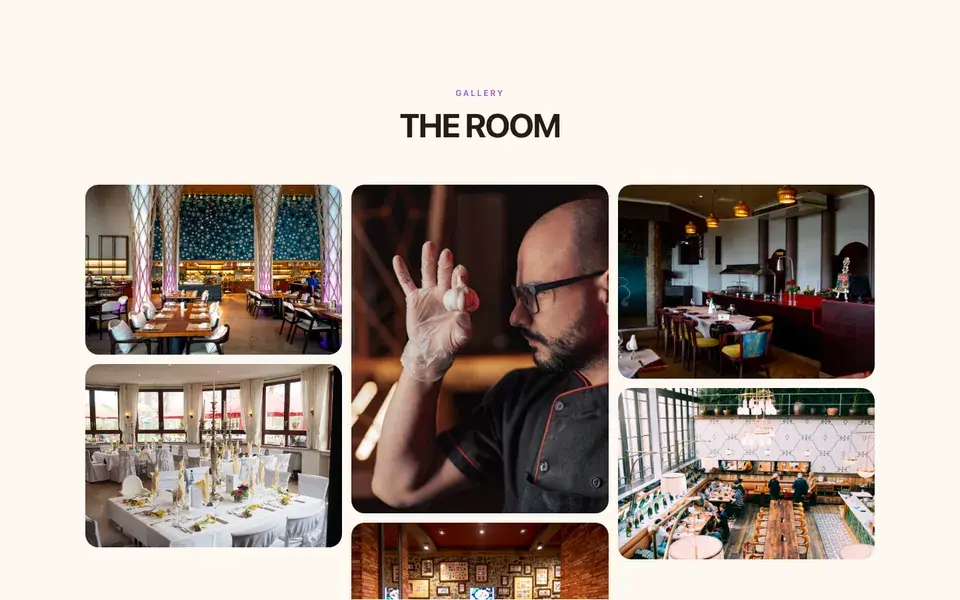
07
Grid, masonry or moving strip.
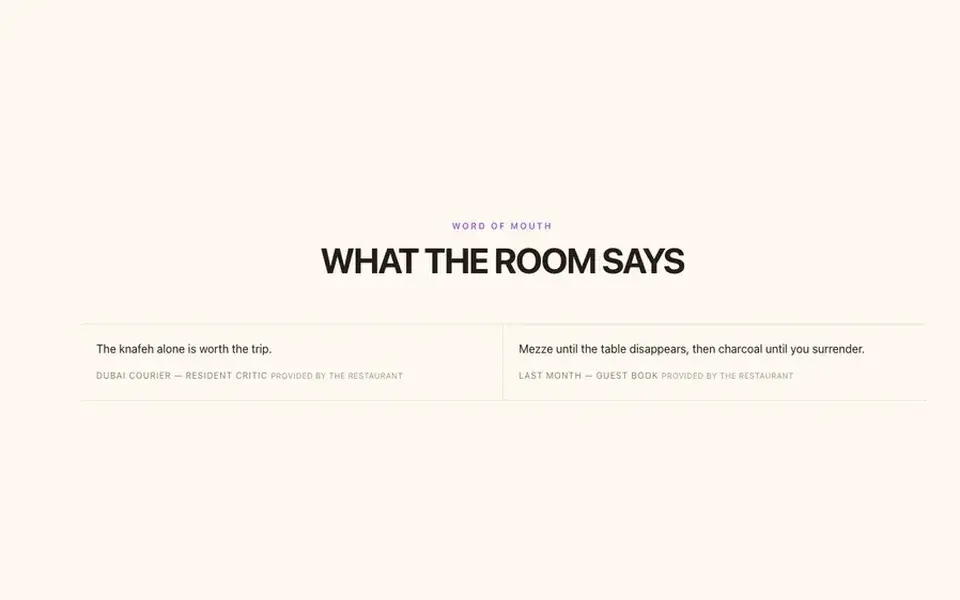
08
Guest quotes with stars.
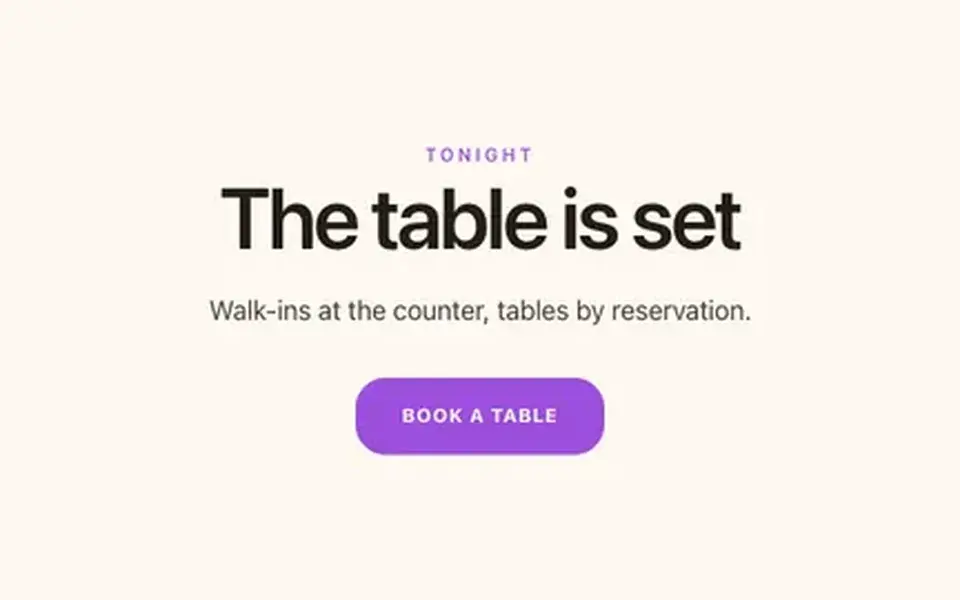
09
Headline + button band.
The statement block currently reads Mezze until the table disappears, then charcoal until you surrender. — one line you will rewrite in about four seconds.
Loading the live preview…
Bayt Ikhwan Bistro uses the Classic list ordering layout — the printed-menu look, with dotted leaders running from each dish to its price.
It reads like the delivery apps your guests already know, except the restaurant keeps the relationship and the money. The basket stays on screen, and each mode asks only for what it needs: a table number, a phone number or an address.
Loading the live preview…
This is the frame that matters. It is the real ordering page at a real phone width — not a mock-up, not a video.
On a laptop the same page puts the basket in a panel beside the menu that follows the scroll.
Every Bayt Ikhwan Bistro site on Growth and Full ships with an app your guests keep. It lives at /account on your own domain, so the guest signs in to your restaurant, not a marketplace.
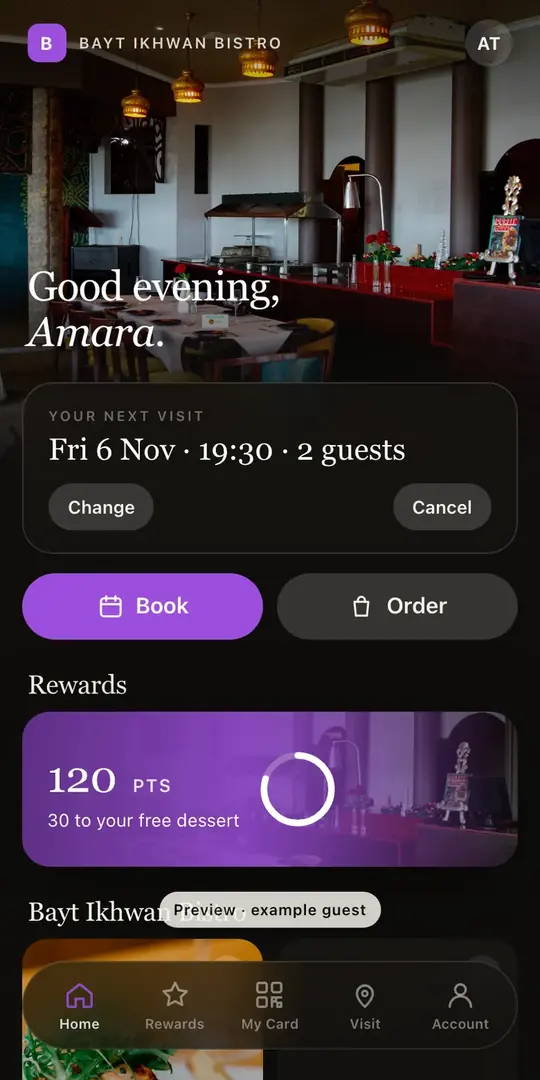
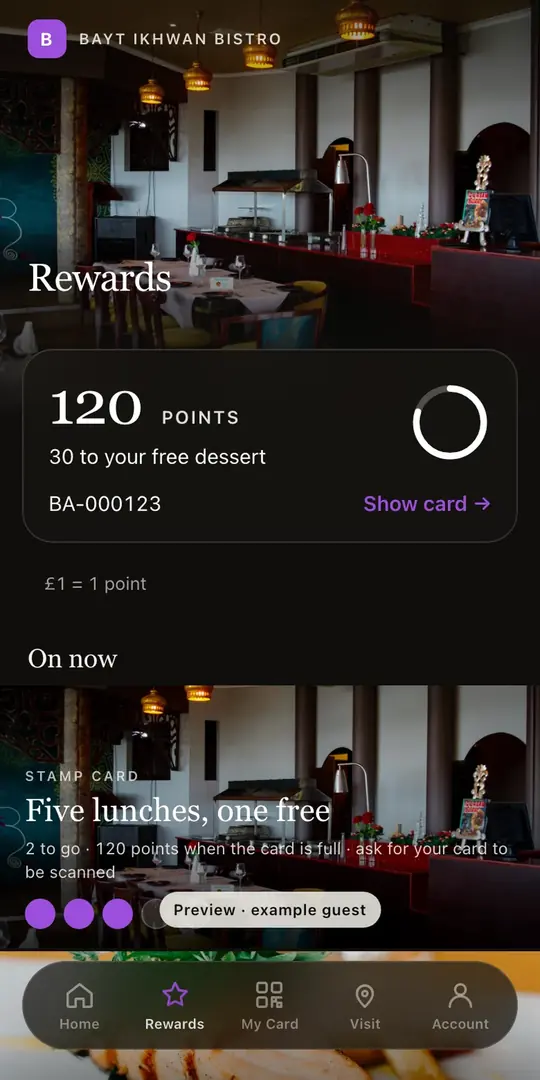
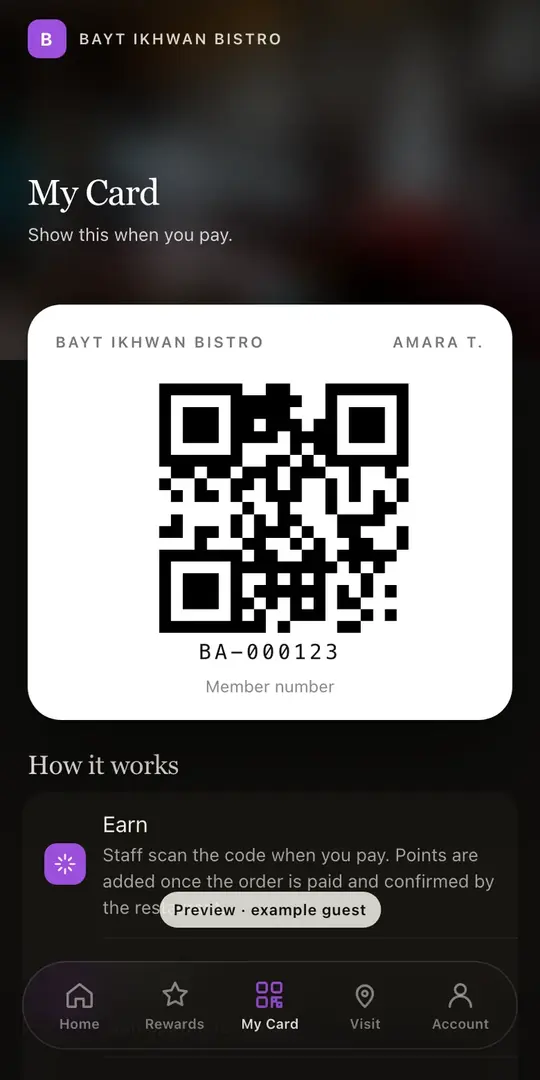
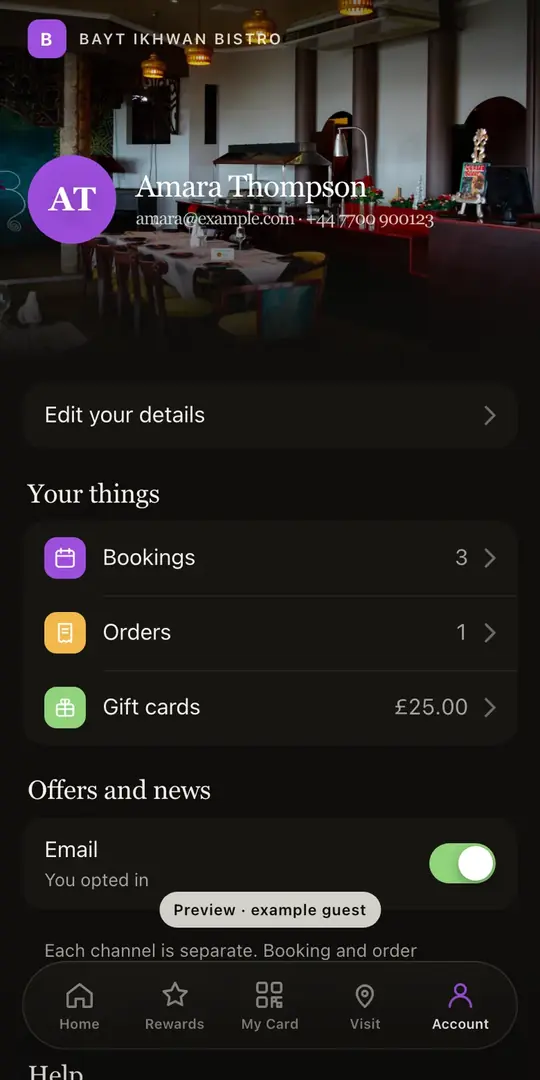
Included on the Growth and Full plans. Watch the Guest App course
This is the part that saves an afternoon. Take a picture of the menu you already have: the pressed card, the board behind the pass, a PDF from the printer. Back comes the whole menu as data: ordered sections, named dishes, their descriptions and prices, plus dietary and spice marks wherever the card showed them. Check it over — a smudged price or an ambitious accent is a two-second fix — and save.
What arrives is not a picture of a menu — it is real data. That single menu is what powers the menu page, the ordering page, the highlights on the home page and the Restaurant structured data a search engine reads. Change a price once afterwards and all of them follow.
The search copy gets the same treatment: a Write with AI button reads the page and drafts its title and description, so those fields are never blank. Nothing is published on your behalf; the draft waits for you.
Of the menu exactly as it is today, from a phone.
Sections in the right order, dishes with their descriptions, prices and marks.
Menu page, ordering page, home-page highlights and the Restaurant schema — all fed by the same structured menu.
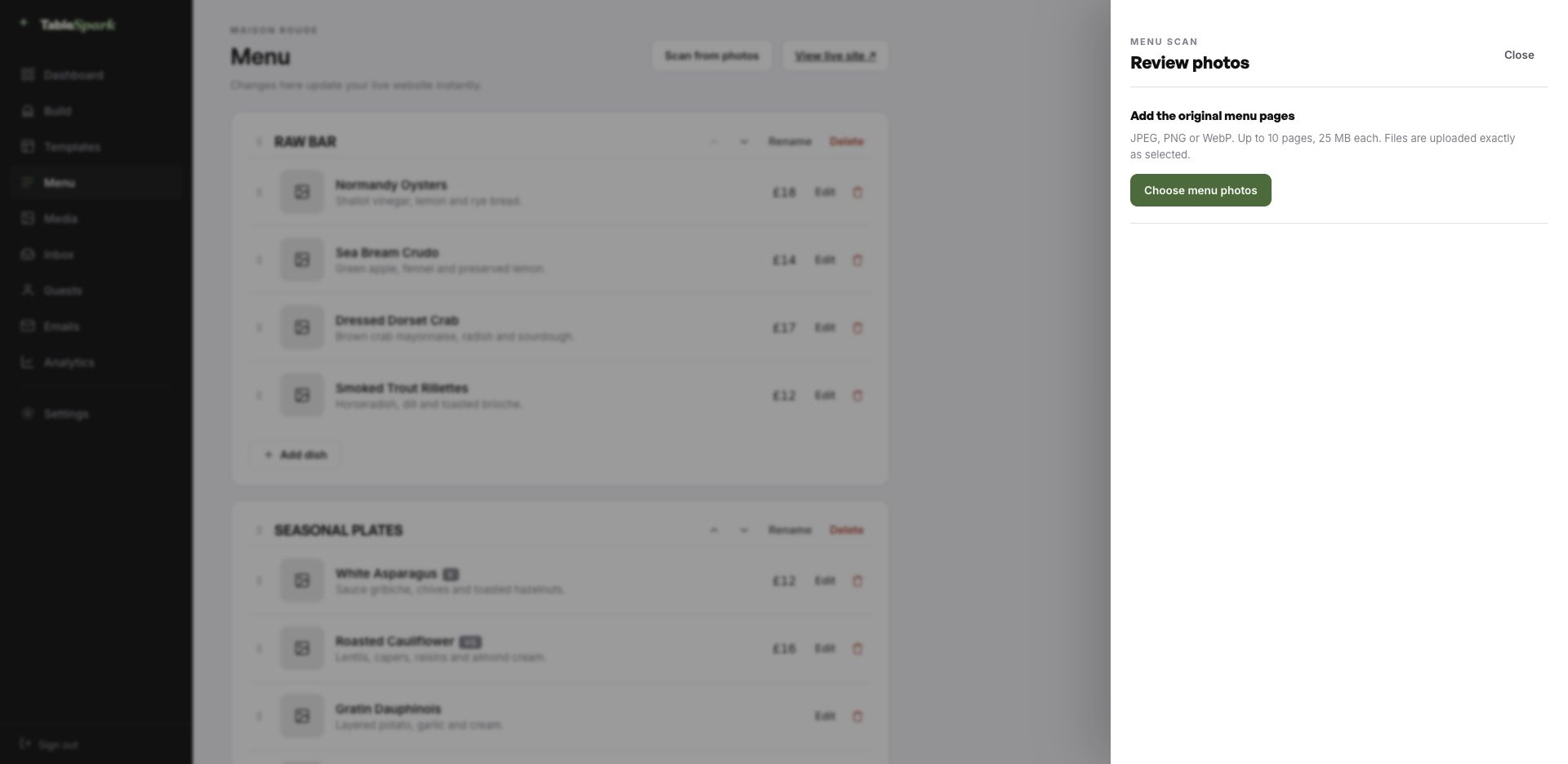
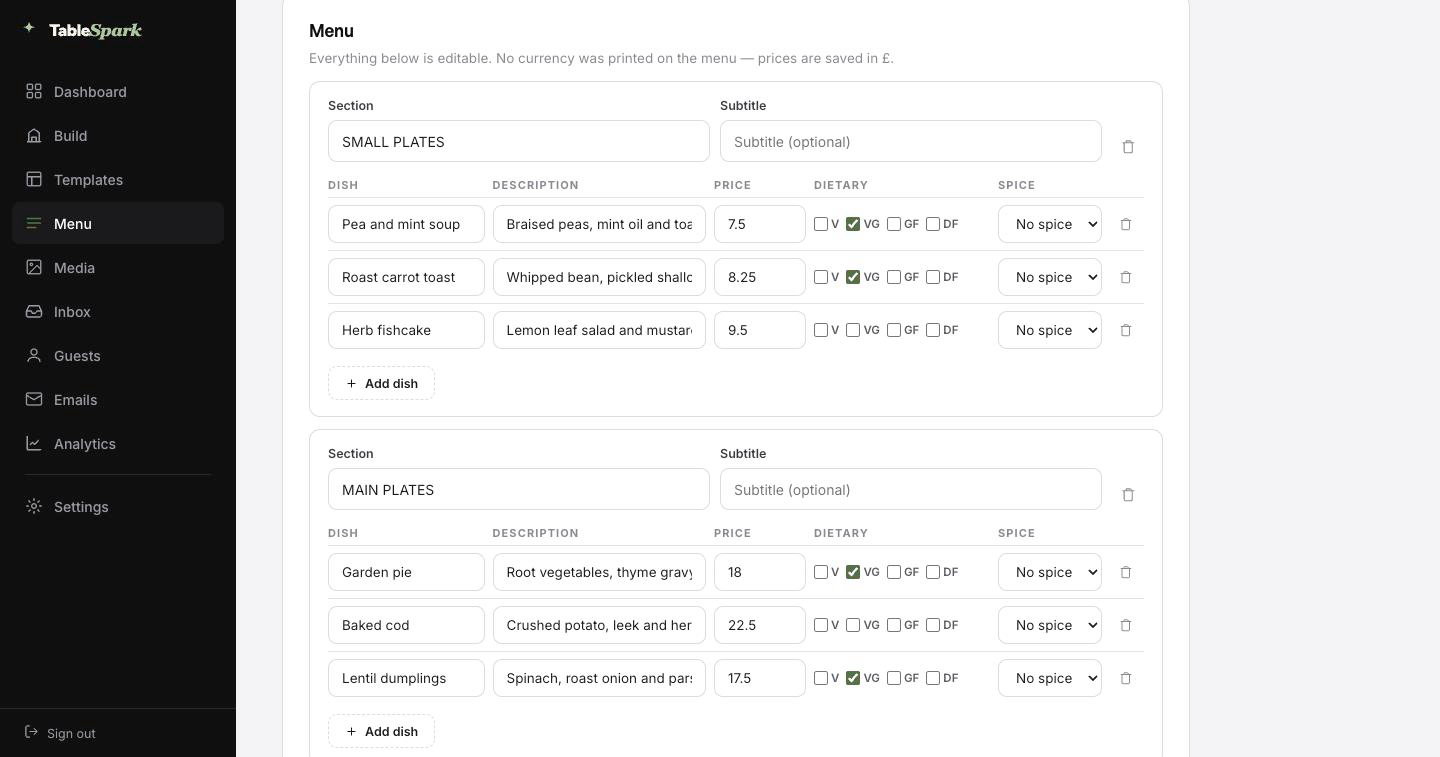
There is no build phase to wait through. Structure, styling and behaviour are done. Names, dishes and pictures are yours. Reckon on one sitting to a published site, and reservations working from that same moment. Bookings land in your TableSpark inbox, and the guest gets a confirmation email straight away.
Taking money is a single connection: link Stripe and deposits on tables and payment on orders go straight to your own account. There is no cut for us — 0% commission on every plan. Stripe’s standard card-processing fees apply to online payments. Nobody else charges anything.
Step 01
1min
Pick Bayt Ikhwan BistroThe full site arrives in your account as a working draft.Step 02
4min
Change the name and the wordsRewrite the words by clicking them; the name carries everywhere.Step 03
3min
Upload your menuSend the menu in as a photograph and check what comes back.Step 04
1min
PublishIt goes live on your address and starts taking bookings.Step 05
1min
Connect StripeNow you can take deposits on tables and payment on orders — direct to your account.In all
10min
From template to taking paymentsFive steps, one sitting.A domain is signage, and signage matters. Nothing about going live depends on owning a domain first; connect yours later and the site simply answers to it.
The plumbing is ours: certificate, secure connection, redirect, and keeping canonical URLs, sitemap and robots pointing at the live address as the domain changes. Own it already? Good. The instruction is a single record, spelled out.
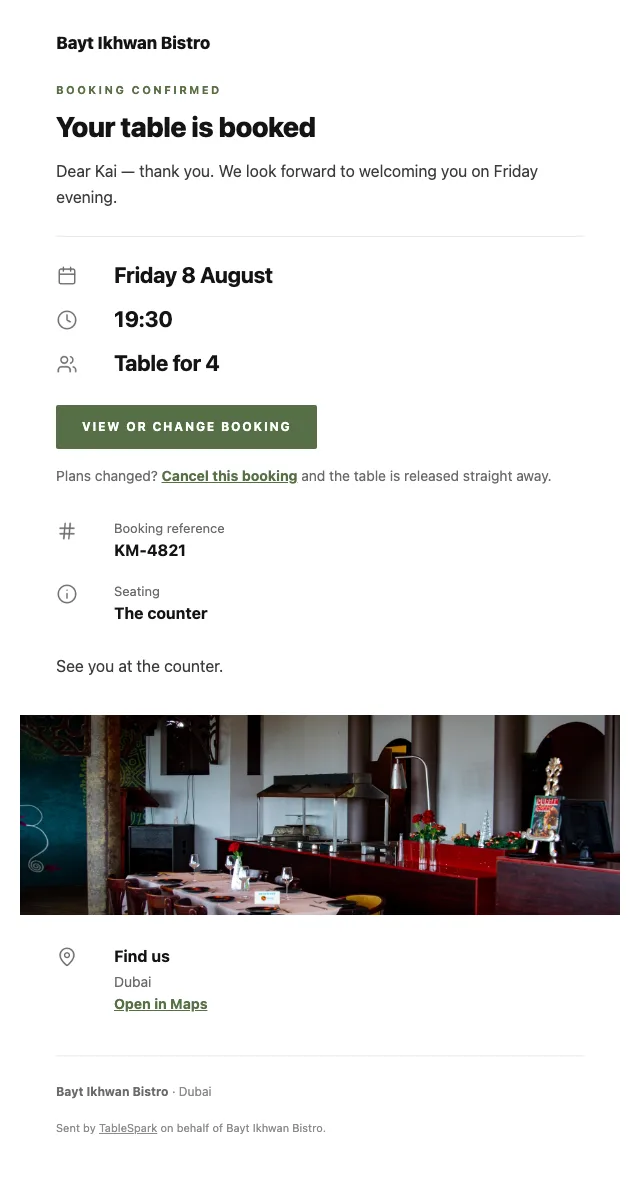
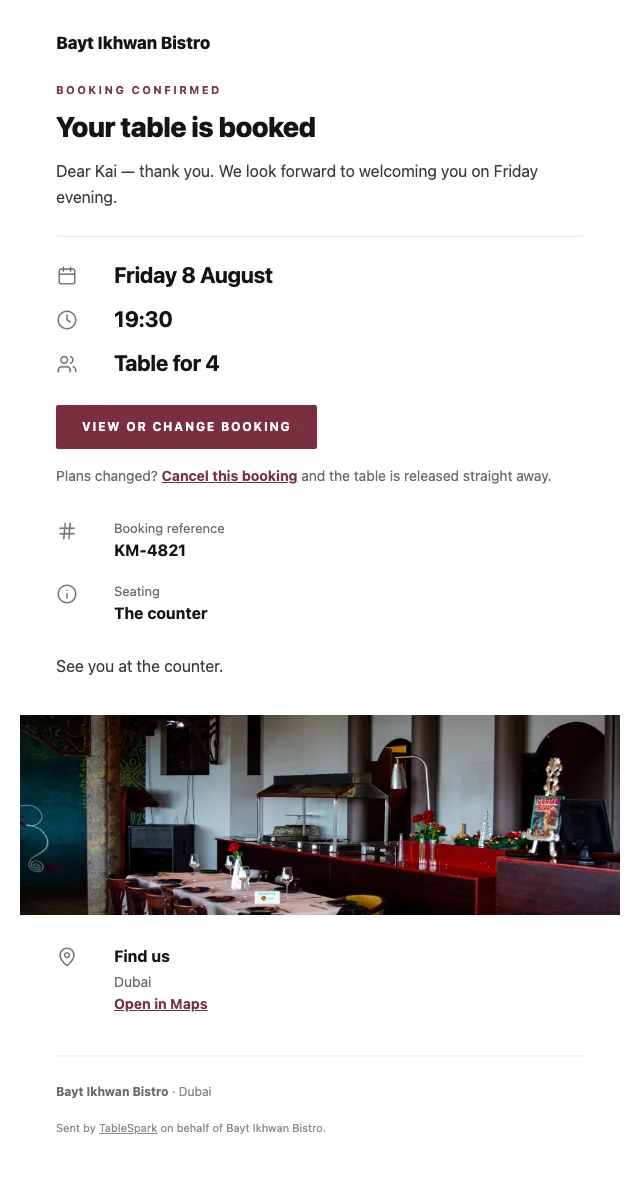
A confirmed booking is not the end of the conversation; it is the start of one. A confirmation is sent the second the booking lands, carrying the time, the covers, your address and contact details, and a self-service cancellation link. The same system sends the reminder before service, the deposit receipt and the cancellation notice.
The whole thing is yours to set, down to the sign-off. Six looks, one accent colour, your logo and cover photograph, the header layout, the sign-off line, and whichever links and social accounts you want on it. Add your domain and the from-line is yours too — the last detail that separates a real restaurant email from a system notification.
Below, the same booking confirmation in six of the looks.
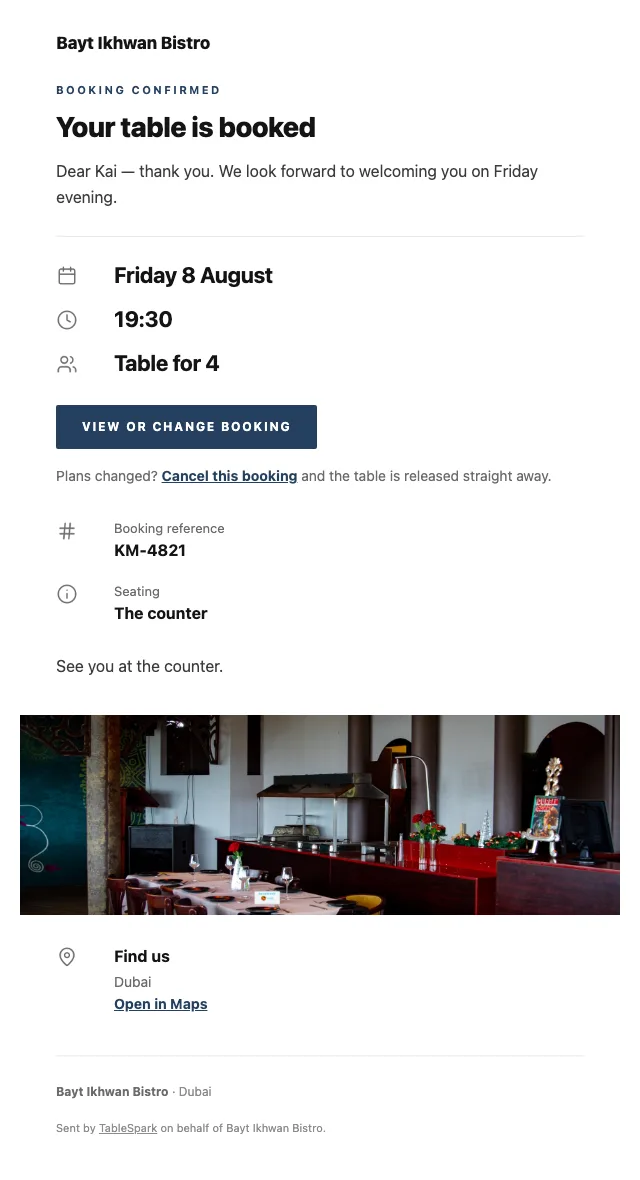
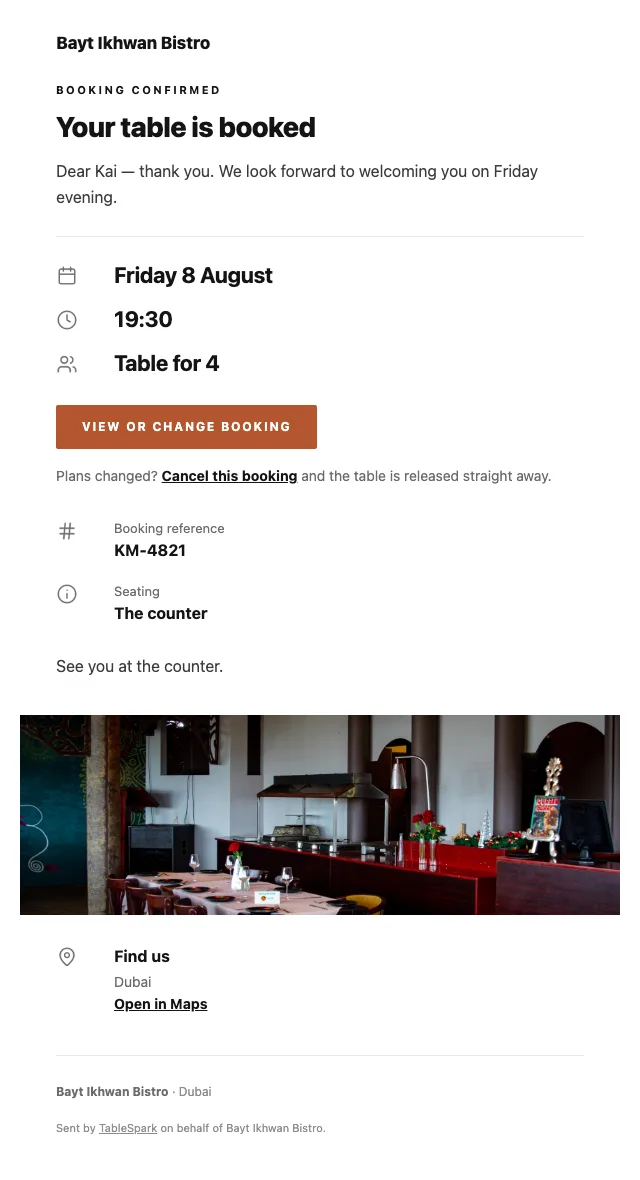
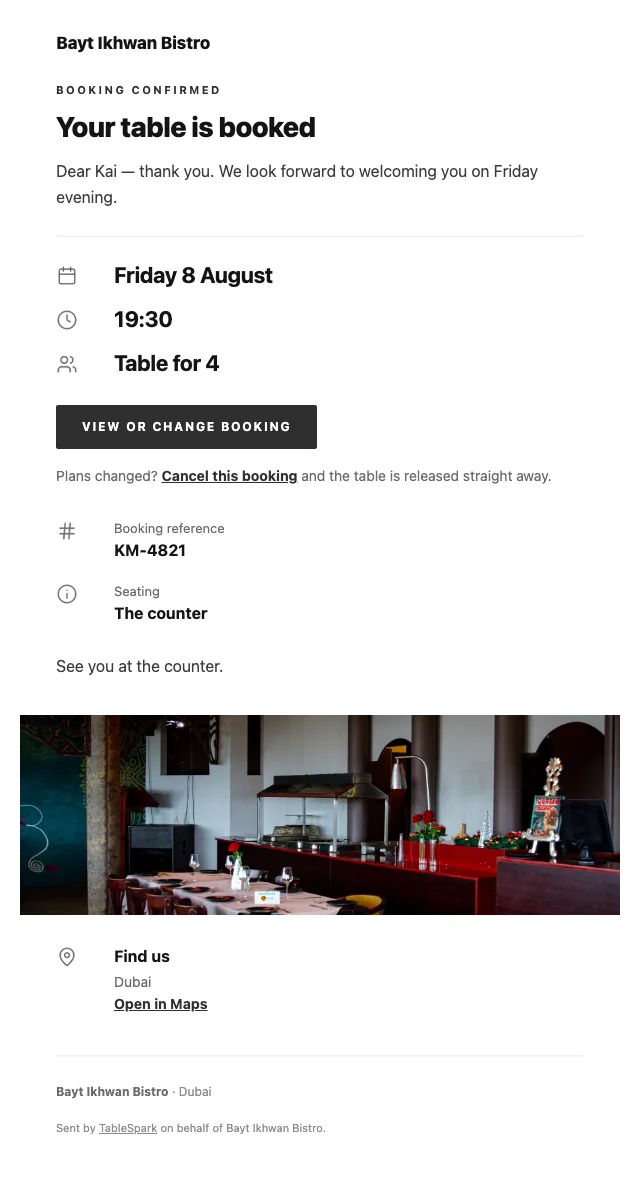
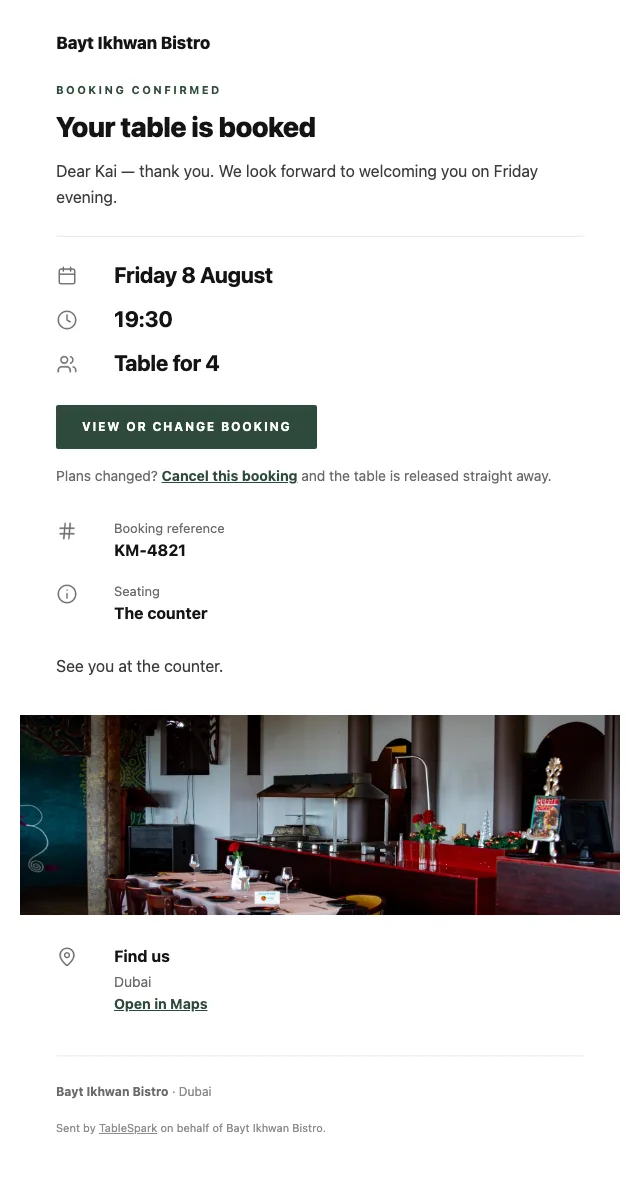
Putting a page online is not the same as delivering a restaurant site that search engines can reliably discover and understand. A misconfigured robots file, a noindex left in place, canonical tags in conflict, pages with no internal links, a PDF menu, missing Restaurant schema or incomplete verification — any one is enough to keep a live site invisible. You feel it in the margin — guests reach commission-charging platforms first, and demand you should own outright becomes demand you rent.
This template ships with that work done. No one can promise rankings or guaranteed indexing — but nothing here is left for you to hire a technician to assemble.
Delete what you do not need and add what you do — pages are yours to shape.
None of this is hand-built. They are modules from a library of 68, each with layout variants of its own.
Take one out, put another in, change the order. It is a stack you control.
Ships with 4 sections — Mezze, Charcoal, Bread & salads, Sweet — for you to overwrite.
No commission at any level. Compare that with a platform that charges per order and owns the relationship afterwards.
Your domain, your inbox, your guest list, exportable at any time.
Stripe’s standard card-processing fees apply to online payments.Bookings and ordering with no cut taken
The camera work and the checking are yours; the transcription, the structure and the draft search copy are ours.
Publishing needs your hand on it.
Search engines Menu — Bayt Ikhwan Bistro | Dubai A Levantine pantry cooked with a modern hand. Mezze, mains and prices at Bayt Ikhwan Bistro.Drafts the search title & description from this page’s content. Always review before publishing.
Stripe’s standard card-processing fees apply to online payments.
How restaurant deposits work, and when they are refunded
The builder is free to use for as long as you like. The bill starts when the site does.
The builder is free to use for as long as you like. The bill starts when the site does.
6 pages, and every one of them is here. This is the live site, not a gallery. Every tab renders through the engine that publishes real restaurants, and the links inside it work. Try the Phone view.
The story page carries the family and the pantry — narrative, sourcing, an interview and a timeline — and the reservations page manages a bistro that fills quickly. The visit page handles the practical detail of a room in a busy district.
The editorial layout gives each section its own plate and then sets the dishes as ruled type — right for a mezze menu, where the sections are the structure and the dishes are numerous and short.
The description line carries the pantry: the tahini, the pepper, the ferment. Dietary marks matter a great deal on a menu like this and are set per dish, so a vegetarian guest can read the menu rather than interrogate a waiter.
The important part survives any layout: dishes, descriptions and prices are indexable text carrying Restaurant structured data, not an image a crawler has to guess at.
A classic priced list with leaders is right for mezze ordering, where the basket fills with many small items and a photograph of each would slow the process down.
Quantities and options are inline, the running total stays on screen, and collection asks only for a name and a number. Payment settles into your own Stripe account at 0% TableSpark commission. Stripe’s standard card-processing fees apply to online payments.
What the guest is asked depends on how they are eating: table number, phone number or address, and never all three.
What owners ask before they pick a template: the cuisine fit, the menu, the address, and what it costs.
Yes — dietary marks (V, VG, GF, DF) are set per dish in the menu editor and appear on the menu page, on the ordering rows and in the structured data. Because they are fields rather than notes typed into a description, they stay consistent and can be relied on.
Carry both: the name as you say it, and the description explaining it. Both are indexable text, so a guest searching either the Arabic name or the English description finds the same dish. The header can also offer a full second-language version of the menu.
Ordering comes with the Full plan. TableSpark takes 0% commission on every plan, so the order value lands in your own account. Stripe’s standard card-processing fees apply to online payments.
No, and it is the single biggest time saving in setting up. Upload menu photographs and TableSpark returns sections, dishes, descriptions, prices, dietary marks and spice levels as editable fields for you to approve. Once approved it is real data, so the menu page, the ordering page, the home-page highlights and the structured data a search engine reads all stay in step automatically.
You go from opening the builder to a published site in one sitting: copy the template, change the name and the words, upload the menu, press publish. Reservations answer from the moment it publishes — bookings arrive in your TableSpark inbox and the guest gets a confirmation email straight away. Connecting your own payment account adds deposits on bookings and payment on orders, paid directly to you, with 0% TableSpark commission. Stripe’s standard card-processing fees apply to online payments.
Completely. Six base skins, an accent you can pick from presets or a colour wheel, separate background, text and surface colours, seven font pairings or any two faces you like, plus text size, radius and motion. Contrast is derived rather than fixed, so the site stays readable whatever you choose.

Take this design, make it about your restaurant, and publish it today. Building costs nothing; you pay only when it goes live.