01
Hero
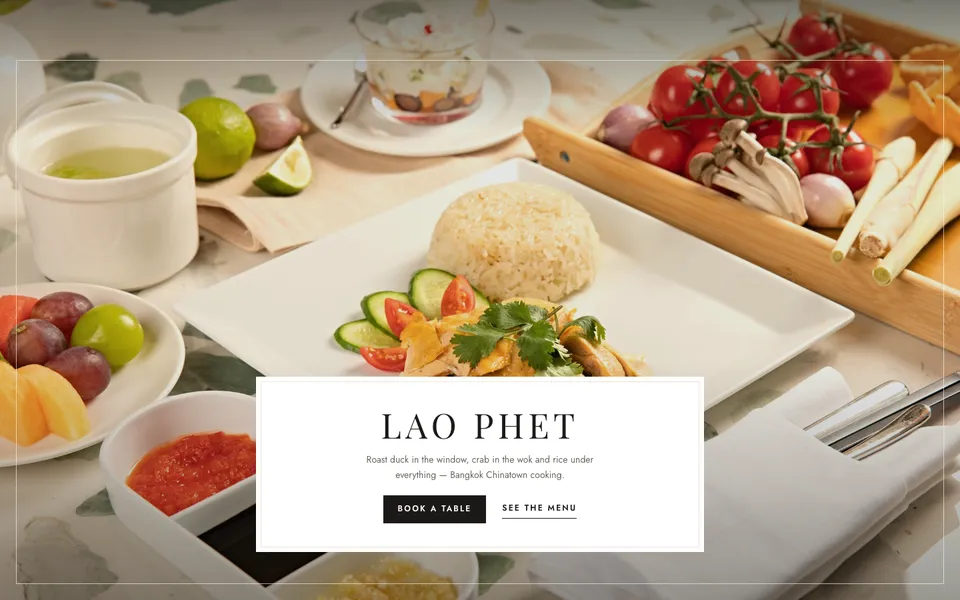
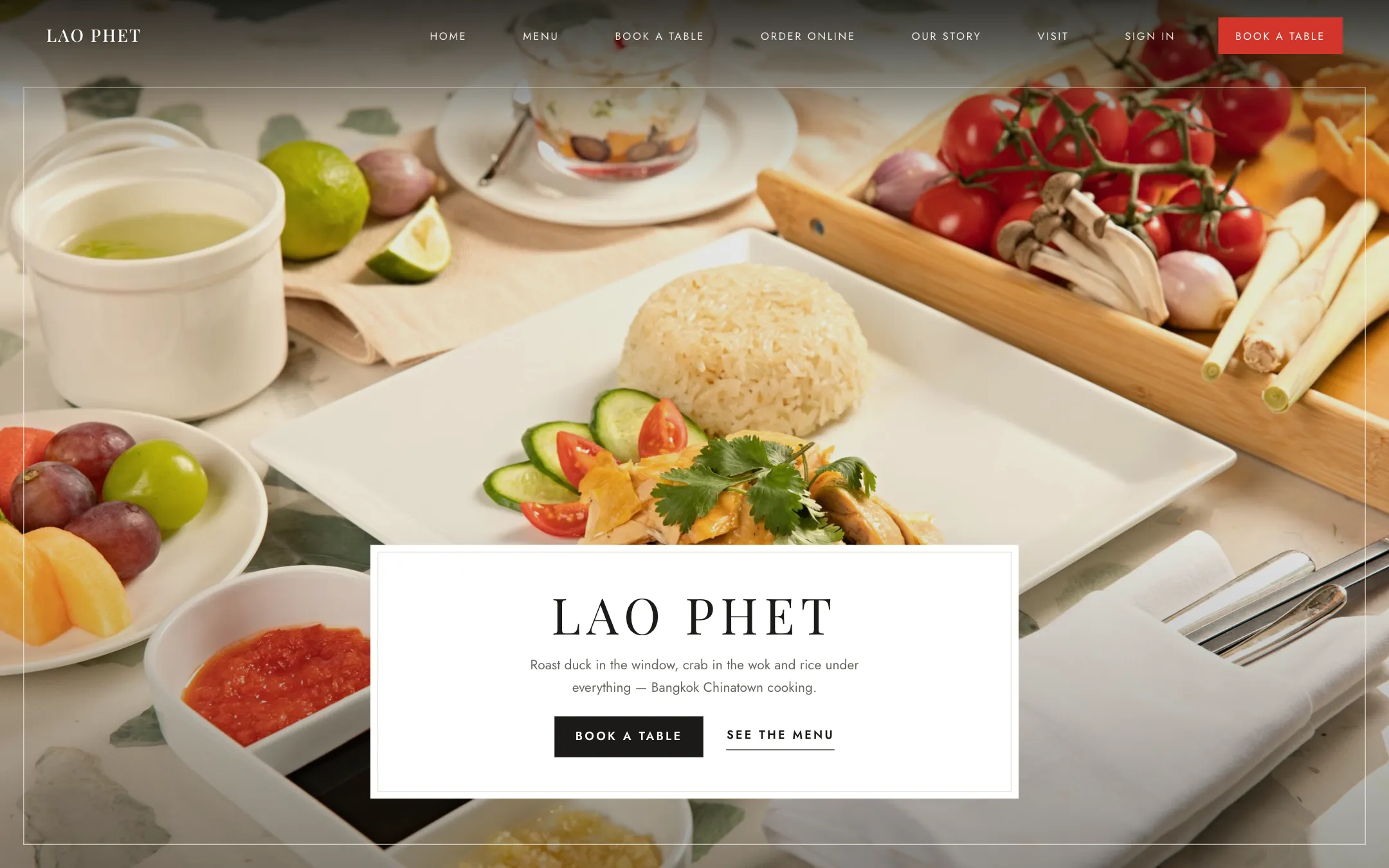
Big opening image, name & buttons, in the Name Plate treatment: The photograph in a thin inset frame with a paper name plate at its foot.
Templates · Progressive Thai-Chinese
For kitchens working across two culinary grammars at once: a warm, maximalist template with a broth-and-tables opening, an editorial menu, and an ordering page built for dense, many-item baskets.
Every section is a builder module you can reorder, edit or delete, with no developer.
On bookings and orders, on every plan. Stripe’s standard card-processing fees apply to online payments.
Build and preview the whole site for nothing, and pay only when it goes live.
Starter is £19/mo excl. VAT and includes a complete restaurant website, a live structured menu, enquiry and newsletter forms, and managed search readiness. Growth is £39/mo excl. VAT and adds direct live bookings, a custom domain with managed SSL, and table and floor-plan operations. Full is £69/mo excl. VAT and adds online ordering and multi-site management for up to five restaurant sites. TableSpark commission is 0%. Stripe's standard card-processing fees apply to online payments.
It is a site that actually runs a restaurant rather than merely describing one, for one published monthly price. What a bespoke build charges thousands for and delivers in months, you get today, finished, for the price of a couple of covers. Ownership is the whole point. Prices, dishes, photographs and hours are edited by you, in seconds, at no extra cost. Small screens come first and the rest follows, and the plans carry reservations, table management, ordering and reporting — at 0% TableSpark commission.
Lao Phet is warm paper with a red that belongs on a shophouse door. Yours might be white tile and morning light, or brass and candles, or something nobody has built yet.
The controls beside the frame are not an illustration of the Theme tab — they are the Theme tab, driving the same engine that publishes real restaurants. Press whatever you like; nothing is stored and nothing is signed up for. Go on.
Loading the live preview…
A Thai-Chinese kitchen is telling a story about a family and a building as much as about food, and the design gives that story somewhere to live. The opening is a broth-and-tables board — what is simmering, how many floors, when the room is open — which is a far more truthful hero for a shophouse restaurant than a plated close-up.
The ground is warm paper rather than the near-black that fine dining defaults to, because this is a room with daylight in it. The red accent is the one on the door of every shophouse in the district, and the high-contrast serif carries the heritage without a single decorative flourish.
Nine blocks, all of them editable:
01
Big opening image, name & buttons, in the Name Plate treatment: The photograph in a thin inset frame with a paper name plate at its foot.
02
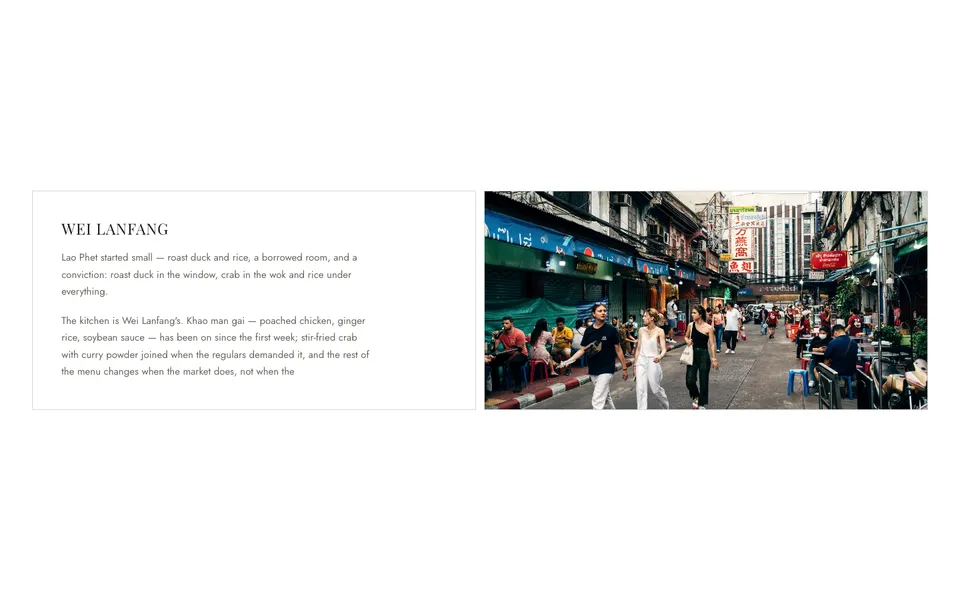
A paragraph beside a photo.
03
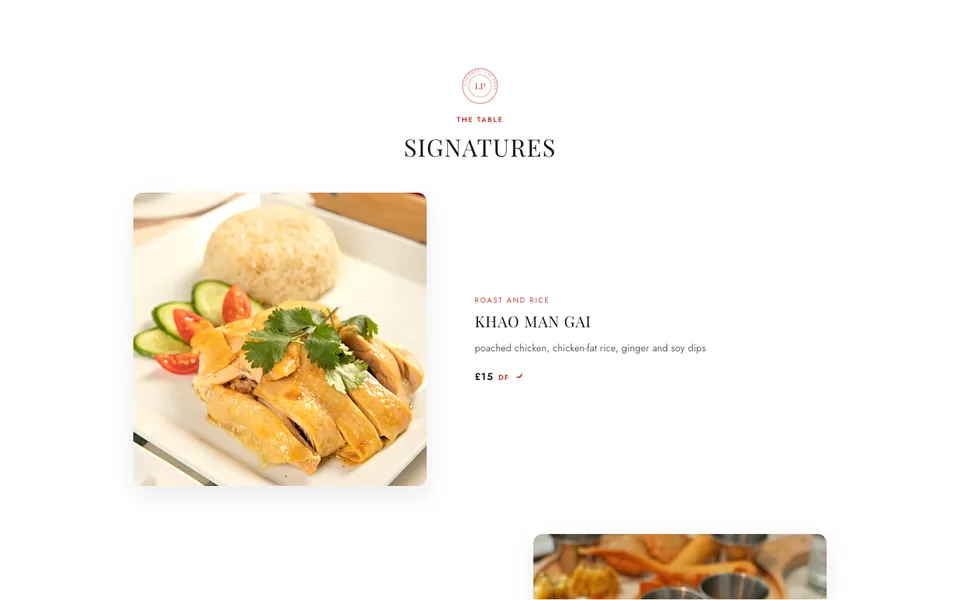
A few dishes on a sliding rail.
04
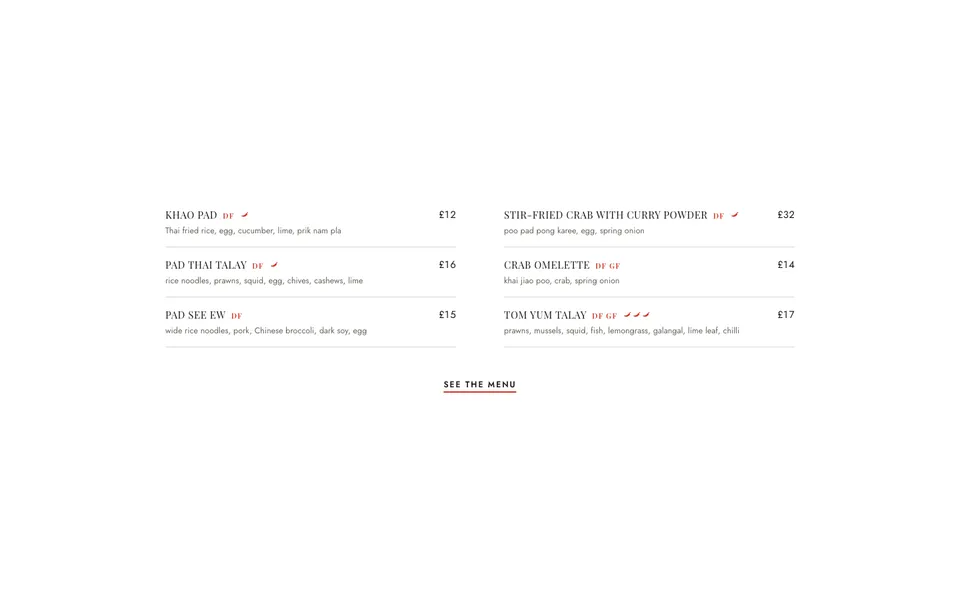
A few dishes on a sliding rail.
05
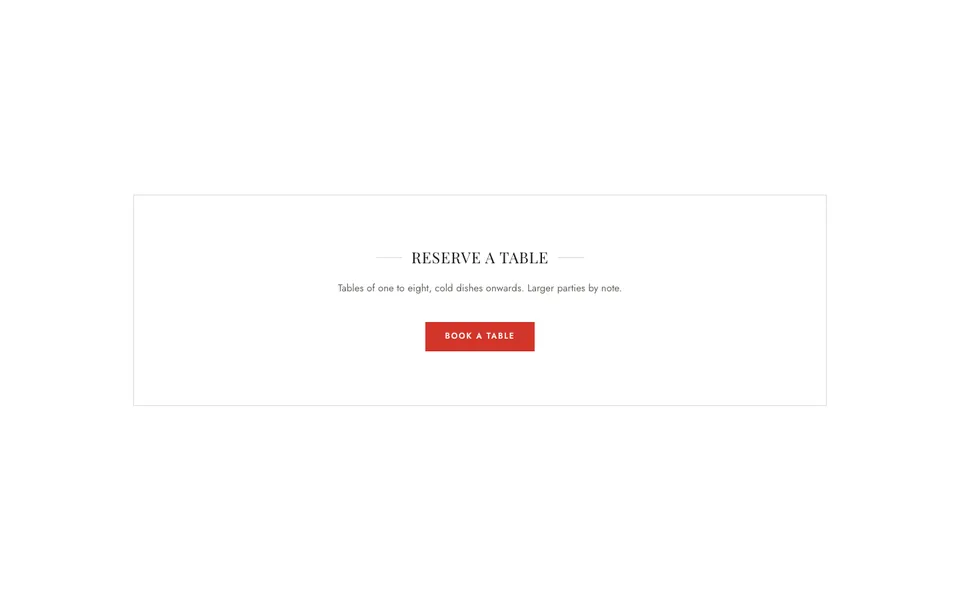
Headline + button band.
Loading the live preview…
Lao Phet uses the Folio ordering layout — the list sits beside a tall photograph of each section’s signature dish.
It reads like the delivery apps your guests already know, except the restaurant keeps the relationship and the money. The basket stays on screen, and each mode asks only for what it needs: a table number, a phone number or an address.
Loading the live preview…
This is the frame that matters. It is the real ordering page at a real phone width — not a mock-up, not a video.
On a laptop the same page puts the basket in a panel beside the menu that follows the scroll.
Every Lao Phet site on Growth and Full ships with an app your guests keep. It lives at /account on your own domain, so the guest signs in to your restaurant, not a marketplace.
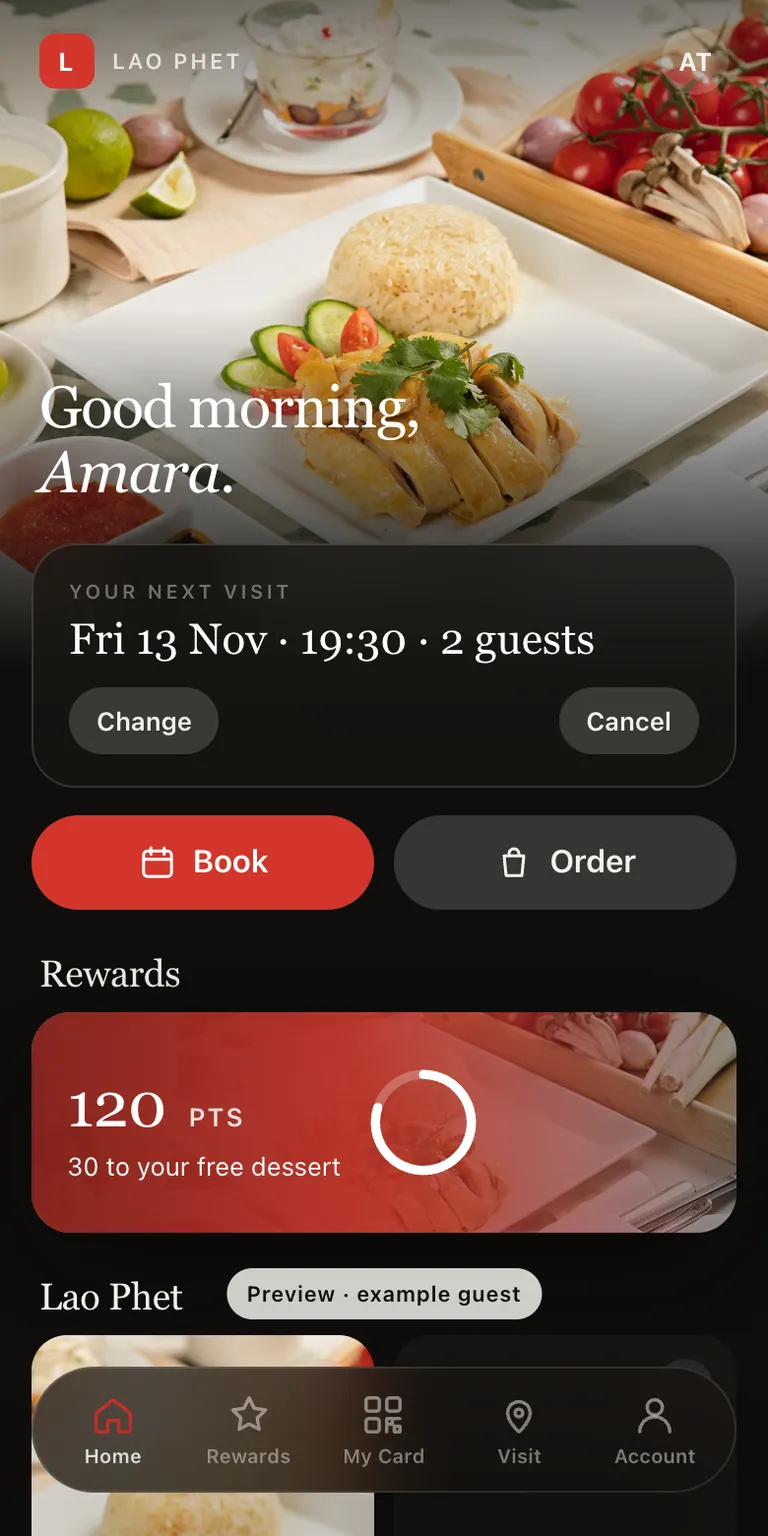
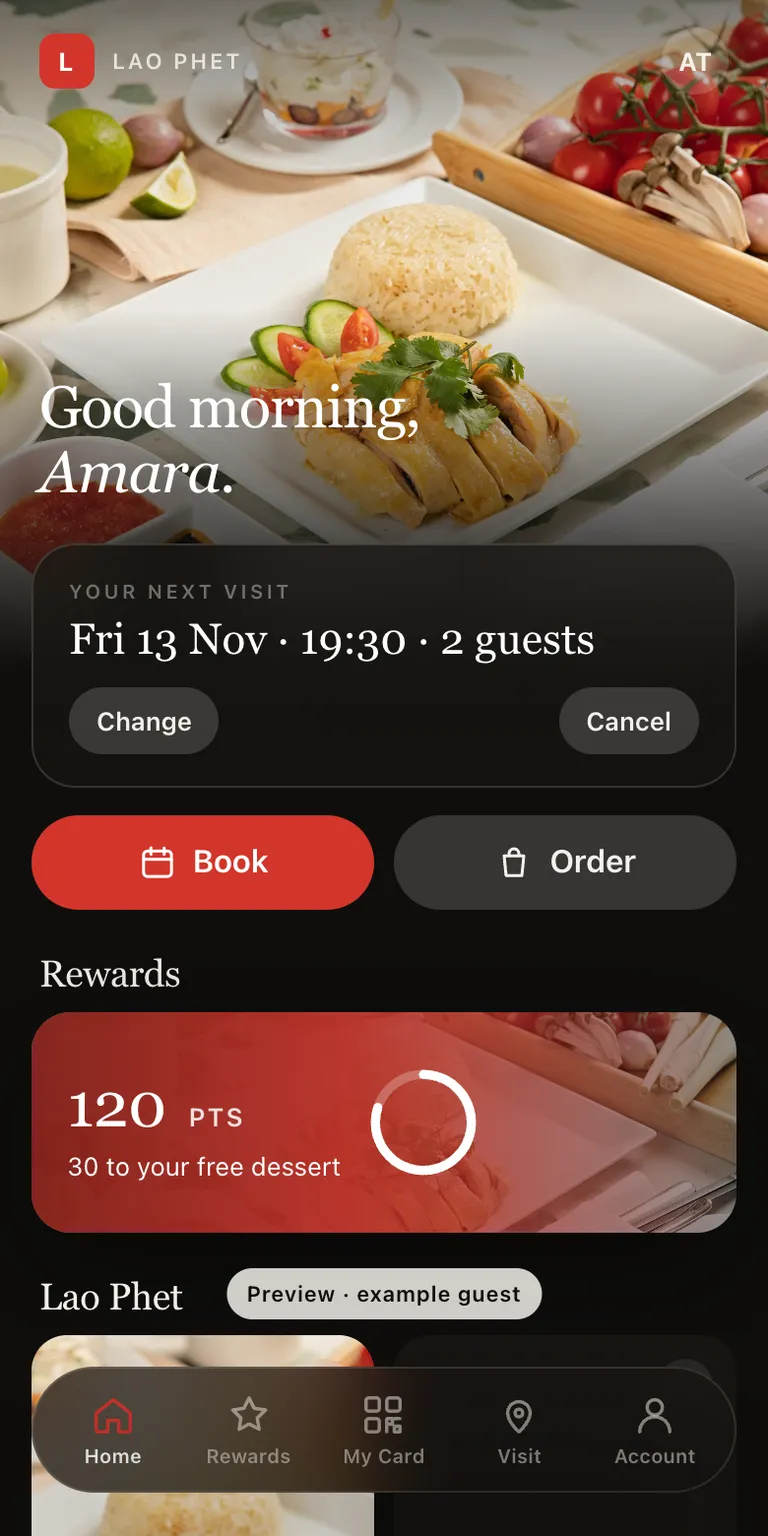
Included on the Growth and Full plans. Watch the Guest App course
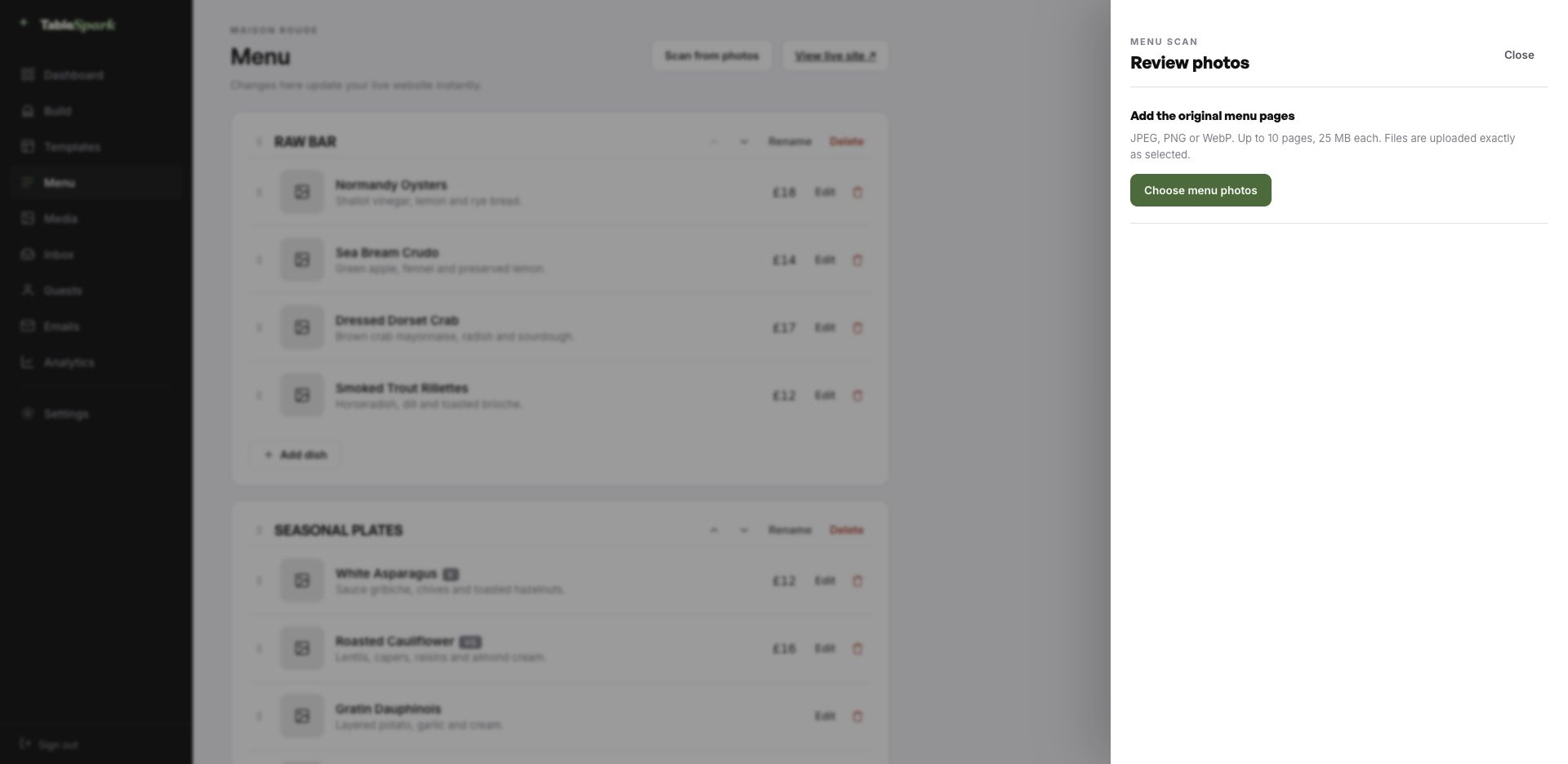
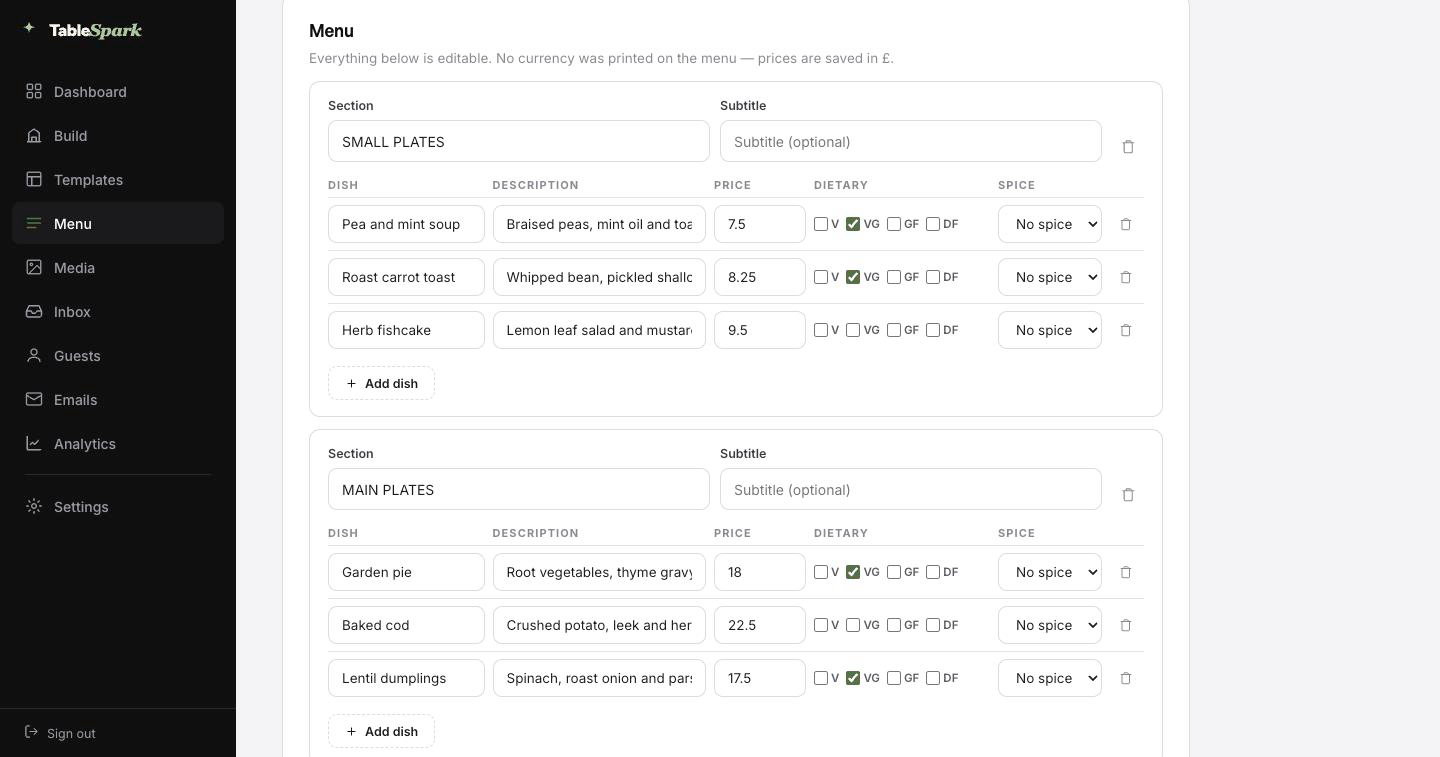
Start with the job everyone puts off. Photograph your menu — the printed card, the chalkboard, the laminated takeaway sheet — and upload it. It comes back as a real menu — sections in order, dishes, descriptions, prices, dietary marks and spice levels, all filled in. It lands in front of you for approval first, with every value editable.
The important part: this is structured data, not an image of a menu. From there the same data runs the menu page, the ordering page, the highlights on the home page and the Restaurant structured data a search engine reads. Change a price once afterwards and all of them follow.
Every page carries a Write with AI button for the search title and description — it reads the page you are on and writes the first draft. Read it, sharpen it, publish it. The order matters.
The card, the board, the sheet by the till. Ten pages at a time.
Sections, dish names, descriptions, prices, dietary and heat marks, all editable.
Menu page, ordering page, home-page highlights and the Restaurant schema — because they share one menu.
There is no kick-off call and no staging link to approve. Everything is designed and wired — you are changing the words and the photographs. One sitting, give or take, and it is live — with the reservation form answering immediately. Both sides get told at once — the booking in your inbox, the confirmation in theirs.
Money is one connection away. Link your Stripe account and the site can take deposits on bookings and payment on orders, paid directly to you. No per-order fee, no revenue share, 0% commission on any plan. Stripe’s standard card-processing fees apply to online payments.
Step 01
1min
Pick Lao PhetAll the pages and the demo menu copy into your account.Step 02
4min
Change the name and the wordsType over anything. The restaurant name updates throughout.Step 03
3min
Upload your menuThe menu is built from a photograph rather than typed.Step 04
1min
PublishPublished — and the booking form answers from that moment.Step 05
1min
Connect StripeNow you can take deposits on tables and payment on orders — direct to your account.In all
10min
From template to taking paymentsFive steps, one sitting.The address on your napkins should be the address that loads. Start on a TableSpark address, then bring your own domain across — the site does not change, only the name it answers to.
The certificate, its renewal, the secure connection and the redirects are managed here, along with the canonical and sitemap signals that make a domain move safe. Bring your own, and the setup screen tells you the one value to paste and where.
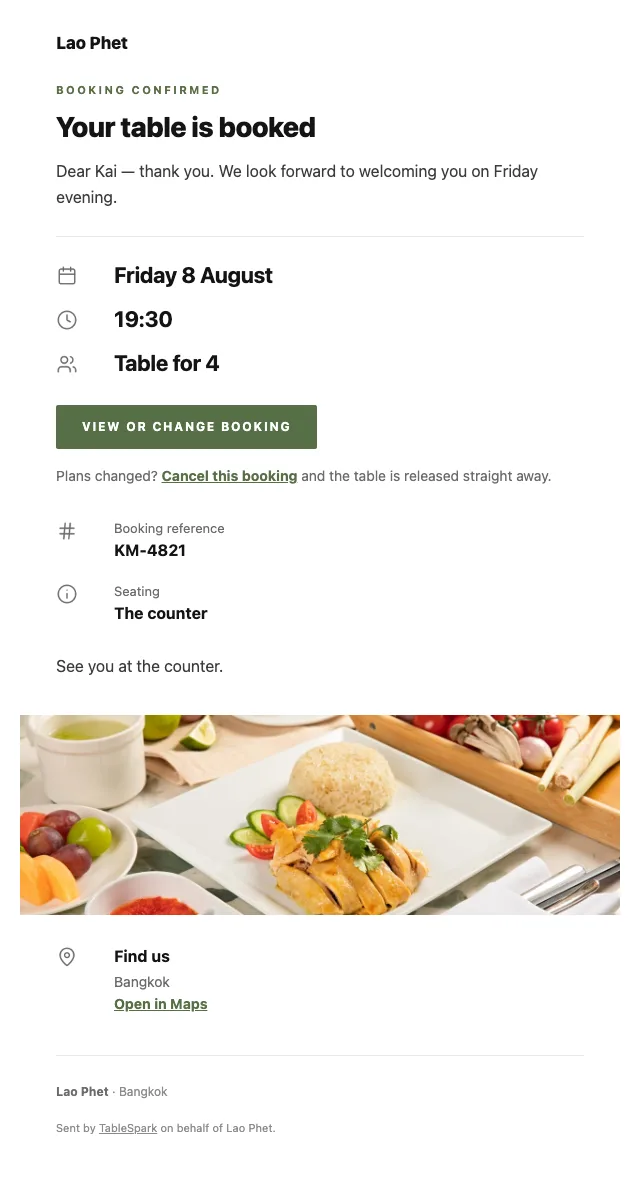
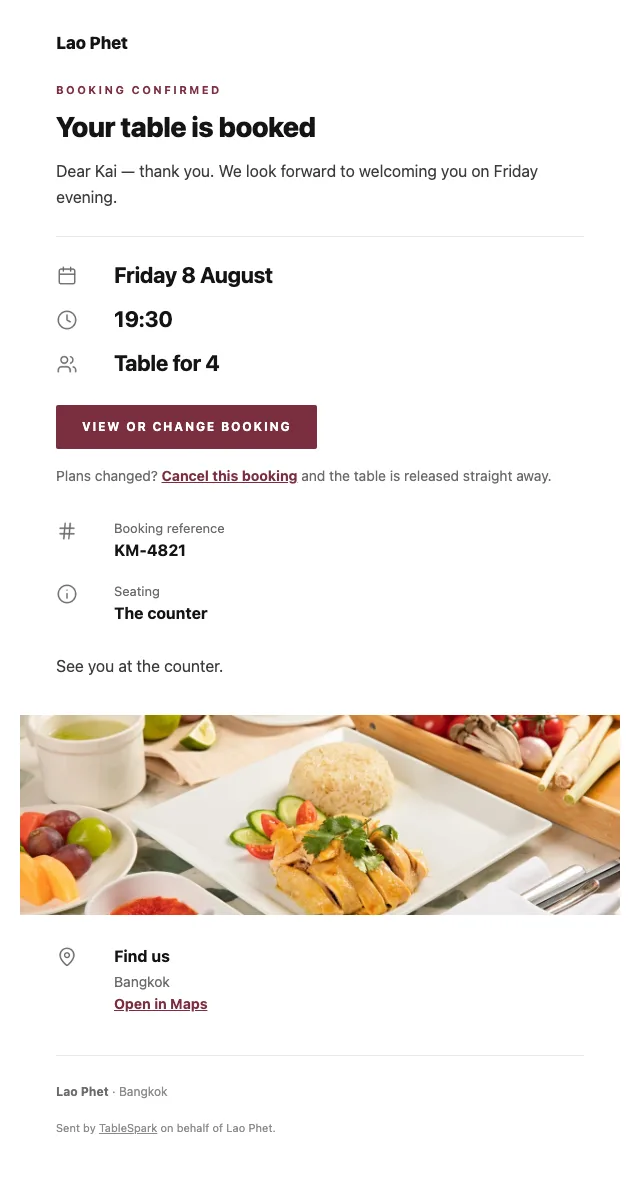
A confirmation email is the only piece of your restaurant a guest keeps in their pocket for a week. The guest is emailed straight away with the particulars — date, time, party size, address, phone — and a link to release the table themselves. Service reminders, deposit receipts and cancellations all travel on the same design.
You are not stuck with our house style. Choose from six styles and make the rest yours: accent colour, logo, cover photograph, header layout, sign-off, links and social accounts. Connect the domain and the sender address becomes yours, which is what makes it read as genuinely from you.
Below, the same booking confirmation in six of the accent colours you can pick.
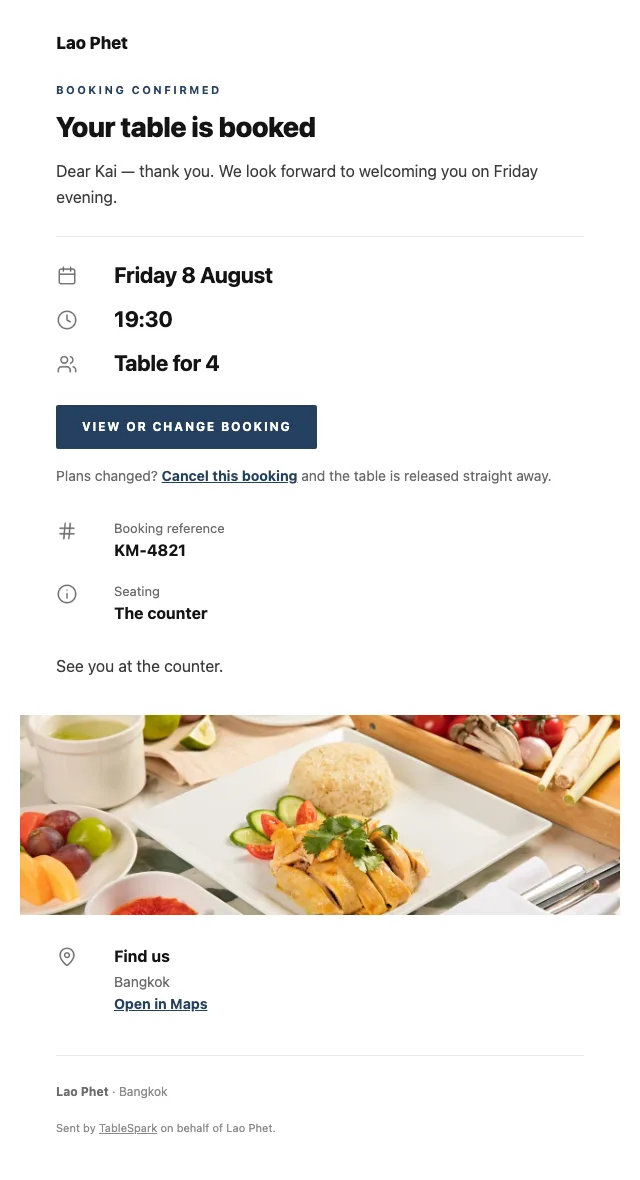
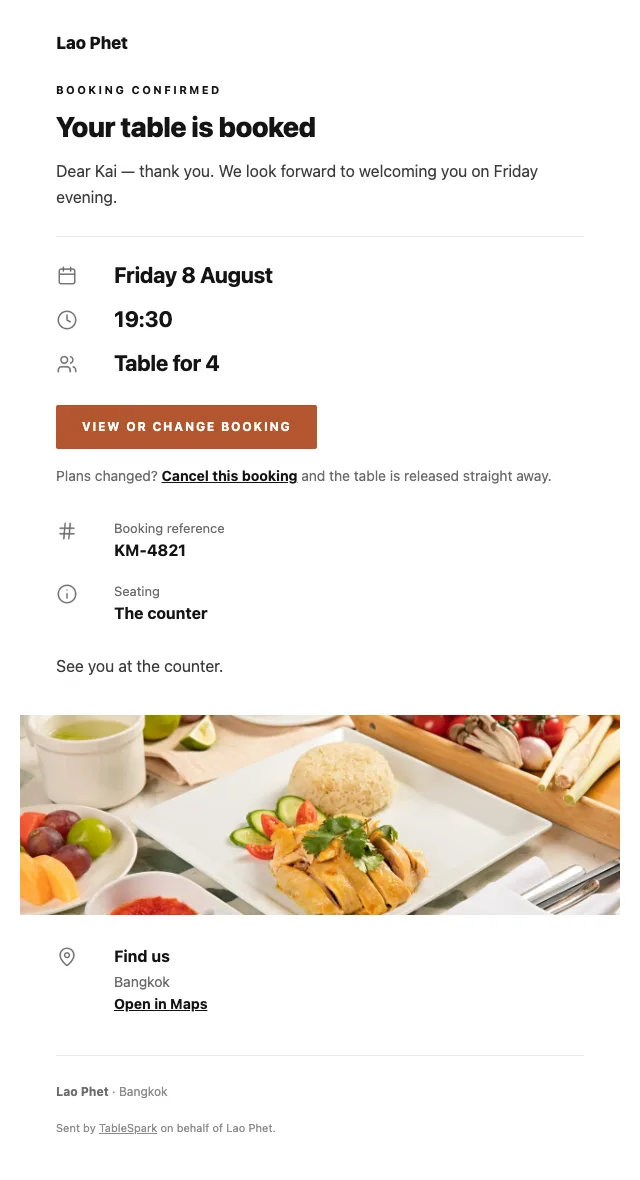
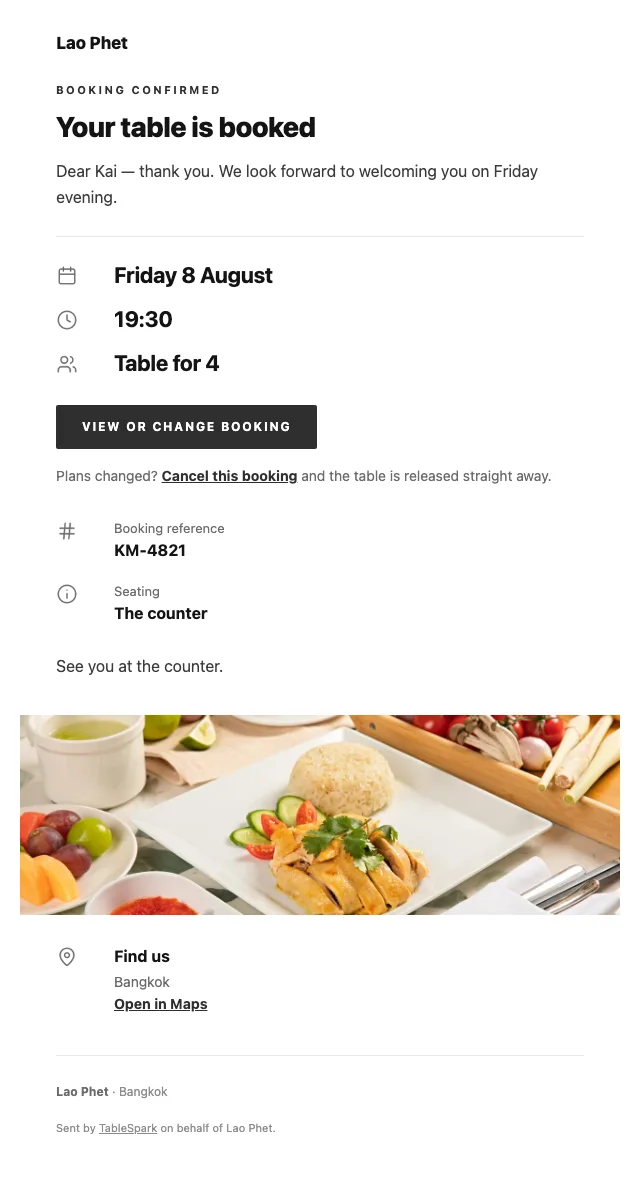
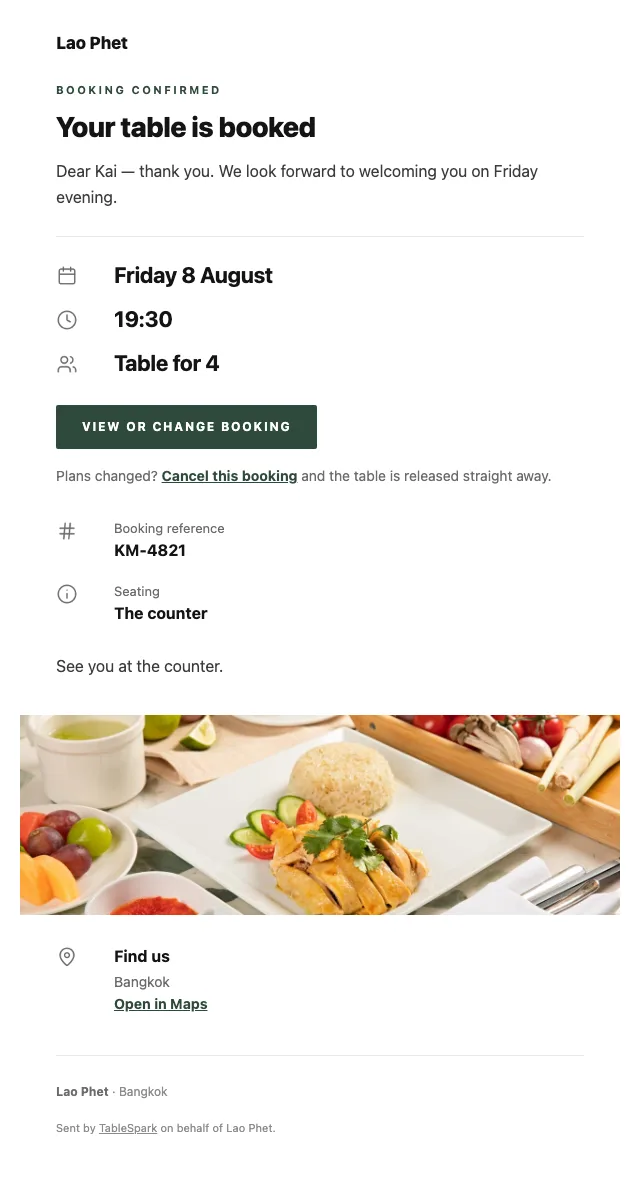
Publishing a page and being present in search are separate achievements. A site can be live at a working link and still be missing from Google: a stray noindex, conflicting canonicals, orphaned pages, a menu locked inside a PDF, missing structured restaurant data or unfinished search verification will each do it. That gap gets filled by directories and marketplaces, which are delighted to charge you for guests who were already looking for you by name.
That groundwork is already laid here. Neither rankings nor indexing can be guaranteed by anyone — but the setup that so often prevents them is complete here.
Every one can be renamed, reordered or removed, and new pages added.
Every block above comes from the same library your own site draws on — 70 modules, each with its own layout variants.
Do not want one? Delete it. Want a block from another template? Add it. The page is a stack, not a picture.
Ships with 4 sections — Roast and rice, Wok, Soups and small plates, Dessert — for you to overwrite.
TableSpark charges 0% commission — not per order, not per plan. Stripe’s standard card-processing fees apply to online payments. A marketplace charges both a fee and the customer relationship.
This runs on your own domain, into your own inbox, with a guest record you can export whenever you like.
Why we charge nothing per order
You bring the menu and the last word. TableSpark brings the typing, the fields and a first draft of the search copy.
Nothing goes live on its own.
Search engines Menu — Lao Phet | Thai-Chinese, Bangkok Two kitchens, one family, one shophouse. The Lao Phet menu with prices, heat levels and dietary marks.Drafts the search title & description from this page’s content. Always review before publishing.
Stripe’s standard card-processing fees apply to online payments.
How to set a booking deposit that guests accept
Assemble it, fill it, preview it — all without paying. Publishing is the only thing that costs.
Assemble it, fill it, preview it — all without paying. Publishing is the only thing that costs.
6 pages, and every one of them is here. Everything below is rendered, not photographed. The frame uses the same engine as a published site, so the tabs and the in-page links are all real. Phone shows the mobile layout.
The story page is the reason a restaurant like this exists, and it gets the full treatment: narrative, quote, interview, a timeline that can span generations, and a gallery of the building. The reservations page handles the bookings, and the visit page explains a building that is often harder to find than a street address suggests.
The editorial layout — a plate per section, then dishes as ruled type — suits a menu that is telling a lineage. Each section can carry a sentence about where the dish sits between the two kitchens, and the guest reads it as a card rather than scrolling a gallery.
Dishes with a story need the description field, and this menu expects it used: the generation that brought the recipe, the substitution that made it Thai, the technique that stayed Chinese. Prices, heat levels and dietary marks are structured fields, so they stay consistent across the menu page, the ordering page and the search data.
The layout can change; what does not is that each dish, its description and its price are text on the page, wrapped in Restaurant schema — rather than a PDF or a picture of a card.
Ordering runs as dense rows, which is the layout for a kitchen whose baskets are large and various — five small plates, two rice, a soup, three drinks. Compact rows keep the whole order visible while it is being built.
The running total is the feature that matters at this basket size, and it never leaves the screen: a pinned bar on a phone, a following panel on a laptop. Modifiers appear as chips on the row, so choosing a portion or a heat level does not interrupt the flow.
Three modes, three sets of questions — a table number, a telephone number or an address — each one only what that order requires.
Running a Thai kitchen? See all Thai restaurant website templates.
What owners ask before they pick a template: the cuisine fit, the menu, the address, and what it costs.
Yes, and this is where most restaurant sites fail. The visit page carries a map, written directions, the floor and entrance, and a “before you come” block for the details a pin cannot express. All of it is real text, which is also what a search engine reads when a guest searches for your street or your building by name.
Every dish has a description field, and this template’s menu layout is built to show it. Section subtitles carry a further sentence, so a section can be introduced before its dishes. Both are indexable text, which a menu published as an image can never be — a search engine reads nothing from a picture of a card.
Yes — and bringing a domain you already own is the common case. You go live on a TableSpark address first, then point your domain across; you get the exact DNS record to change. The certificate, HTTPS, bare-domain redirect and the search-engine housekeeping are handled here so the switch does not cost you visibility. Your guest emails can then send from that domain as well.
A confirmation in the restaurant’s name, immediately, with the date and time, the party size, your address and phone number, and a cancellation link so a change of plan does not cost you the cover. Pre-service reminders, deposit receipts and cancellation notices share it. The look is entirely yours — six templates, accent colour, logo, cover photograph, header layout, sign-off wording, links, social accounts — and your domain becomes the sending address once connected.
No. Every section on every page is edited in the builder: click a block, change the words, drop in a photograph. Nothing on this page was hand-written HTML — it is the same block library your own site is built from.
The Full plan carries ordering. Our commission is zero — not a percentage, not a per-order fee. Stripe’s standard card-processing fees apply to online payments.

One click copies the entire design into your account. Everything after that is editing — and it is free until you publish.