01
Hero
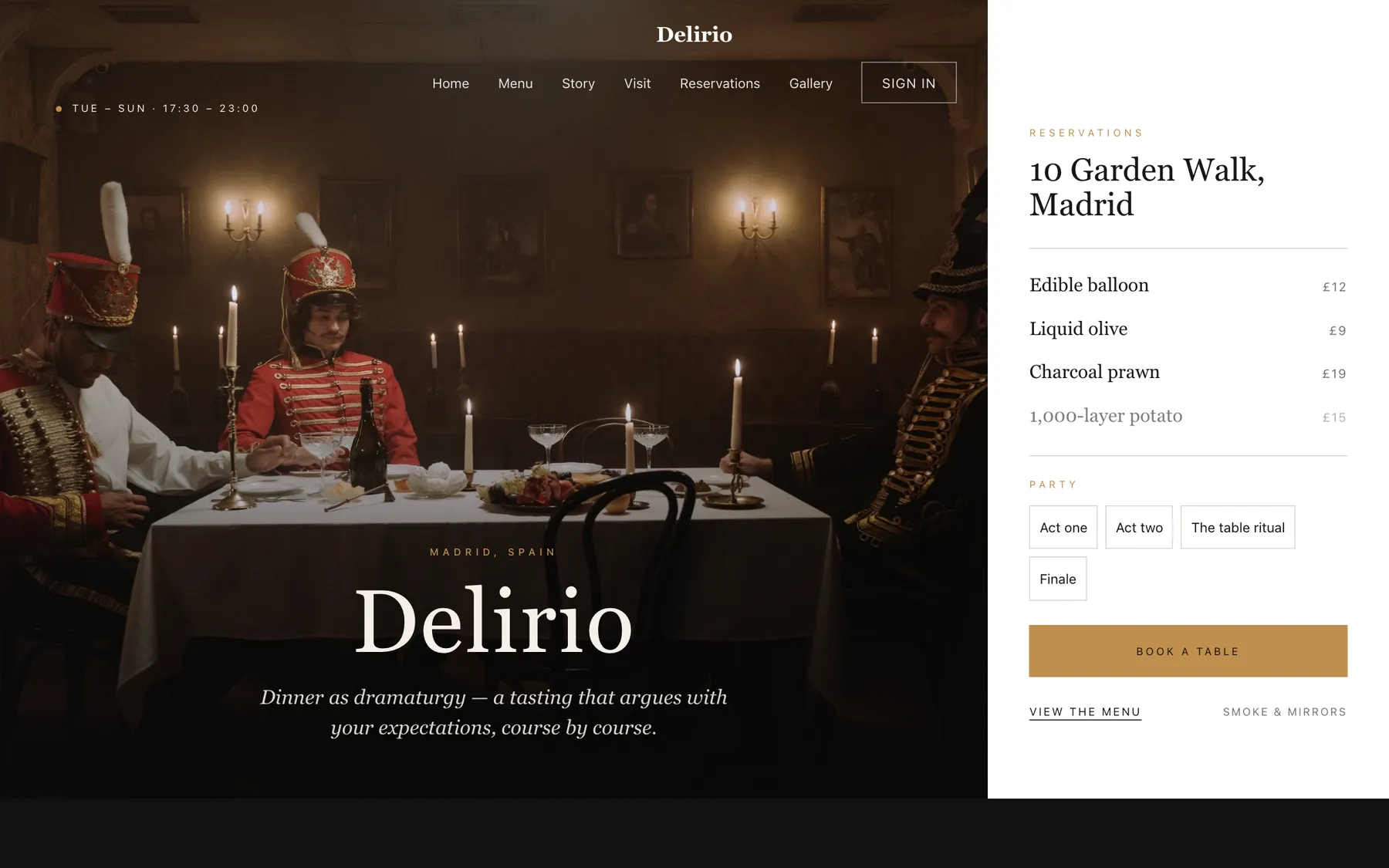
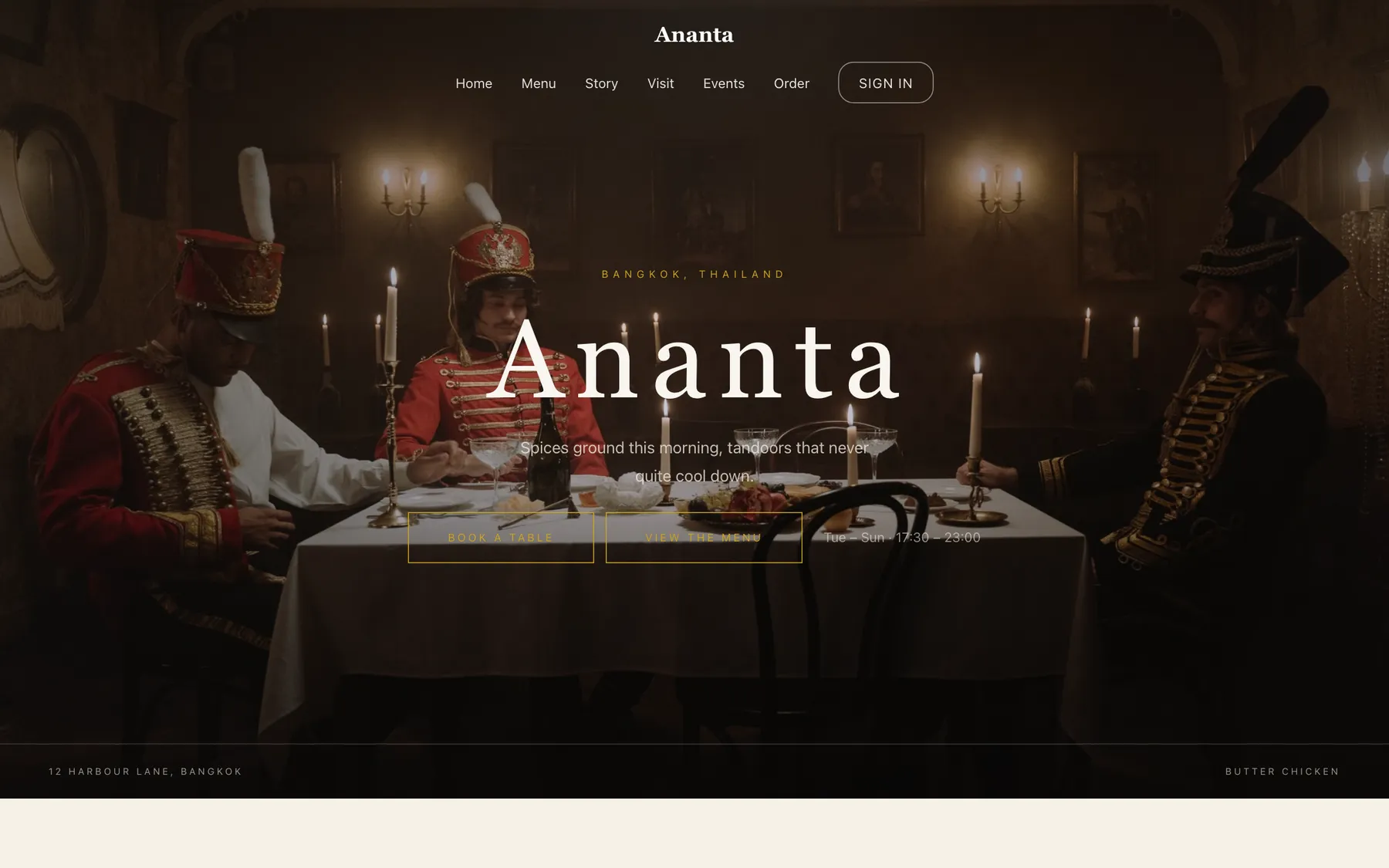
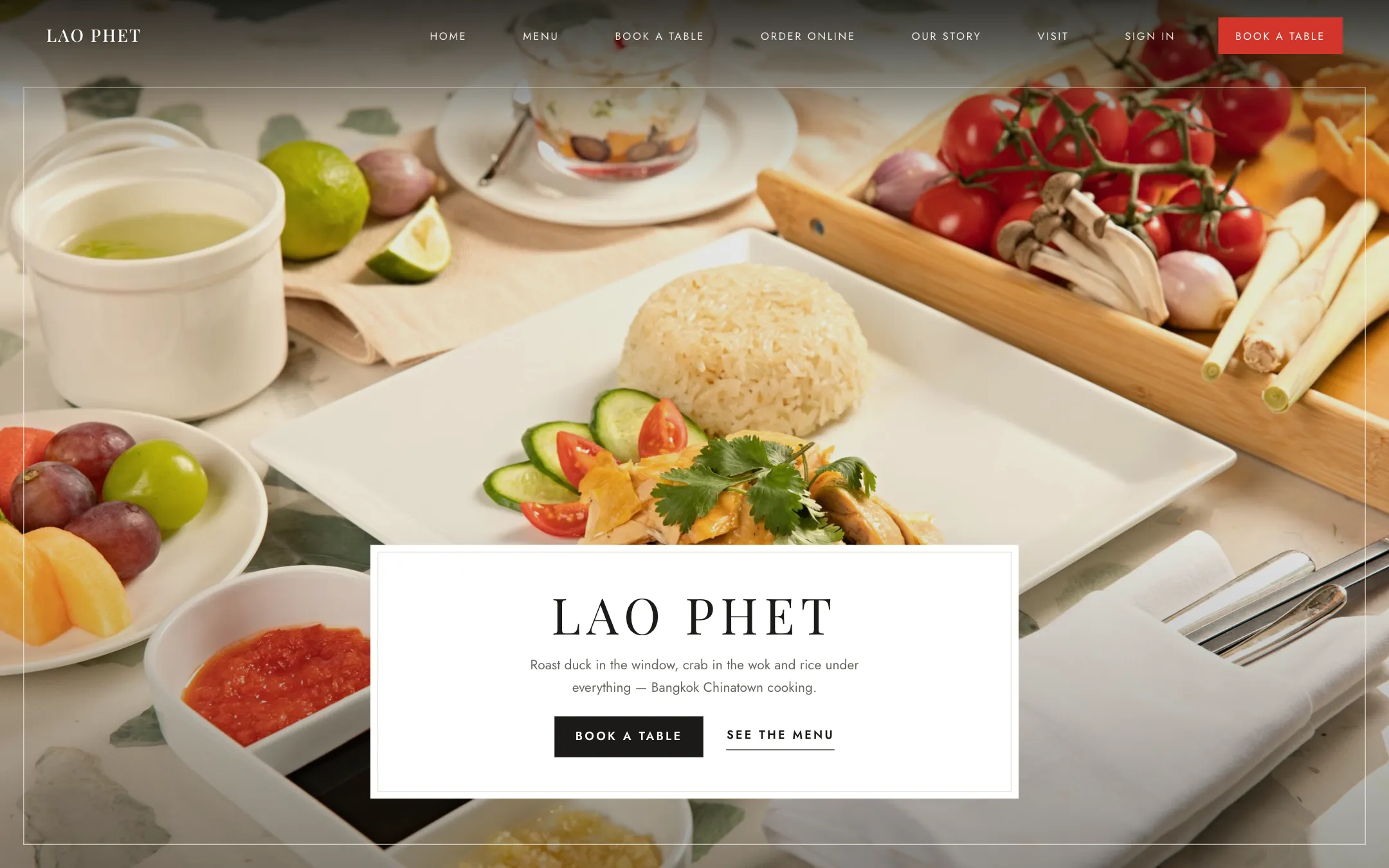
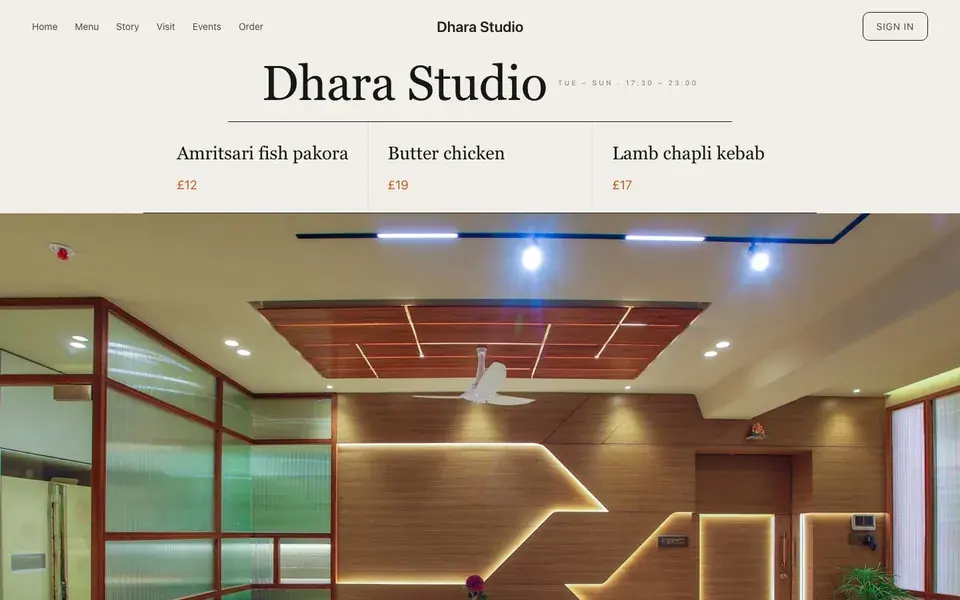
Big opening image, name & buttons.
Templates · Modern Indian
For studio kitchens serving a fixed Indian sequence: a warm paper template with a one-bowl-one-price opening, an accordion menu, and dense-row ordering for the retail arm.
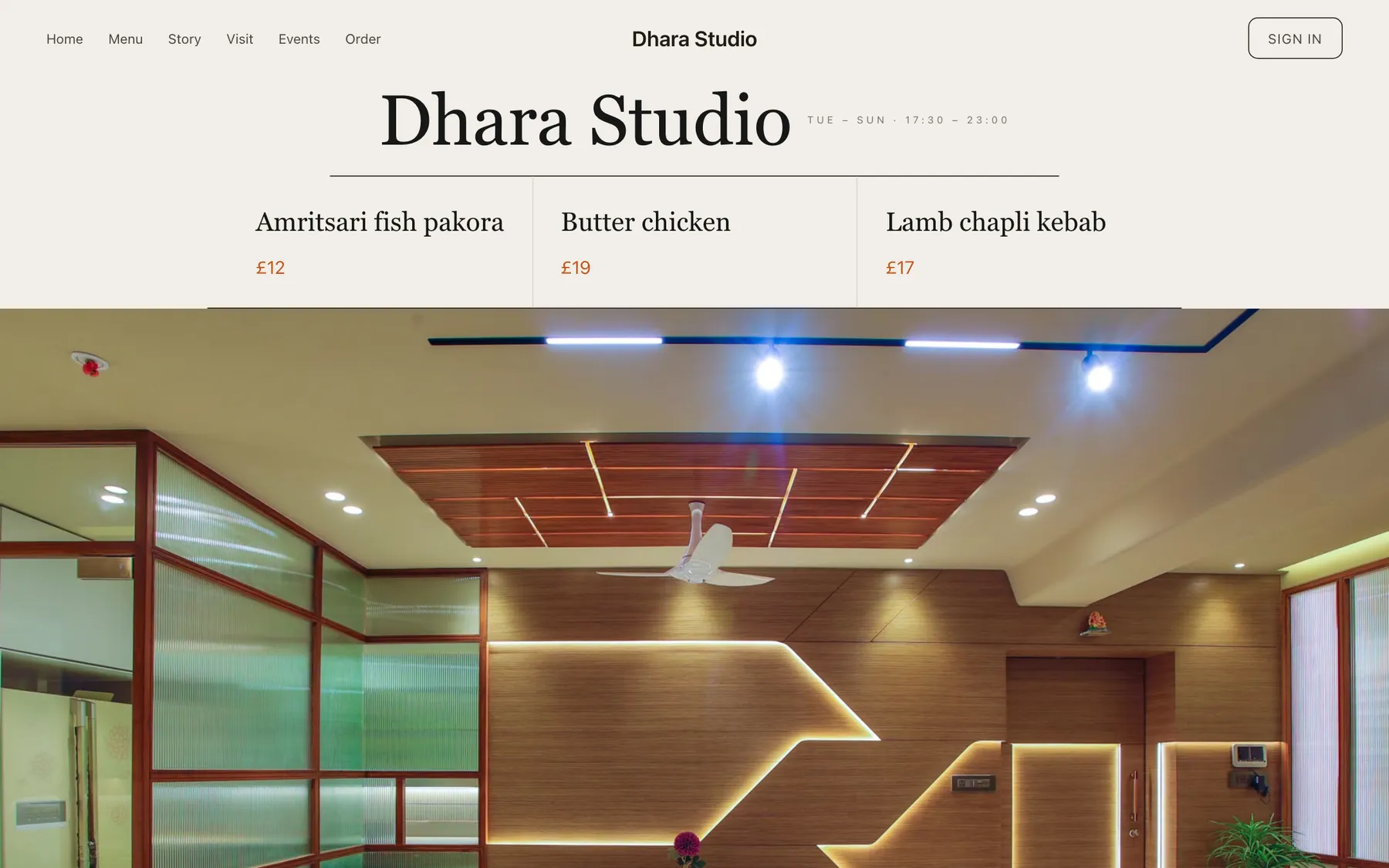
Every section is a builder module you can reorder, edit or delete, with no developer.
On bookings and orders, on every plan. Stripe’s standard card-processing fees apply to online payments.
Build and preview the whole site for nothing, and pay only when it goes live.
Starter is £19/mo excl. VAT and includes a complete restaurant website, a live structured menu, enquiry and newsletter forms, and managed search readiness. Growth is £39/mo excl. VAT and adds direct live bookings, a custom domain with managed SSL, and table and floor-plan operations. Full is £69/mo excl. VAT and adds online ordering and multi-site management for up to five restaurant sites. TableSpark commission is 0%. Stripe's standard card-processing fees apply to online payments.
No agency, no retainer, and the best value an independent UK restaurant can buy, as the full cost comparison sets out. Instead of spending thousands on a bespoke build and waiting months for it, you start from a finished design like this one and go live the same day. Then it is yours to keep current — and a menu that can be corrected in a minute is a menu that stays true. The layouts are built mobile-first and scale up, and the plans add reservations, table management, ordering and the tools to run them — 0% commission to us.
Dhara Studio is warm paper with a saffron amber that reads as spice light rather than gold leaf. Yours might be white tile and morning light, or brass and candles, or something nobody has built yet.
Rather than explain, here is the thing itself: the builder’s Theme controls on one side, the live site on the other, both real. You cannot break it, nothing saves, and no account is required to have a go. Go on.
Loading the live preview…
A studio kitchen serving one menu to twenty covers is closer to a workshop than a restaurant, and the design says so: a single clear proposition on the first screen — one sequence, one price — and no attempt to look like a dining room it is not.
The warm paper ground is a deliberate departure from the near-black that tasting menus default to. Indian plating is colourful, and a pale page lets that colour carry rather than fighting it with a dark surround.
Eight blocks, arranged around one proposition:
01
Big opening image, name & buttons.
02
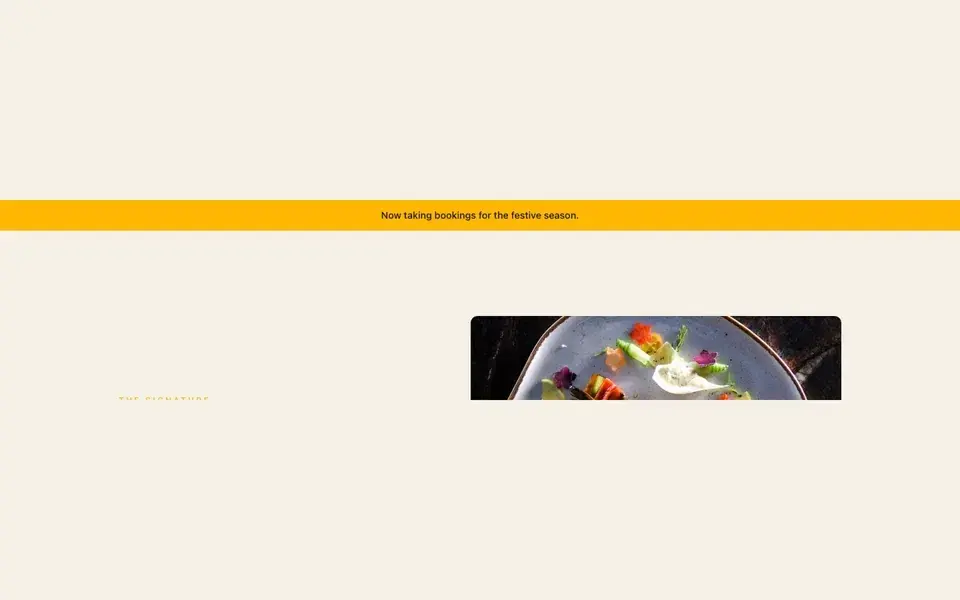
Slim notice bar at the top.
03
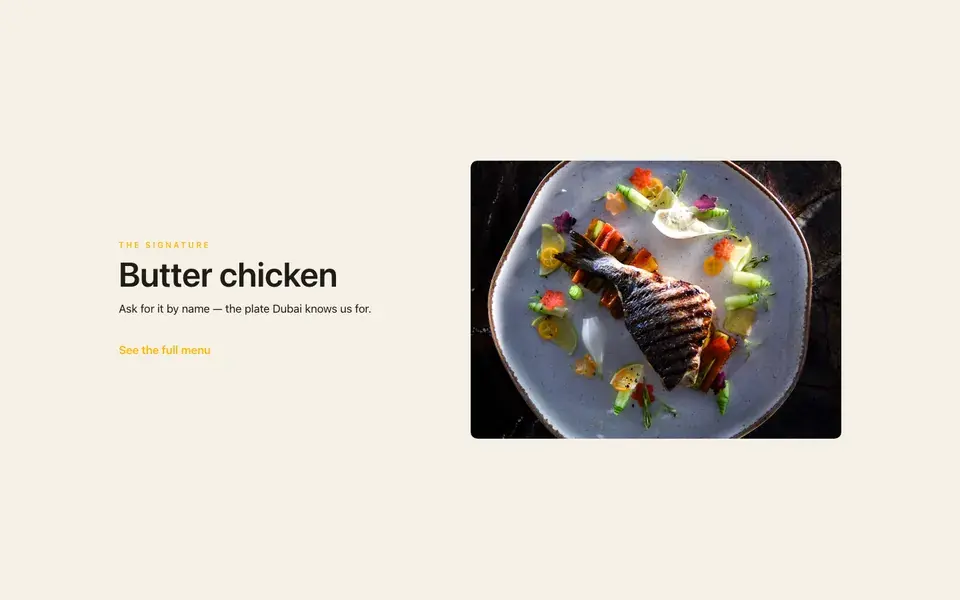
One dish, full screen — name, story, price.
04
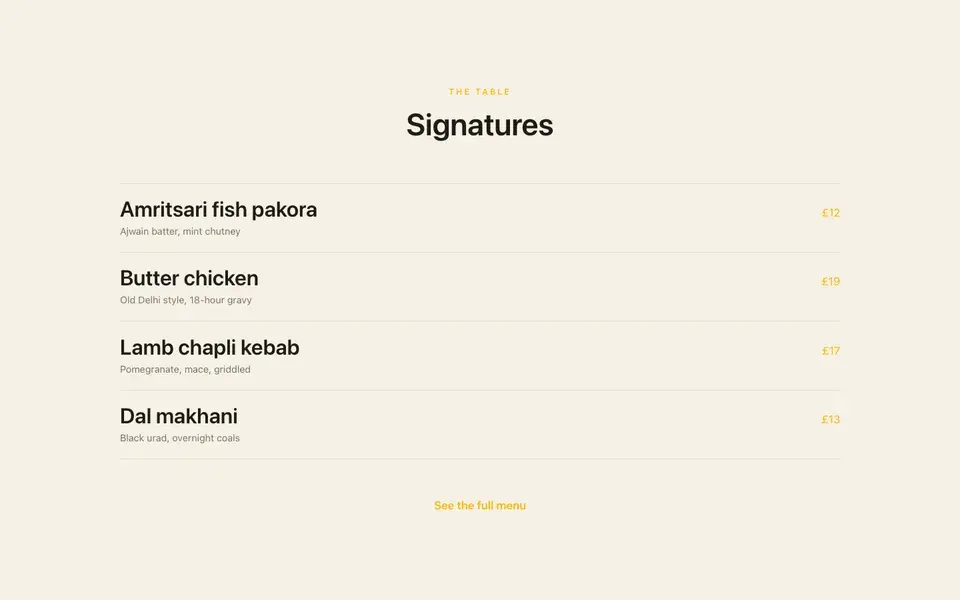
A few dishes on a sliding rail.
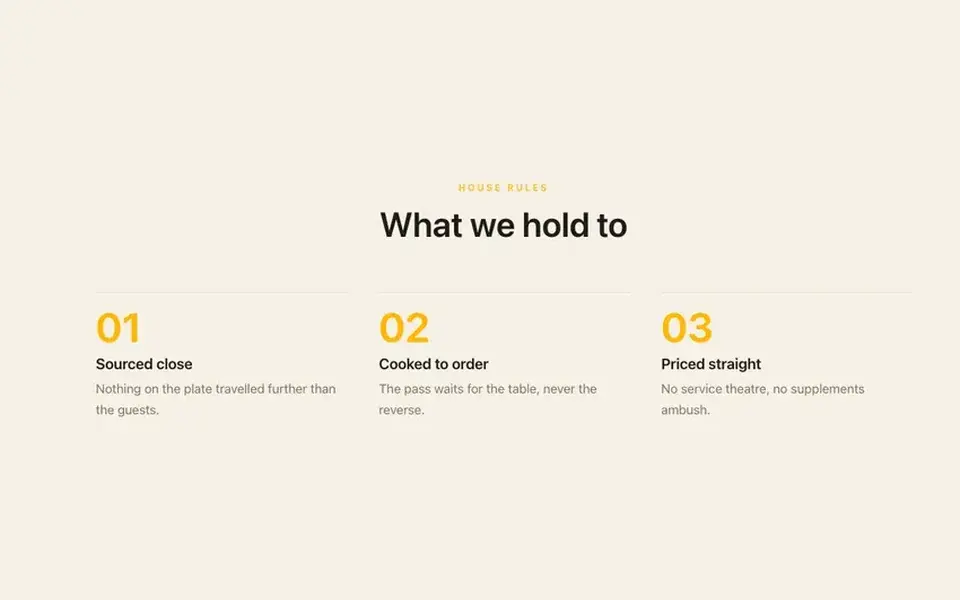
05
Three guiding values.
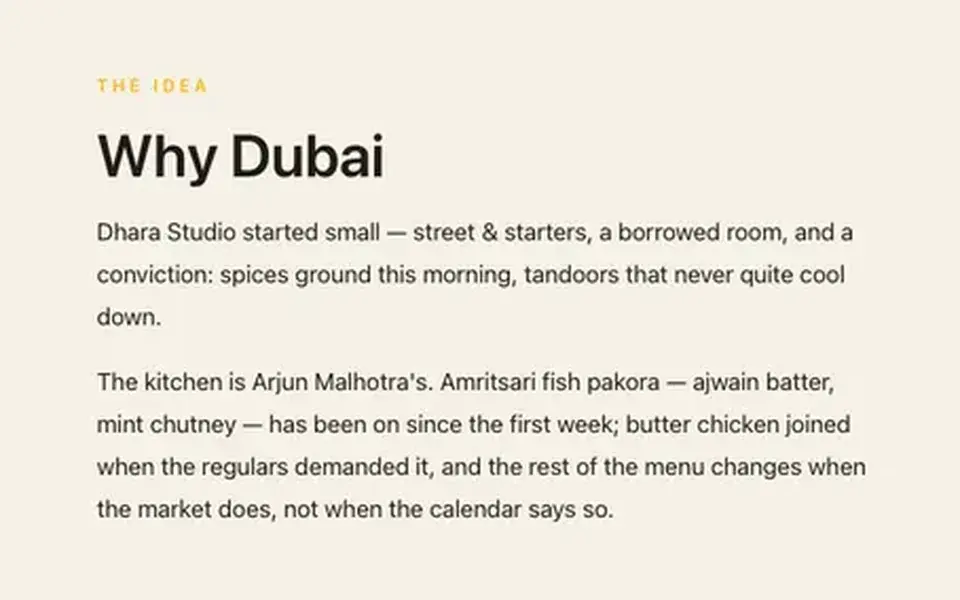
06
A paragraph beside a photo.
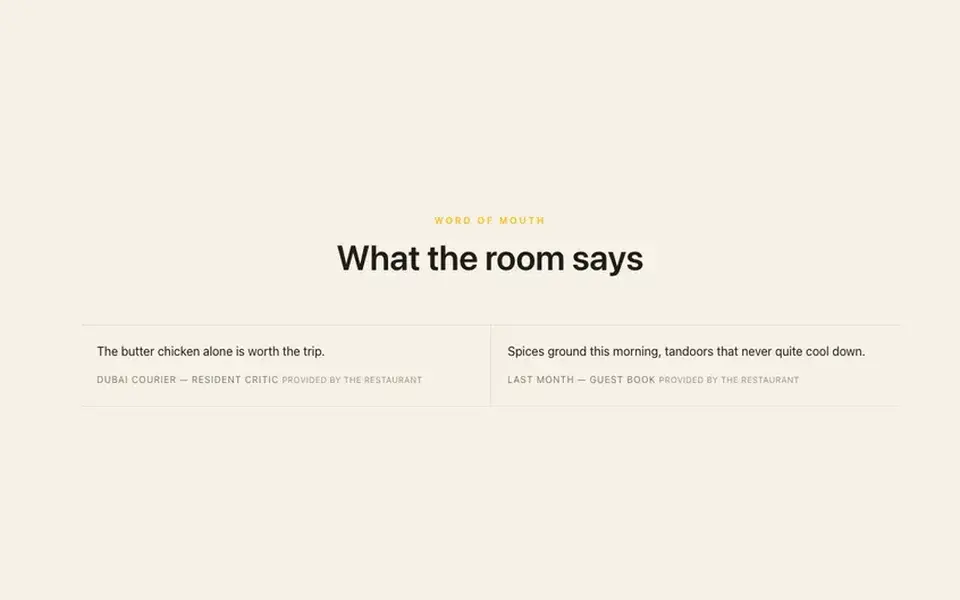
07
Guest quotes with stars.
08
Headline + button band.
Loading the live preview…
Dhara Studio uses the Classic list ordering layout — the printed-menu look, with dotted leaders running from each dish to its price.
It reads like the delivery apps your guests already know, except the restaurant keeps the relationship and the money. The basket stays on screen, and each mode asks only for what it needs: a table number, a phone number or an address.
Loading the live preview…
This is the frame that matters. It is the real ordering page at a real phone width — not a mock-up, not a video.
On a laptop the same page puts the basket in a panel beside the menu that follows the scroll.
Every Dhara Studio site on Growth and Full ships with an app your guests keep. It lives at /account on your own domain, so the guest signs in to your restaurant, not a marketplace.
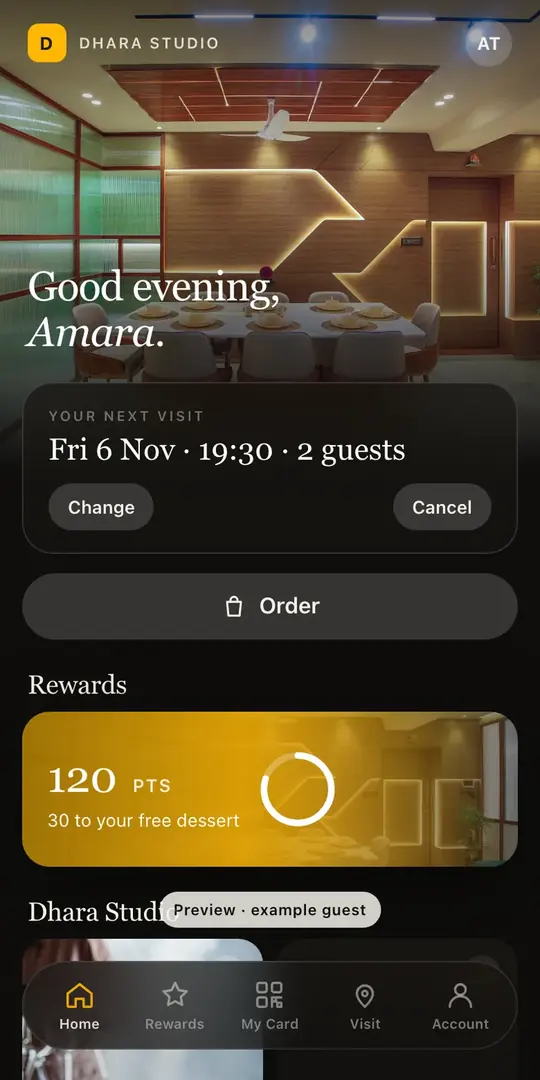
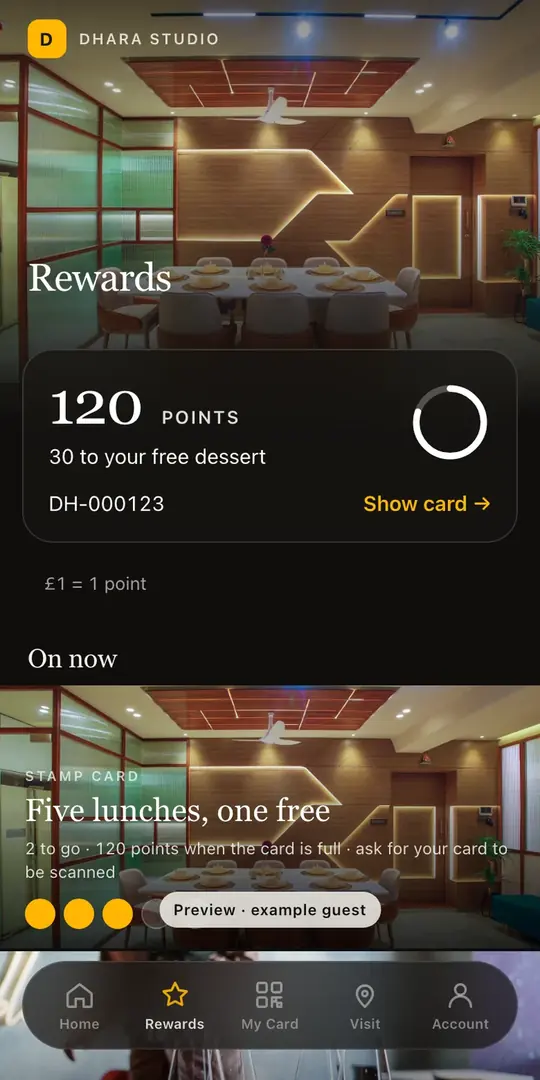
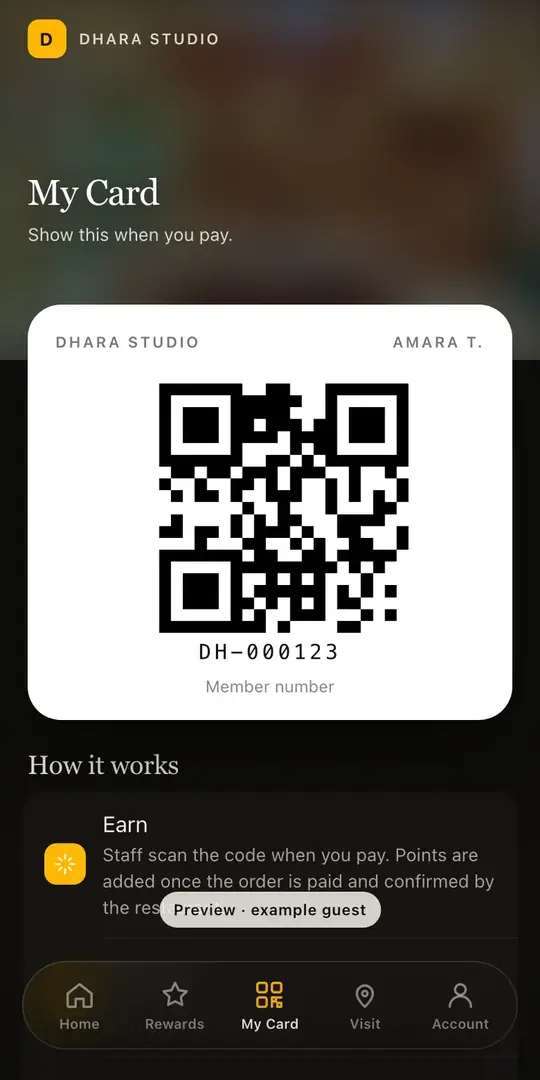
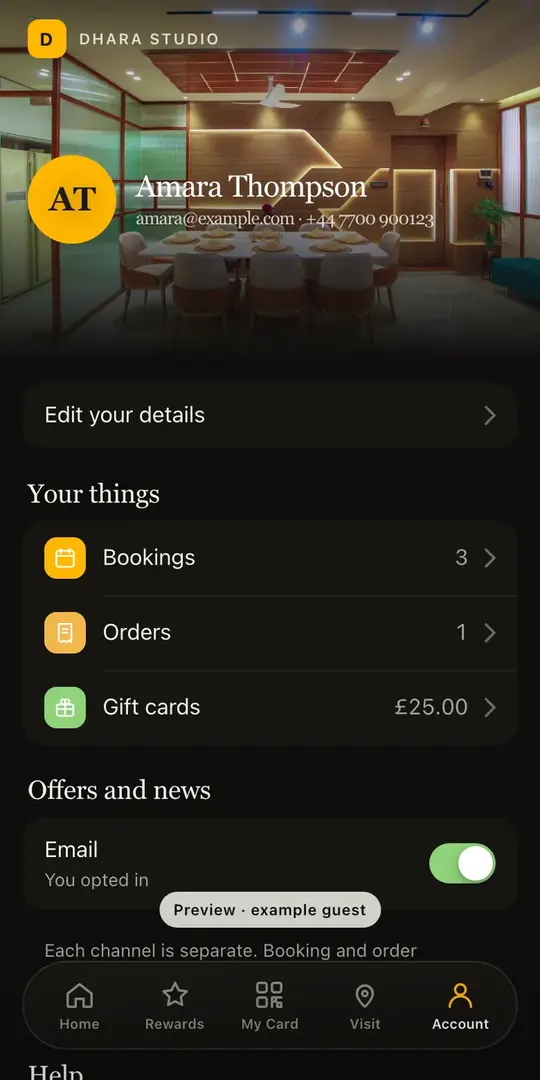
Included on the Growth and Full plans. Watch the Guest App course
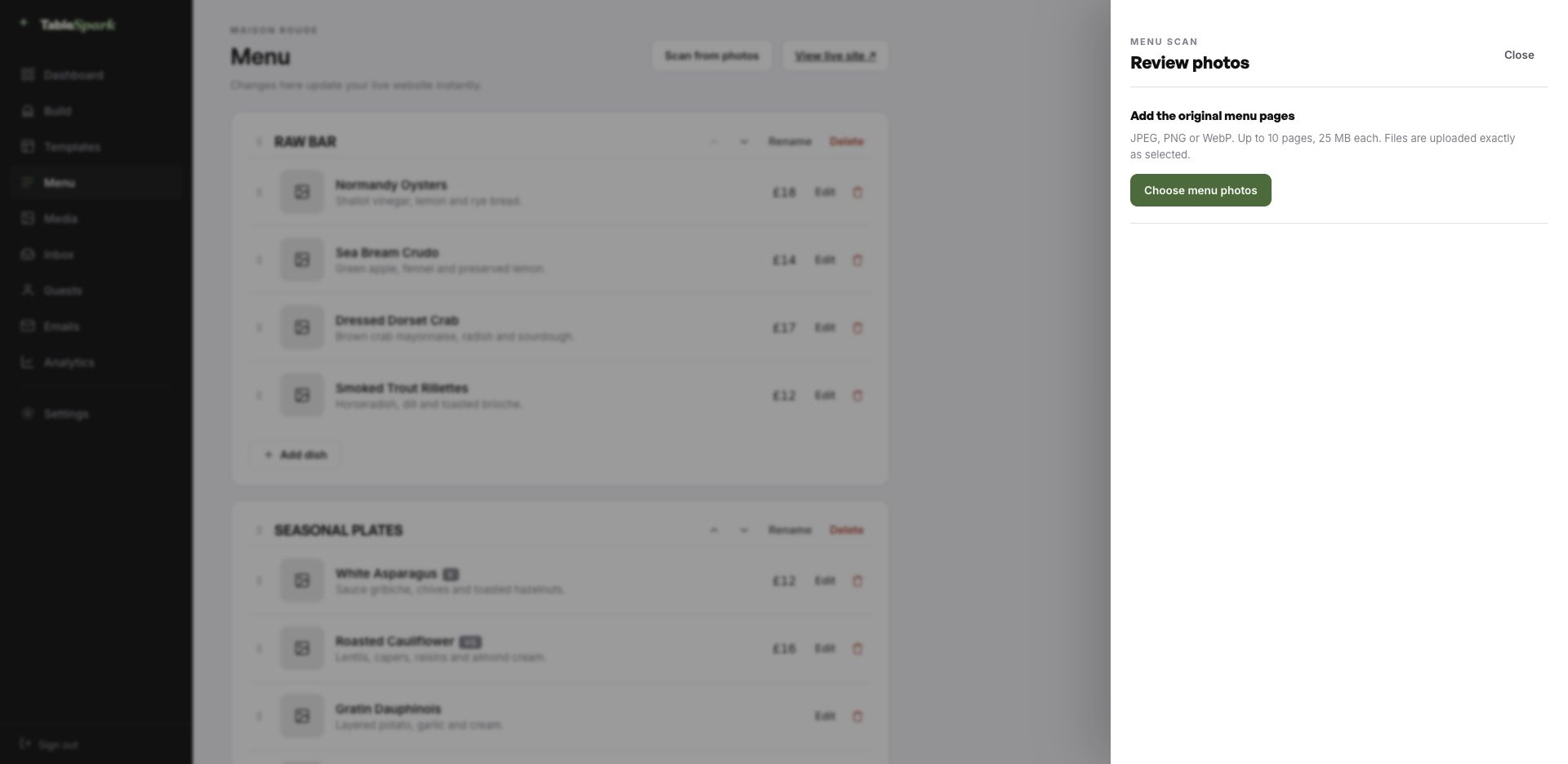
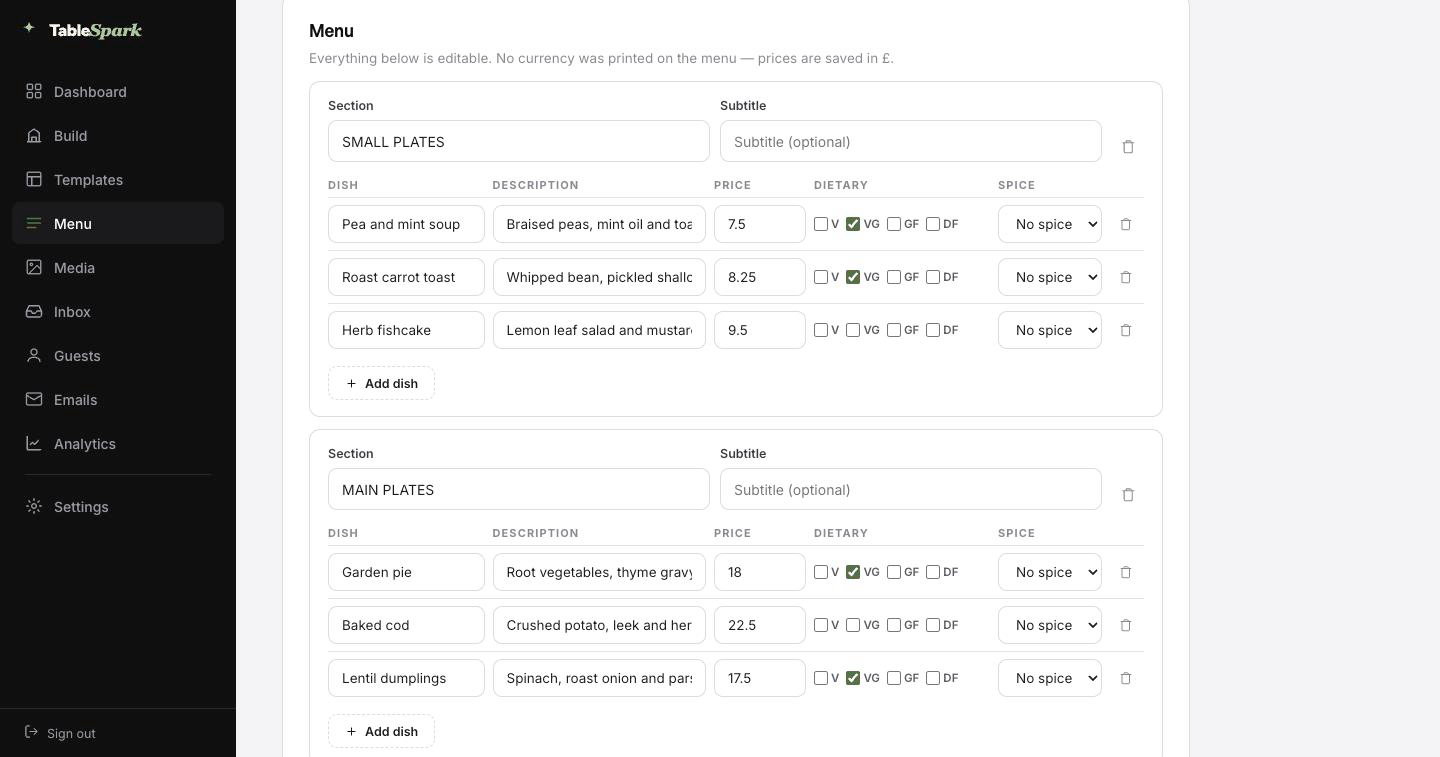
The worst job in setting up a restaurant site is typing the menu. You do not have to. Send in the menu you hand to guests — card, board, PDF, ten pages if it runs that long. What returns is not a scan but a structured menu: every section, every dish, every price, with dietary and spice marks read off the page where they were printed. Nothing saves until you have looked at it — every field is editable on the review screen.
And because it is data rather than a photograph, it can do work. That single menu is what powers the menu page, the ordering page, the highlights on the home page and the Restaurant structured data a search engine reads. Change a price once afterwards and all of them follow.
Search titles and descriptions are drafted the same way: press Write with AI and it writes from the page in front of you. You still approve every line of it before it goes anywhere.
Whatever your menu lives on today — card, board, PDF, ten pages of it.
Ordered sections, named dishes, descriptions, prices and marks, all editable.
Menu page, ordering page, home-page highlights and the Restaurant schema — all reading from the same menu.
The waiting is the part that has been removed. Consider it a fully fitted kitchen waiting for your knives. One sitting to live, and the booking form does not need setting up: it is already answering. The booking appears in your inbox; the guest gets a confirmation before they have put their phone down.
One Stripe connection turns the site into something that collects money: deposits on tables, payment on orders, paid direct. Our commission is 0% at every plan level. Stripe’s standard card-processing fees apply to online payments. That is the only deduction.
Step 01
1min
Pick Dhara StudioThe complete site lands in your account, ready to edit.Step 02
4min
Change the name and the wordsClick, type, replace a photograph. The name updates site-wide.Step 03
3min
Upload your menuUpload a picture of the card; the AI does the sections and prices.Step 04
1min
PublishPublished, on your own address, with the booking form answering.Step 05
1min
Connect StripeNow you can take deposits on tables and payment on orders — direct to your account.In all
10min
From template to taking paymentsFive steps, one sitting.Nobody prints someone else’s name on their menu, and a web address is no different. You start on a TableSpark address so you can publish today, and move the site onto your own domain whenever you are ready — the one on your menus, your napkins and your Google listing.
You do not touch a certificate or a redirect rule. TableSpark issues and renews the SSL, points the bare domain at your chosen host, and keeps the search signals consistent. If the domain is already yours, nothing needs buying; you are told precisely which DNS record to point where.
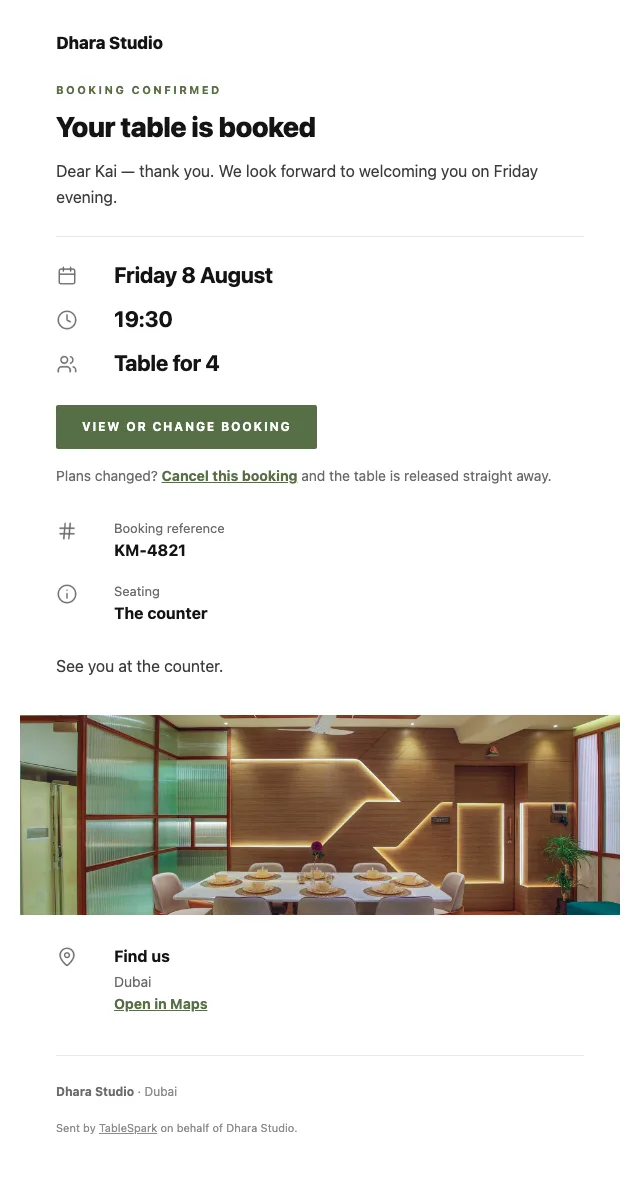
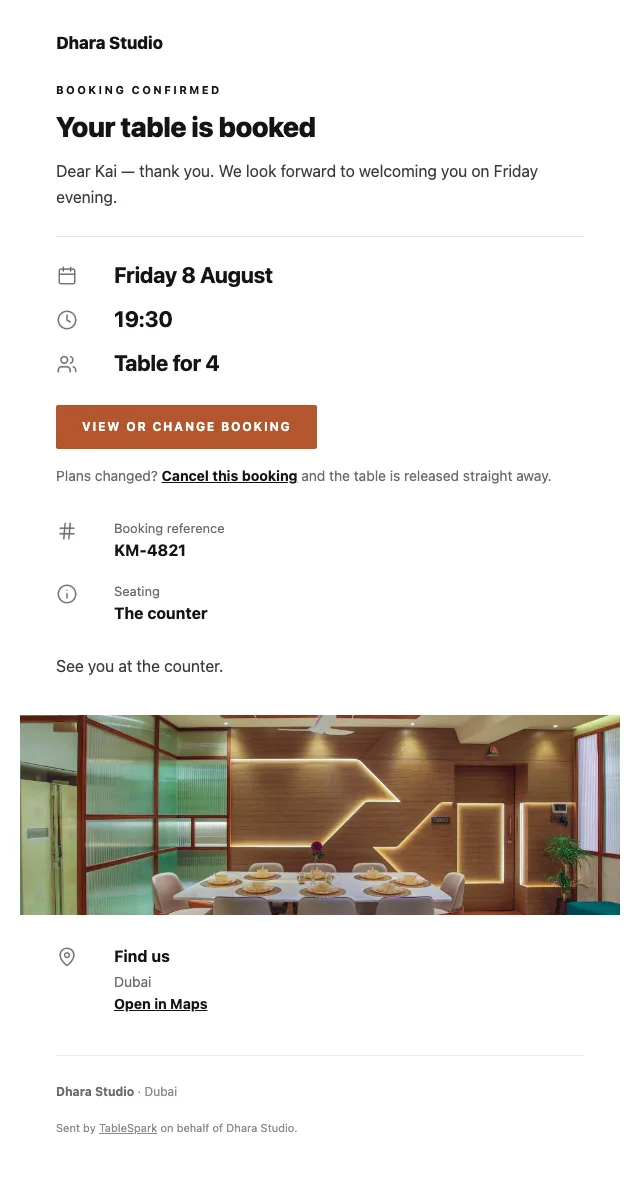
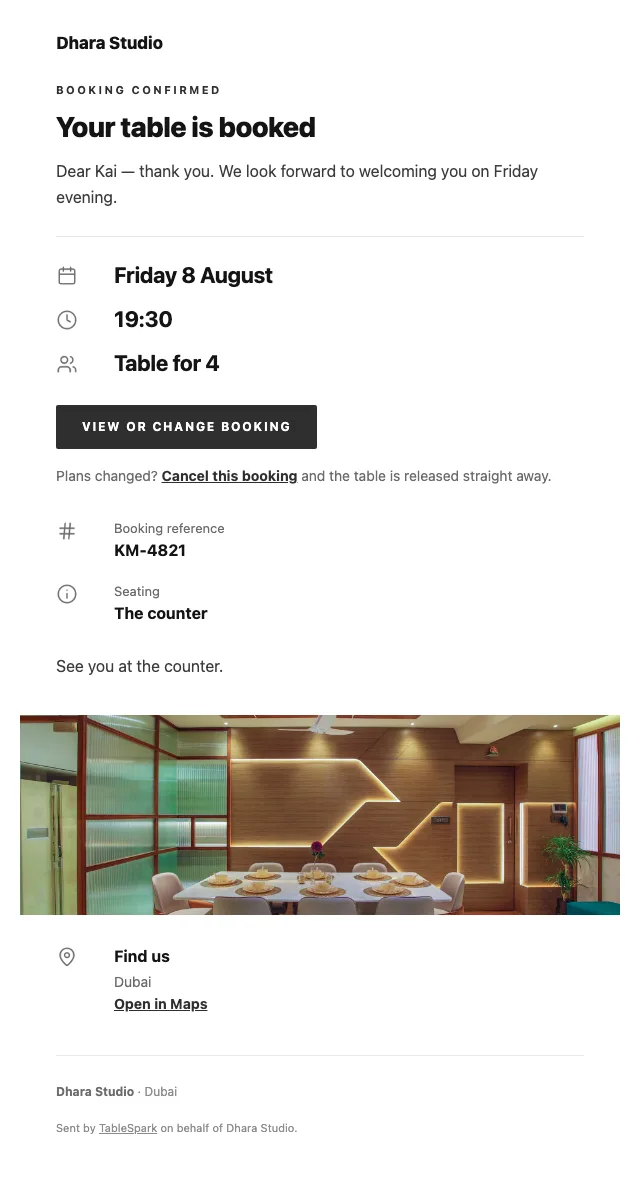
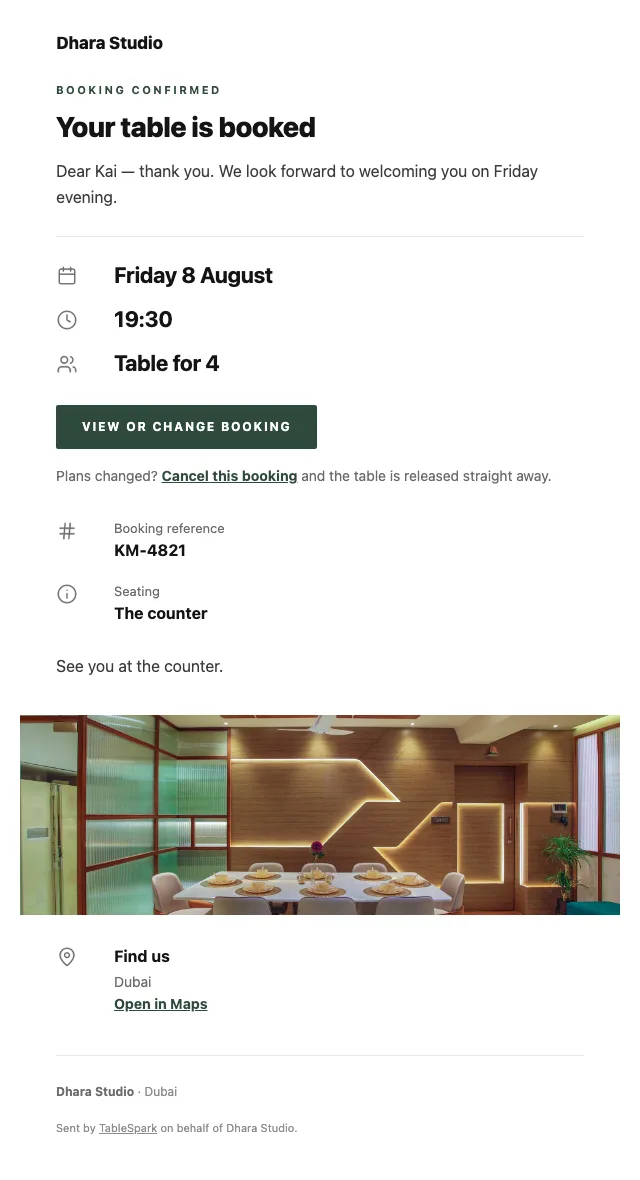
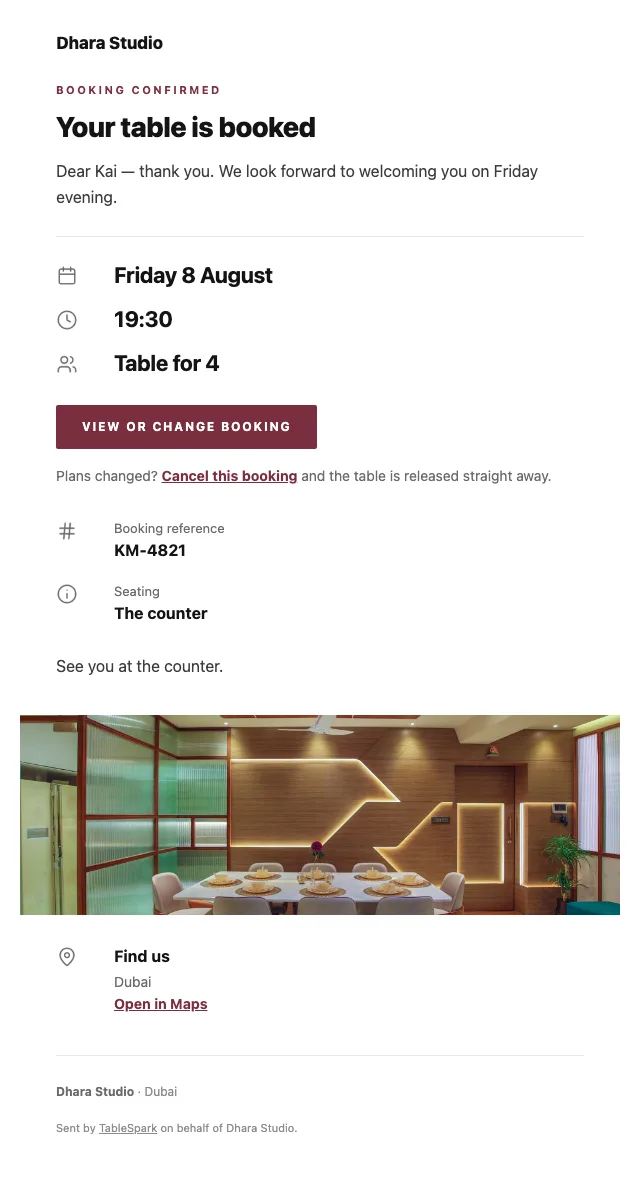
Most guests will see this email more often than they see your home page. On booking, an email goes out on your behalf with everything the guest needs — when, how many, where, how to reach you, and a one-click way to give the table back. Reminder emails, deposit receipts and cancellation notices are cut from the same cloth.
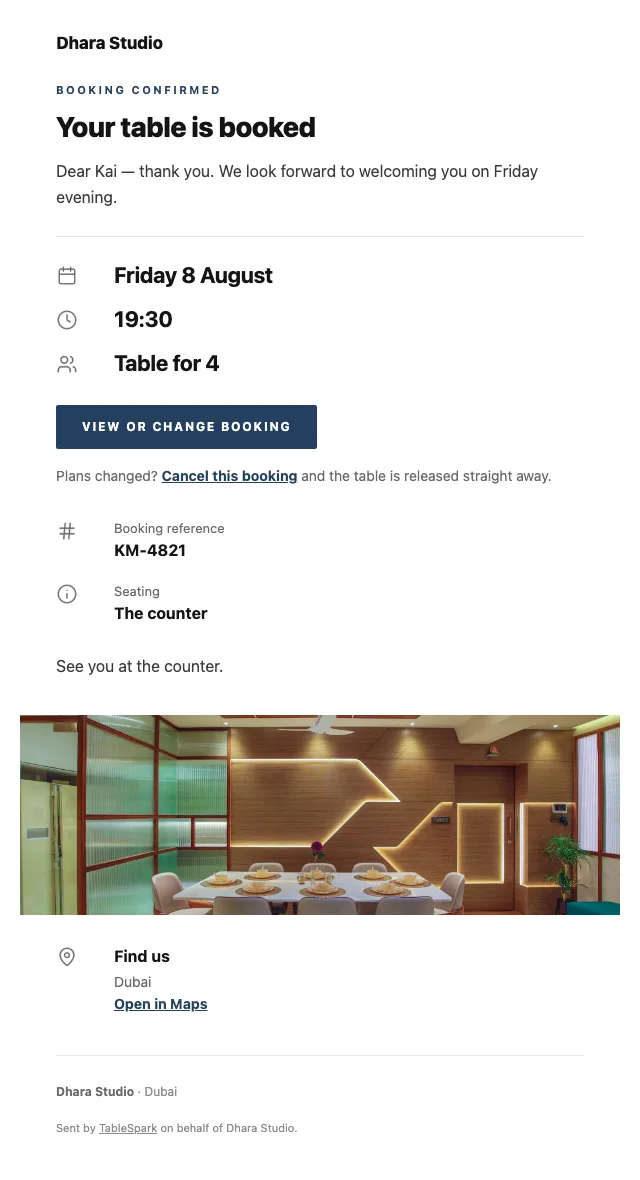
And the email is yours to design, not ours. Six templates, your accent colour, your logo, a cover photograph, the header layout, a sign-off in your own voice, your links and your social accounts. Once your domain is connected the email leaves from your address as well, not a generic one.
Below, the same booking confirmation in six of the looks.
A live link proves the page exists. It does not prove Google can read it. Sites sit at a perfectly good address and never appear in search — because of a leftover noindex, canonicals that disagree, pages nothing links to, a menu trapped in a PDF, absent restaurant schema, or verification never finished. What follows is expensive: searches for your name, your dishes or your street send guests to marketplaces that take a cut of the booking you would have had for free.
None of it is left for you to assemble. Rankings and indexing are Google’s decision and no honest supplier promises either — but the configuration that makes them possible is done.
Delete what you do not need and add what you do — pages are yours to shape.
All of these are standard modules — 68 of them in the library, most with several layout variants each.
Any one can be deleted, moved, or swapped for another. Nothing about the order is fixed.
Ships with 5 sections — Street & starters, Tandoor, Curries & dal, Rice & breads — for you to overwrite.
0% TableSpark commission at every plan level. Stripe’s standard card-processing fees apply to online payments. A marketplace takes a cut of every order it sends you and keeps the guest’s details.
This page sits on your own domain, the order lands in your TableSpark inbox, and the guest record is yours to export.
Read how the money works without a marketplace
The camera work and the checking are yours; the transcription, the structure and the draft search copy are ours.
Publishing needs your hand on it.
Search engines The Sequence — Dhara Studio | Dubai A twenty-two course modern Indian sequence in Dubai. The courses, the price and how to book a seat.Drafts the search title & description from this page’s content. Always review before publishing.
Stripe’s standard card-processing fees apply to online payments.
How restaurant deposits work, and when they are refunded
The builder is free to use for as long as you like. The bill starts when the site does.
The builder is free to use for as long as you like. The bill starts when the site does.
6 pages, and every one of them is here. This is the live site, not a gallery. Every tab renders through the engine that publishes real restaurants, and the links inside it work. Try the Phone view.
The story page is written for a chef with a thesis: narrative, quote, interview, timeline and gallery. The events page holds the guest sittings and collaborations, each as a findable page rather than a social post that disappears in a week.
The accordion works well for a long sequence of short courses: named, collapsed, opened only where the guest is curious. Twenty-two courses fit on a screen and a half rather than requiring a minute of scrolling.
The description line is where a modern Indian kitchen does its explaining — the region, the technique, the reinvention. That text is indexable, which matters when guests search for a regional dish name rather than for a restaurant.
Whichever layout you choose, the point is the same: every dish, description and price is real text in the page with Restaurant schema around it, not a PDF and not a photograph of a laminated sheet.
The dense-row ordering layout suits a retail list — chutneys, spice blends, gift boxes — where the description does more selling than a photograph would.
Quantities and options are inline, the running total stays on screen, and payment goes into your own Stripe account. TableSpark takes 0% at every plan level. Stripe’s standard card-processing fees apply to online payments.
What the guest is asked depends on how they are eating: table number, phone number or address, and never all three.
Running a Indian kitchen? See all Indian restaurant website templates.
What owners ask before they pick a template: the cuisine fit, the menu, the address, and what it costs.
It benefits from one. Listing the courses gives guests the shape of the evening before booking and gives a search engine something specific to index — dish names and techniques people actually search for. The price is stated once at the top, and individual prices can be left blank entirely.
Yes — an ordering page handles it, with its own list of products, prices and options, and payments settled into your own Stripe account with 0% commission from us. Stripe’s standard card-processing fees apply to online payments. It sits alongside the restaurant pages rather than replacing them.
Yes. Publishing happens on a TableSpark address so nothing waits on DNS, and your own domain can take over at any point afterwards. We issue and renew the certificate, secure the connection, redirect the bare domain and keep canonical URLs, the sitemap and robots directives aimed at the live address through the move. Once connected, guest emails send from your domain too.
A confirmation email sent on your behalf, carrying the date, time, party size, where you are, how to reach you, and a link to release the table if their plans change. Reminders before service, deposit receipts and cancellation notices come from the same system. The design is yours: six templates, your accent colour, your logo, a cover photograph, the header layout, your own sign-off, your links and your social accounts — and once your domain is connected it sends from your address too.
No. If you can edit a document you can run this: click a section, change what it says, replace the picture. There is no code view and no need for one.
Ordering is included on the Full plan. We charge 0% commission and no per-order fee, on any plan. Stripe’s standard card-processing fees apply to online payments.

Make this yours: the name, the words, the photographs, the menu. Free to build, and you only pay when you go live.