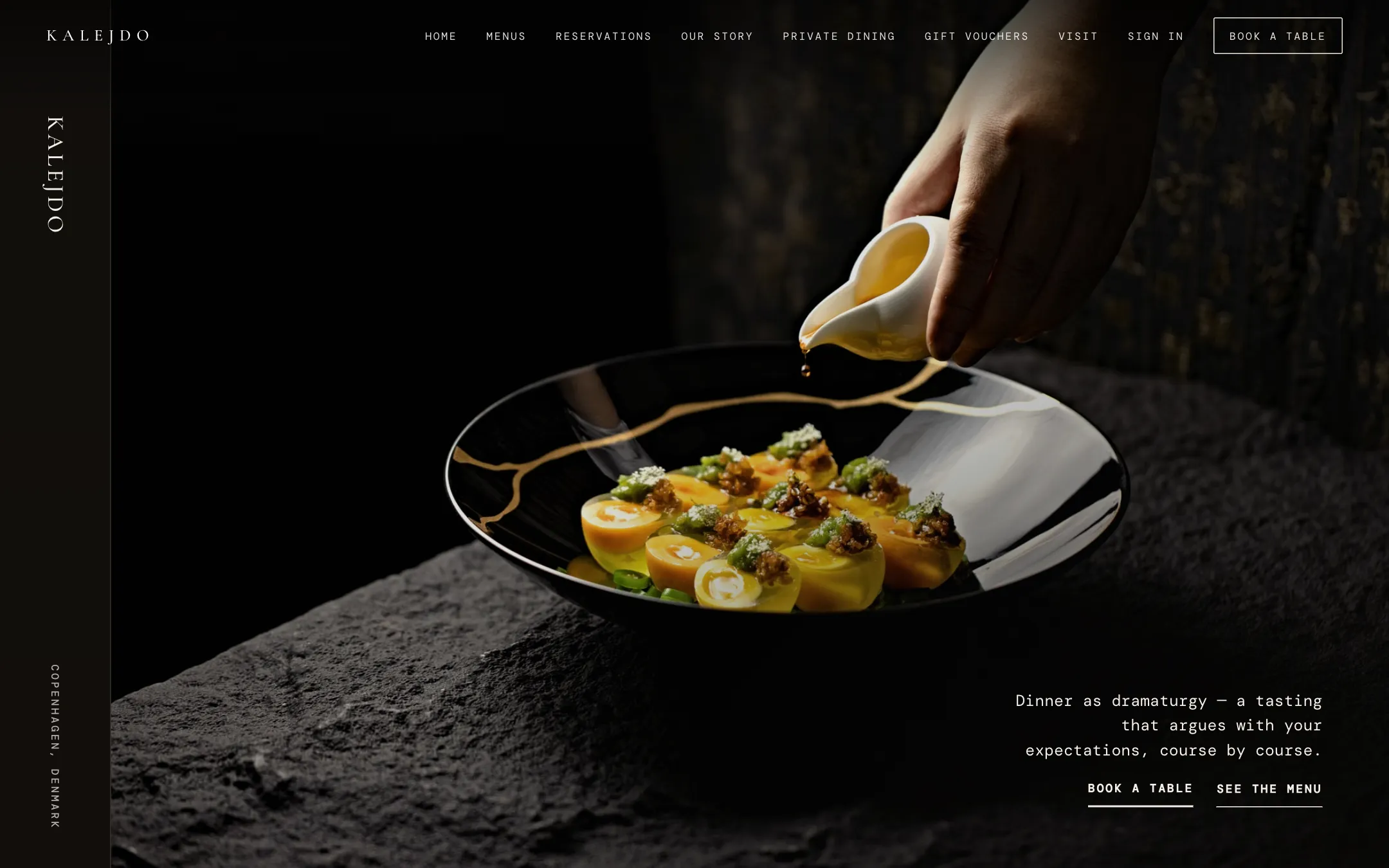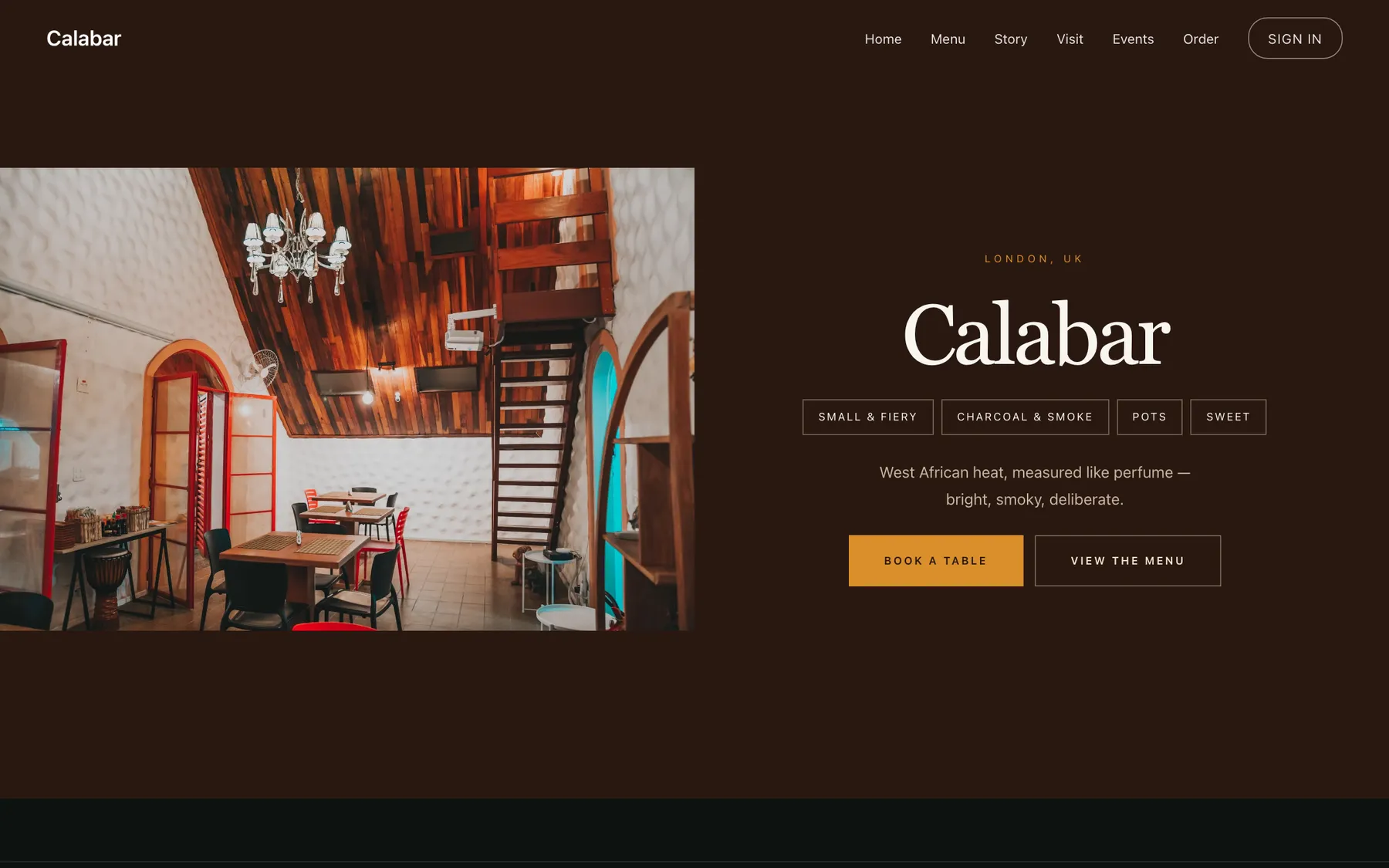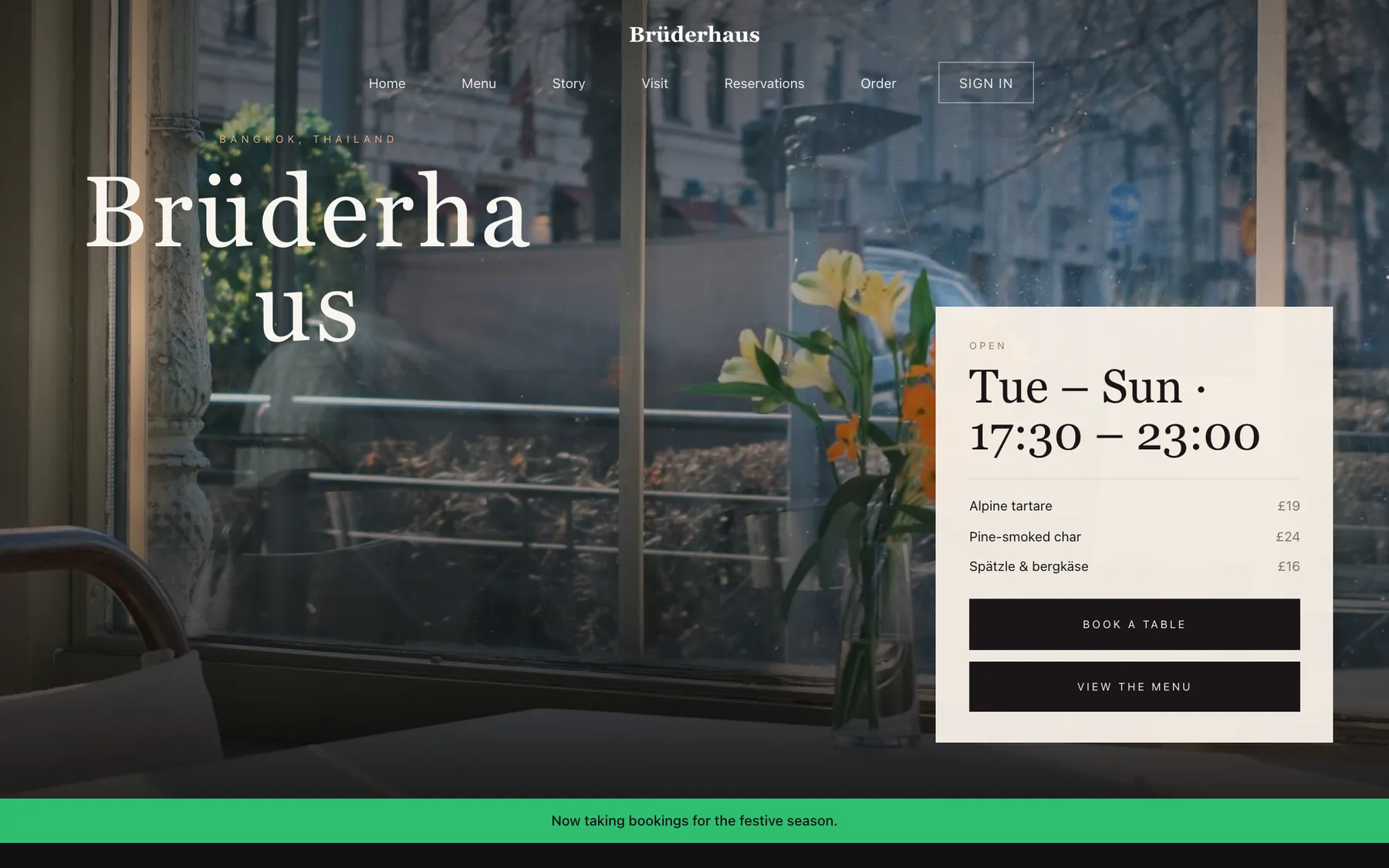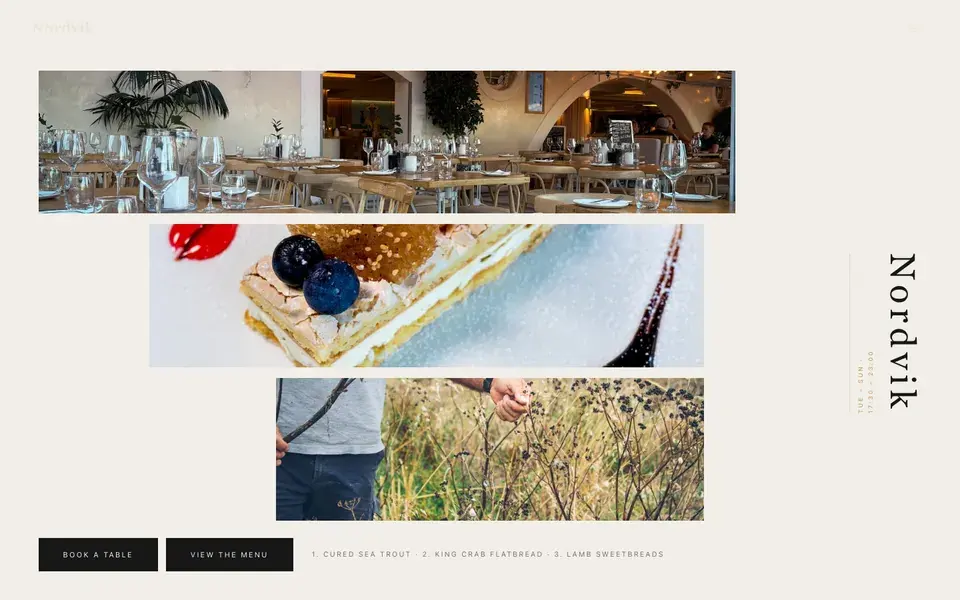
01
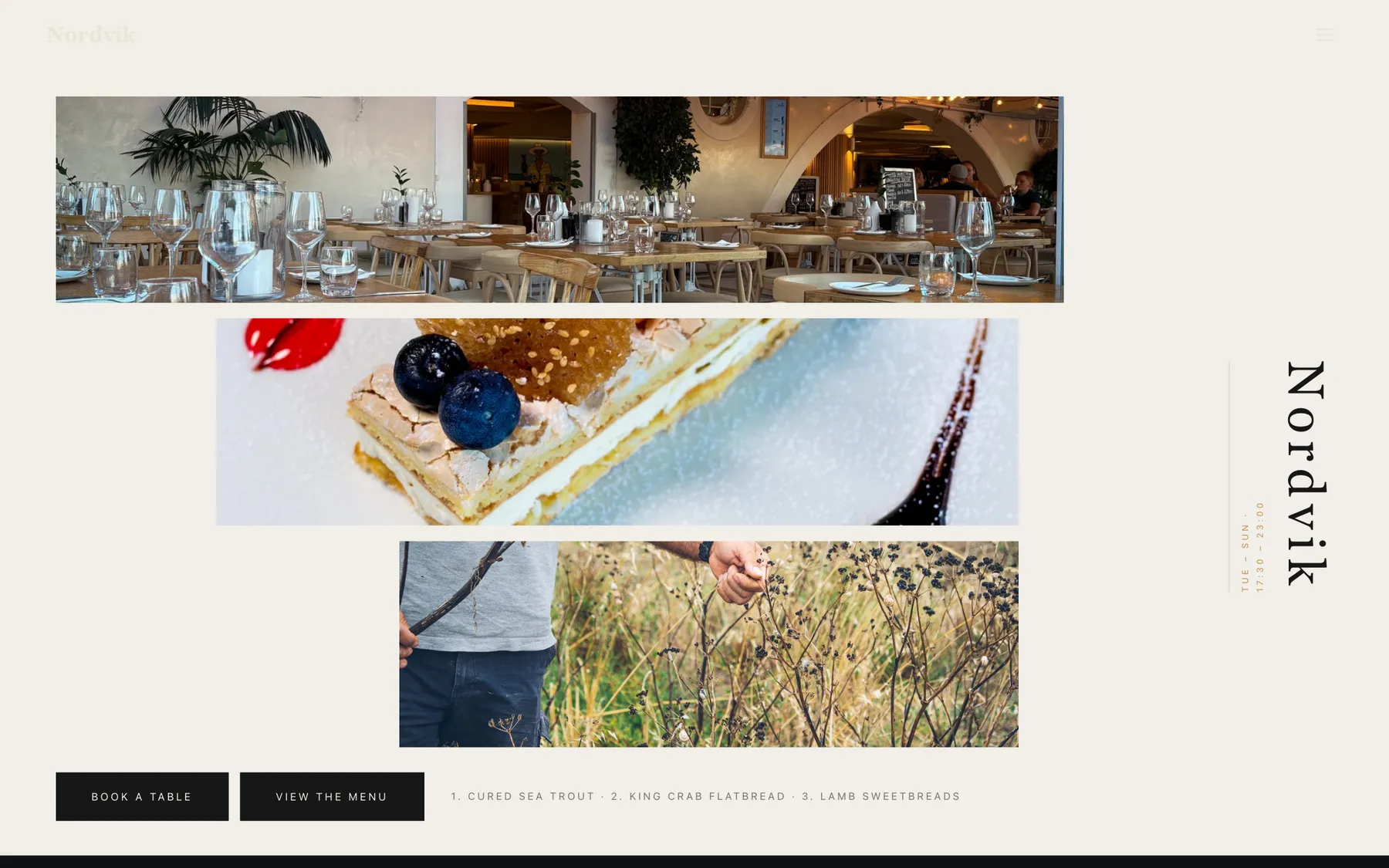
Hero
Big opening image, name & buttons.
Templates · Nordic-Asian luxe
For rooms at the top of the market: a near-black template with a staggered opening, an indexed menu, and a split ordering layout for the retail and cellar arms.
Every section is a builder module you can reorder, edit or delete, with no developer.
On bookings and orders, on every plan. Stripe’s standard card-processing fees apply to online payments.
Build and preview the whole site for nothing, and pay only when it goes live.
Starter is £19/mo excl. VAT and includes a complete restaurant website, a live structured menu, enquiry and newsletter forms, and managed search readiness. Growth is £39/mo excl. VAT and adds direct live bookings, a custom domain with managed SSL, and table and floor-plan operations. Full is £69/mo excl. VAT and adds online ordering and multi-site management for up to five restaurant sites. TableSpark commission is 0%. Stripe's standard card-processing fees apply to online payments.
One published monthly price covers the complete website and the management system behind it. Nobody is quoting you four figures and a twelve-week timeline. The design is done — you fill it with your restaurant and press publish. After that the menu, the prices and the photographs stay in your own hands — no ticket, no developer, no waiting. It is designed for the phone first and looks right on everything larger, with reservations, tables, ordering and management in the plans — and 0% commission.
Nordvik is near-black with a teal that behaves like brushed metal. Yours might be white tile and morning light, or brass and candles, or something nobody has built yet.
So do not read about it. The panel on the right is the real Theme tab out of the builder, and the frame beside it is the real site — the same renderer that publishes a live restaurant. Nothing is a mock-up, nothing you touch is permanent, and nobody is asking you to sign in first. Go on.
Loading the live preview…
At the very top of the market a website has one job: to look as expensive as the bill. That is achieved through restraint and space rather than ornament, and this design is built almost entirely out of both — a staggered opening that reveals in stages, wide margins, and photography given room to breathe.
A near-black ground with a cool teal accent avoids the warm-gold cliché that luxury restaurants default to. The soft serif keeps it from feeling corporate, and nothing anywhere on the page is decorative.
Nine blocks, revealed in stages:
01
Big opening image, name & buttons.
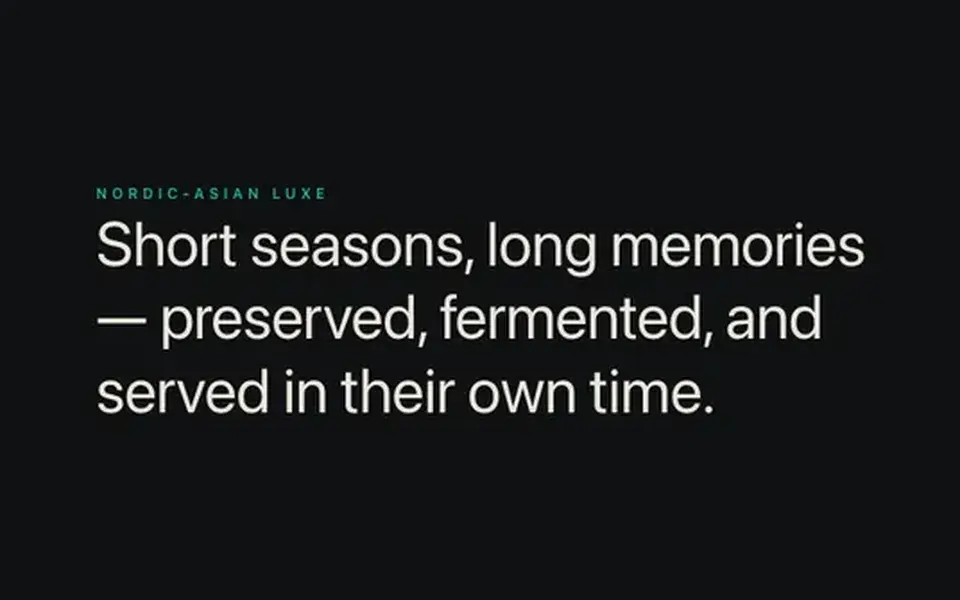
02
Big opening statement line.
03
Numbered chapters beside a pinned photo.
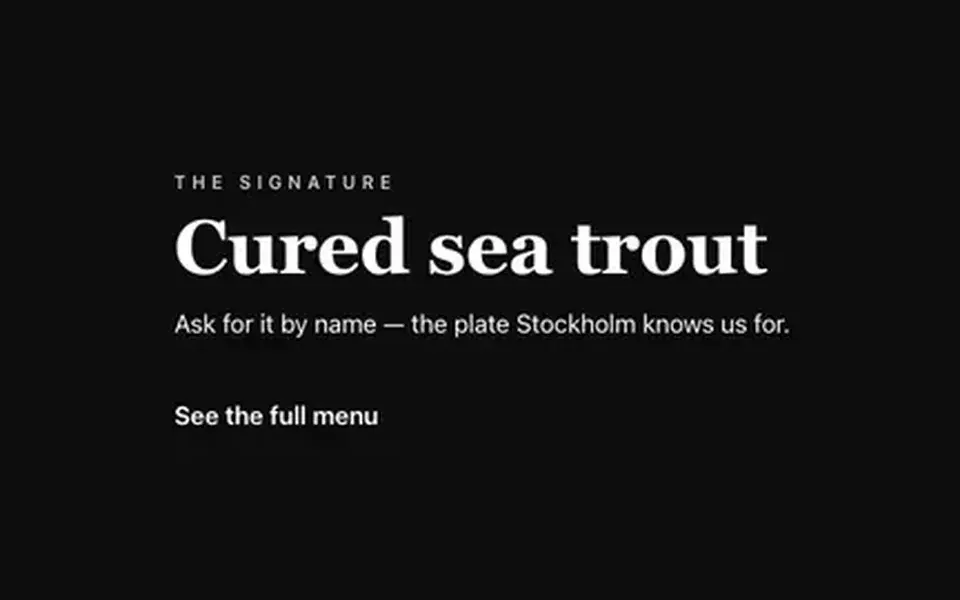
04
One dish, full screen — name, story, price.
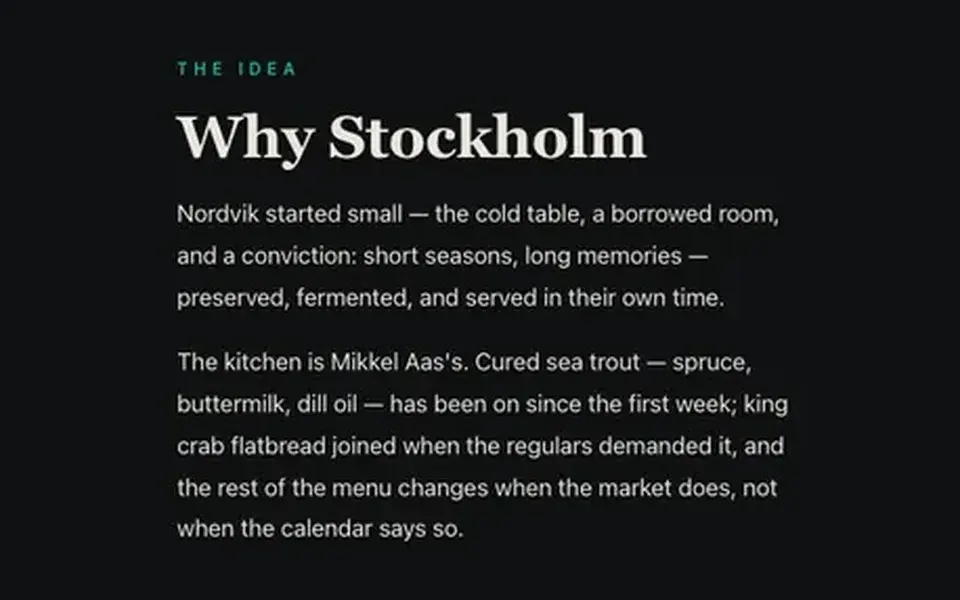
05
A paragraph beside a photo.
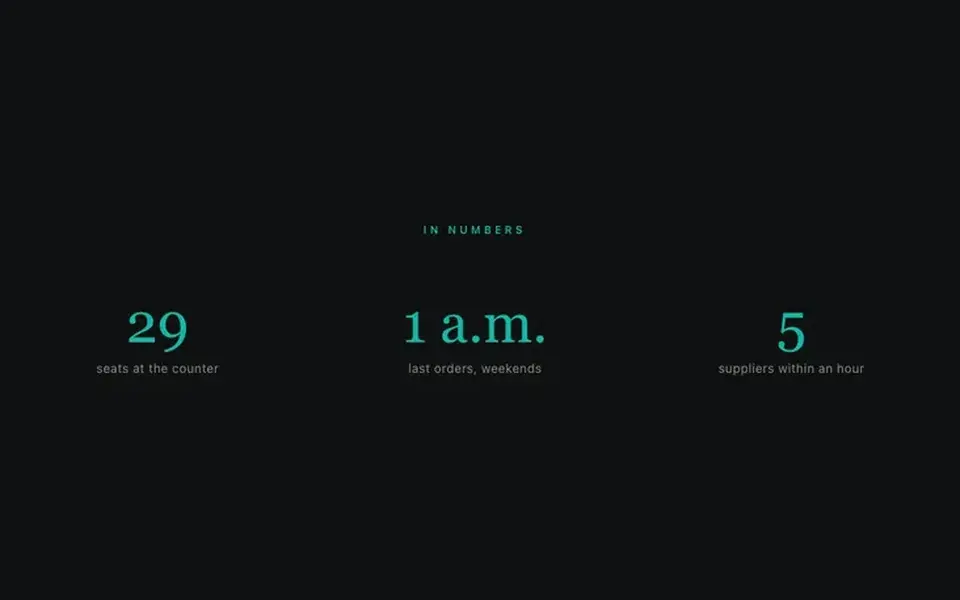
06
Headline stats.
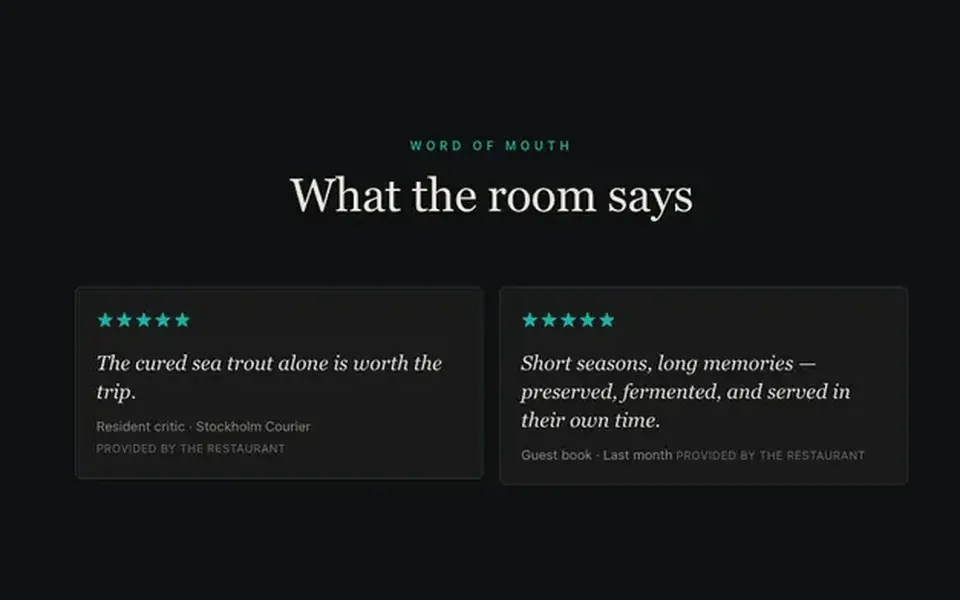
07
Guest quotes with stars.
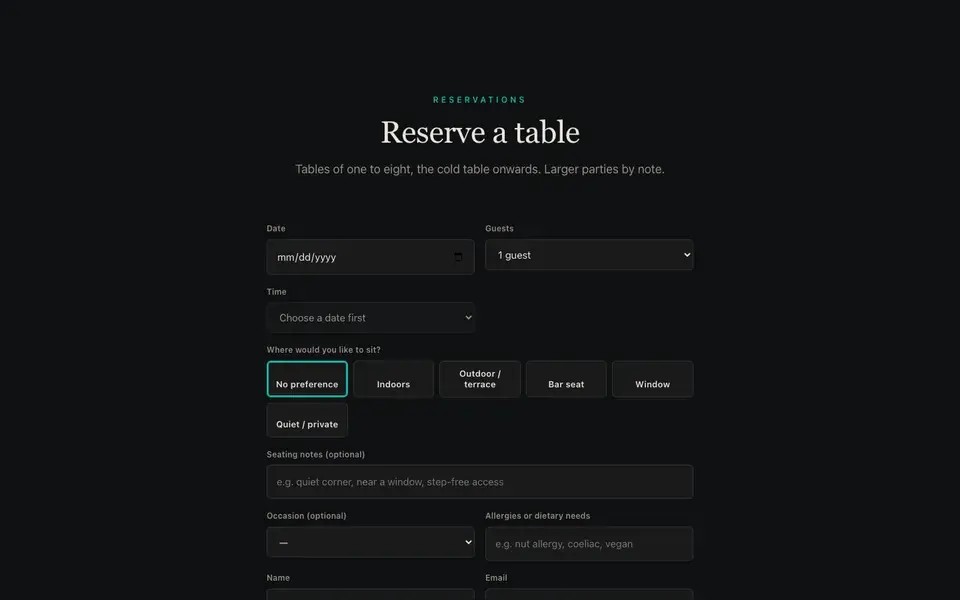
08
Live availability slot picker, saved to your Inbox.
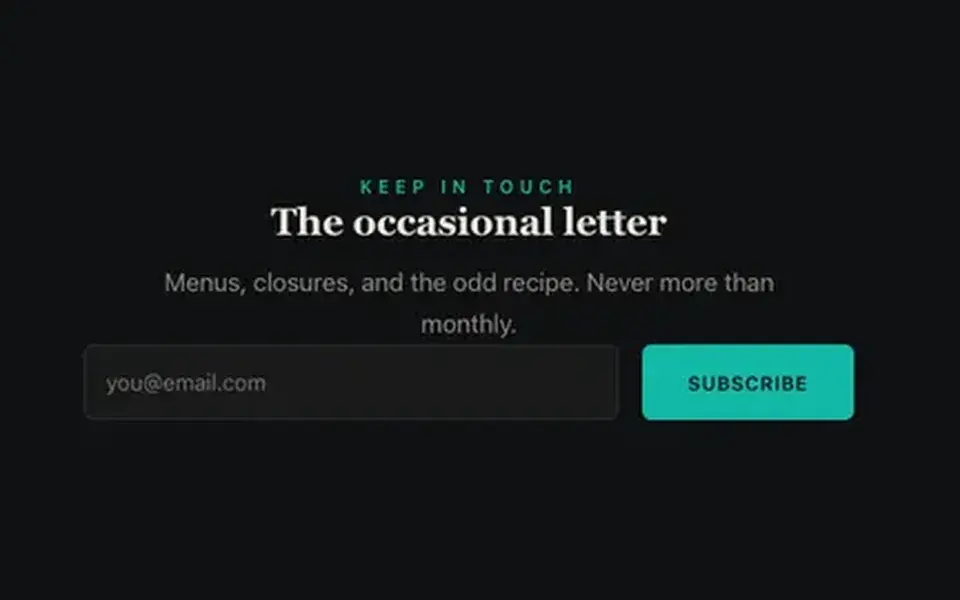
09
Email signup band.
The statement block currently reads Short seasons, long memories — preserved, fermented, and served in their own time. — one line you will rewrite in about four seconds.
Loading the live preview…
Nordvik uses the Classic list ordering layout — the printed-menu look, with dotted leaders running from each dish to its price.
It reads like the delivery apps your guests already know, except the restaurant keeps the relationship and the money. The basket stays on screen, and each mode asks only for what it needs: a table number, a phone number or an address.
Loading the live preview…
This is the frame that matters. It is the real ordering page at a real phone width — not a mock-up, not a video.
On a laptop the same page puts the basket in a panel beside the menu that follows the scroll.
Every Nordvik site on Growth and Full ships with an app your guests keep. It lives at /account on your own domain, so the guest signs in to your restaurant, not a marketplace.
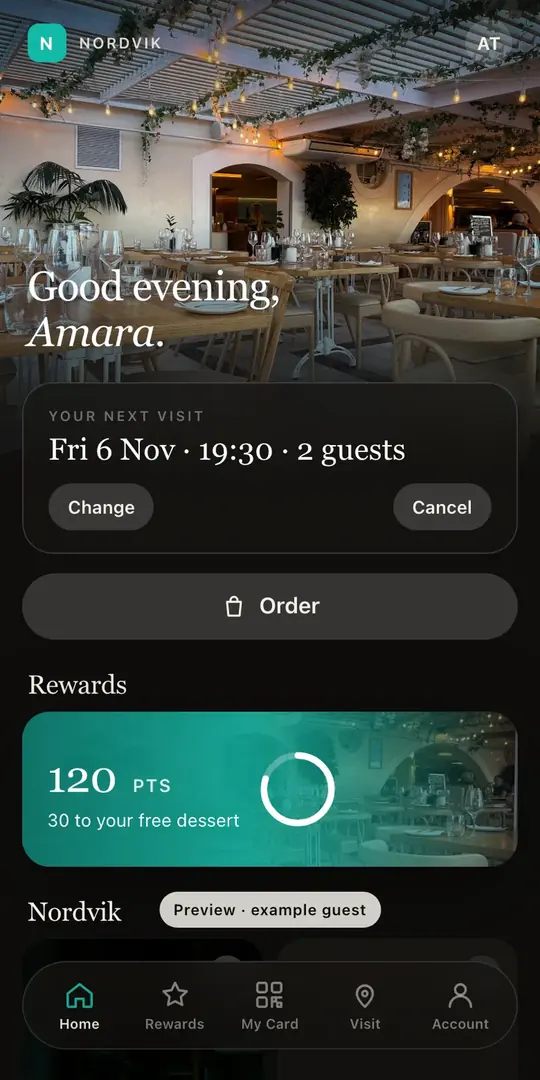
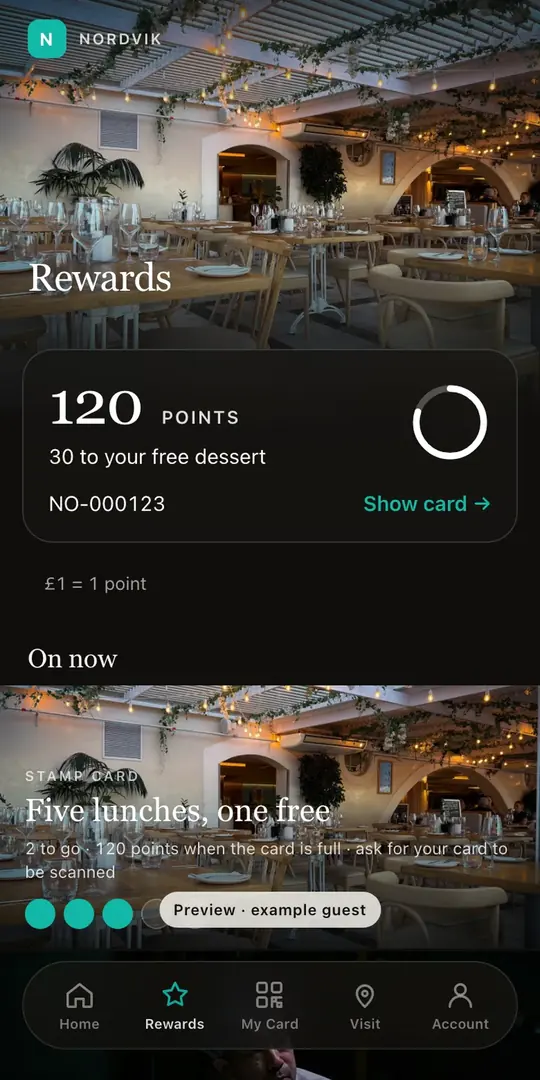
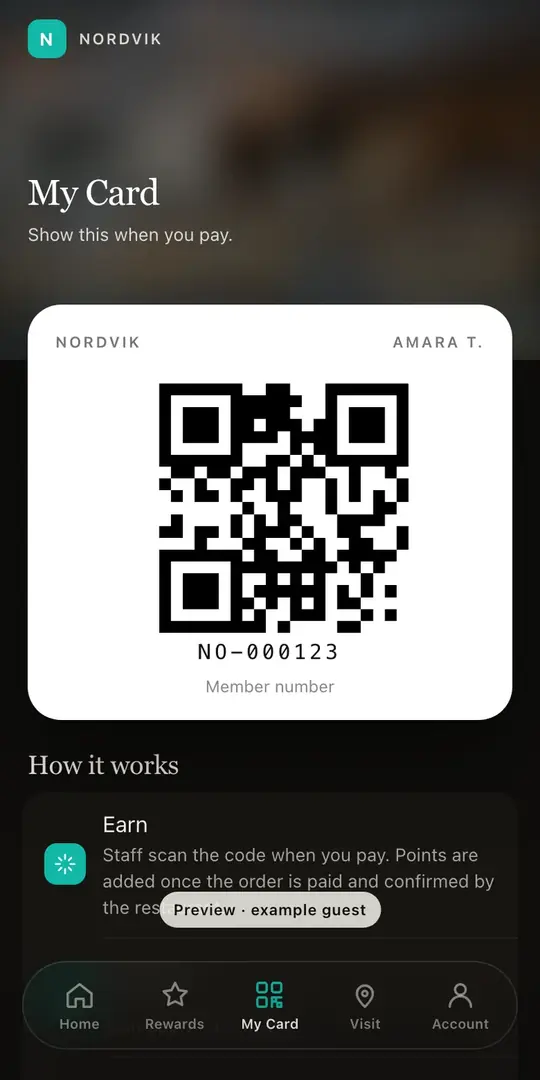
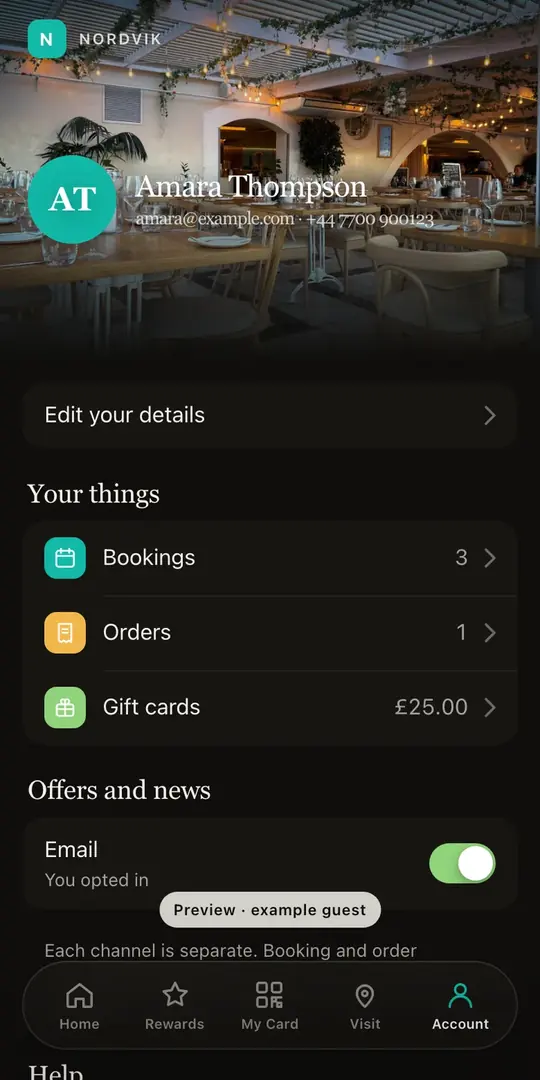
Included on the Growth and Full plans. Watch the Guest App course
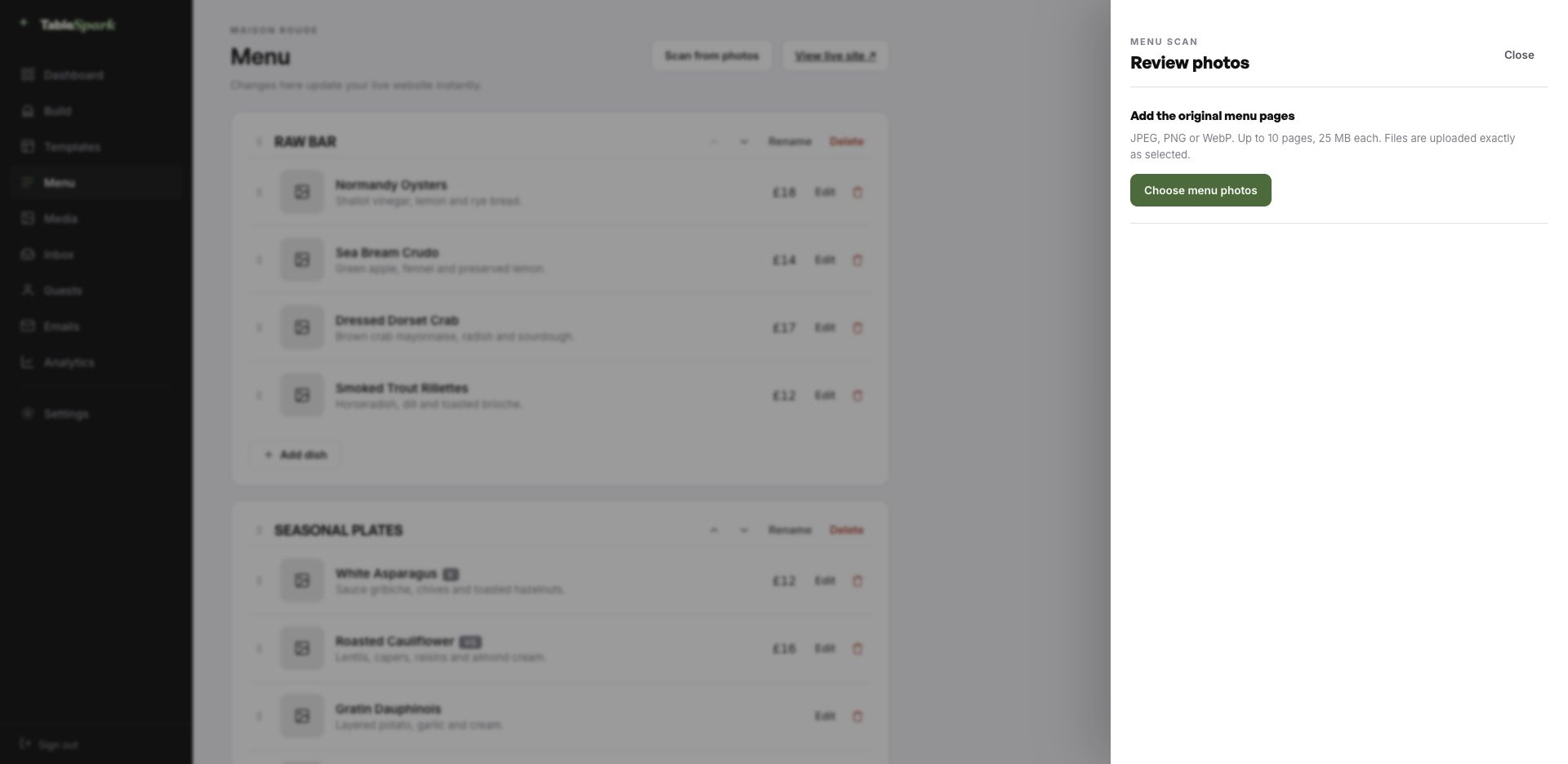
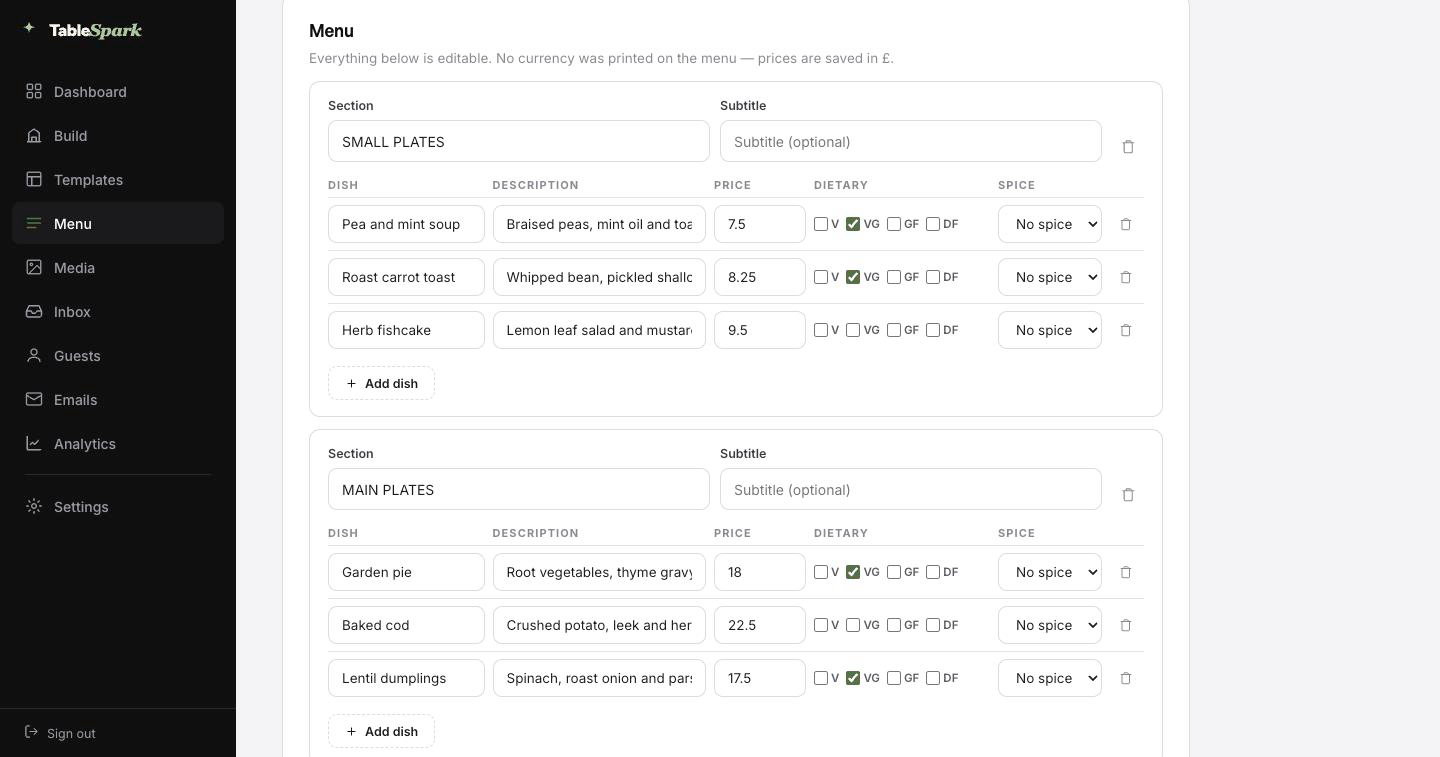
This is the part that saves an afternoon. Take a picture of the menu you already have: the pressed card, the board behind the pass, a PDF from the printer. Back comes the whole menu as data: ordered sections, named dishes, their descriptions and prices, plus dietary and spice marks wherever the card showed them. Check it over — a smudged price or an ambitious accent is a two-second fix — and save.
What arrives is not a picture of a menu — it is real data. One menu then feeds the menu page, the ordering page, the highlights on the home page and the Restaurant structured data a search engine reads. Change a price once afterwards and all of them follow.
The search copy gets the same treatment: a Write with AI button reads the page and drafts its title and description, so those fields are never blank. Nothing is published on your behalf; the draft waits for you.
Printed card, chalkboard photograph or an old PDF — any of them work.
Not a scan: real sections, dishes, prices and marks you can edit before saving.
Menu page, ordering page, home-page highlights and the Restaurant schema — kept in step automatically.
There is no build phase to wait through. Structure, styling and behaviour are done. Names, dishes and pictures are yours. Reckon on one sitting to a published site, and reservations working from that same moment. Bookings land in your TableSpark inbox, and the guest gets a confirmation email straight away.
Taking money is a single connection: link Stripe and deposits on tables and payment on orders go straight to your own account. There is no cut for us — 0% commission on every plan. Stripe’s standard card-processing fees apply to online payments. Nobody else charges anything.
Step 01
1min
Pick NordvikThe whole thing is duplicated into your account to edit.Step 02
4min
Change the name and the wordsClick a block, change the words, swap the picture.Step 03
3min
Upload your menuPhotograph the menu; review what the AI read back.Step 04
1min
PublishLive on your address, with reservations working.Step 05
1min
Connect StripeNow you can take deposits on tables and payment on orders — direct to your account.In all
10min
From template to taking paymentsFive steps, one sitting.A domain is signage, and signage matters. Nothing about going live depends on owning a domain first; connect yours later and the site simply answers to it.
The plumbing is ours: certificate, secure connection, redirect, and keeping canonical URLs, sitemap and robots pointing at the live address as the domain changes. Own it already? Good. The instruction is a single record, spelled out.
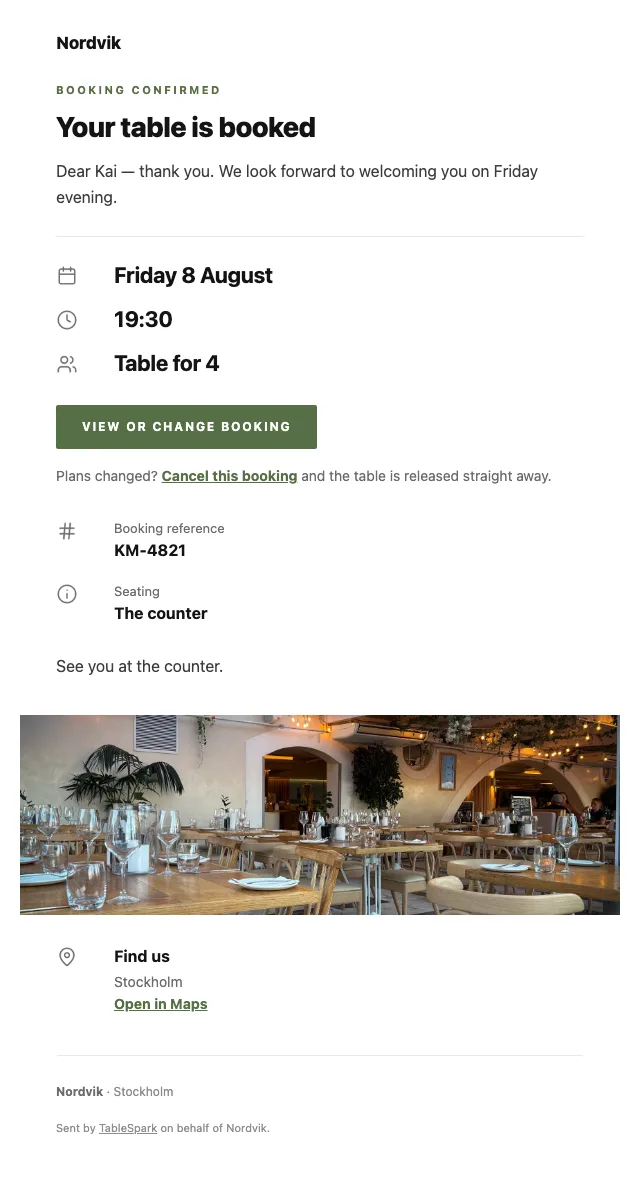
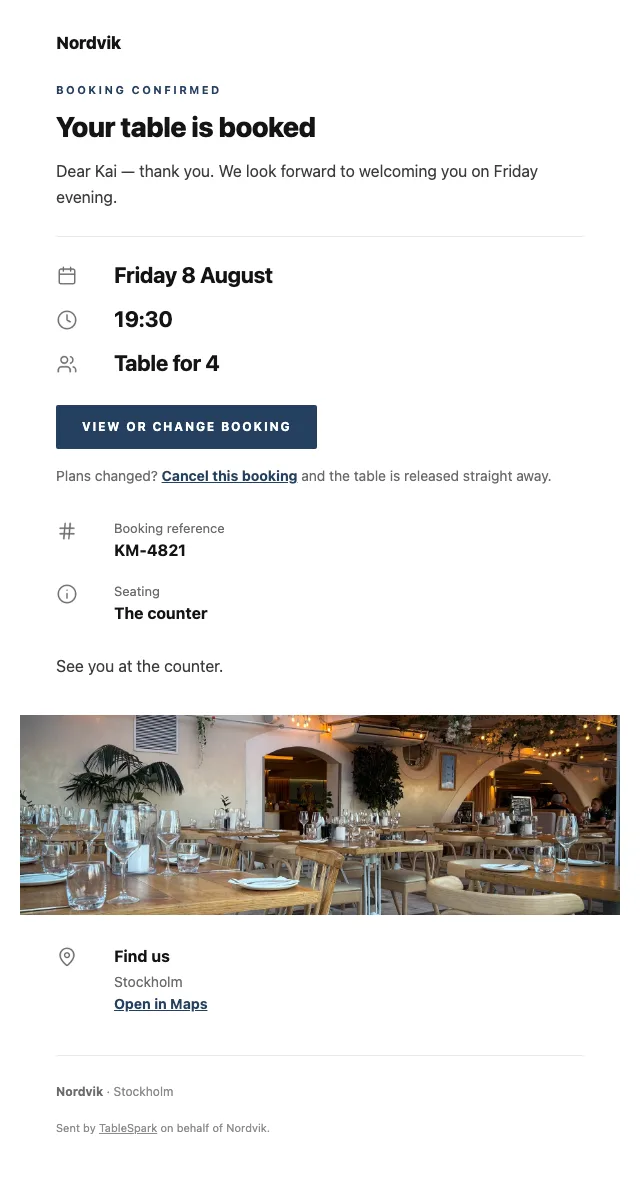
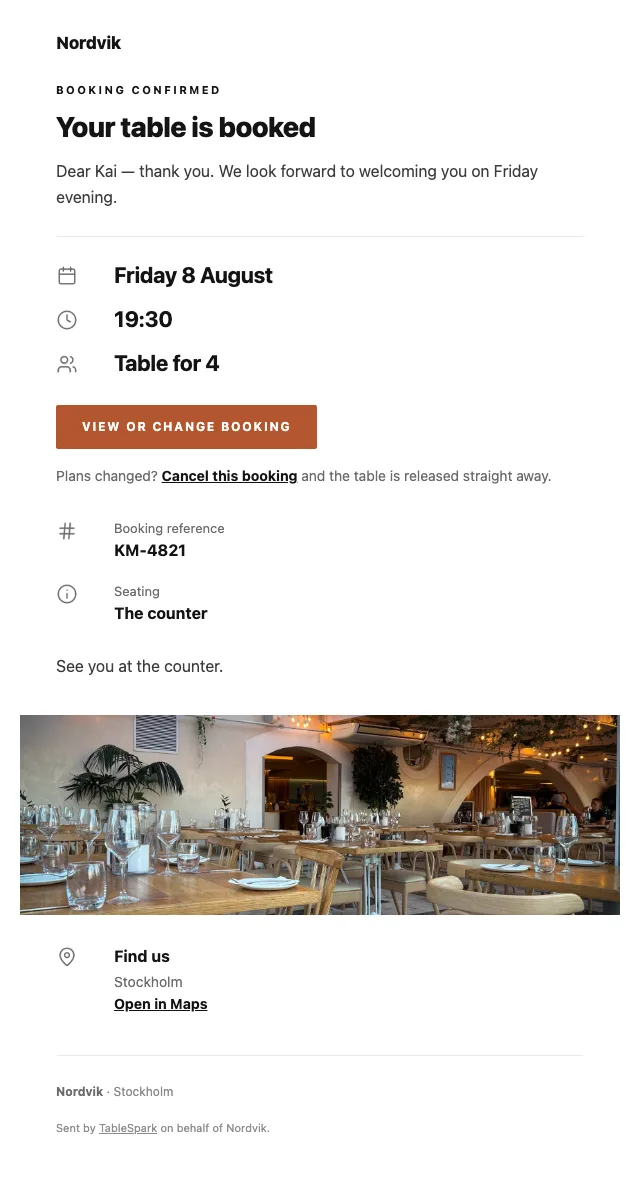
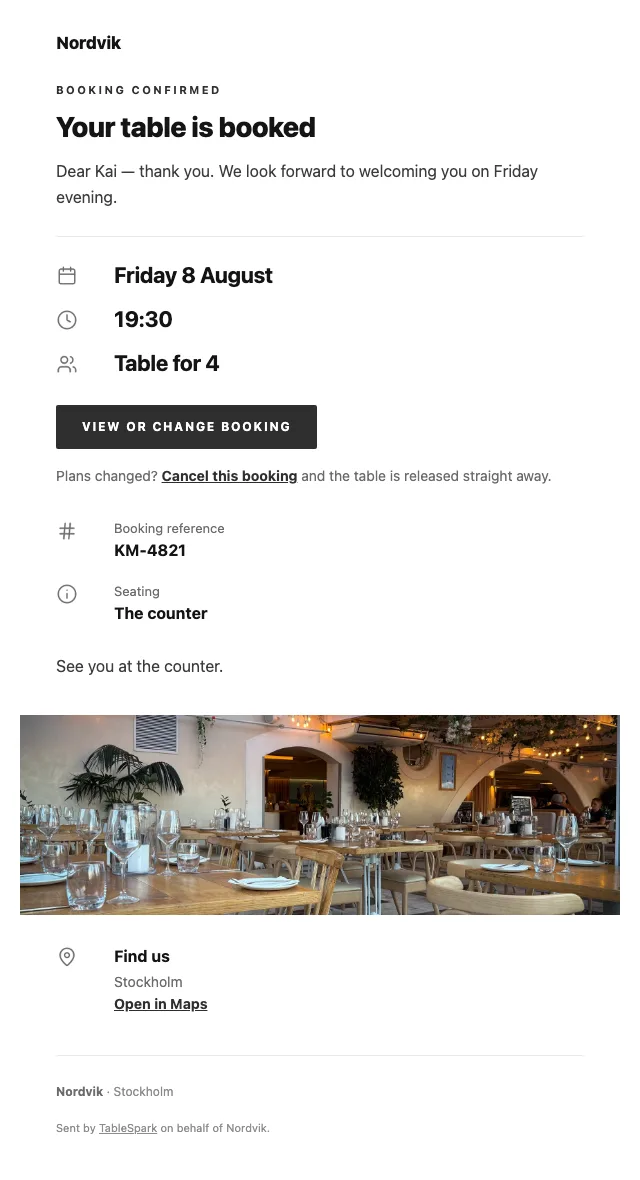
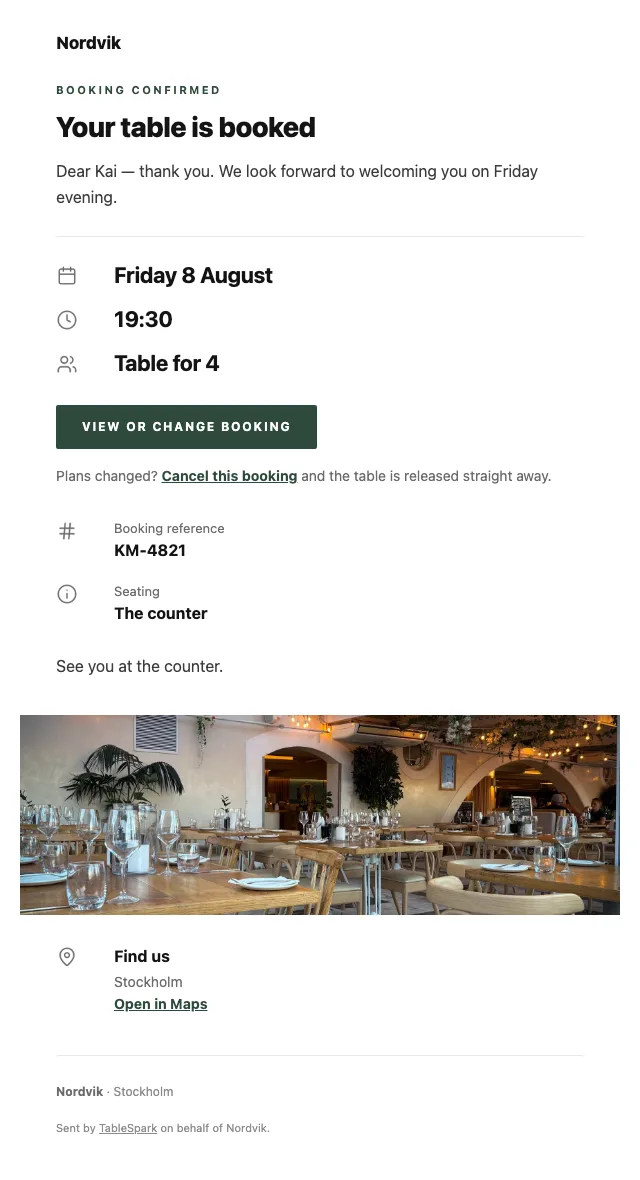
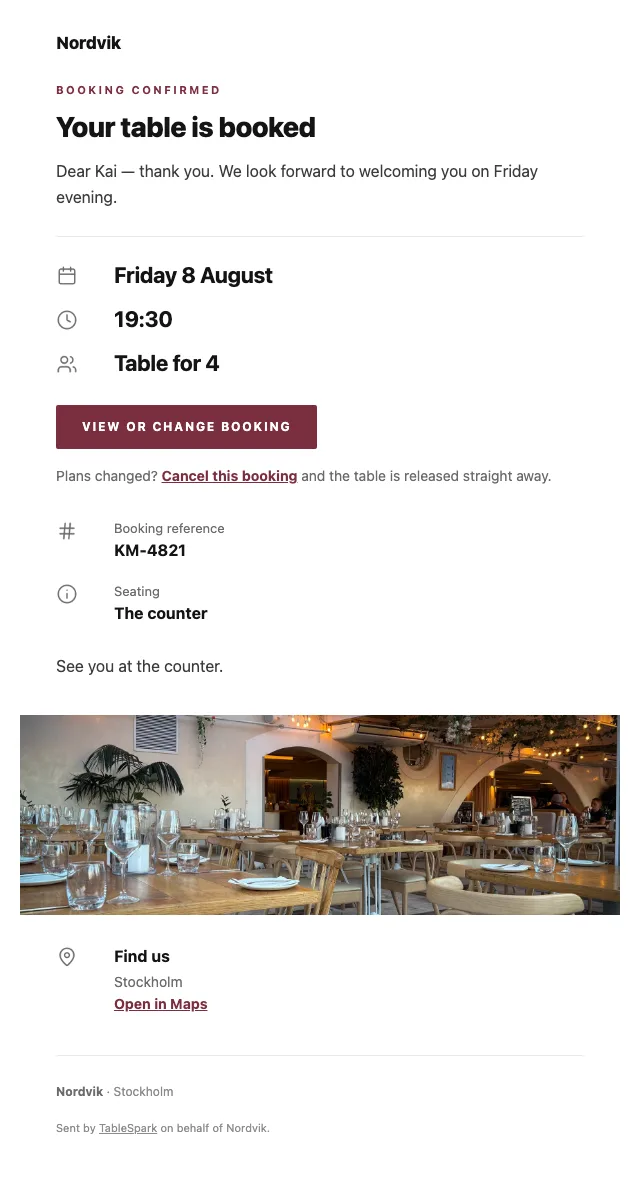
A confirmed booking is not the end of the conversation; it is the start of one. A confirmation is sent the second the booking lands, carrying the time, the covers, your address and contact details, and a self-service cancellation link. The same system sends the reminder before service, the deposit receipt and the cancellation notice.
The whole thing is yours to set, down to the sign-off. Six looks, one accent colour, your logo and cover photograph, the header layout, the sign-off line, and whichever links and social accounts you want on it. Add your domain and the from-line is yours too — the last detail that separates a real restaurant email from a system notification.
Below, the same booking confirmation in six of the looks.
Putting a page online is not the same as delivering a restaurant site that search engines can reliably discover and understand. A misconfigured robots file, a noindex left in place, canonical tags in conflict, pages with no internal links, a PDF menu, missing Restaurant schema or incomplete verification — any one is enough to keep a live site invisible. You feel it in the margin — guests reach commission-charging platforms first, and demand you should own outright becomes demand you rent.
This template ships with that work done. No one can promise rankings or guaranteed indexing — but nothing here is left for you to hire a technician to assemble.
Keep them, cut them, add your own. None of this is locked.
The whole page is assembled from the shared library: 68 modules, each offering several layouts.
What you see is one arrangement of them. Yours can be a different one, changed by dragging.
Ships with 4 sections — The cold table, Fire & smoke, Grain & dairy, To finish — for you to overwrite.
Nothing is skimmed. 0% commission on every plan, where a marketplace takes a slice of each order and keeps the data.
The page is yours, the inbox is yours, the guest list is yours and exportable.
Stripe’s standard card-processing fees apply to online payments.Bookings and ordering with no cut taken
A photograph from you, the transcription and structure from us, and the final read-through from you again.
You press publish, or nobody does.
Search engines The Menu — Nordvik | Stockholm A long tasting sequence across several rooms in Stockholm. Courses, pairings, supplements and price.Drafts the search title & description from this page’s content. Always review before publishing.
Stripe’s standard card-processing fees apply to online payments.
Setting a deposit: amounts, terms and refunds
Build the whole thing, look at it, change your mind. You only pay when you go live.
Build the whole thing, look at it, change your mind. You only pay when you go live.
6 pages, and every one of them is here. This is the live site, not a gallery. Every tab renders through the engine that publishes real restaurants, and the links inside it work. Try the Phone view.
The story page carries the house narrative, the sourcing and the chef, with a timeline and an interview. The gallery page holds the room and plating photography that a restaurant at this level accumulates constantly.
The indexed layout is right for a long sequence across several rooms — the sections named, then opened in turn, so the shape of a three-hour meal is legible before any single course is.
Supplements, pairings and the cellar all have their own structures rather than being appended to the food menu. Every price is a field, so an increase reaches the menu page, the previews and the structured data at once.
Any of the layouts leaves the substance intact: real text for every dish, description and price, marked up as Restaurant data rather than published as an image.
The split ordering layout keeps the basket beside the list, which suits a cellar and retail arm where a basket may hold several bottles and a guest wants to watch the total.
Case and size options are inline, and payment settles into your own Stripe account. TableSpark takes 0% commission on any of it. Stripe’s standard card-processing fees apply to online payments.
The form adapts to the mode. Eating in? A table number. Collecting? A phone number. Delivery? An address. Nothing more is demanded.
Running a Fine Dining kitchen? See all Fine Dining restaurant website templates.
What owners ask before they pick a template: the cuisine fit, the menu, the address, and what it costs.
Yes — sections can be named for the rooms or the stages rather than for courses, and each carries a subtitle explaining what happens there. The indexed layout shows all of them on one screen, which is how a guest understands the shape of an evening before booking it.
Yes. An ordering page can carry bottles and cases with their own prices and options, paid into your own Stripe account with no commission from us. Stripe’s standard card-processing fees apply to online payments. It sits alongside the restaurant pages rather than replacing them. Stripe’s standard card-processing fees apply to online payments.
Yes — palette, typefaces, text size, corner radius, motion and the header layout are all in the Theme tab, and there is a full spectrum picker and a hex field if the presets are not what you want. The layout is built to survive it: colours are read from the theme, never baked into a block.
Yes. Publishing happens on a TableSpark address so nothing waits on DNS, and your own domain can take over at any point afterwards. We issue and renew the certificate, secure the connection, redirect the bare domain and keep canonical URLs, the sitemap and robots directives aimed at the live address through the move. Once connected, guest emails send from your domain too.
A confirmation email sent on your behalf, carrying the date, time, party size, where you are, how to reach you, and a link to release the table if their plans change. Reminders before service, deposit receipts and cancellation notices come from the same system. The design is yours: six templates, your accent colour, your logo, a cover photograph, the header layout, your own sign-off, your links and your social accounts — and once your domain is connected it sends from your address too.
No — the builder is visual throughout. Click a block, retype the copy, swap the photograph, move it up or down. Nothing about running the site requires HTML.

Make this yours: the name, the words, the photographs, the menu. Free to build, and you only pay when you go live.