01
Hero
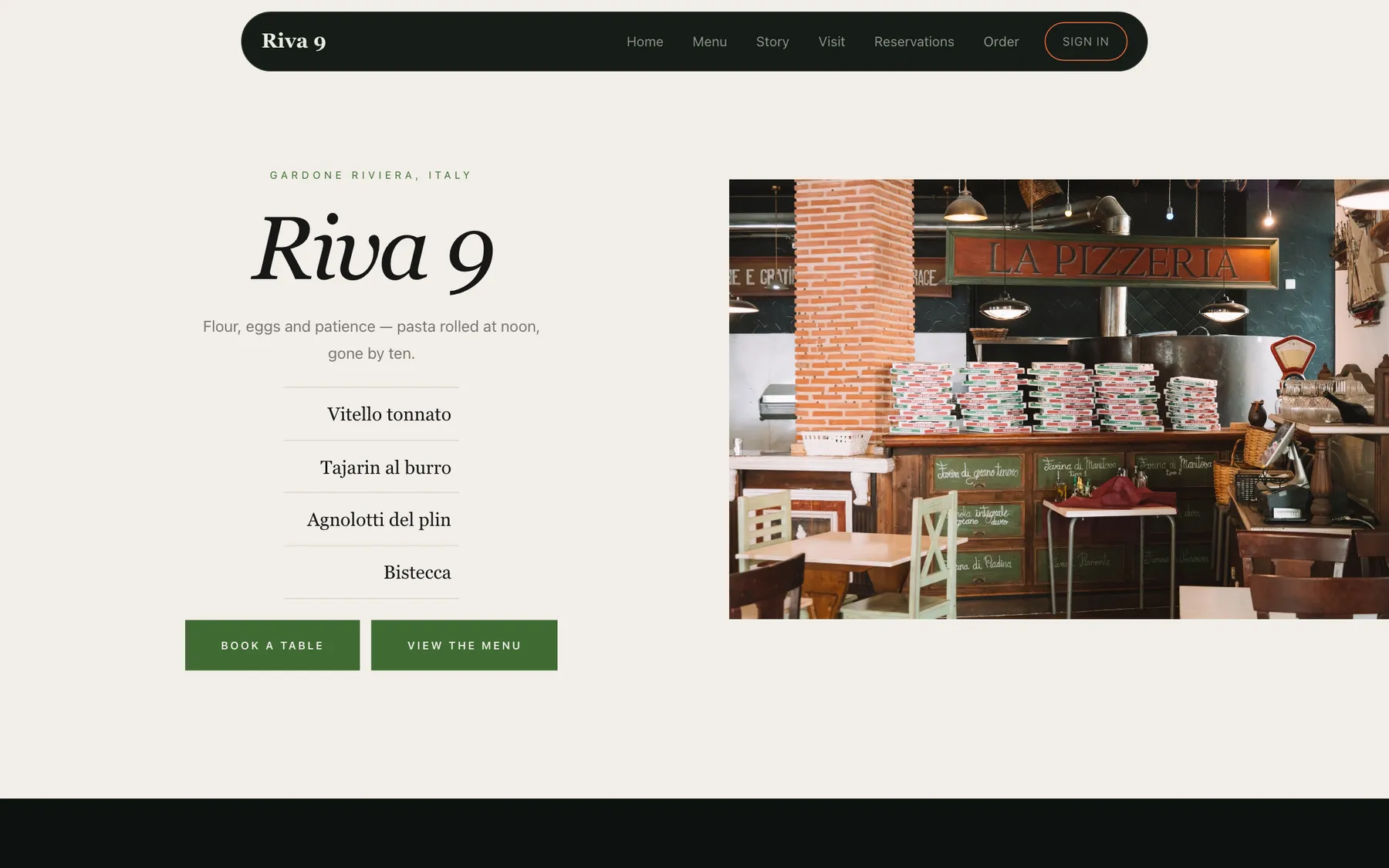
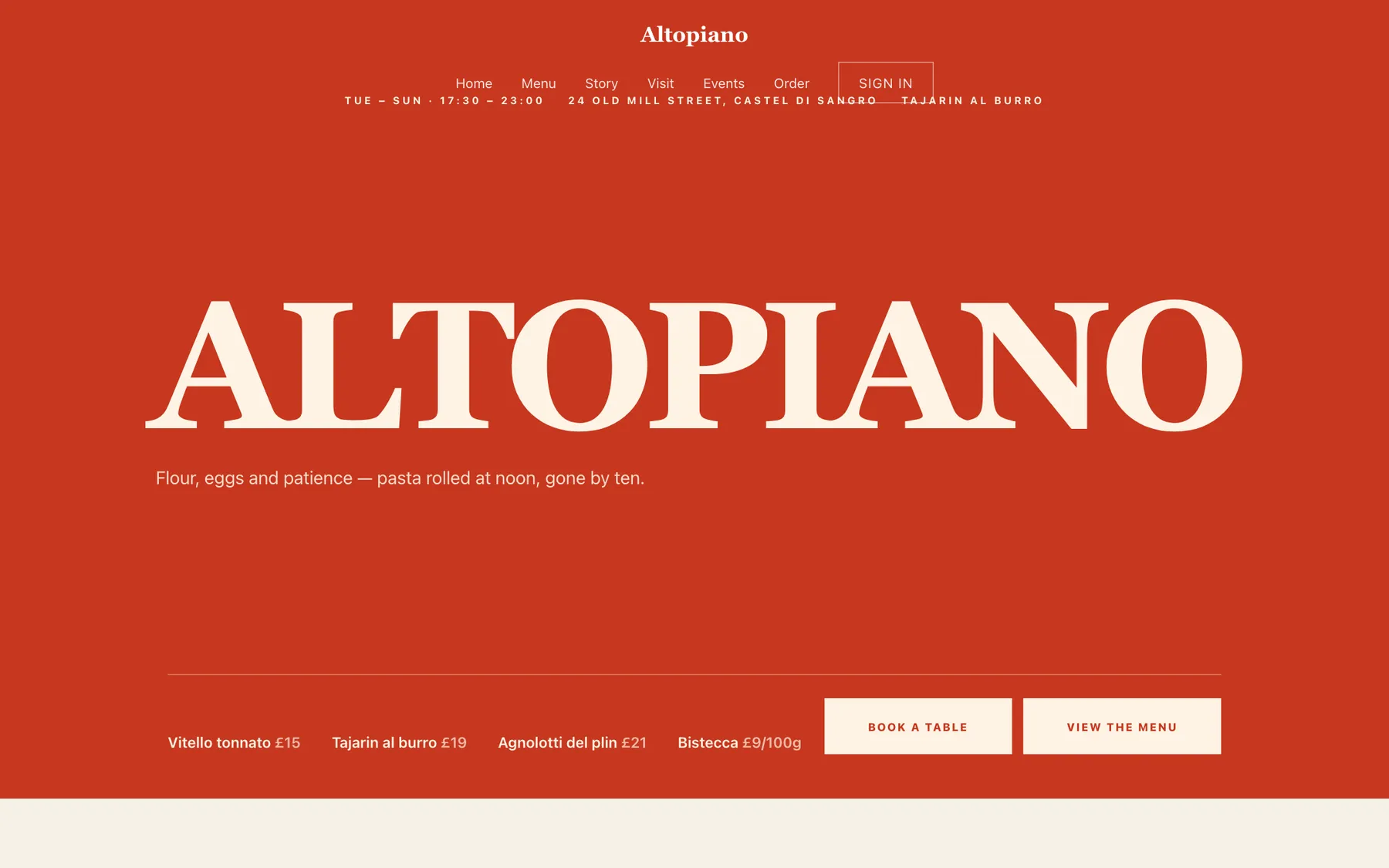
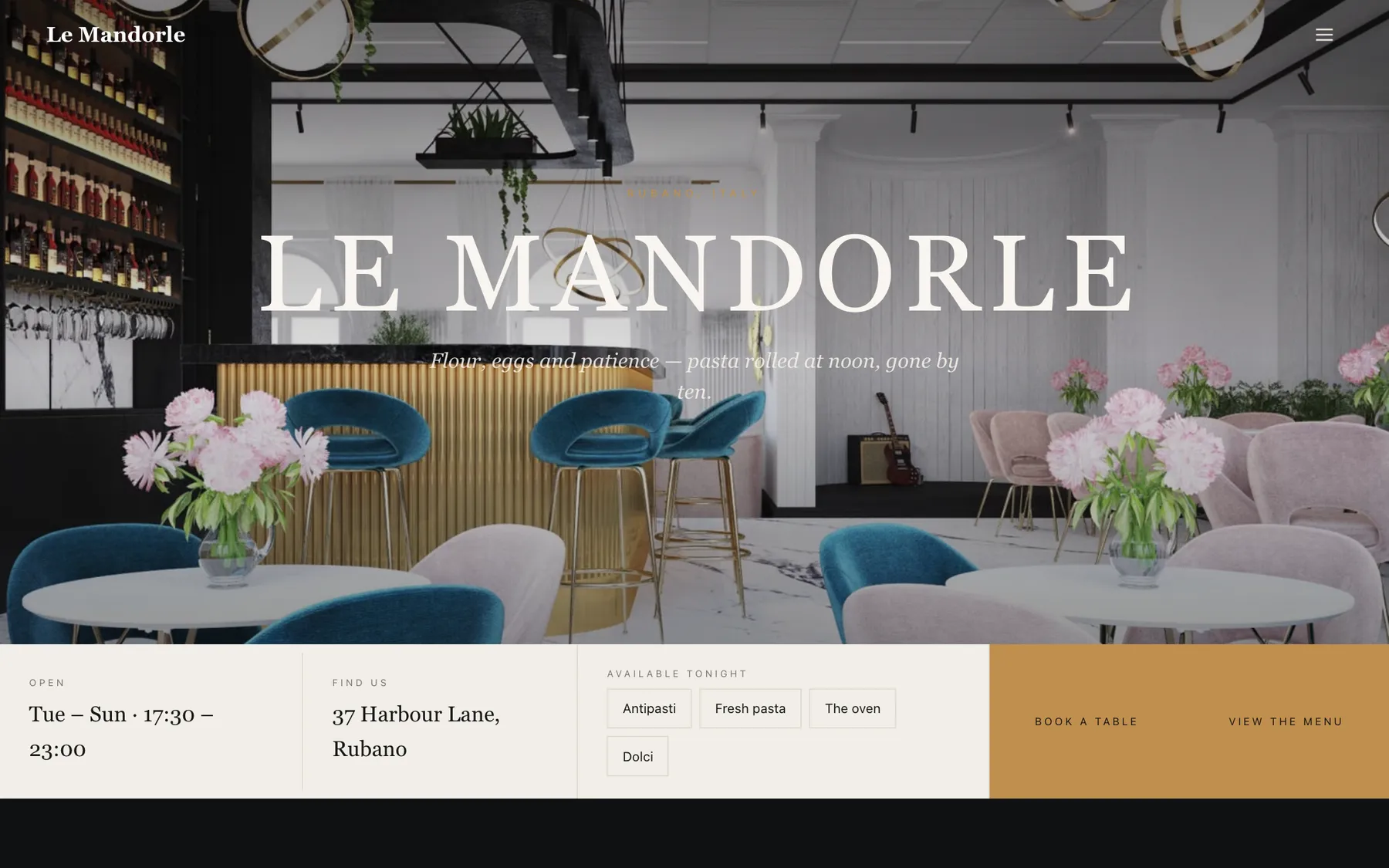
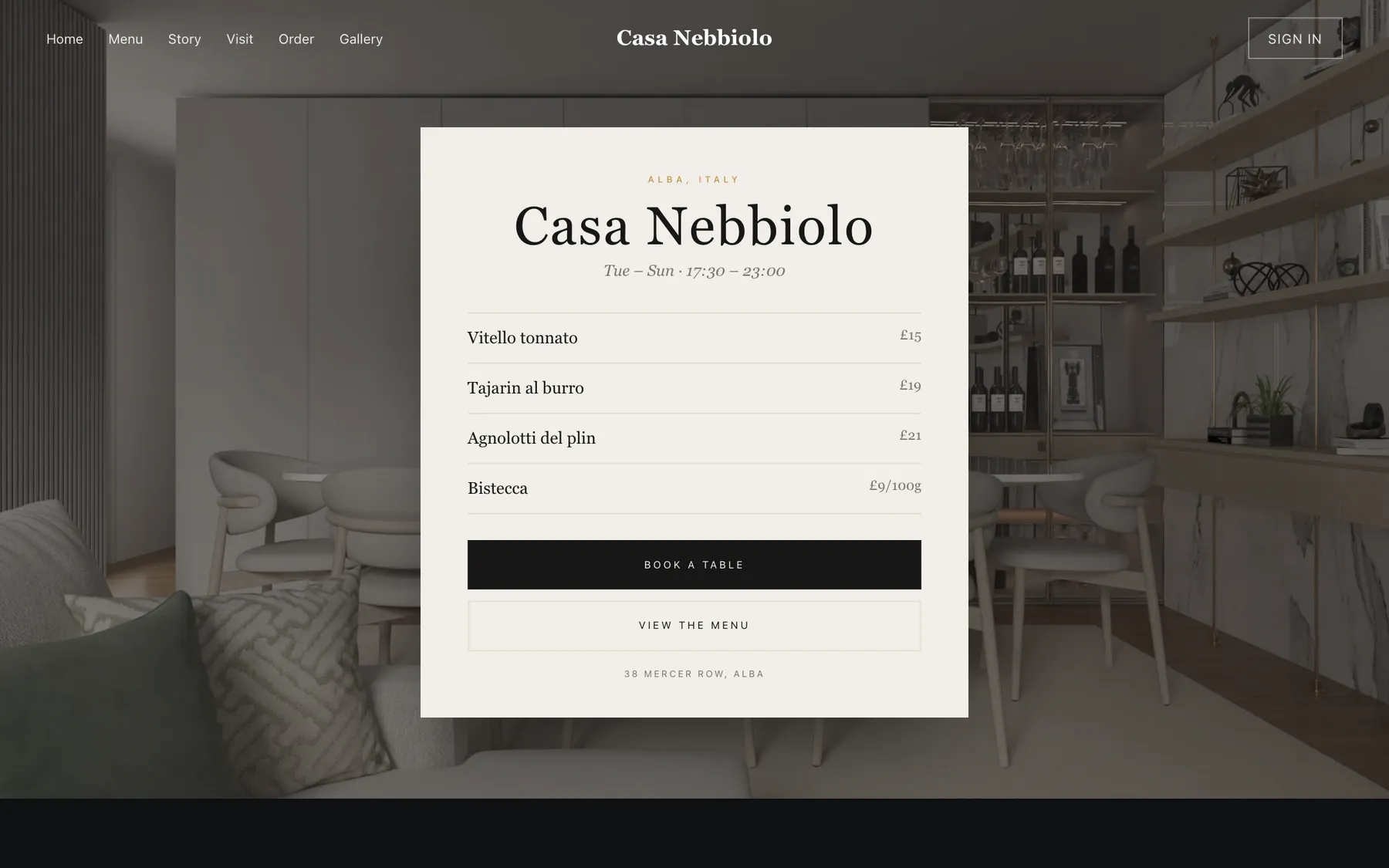
Big opening image, name & buttons, in the Overture treatment: Full-bleed room with a three-column tonight bar along the base.
Templates · Piedmontese fine dining
For dining rooms in wine country: a near-black template with a carte opening, an indexed menu, and a cellar list that reads properly on a phone.
Every section is a builder module you can reorder, edit or delete, with no developer.
On bookings and orders, on every plan. Stripe’s standard card-processing fees apply to online payments.
Build and preview the whole site for nothing, and pay only when it goes live.
Starter is £19/mo excl. VAT and includes a complete restaurant website, a live structured menu, enquiry and newsletter forms, and managed search readiness. Growth is £39/mo excl. VAT and adds direct live bookings, a custom domain with managed SSL, and table and floor-plan operations. Full is £69/mo excl. VAT and adds online ordering and multi-site management for up to five restaurant sites. TableSpark commission is 0%. Stripe's standard card-processing fees apply to online payments.
No agency, no retainer, and the best value an independent UK restaurant can buy, as the full cost comparison sets out. Instead of spending thousands on a bespoke build and waiting months for it, you start from a finished design like this one and go live the same day. Then it is yours to keep current — and a menu that can be corrected in a minute is a menu that stays true. The layouts are built mobile-first and scale up, and the plans add reservations, table management, ordering and the tools to run them — 0% commission to us.
Casa Nebbiolo is near-black with a terracotta accent, the colours of a cellar with one lamp in it. Yours might be white tile and morning light, or brass and candles, or something nobody has built yet.
This is the product, not a picture of it. Left, the live site. Right, the builder’s own Theme panel. Everything you press takes effect immediately, nothing persists, and there is no sign-in wall in front of it. Go on.
Loading the live preview…
A restaurant in a wine region sells two things, and most restaurant websites only handle one. This design gives the cellar equal standing: a menu structure for the food and a drinks structure for the list, each with its own layout rather than the wine being appended as an afterthought.
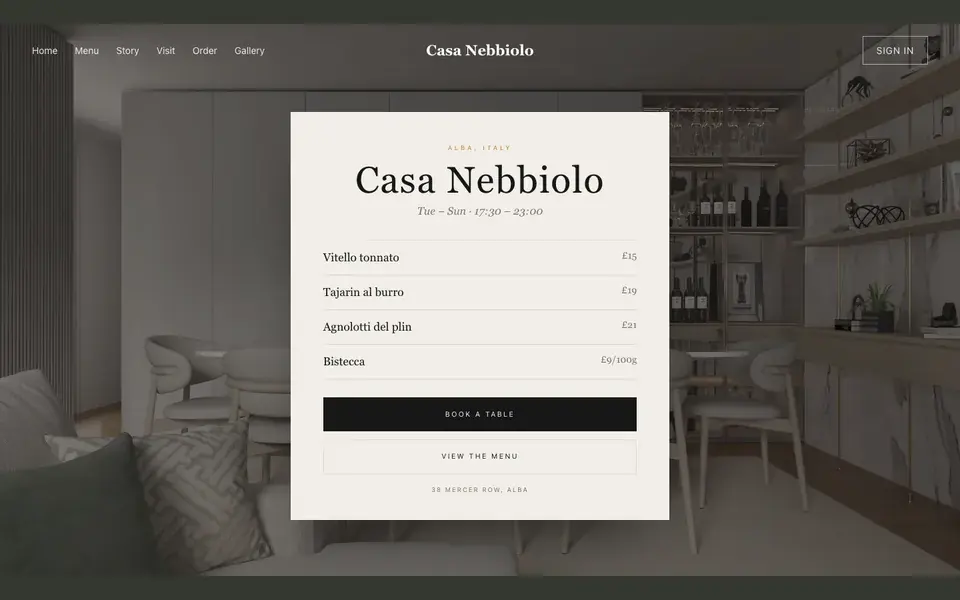
The opening is a carte — the menu itself, set as type, at size. In a region where guests arrive knowing what they want to eat and needing to know what you have to drink with it, leading with the card is the confident move.
Nine blocks, split between the kitchen and the cellar:
01
Big opening image, name & buttons, in the Overture treatment: Full-bleed room with a three-column tonight bar along the base.
02
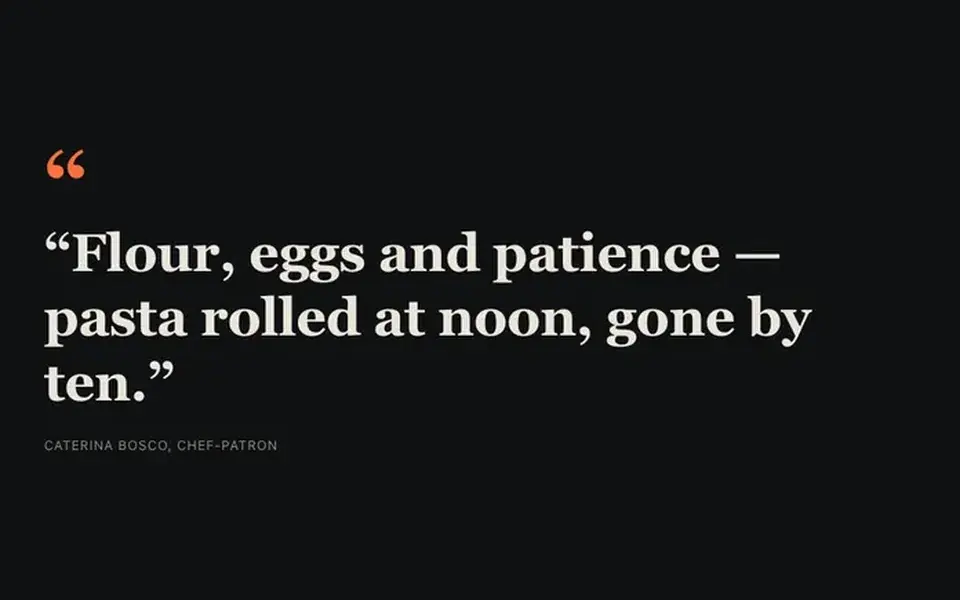
A large standout quotation.
03
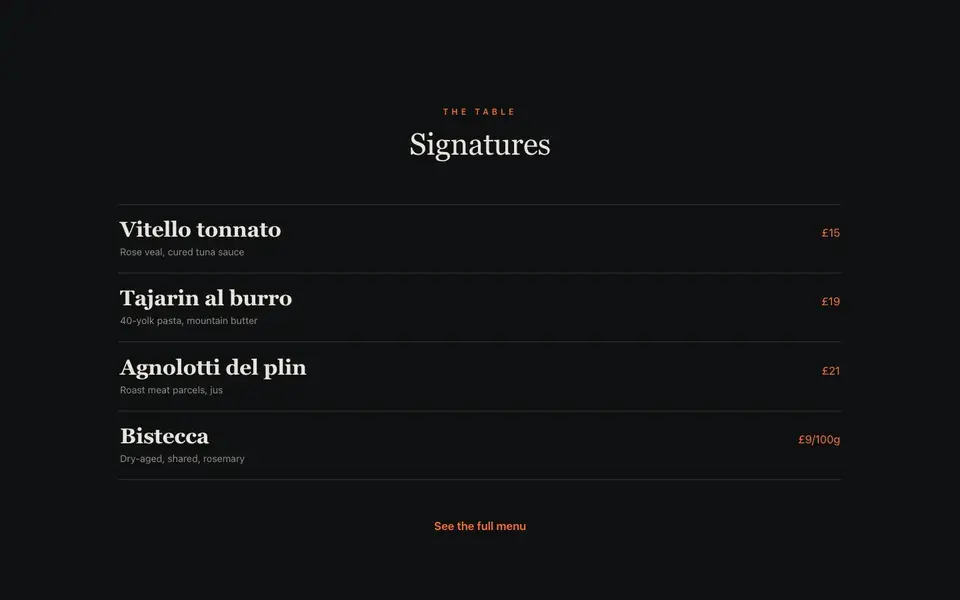
A few dishes on a sliding rail.
04
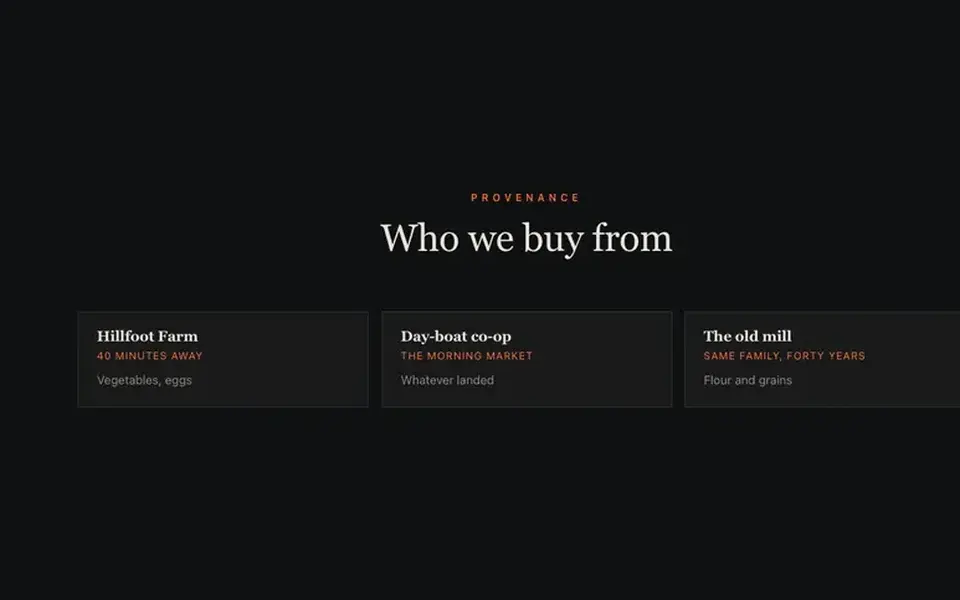
The growers and makers behind the menu.
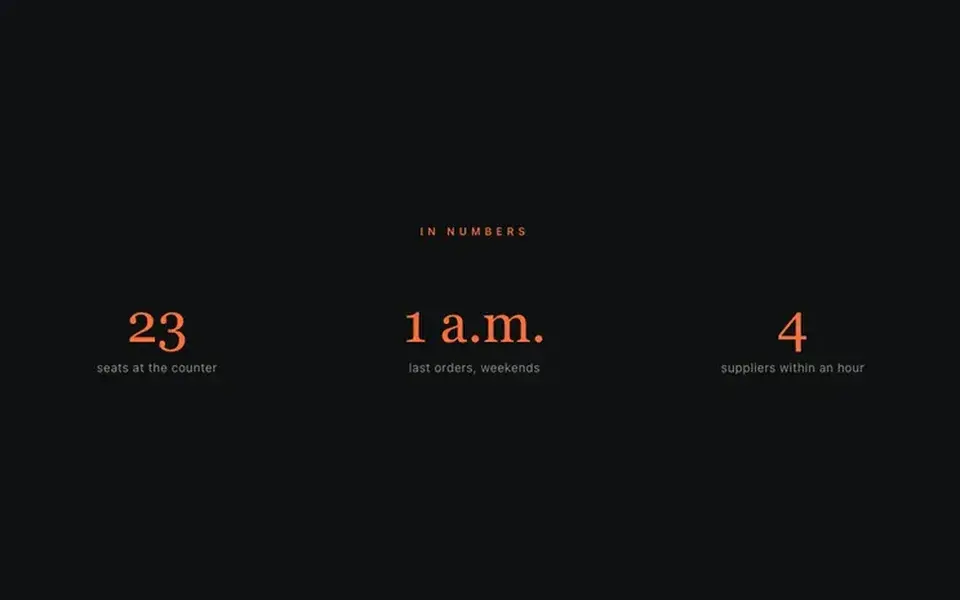
05
Headline stats.
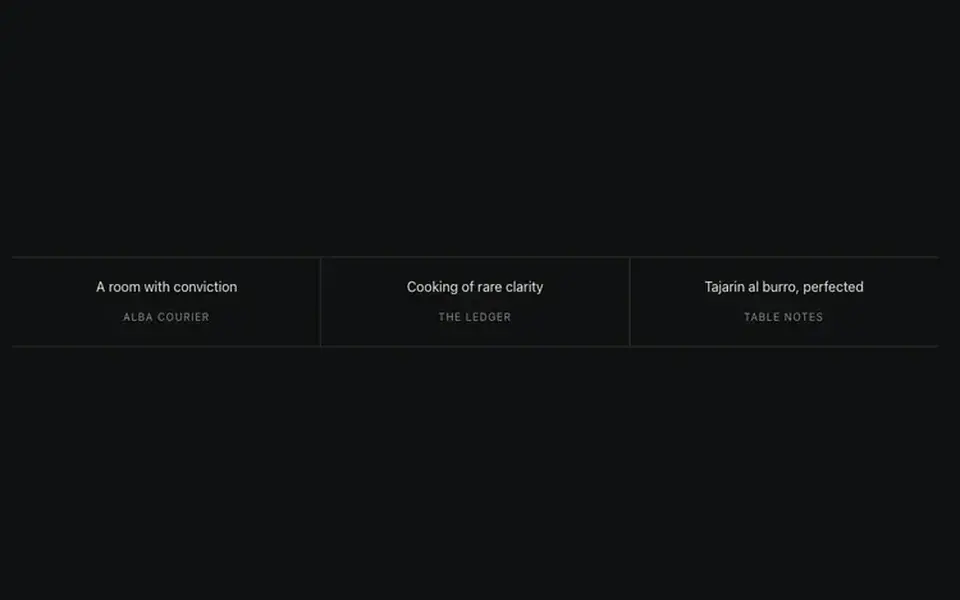
06
Press mentions or awards as a ruled band.
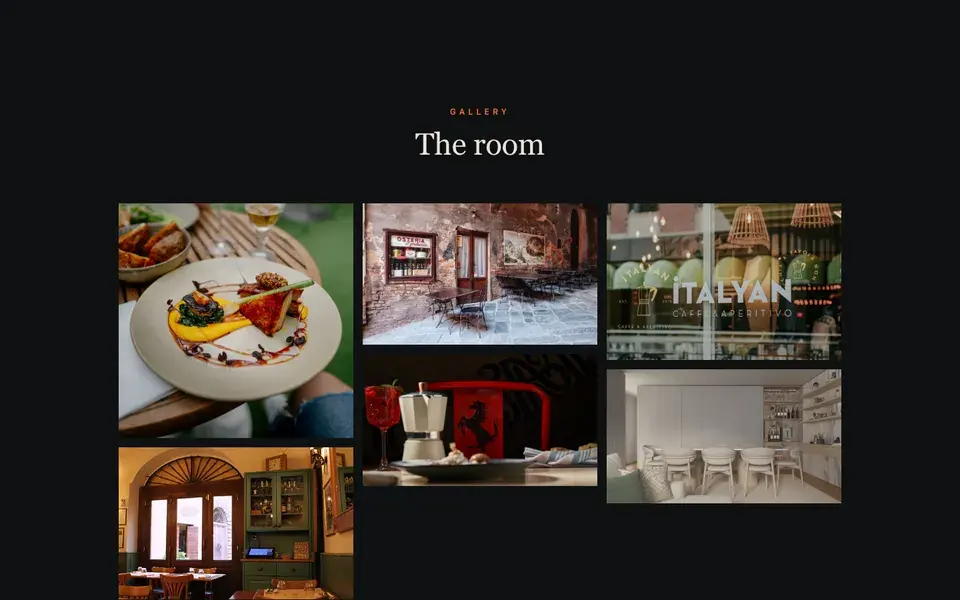
07
Grid, masonry or moving strip.
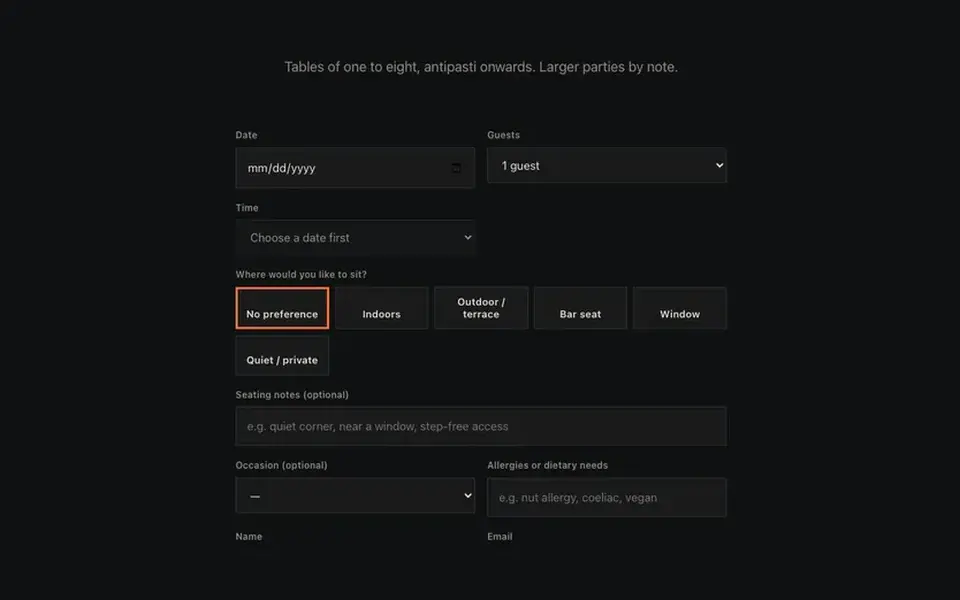
08
Live availability slot picker, saved to your Inbox.
09
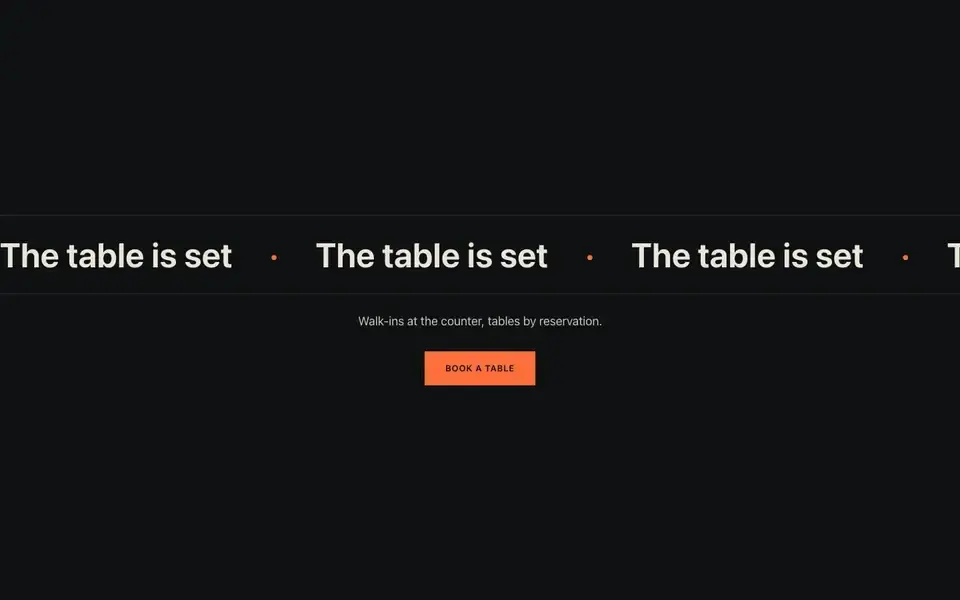
Headline + button band.
Loading the live preview…
The photo-tile ordering layout works here because what is sold online is usually wine and pantry goods, where the bottle is the picture and the label does the selling.
Quantities and case options are inline, the total stays visible, and payment lands in your own Stripe account with 0% taken by TableSpark. Stripe’s standard card-processing fees apply to online payments.
Loading the live preview…
Every Casa Nebbiolo site on Growth and Full ships with an app your guests keep. It lives at /account on your own domain, so the guest signs in to your restaurant, not a marketplace.
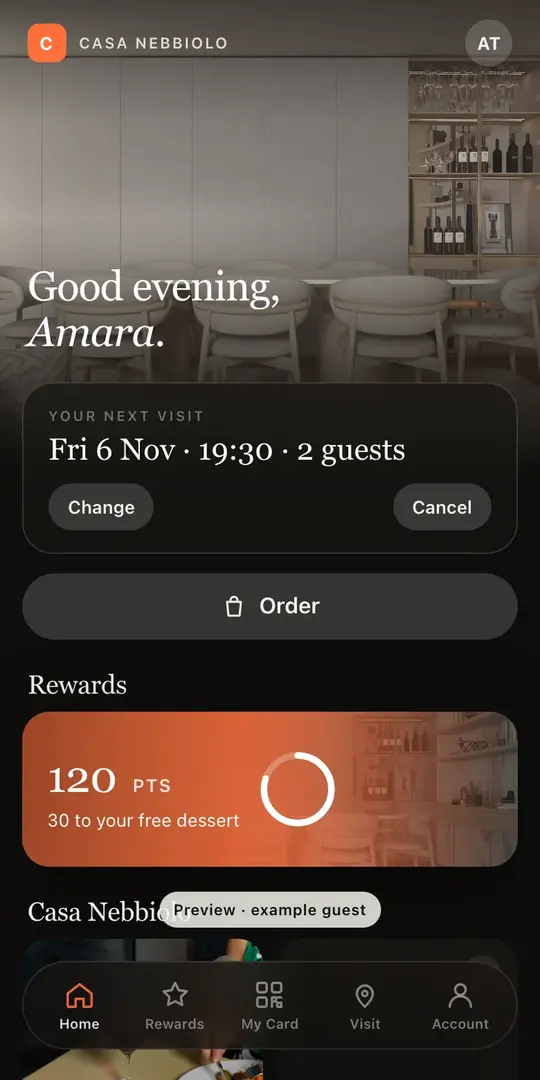
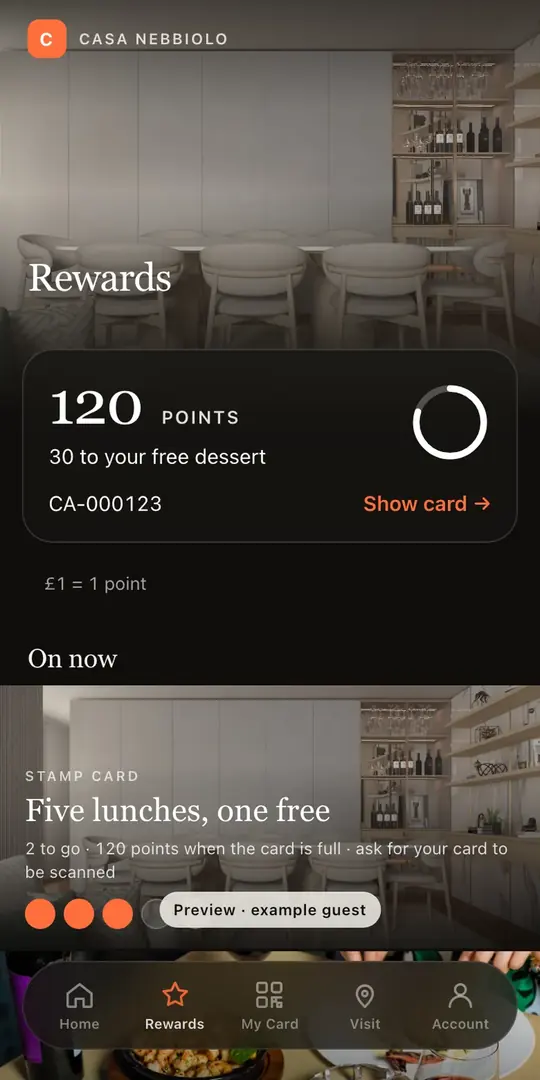
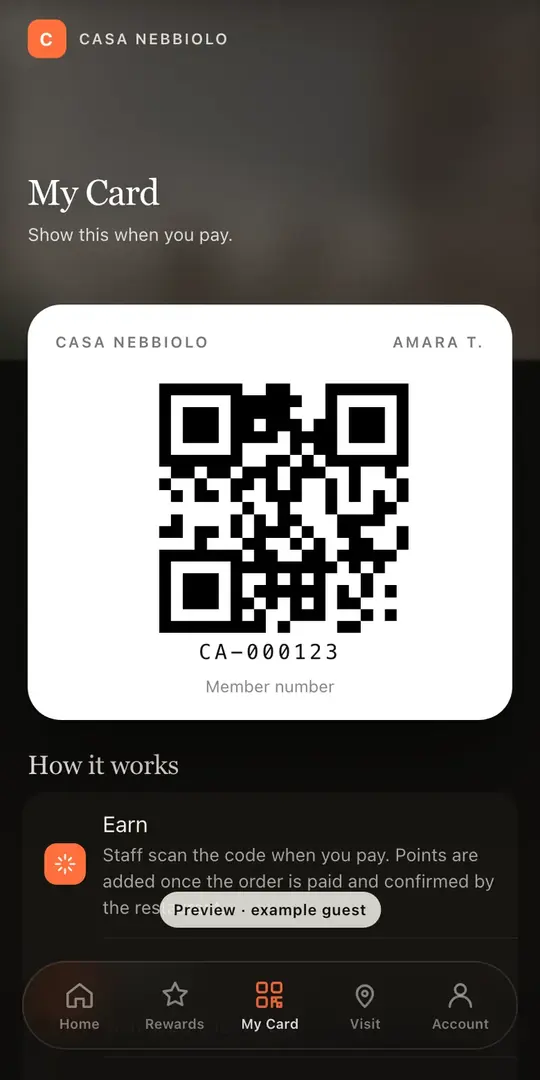
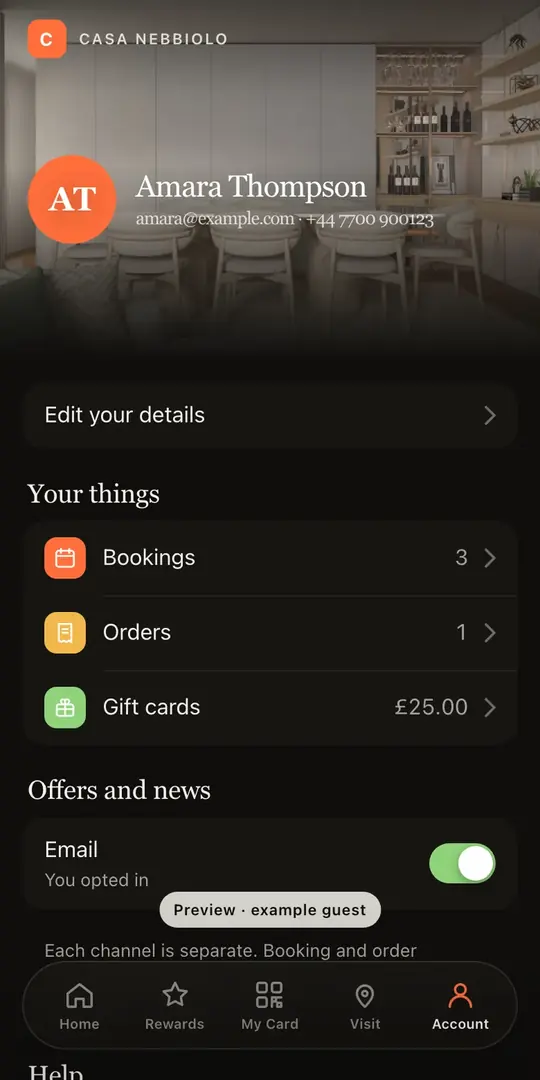
Included on the Growth and Full plans. Watch the Guest App course
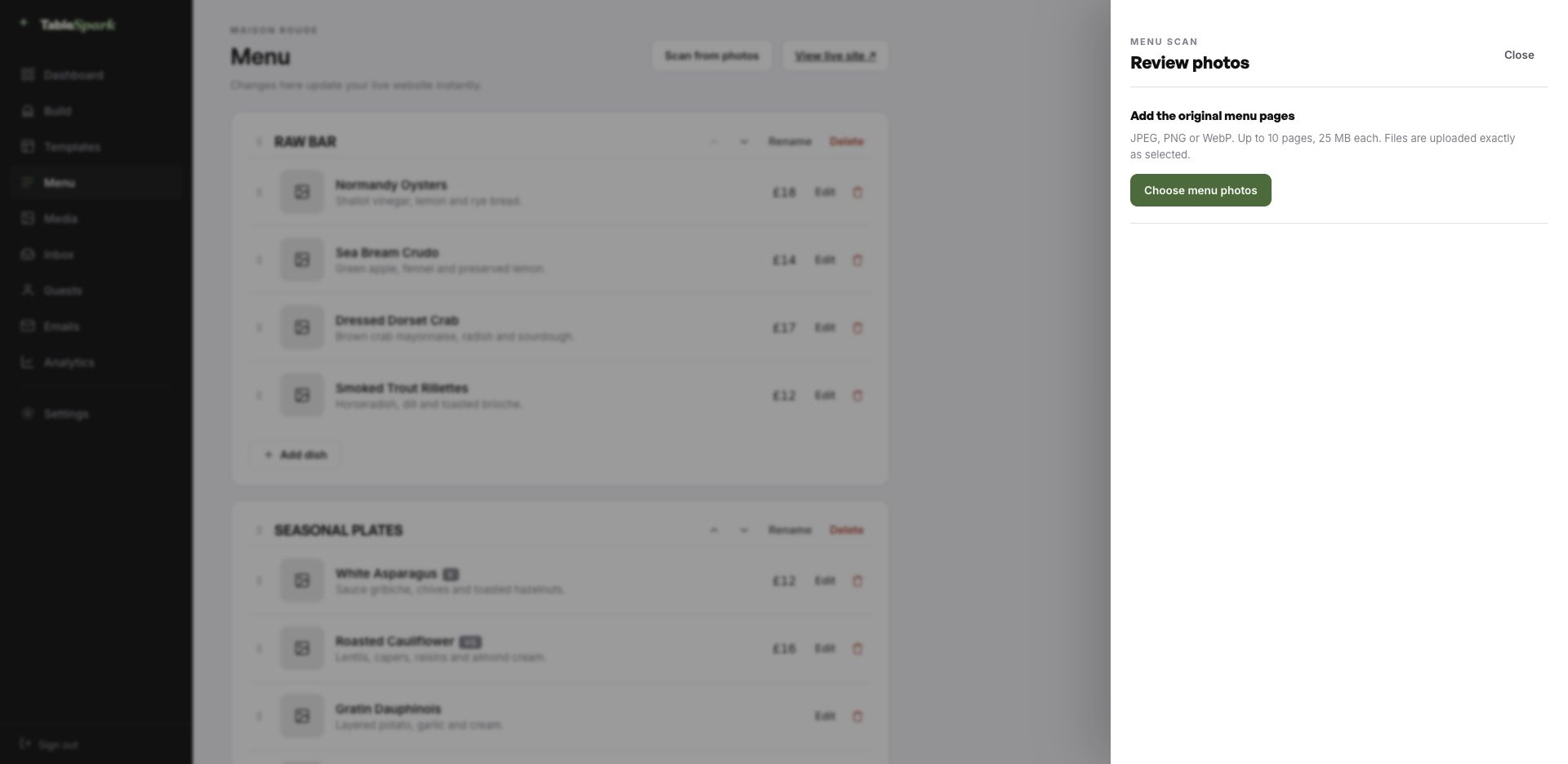
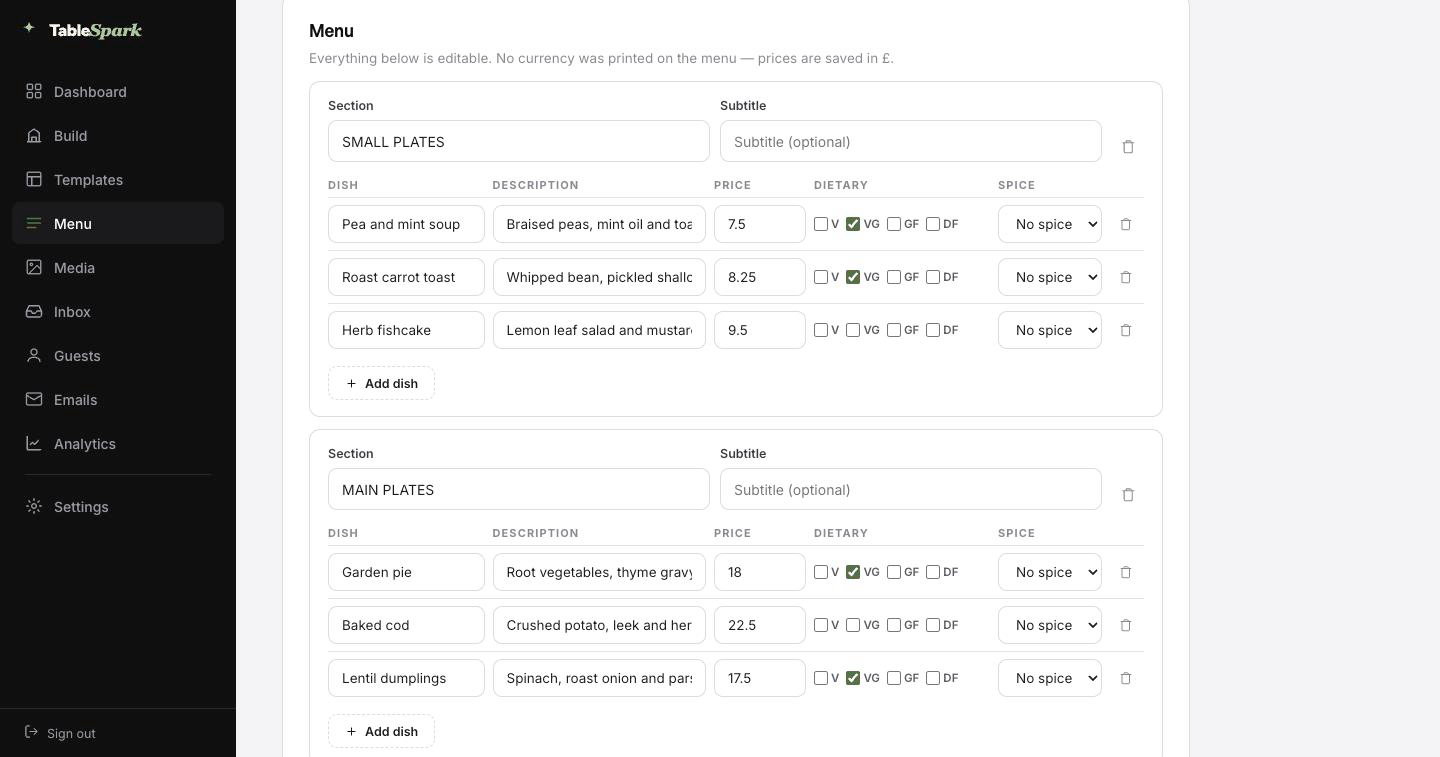
The worst job in setting up a restaurant site is typing the menu. You do not have to. Send in the menu you hand to guests — card, board, PDF, ten pages if it runs that long. What returns is not a scan but a structured menu: every section, every dish, every price, with dietary and spice marks read off the page where they were printed. Nothing saves until you have looked at it — every field is editable on the review screen.
And because it is data rather than a photograph, it can do work. That single menu is what powers the menu page, the highlights on the home page and the Restaurant structured data a search engine reads. Change a price once afterwards and all of them follow.
Search titles and descriptions are drafted the same way: press Write with AI and it writes from the page in front of you. You still approve every line of it before it goes anywhere.
Printed card, chalkboard photograph or an old PDF — any of them work.
Not a scan: real sections, dishes, prices and marks you can edit before saving.
Menu page, home-page highlights and the Restaurant schema — kept in step automatically.
The waiting is the part that has been removed. Consider it a fully fitted kitchen waiting for your knives. One sitting to live, and the booking form does not need setting up: it is already answering. The booking appears in your inbox; the guest gets a confirmation before they have put their phone down.
One Stripe connection turns the site into something that collects money: deposits on tables, payment on orders, paid direct. Our commission is 0% at every plan level. Stripe’s standard card-processing fees apply to online payments. That is the only deduction.
Step 01
1min
Pick Casa NebbioloThe whole thing is duplicated into your account to edit.Step 02
4min
Change the name and the wordsClick a block, change the words, swap the picture.Step 03
3min
Upload your menuPhotograph the menu; review what the AI read back.Step 04
1min
PublishLive on your address, with reservations working.Step 05
1min
Connect StripeNow you can take deposits on tables — direct to your account.In all
10min
From template to taking paymentsFive steps, one sitting.Nobody prints someone else’s name on their menu, and a web address is no different. You start on a TableSpark address so you can publish today, and move the site onto your own domain whenever you are ready — the one on your menus, your napkins and your Google listing.
You do not touch a certificate or a redirect rule. TableSpark issues and renews the SSL, points the bare domain at your chosen host, and keeps the search signals consistent. If the domain is already yours, nothing needs buying; you are told precisely which DNS record to point where.
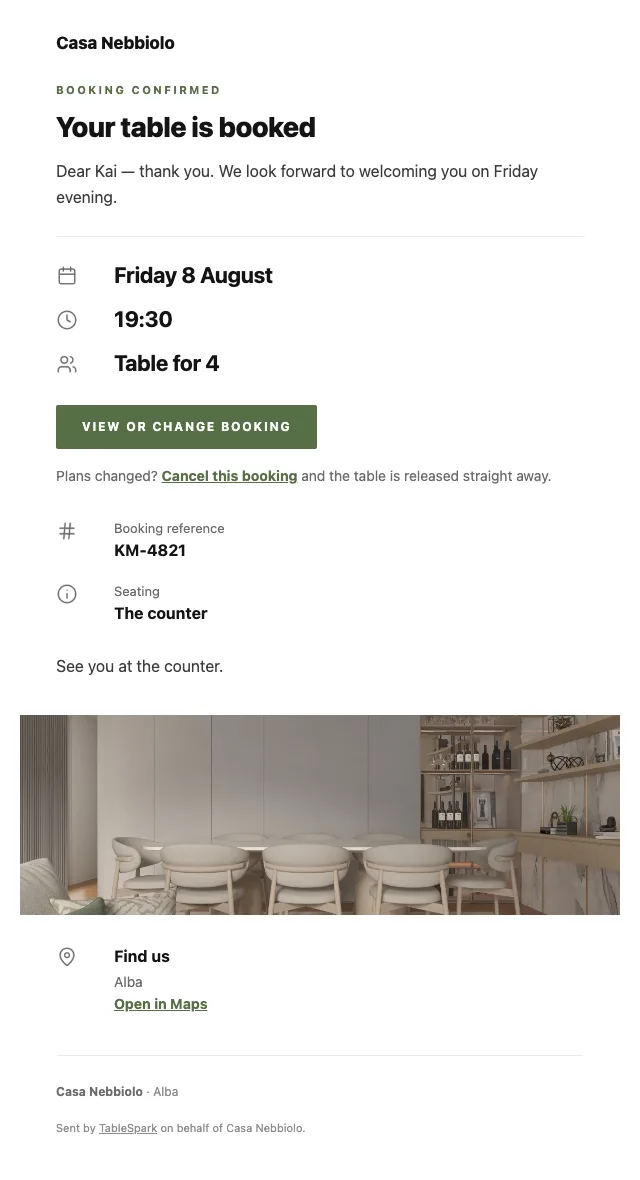
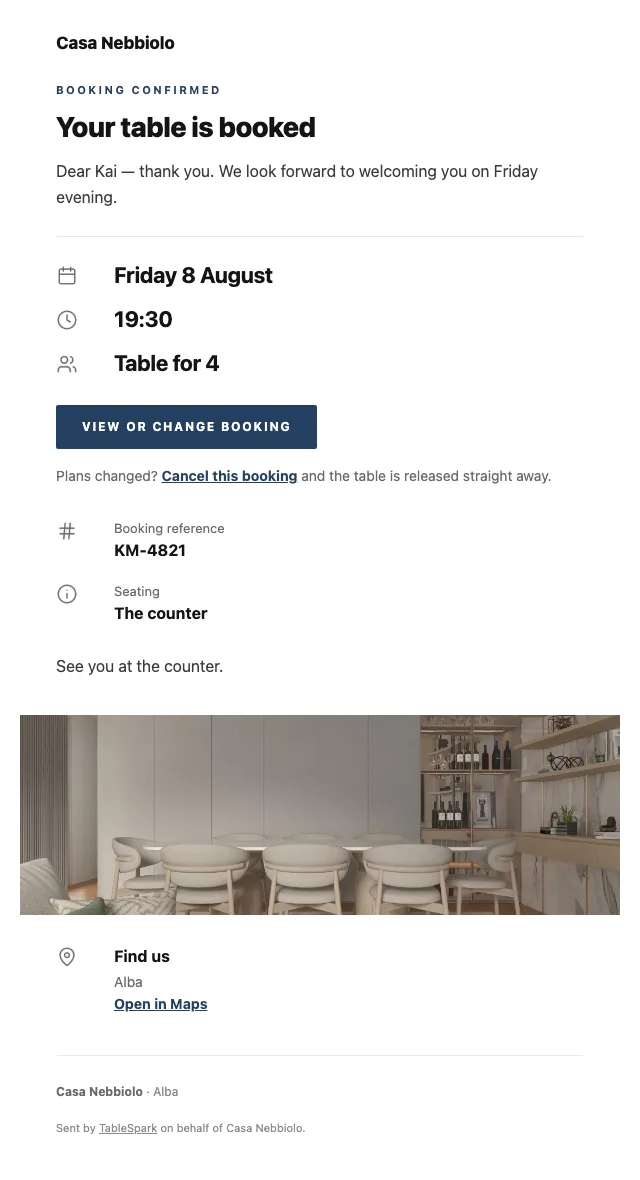
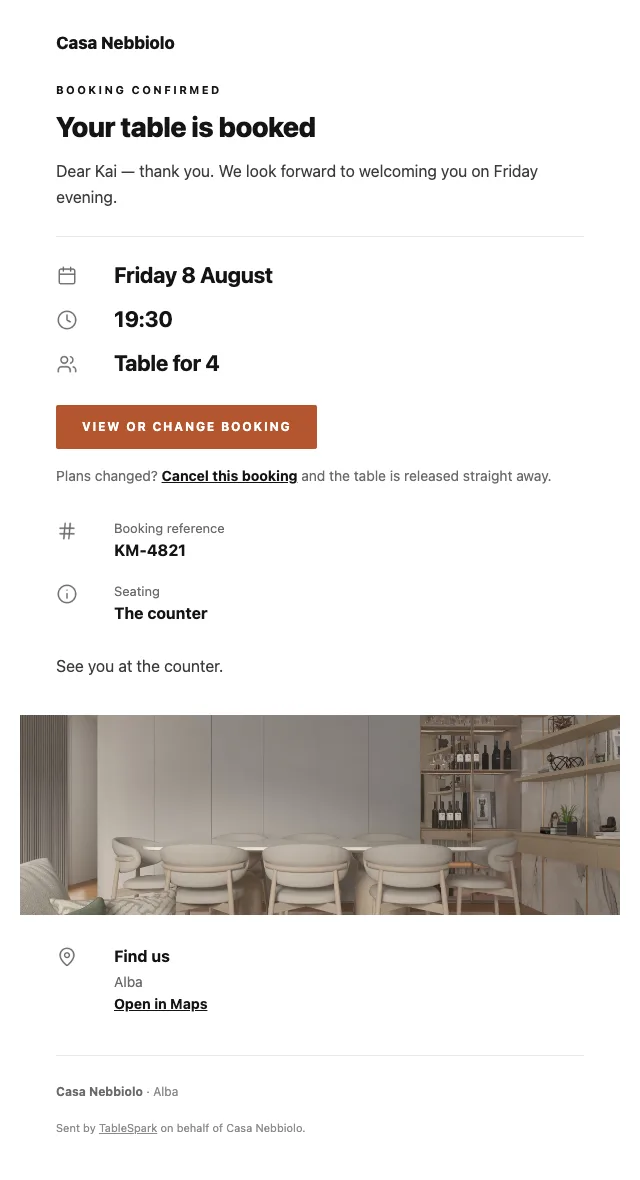
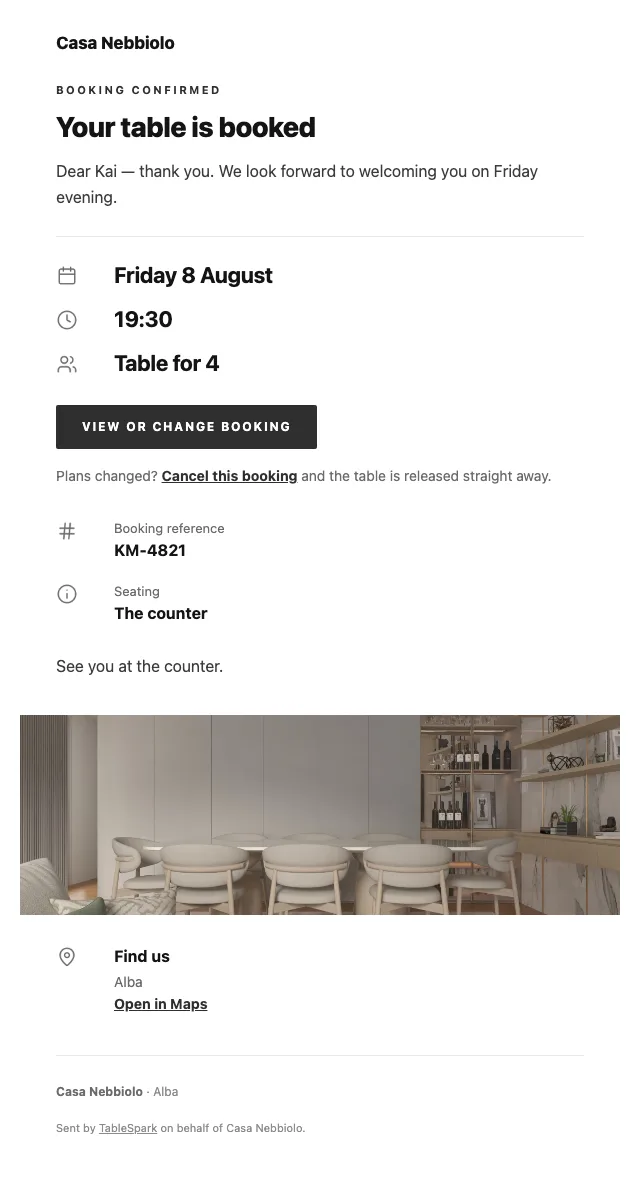
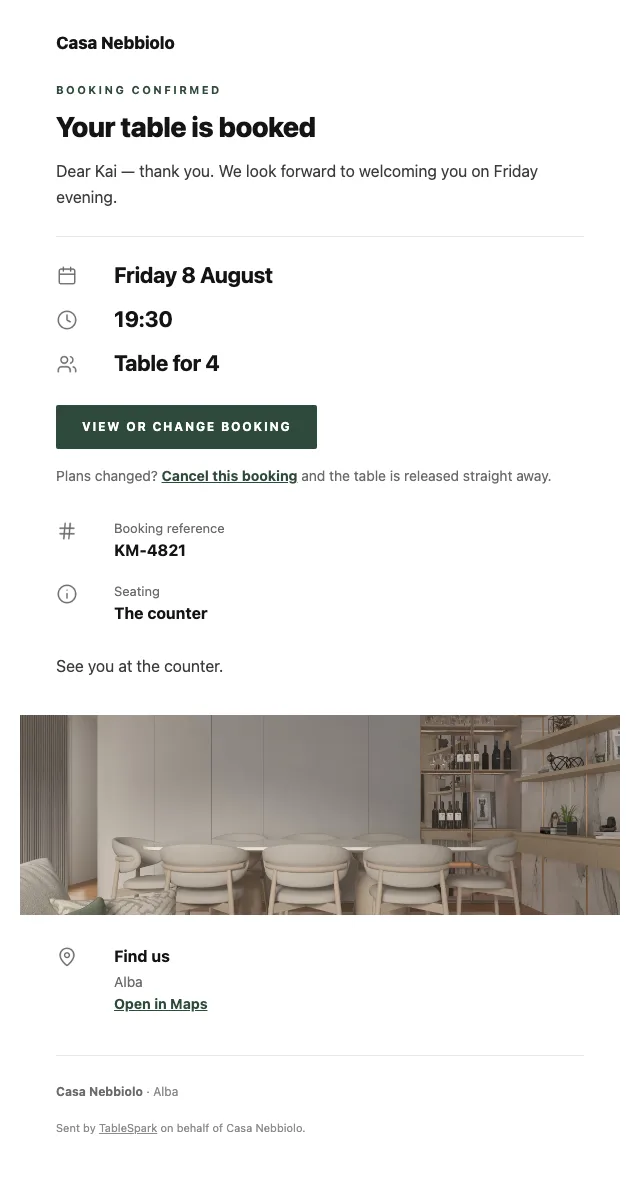
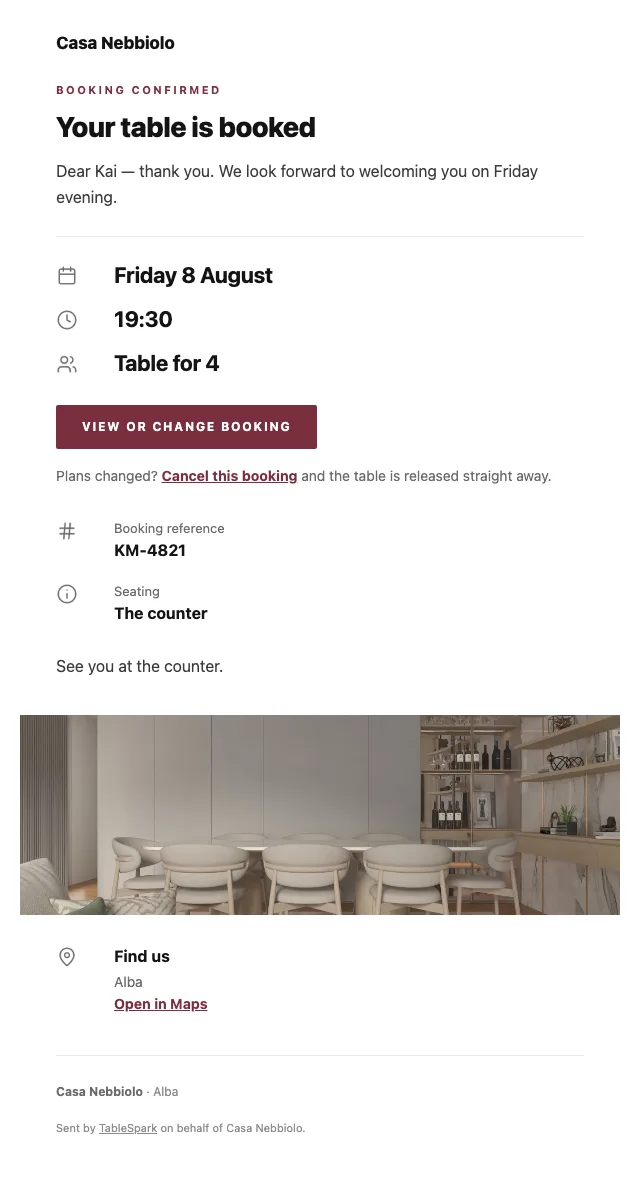
Most guests will see this email more often than they see your home page. On booking, an email goes out on your behalf with everything the guest needs — when, how many, where, how to reach you, and a one-click way to give the table back. Reminder emails, deposit receipts and cancellation notices are cut from the same cloth.
And the email is yours to design, not ours. Six templates, your accent colour, your logo, a cover photograph, the header layout, a sign-off in your own voice, your links and your social accounts. Once your domain is connected the email leaves from your address as well, not a generic one.
Below, the same booking confirmation in six of the accent colours you can pick.
A live link proves the page exists. It does not prove Google can read it. Sites sit at a perfectly good address and never appear in search — because of a leftover noindex, canonicals that disagree, pages nothing links to, a menu trapped in a PDF, absent restaurant schema, or verification never finished. What follows is expensive: searches for your name, your dishes or your street send guests to marketplaces that take a cut of the booking you would have had for free.
None of it is left for you to assemble. Rankings and indexing are Google’s decision and no honest supplier promises either — but the configuration that makes them possible is done.
Reorder them, rename them, remove them. The set is a starting point.
The whole page is assembled from the shared library: 70 modules, each offering several layouts.
What you see is one arrangement of them. Yours can be a different one, changed by dragging.
Ships with 4 sections — Antipasti, Fresh pasta, The oven, Dolci — for you to overwrite.
All of it arrives with the booking in your TableSpark inbox.
Your job: take the picture and check the result. Ours: read it, structure it, and draft the search wording.
Publishing is always your decision.
Search engines La Carta — Casa Nebbiolo | Alba Piedmontese cooking and a Langhe cellar. The full menu, the wine list and prices.Drafts the search title & description from this page’s content. Always review before publishing.
Stripe’s standard card-processing fees apply to online payments.
Deposits, refunds and the terms to write down
Build the whole thing, look at it, change your mind. You only pay when you go live.
Build the whole thing, look at it, change your mind. You only pay when you go live.
7 pages, and every one of them is here. Nothing below is a screenshot: the frame renders it through the same engine that publishes your site, so every tab is the real page and every link inside it works. Switch to Phone to watch the same design reflow.
The story page carries the region, the family and the cellar — narrative, sourcing, interview, timeline. The gallery page holds the vineyard and room photography, and the visit page explains a rural location and its seasons.
The indexed layout — sections listed, then opened in turn — is right for a regional menu organised traditionally, where the guest already knows the structure and is scanning within it.
The description line carries the producer, the valley and the age, which in wine country is exactly the specificity guests search for. All of it is real text rather than a PDF, so a search for a producer can land on your page.
Whichever layout you choose, the point is the same: every dish, description and price is real text in the page with Restaurant schema around it, not a PDF and not a photograph of a laminated sheet.
Running a Italian kitchen? See all Italian restaurant website templates.
What owners ask before they pick a template: the cuisine fit, the menu, the address, and what it costs.
It does not, and it should not be. The drinks list block holds bottles grouped by region, style or producer, with vintage and price fields, and it reads properly on a phone. Unlike a PDF, every producer and vintage is real text a search engine can index — which is how people looking for a specific wine find a restaurant that pours it.
Yes — an ordering page can carry bottles and cases with their own prices and options, settling into your own Stripe account with no commission from us. Stripe’s standard card-processing fees apply to online payments. It sits alongside the restaurant rather than replacing it.
The guest receives a branded confirmation straight away: date, time, number of covers, your address, your phone number, and a link to release the table. Reminders before service, deposit receipts and cancellation notices come from the same place. You choose from six templates and set the accent colour, logo, cover photograph, header layout, sign-off, links and social accounts — and with your domain connected, the sender address is yours.
No. If you can edit a document you can run this: click a section, change what it says, replace the picture. There is no code view and no need for one.
You should not have to. Upload a photograph of the menu you already print and the AI turns it into structured sections, dishes, descriptions and prices, reading dietary and spice marks off the card where it can. Everything lands on a review screen for you to check before it saves. After that it is data rather than an image, which is why one price change updates the menu page, the ordering page, the home-page highlights and the structured data together.
One sitting is a fair estimate. The template copies into your account complete, so the work is changing the name, editing the words and uploading the menu before you publish. Bookings work immediately on publishing, arriving in your TableSpark inbox with an automatic confirmation to the guest. Adding a payment account enables deposits on tables and payment on orders, paid direct to you at 0% commission. Stripe’s standard card-processing fees apply to online payments.

Make this yours: the name, the words, the photographs, the menu. Free to build, and you only pay when you go live.