01
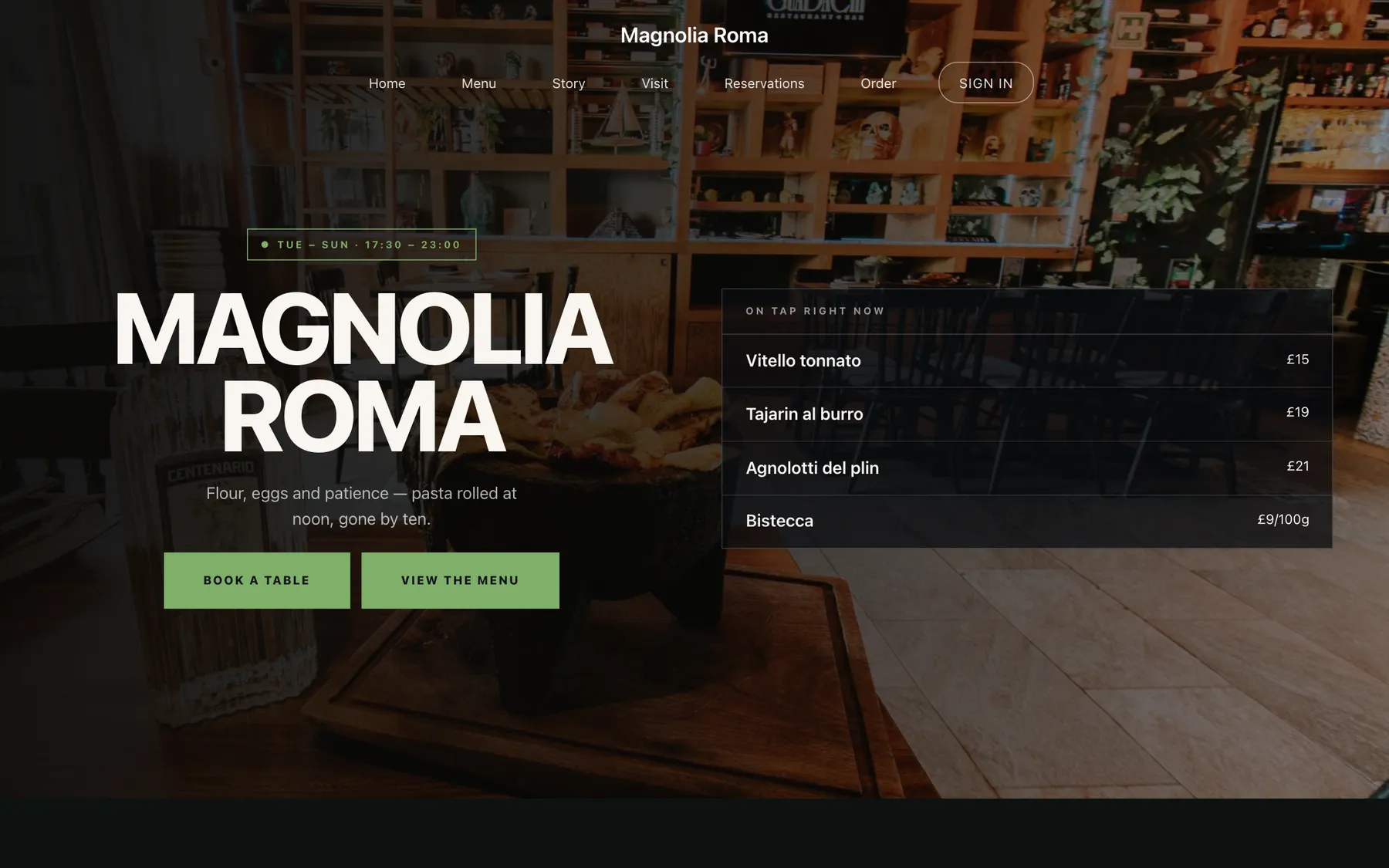
Hero
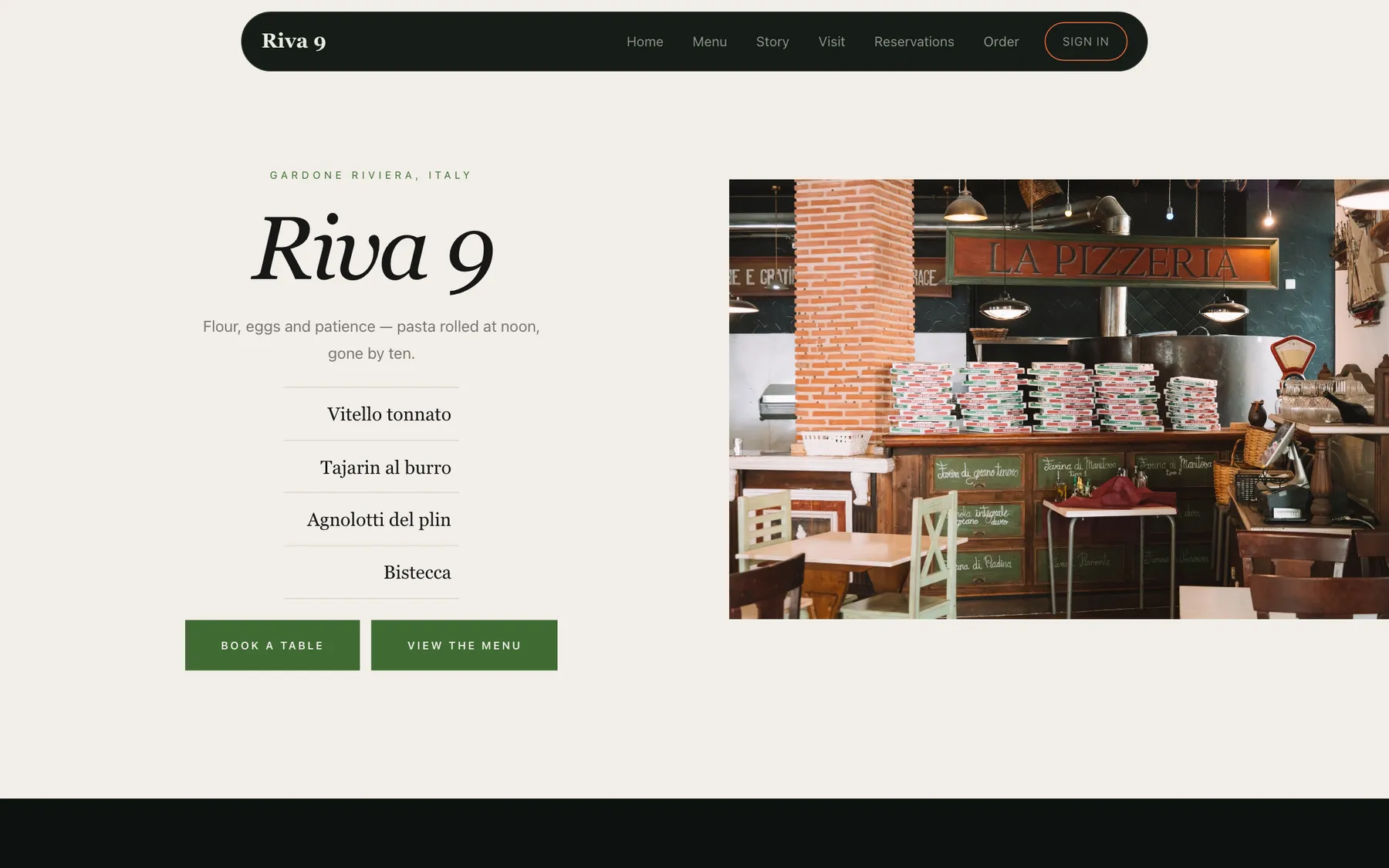
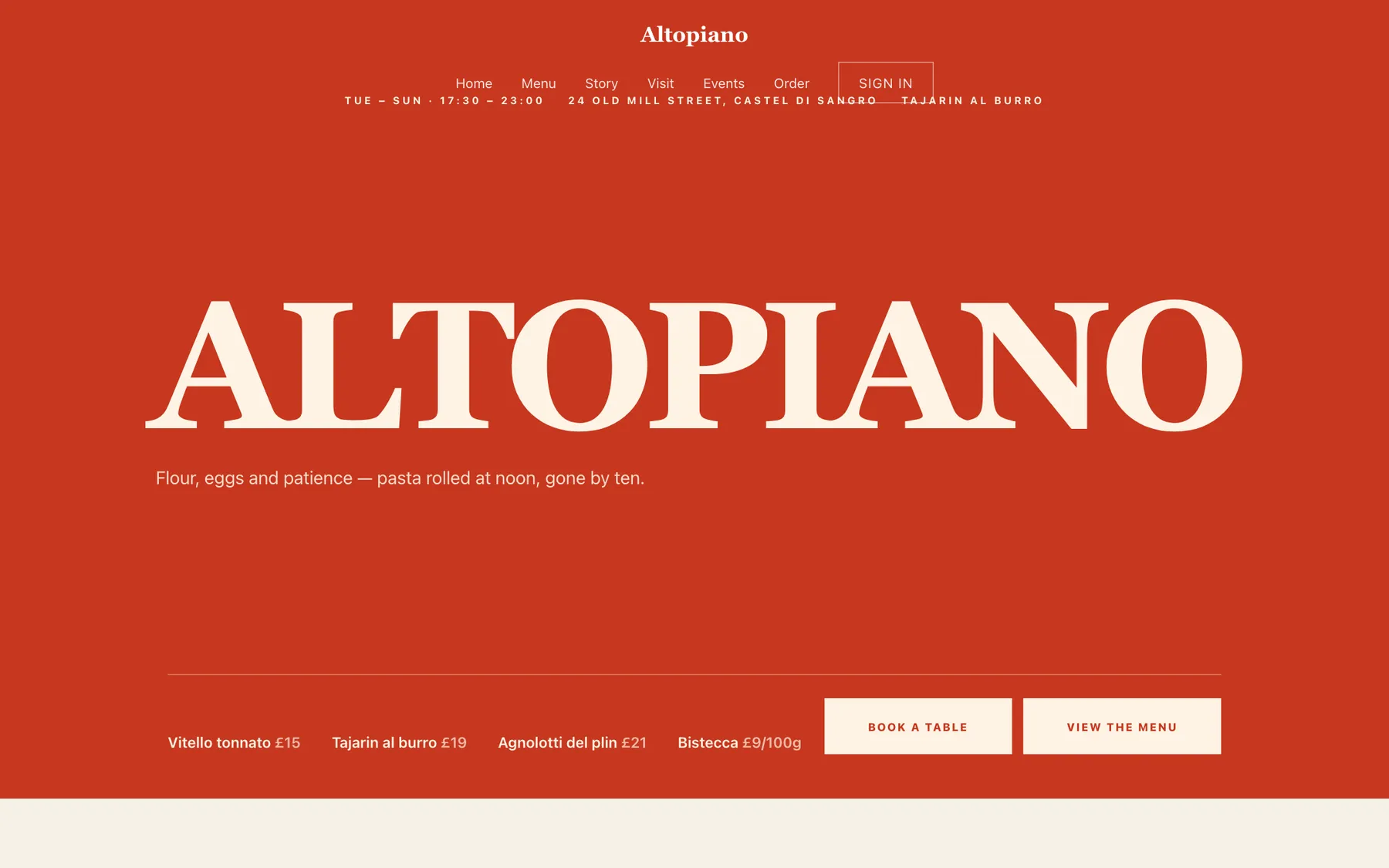
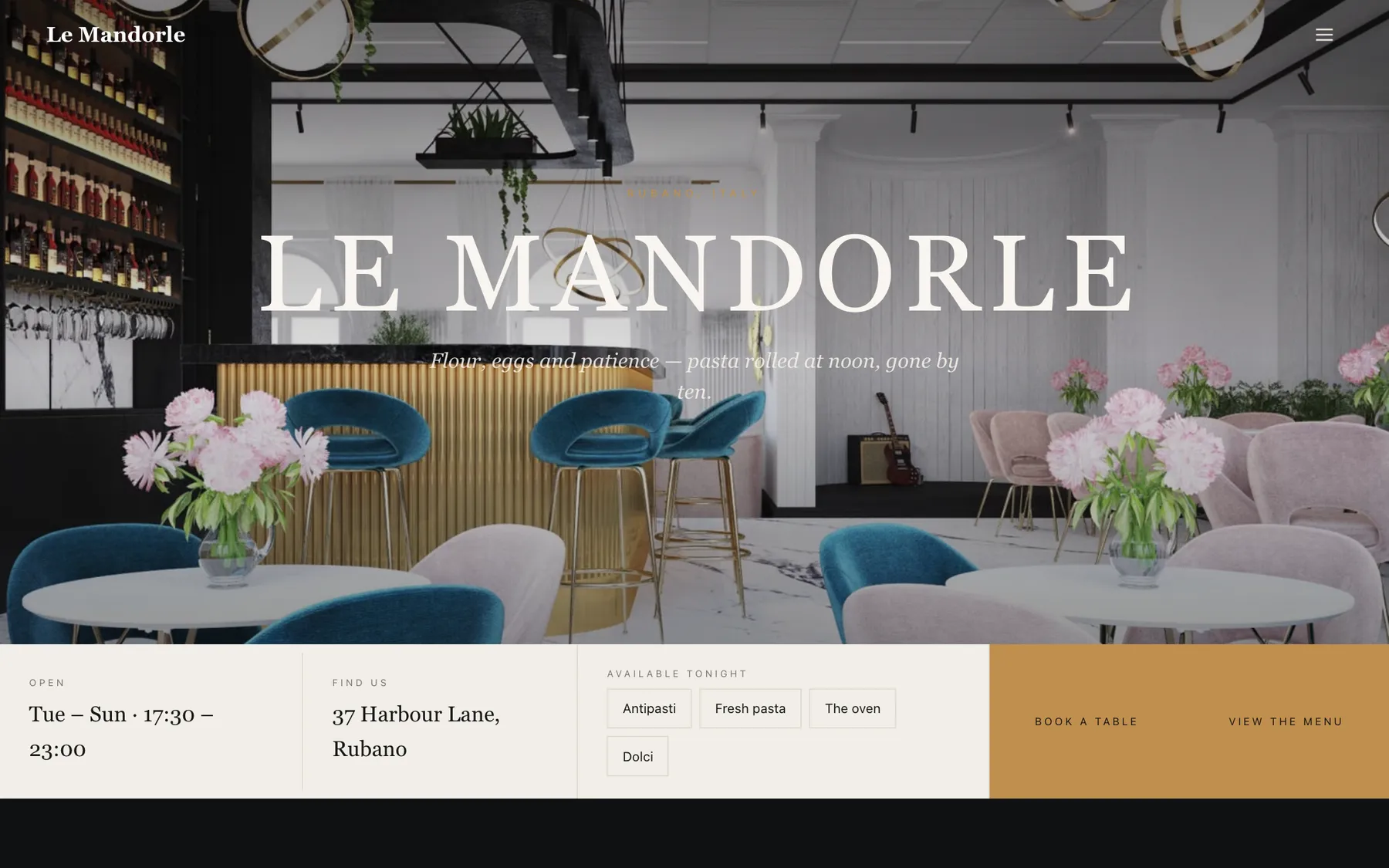
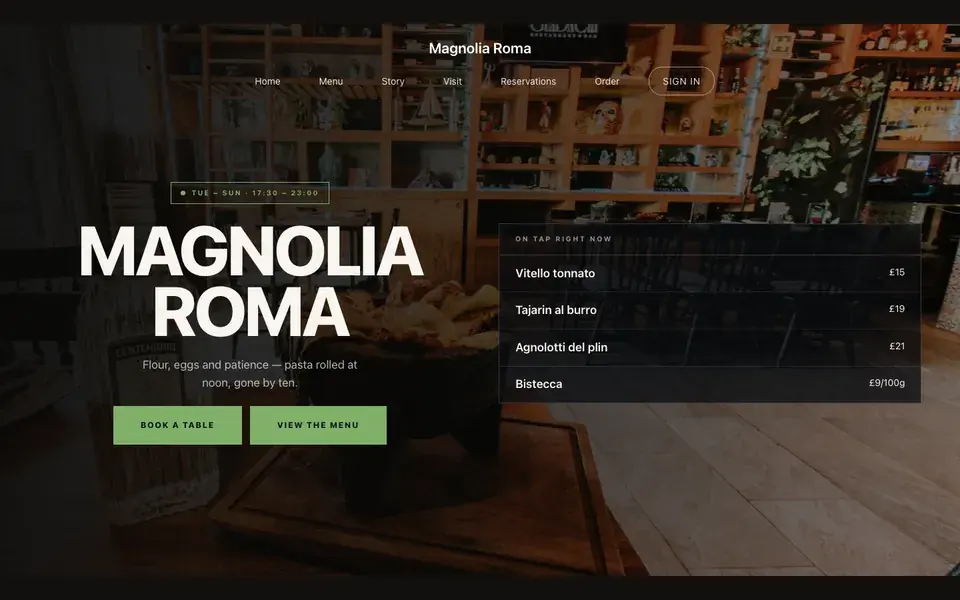
Big opening image, name & buttons.
Templates · Italian-Mexican
For kitchens with a foot in two countries and a bakery attached: a dark template with a tap-list opening, a compact carte, and a chip-bar ordering page for the bread trade.
Every section is a builder module you can reorder, edit or delete, with no developer.
On bookings and orders, on every plan. Stripe’s standard card-processing fees apply to online payments.
Build and preview the whole site for nothing, and pay only when it goes live.
Starter is £19/mo excl. VAT and includes a complete restaurant website, a live structured menu, enquiry and newsletter forms, and managed search readiness. Growth is £39/mo excl. VAT and adds direct live bookings, a custom domain with managed SSL, and table and floor-plan operations. Full is £69/mo excl. VAT and adds online ordering and multi-site management for up to five restaurant sites. TableSpark commission is 0%. Stripe's standard card-processing fees apply to online payments.
The price is the argument: the best value of any complete restaurant website and management system in the UK, with every published figure in the full cost comparison. You skip the part where a bespoke build eats thousands of pounds and a season of your year, and start from something already finished. You keep the keys. Menus, prices, photographs and copy are all edited by you, whenever you want, without asking anyone. Phones, tablets and desktops are all first-class, and the plans bring reservations, tables, ordering and management with no commission from us at all.
Magnolia Roma is a dark room with a terracotta accent, the colour of a tiled floor in an old house. Yours might be white tile and morning light, or brass and candles, or something nobody has built yet.
Rather than explain, here is the thing itself: the builder’s Theme controls on one side, the live site on the other, both real. You cannot break it, nothing saves, and no account is required to have a go. Go on.
Loading the live preview…
An Italian kitchen in Mexico City is not fusion so much as a household — one set of techniques applied to another country’s produce. The design keeps both halves visible: Italian typographic restraint, Mexican colour discipline, and photography that shows the produce rather than the flag.
The opening is a tap list, which works because a room like this usually has a bar and a bakery attached, and what is on today is the most useful thing to lead with.
Nine blocks, split between the kitchen and the bakery:
01
Big opening image, name & buttons.
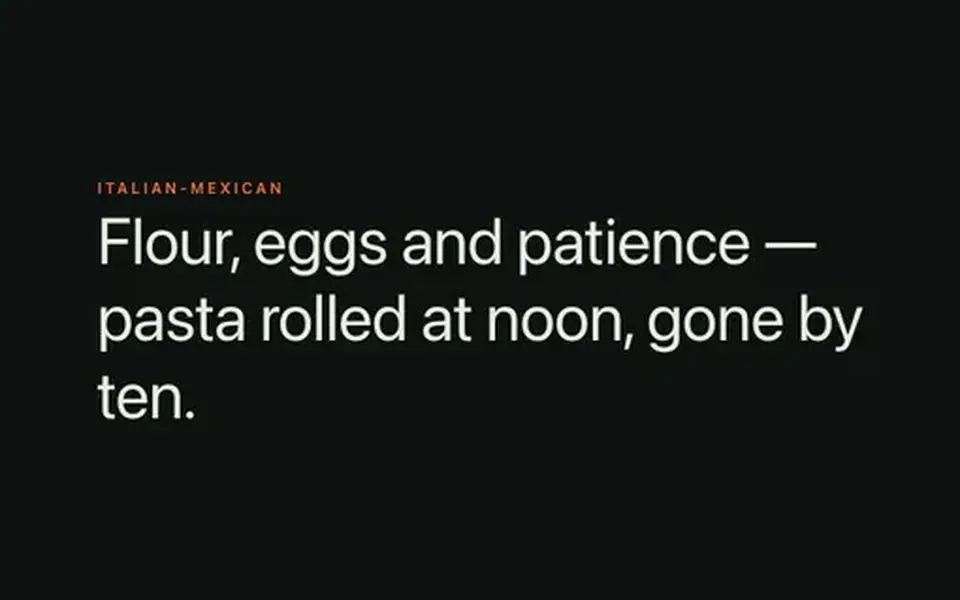
02
Big opening statement line.
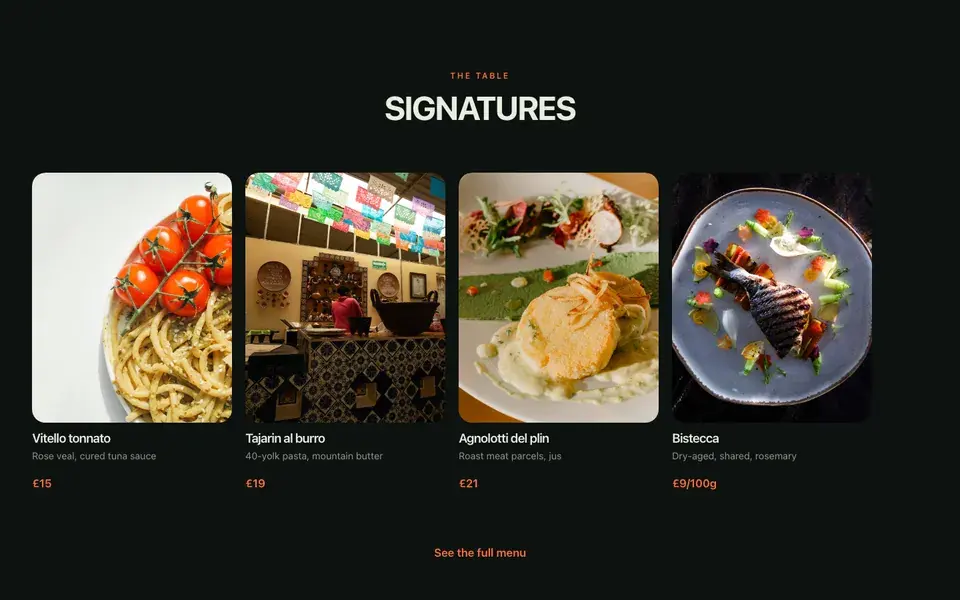
03
A few dishes on a sliding rail.
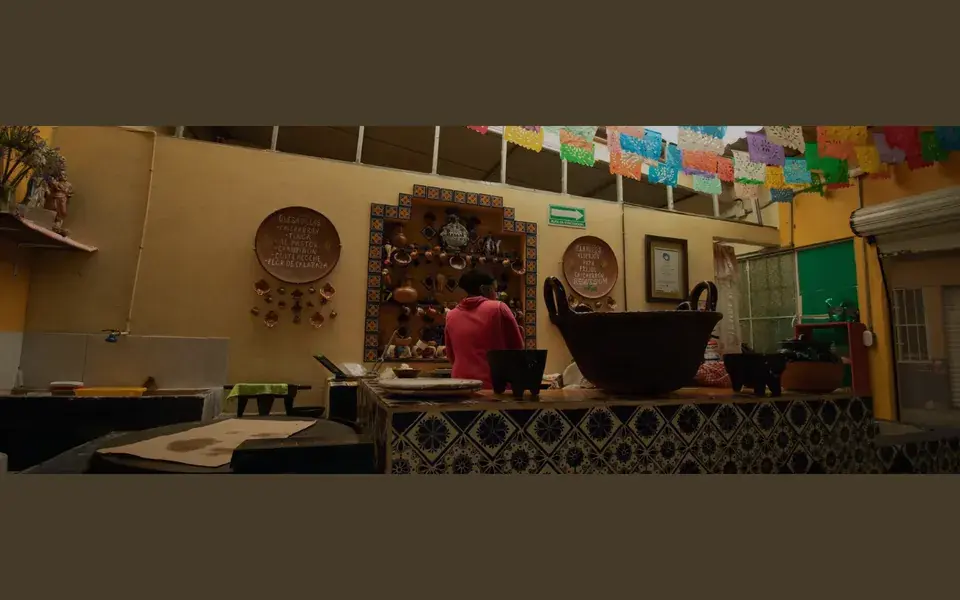
04
Full-width image band with optional caption.
05
One dish, full screen — name, story, price.
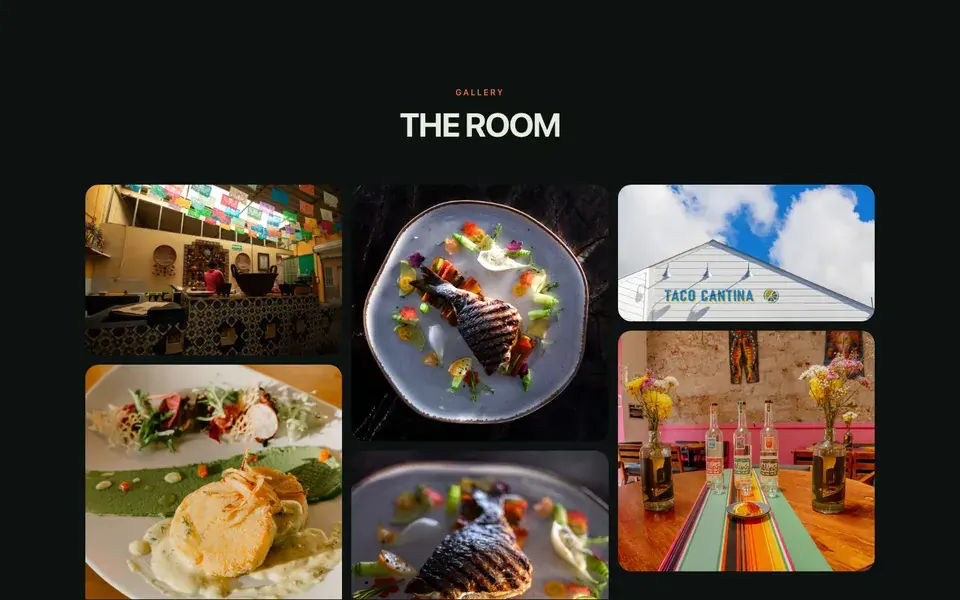
06
Grid, masonry or moving strip.
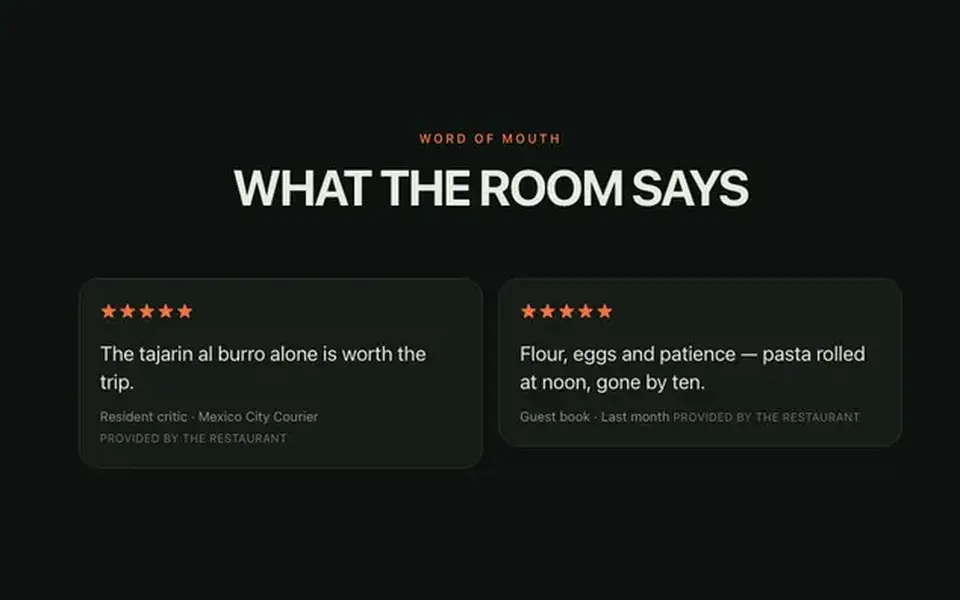
07
Guest quotes with stars.
08
Headline + button band.
The statement block currently reads Flour, eggs and patience — pasta rolled at noon, gone by ten. — one line you will rewrite in about four seconds.
Loading the live preview…
Magnolia Roma uses the Classic list ordering layout — the printed-menu look, with dotted leaders running from each dish to its price.
It reads like the delivery apps your guests already know, except the restaurant keeps the relationship and the money. The basket stays on screen, and each mode asks only for what it needs: a table number, a phone number or an address.
Loading the live preview…
This is the frame that matters. It is the real ordering page at a real phone width — not a mock-up, not a video.
On a laptop the same page puts the basket in a panel beside the menu that follows the scroll.
Every Magnolia Roma site on Growth and Full ships with an app your guests keep. It lives at /account on your own domain, so the guest signs in to your restaurant, not a marketplace.
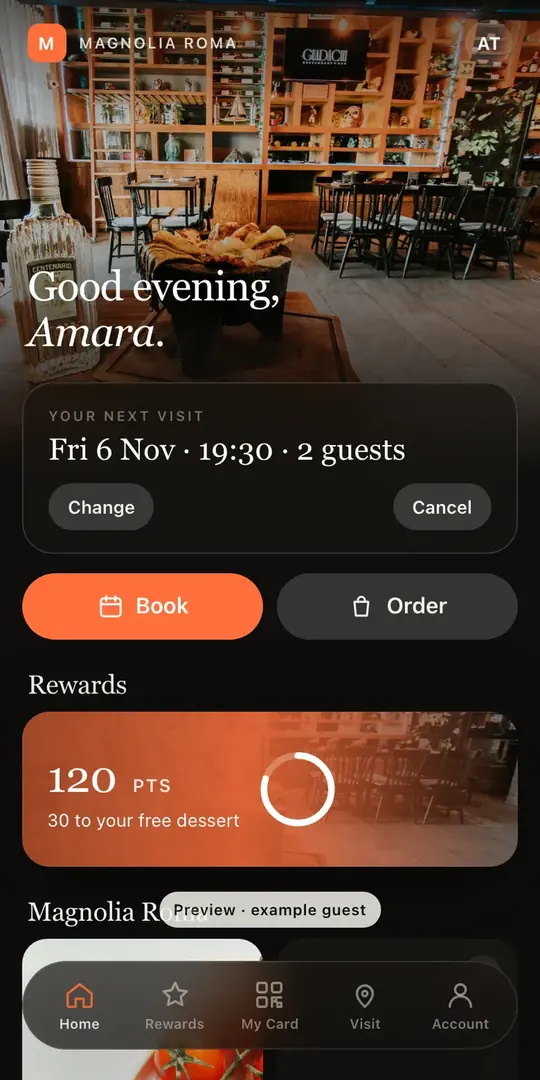
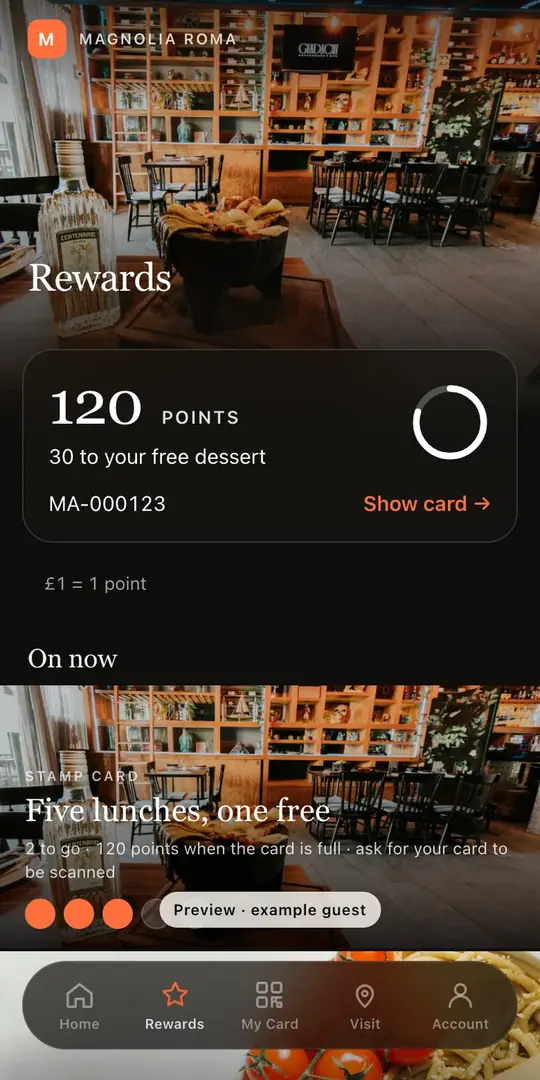
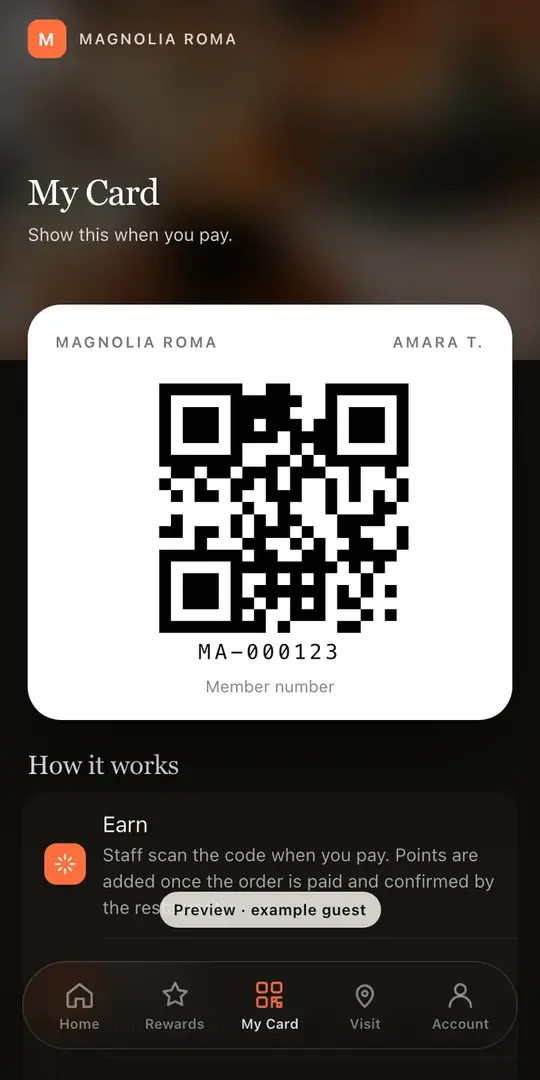
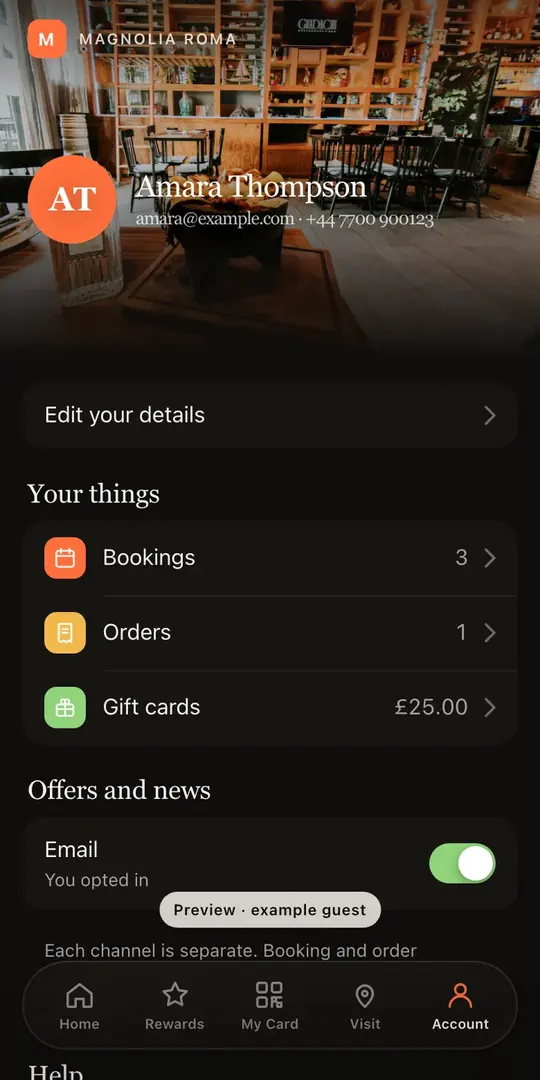
Included on the Growth and Full plans. Watch the Guest App course
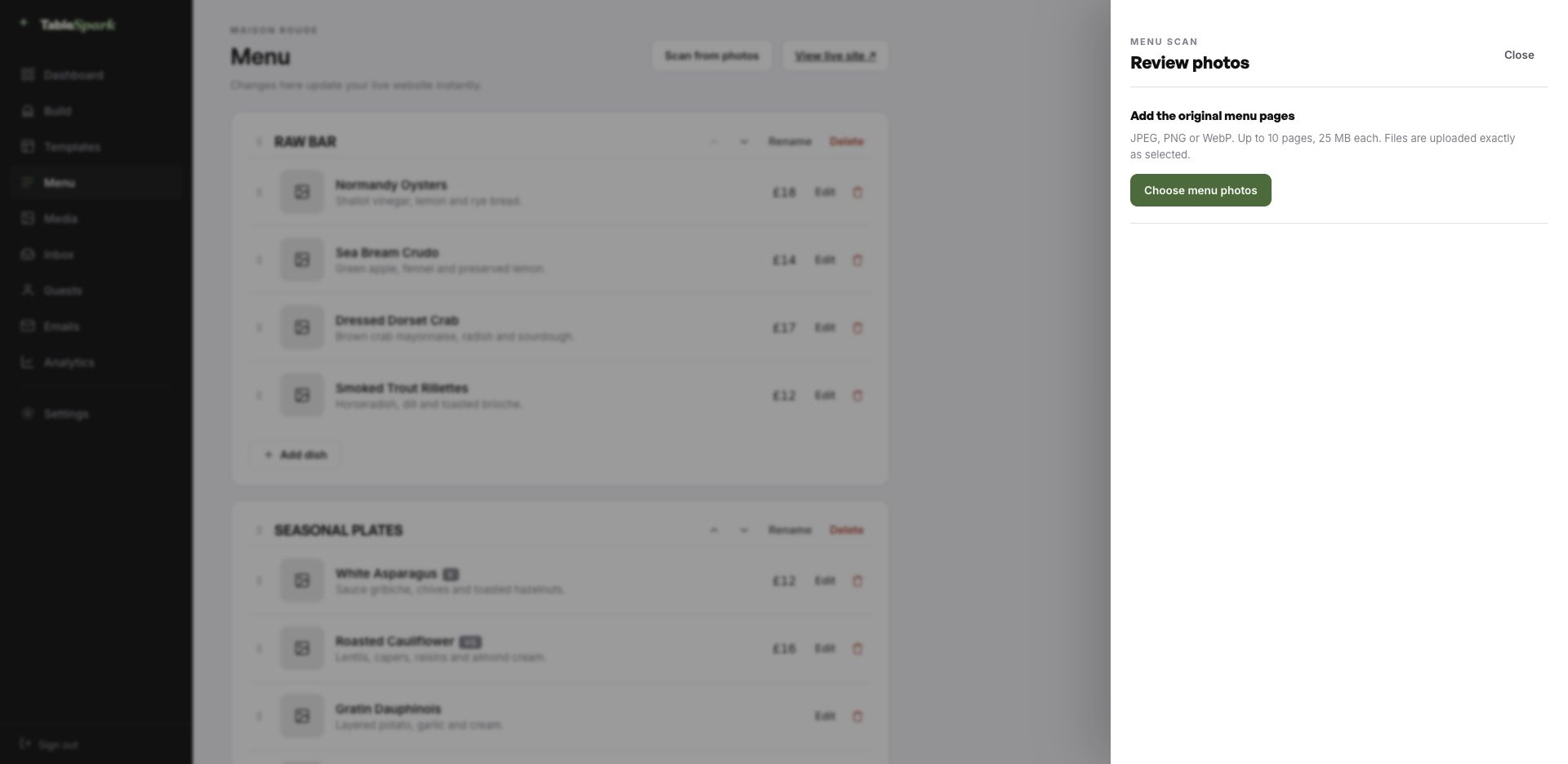
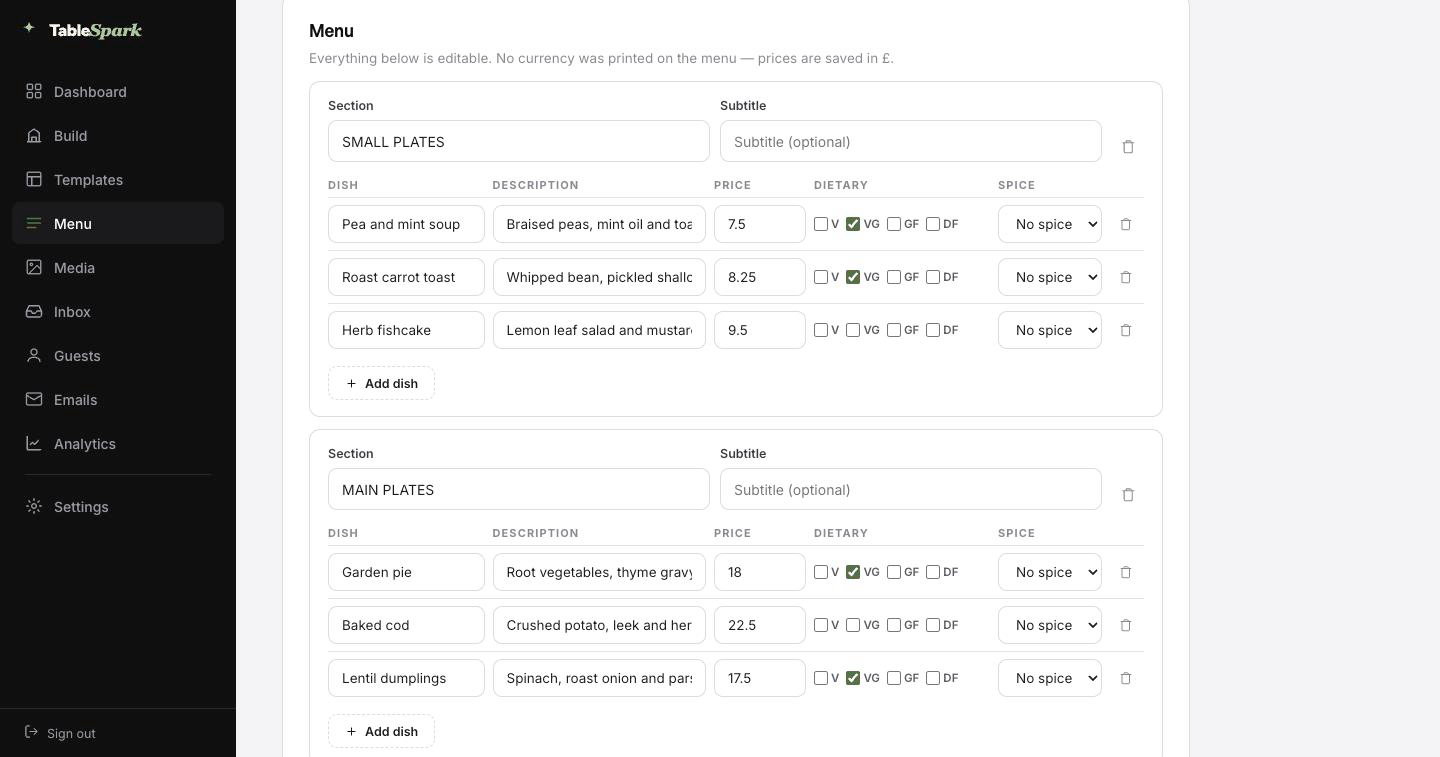
The tedious part comes first, and it is barely a part at all. Upload the menu exactly as it exists today, whether that is a printed card, a photograph of a board or an old PDF. Sections keep their order, dishes keep their descriptions, prices land in the price field, and dietary and spice marks come across where they were legible. You are the proofreader, not the typist.
That structure is the reason the rest of the site works. Everything downstream reads from it: the menu page, the ordering page, the highlights on the home page and the Restaurant structured data a search engine reads. Change a price once afterwards and all of them follow.
The title and description a search result shows are drafted for you too, by a Write with AI button that works from the page’s own content. You edit before it ships, every time.
Whatever your menu lives on today — card, board, PDF, ten pages of it.
Ordered sections, named dishes, descriptions, prices and marks, all editable.
Menu page, ordering page, home-page highlights and the Restaurant schema — all reading from the same menu.
Most of the work was done before you arrived. The design, the layouts and the plumbing are all in place; what is missing is your restaurant. From opening the builder to a live site is one sitting, at which point guests can already book a table. Your inbox catches the booking; an automatic email catches the guest.
The money side is a single step: connect Stripe, and deposits and payments go directly into your account. Nothing is skimmed at any plan level — 0% commission. Stripe’s standard card-processing fees apply to online payments.
Step 01
1min
Pick Magnolia RomaThe full site arrives in your account as a working draft.Step 02
4min
Change the name and the wordsRewrite the words by clicking them; the name carries everywhere.Step 03
3min
Upload your menuSend the menu in as a photograph and check what comes back.Step 04
1min
PublishIt goes live on your address and starts taking bookings.Step 05
1min
Connect StripeNow you can take deposits on tables and payment on orders — direct to your account.In all
10min
From template to taking paymentsFive steps, one sitting.A restaurant’s address is part of its name. Publishing does not wait for a domain. Start on ours, move to yours — the same site, a different name over the door.
The technical work is ours: issuing and renewing the certificate, securing the connection, redirecting the bare domain, and keeping the search engines aimed at the live address through the change. You can keep the domain you have had for a decade — the change at your registrar is a single record.
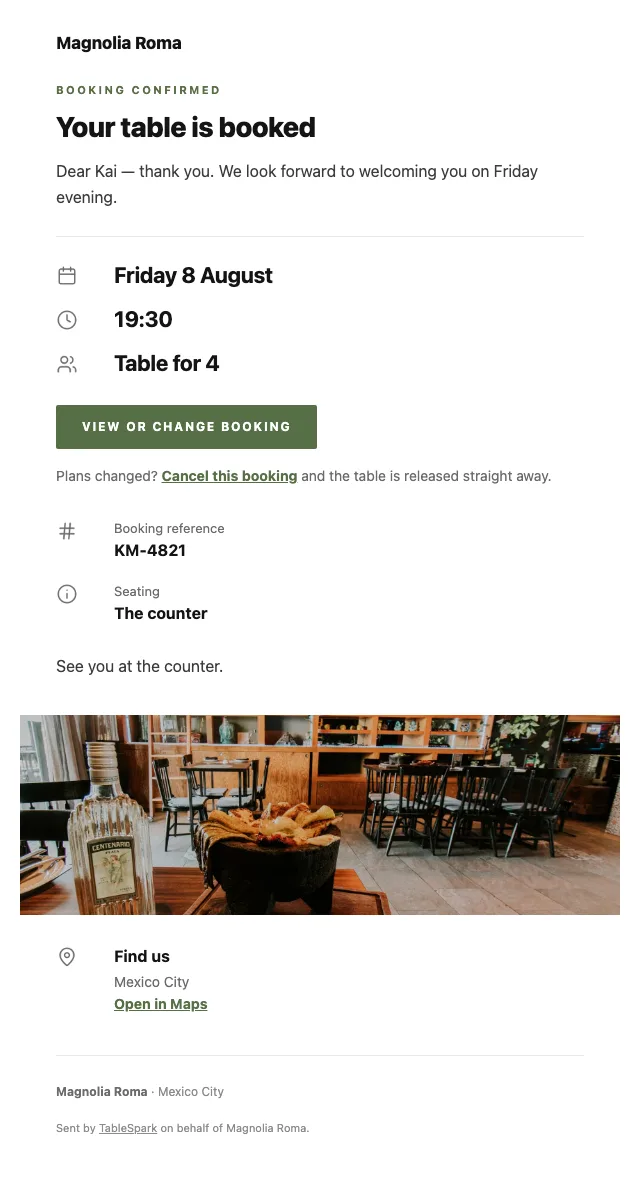
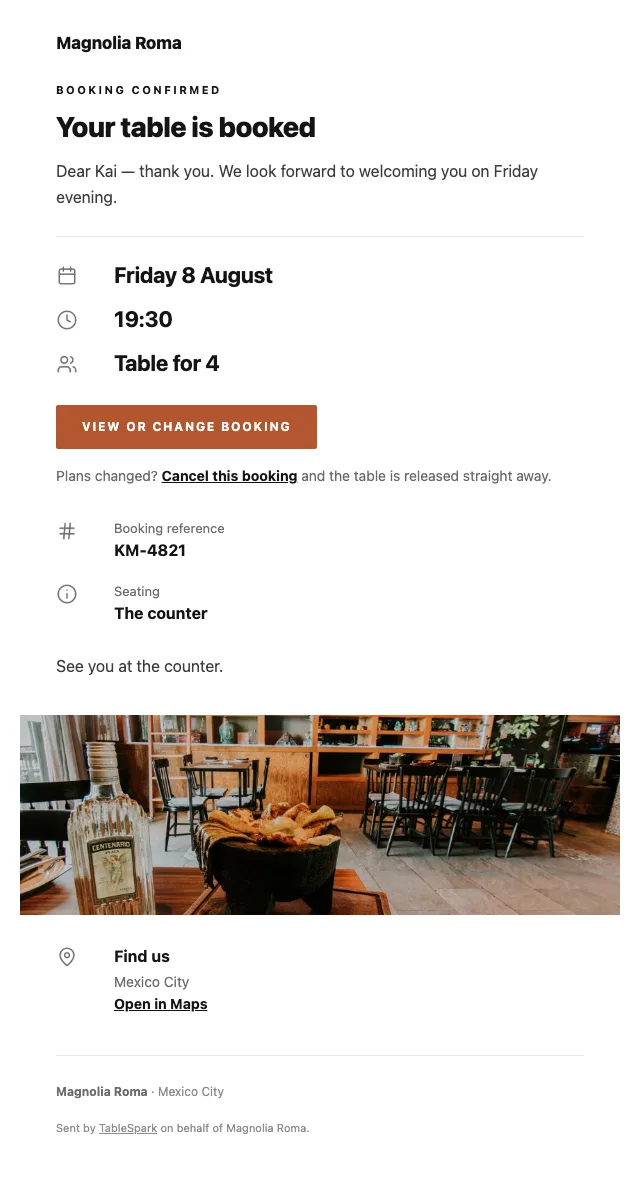
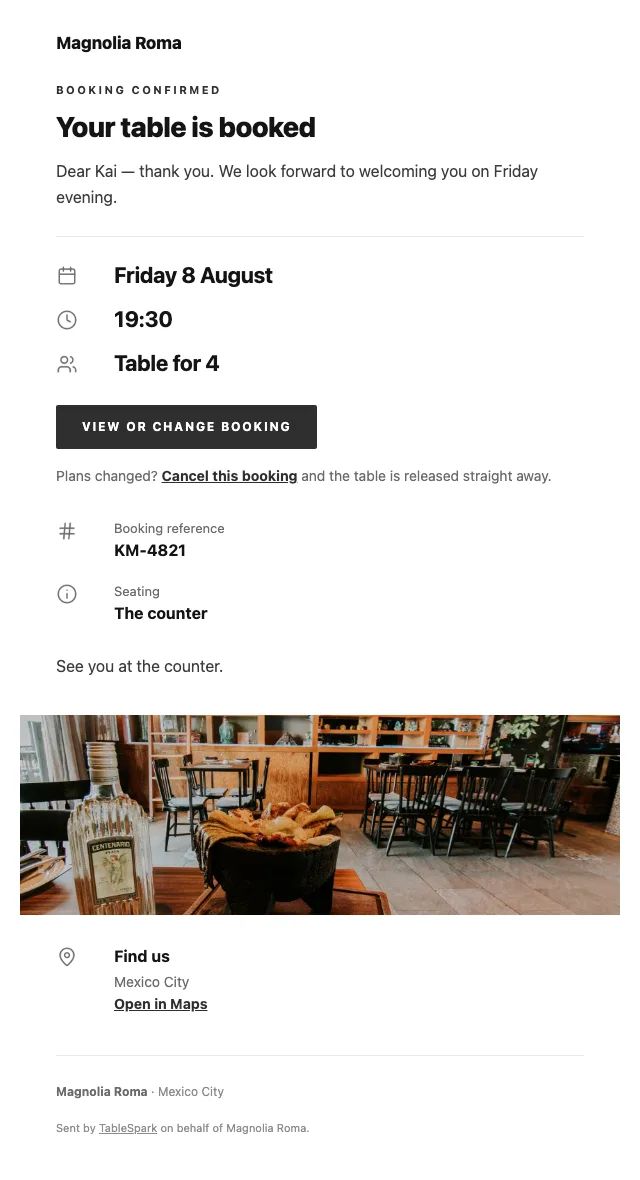
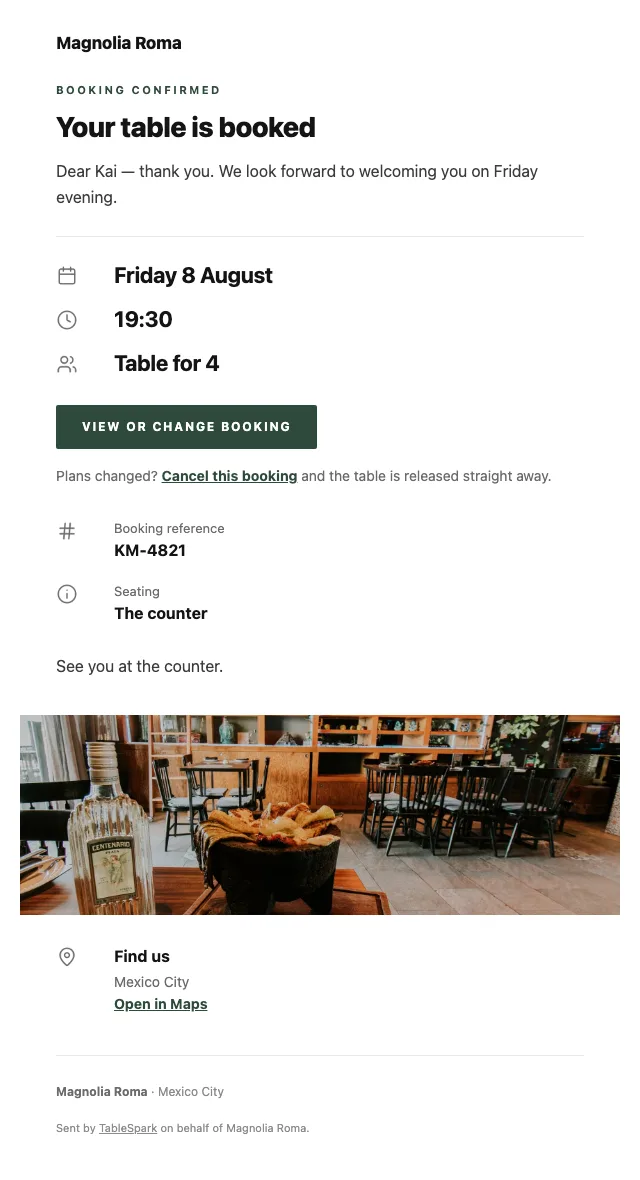
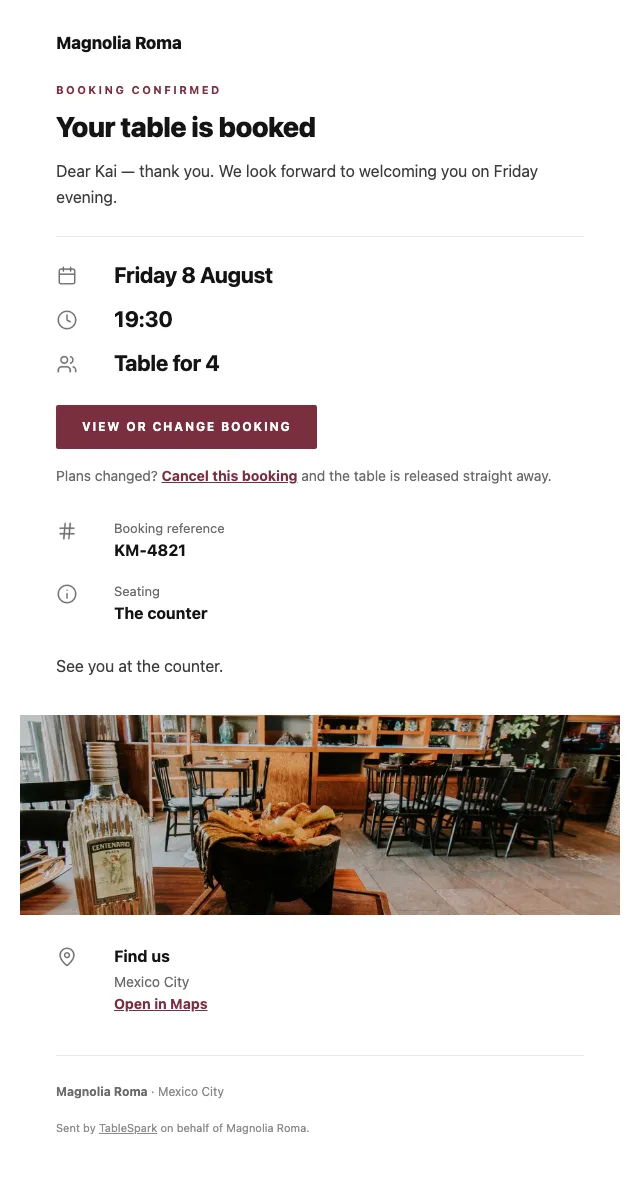
Something arrives in their inbox with your name on it. That is worth designing. It arrives at once, with the booking details, your address, your phone number and a link the guest can use to cancel without phoning. Everything after the booking — the reminder, the receipt, the cancellation — comes from here too.
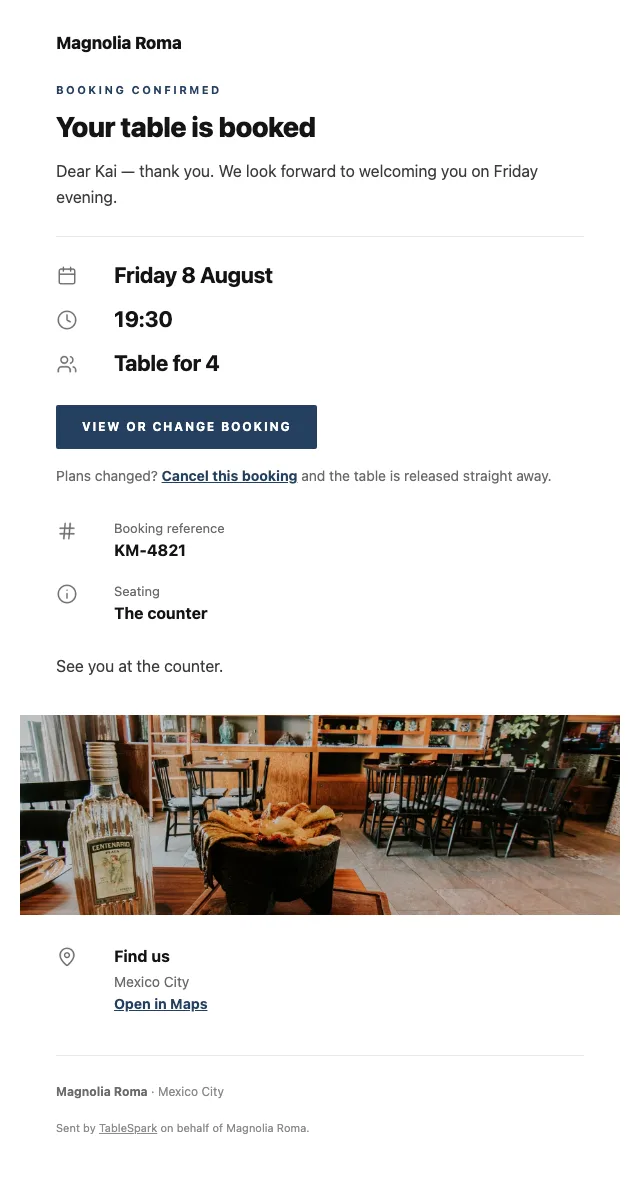
What the guest sees is your identity, not our template. Six templates; your colour; your logo; a cover shot; a left, centred or banded header; your sign-off; your links; your social accounts. Your domain, once connected, becomes the sending address as well as the web address.
Below, the same booking confirmation in six of the looks.
Getting a page online is easy. Getting it discovered, read and understood is the actual work. Live and invisible is a common combination — caused by stray robots directives, canonical conflicts, unlinked pages, PDF menus, missing schema, or verification that stalled halfway. The restaurant ends up buying back its own customers, because the people searching for it are meeting someone else’s page.
You inherit it finished. Nobody can sell you a ranking or guarantee indexing. This sells you the groundwork that makes both possible.
Keep them, cut them, add your own. None of this is locked.
None of this is hand-built. They are modules from a library of 68, each with layout variants of its own.
Take one out, put another in, change the order. It is a stack you control.
Ships with 4 sections — Antipasti, Fresh pasta, The oven, Dolci — for you to overwrite.
0% TableSpark commission at every plan level. Stripe’s standard card-processing fees apply to online payments. A marketplace takes a cut of every order it sends you and keeps the guest’s details.
This page sits on your own domain, the order lands in your TableSpark inbox, and the guest record is yours to export.
What commission-free ordering actually means
The camera work and the checking are yours; the transcription, the structure and the draft search copy are ours.
Publishing needs your hand on it.
Search engines Menu — Magnolia Roma | Mexico City Italian technique, Mexican produce, and a bakery next door. The carte, the bread list and prices.Drafts the search title & description from this page’s content. Always review before publishing.
Stripe’s standard card-processing fees apply to online payments.
How restaurant deposits work, and when they are refunded
Build the whole thing, look at it, change your mind. You only pay when you go live.
Build the whole thing, look at it, change your mind. You only pay when you go live.
6 pages, and every one of them is here. Nothing below is a screenshot: the frame renders it through the same engine that publishes your site, so every tab is the real page and every link inside it works. Switch to Phone to watch the same design reflow.
The story page carries the two-country narrative, the building and the bakery — with a sourcing block, an interview, a timeline and a gallery. The reservations page handles dinner, and the visit page handles a building in a district where addresses are confusing.
A compact carte is right for a menu of composed plates that changes weekly rather than daily — the whole card readable at once, with no photographs to contradict.
The bakery is a second menu with its own sections and prices, which is how it should appear: alongside rather than inside the restaurant carte. Both are published independently, so the bakery list can change without touching dinner.
Whichever layout you choose, the point is the same: every dish, description and price is real text in the page with Restaurant schema around it, not a PDF and not a photograph of a laminated sheet.
The chip-bar layout suits the bread trade: a short list, sections as filters, ordering finished in three taps at eight in the morning.
Options and quantities are inline, collection asks only for a name and a number, and Payment settles into your own Stripe account at 0% TableSpark commission. Stripe’s standard card-processing fees apply to online payments.
The form adapts to the mode. Eating in? A table number. Collecting? A phone number. Delivery? An address. Nothing more is demanded.
Running a Italian kitchen? See all Italian restaurant website templates.
What owners ask before they pick a template: the cuisine fit, the menu, the address, and what it costs.
Yes — they are separate menus with separate sections, prices and publishing states, and both live on the same site. The ordering page can carry the bakery list for collection while the restaurant takes reservations, and both land in the same TableSpark inbox.
Mark items sold out and they are struck through on the menu and un-orderable immediately, with no republishing. Many bakeries simply unpublish the collection window instead — service hours drive what can be ordered and when.
Online ordering sits on the Full plan, and we take 0% of what you sell. Stripe’s standard card-processing fees apply to online payments. Payments go to your own account. Nothing else is deducted.
No. Photograph the menu and it comes back as structured data — ordered sections, named dishes, their descriptions and prices, with dietary and spice marks where the card showed them — for you to check and correct on a review screen. Being data rather than a photograph is what lets the same menu feed the menu page, the ordering page, the home-page highlights and the search engine’s structured data at once.
You go from opening the builder to a published site in one sitting: copy the template, change the name and the words, upload the menu, press publish. Reservations answer from the moment it publishes — bookings arrive in your TableSpark inbox and the guest gets a confirmation email straight away. Connecting your own payment account adds deposits on bookings and payment on orders, paid directly to you, with 0% TableSpark commission. Stripe’s standard card-processing fees apply to online payments.
All of it lives in the Theme tab — the accent, the background, the text and surface colours, both typefaces, corner radius, motion and how the header behaves as you scroll. Nothing breaks when you change them, because every block reads from the theme rather than carrying its own colours.

Start here rather than from a blank page: rename it, rewrite it, add your menu, publish. Nothing to pay until it is live.