01
Hero
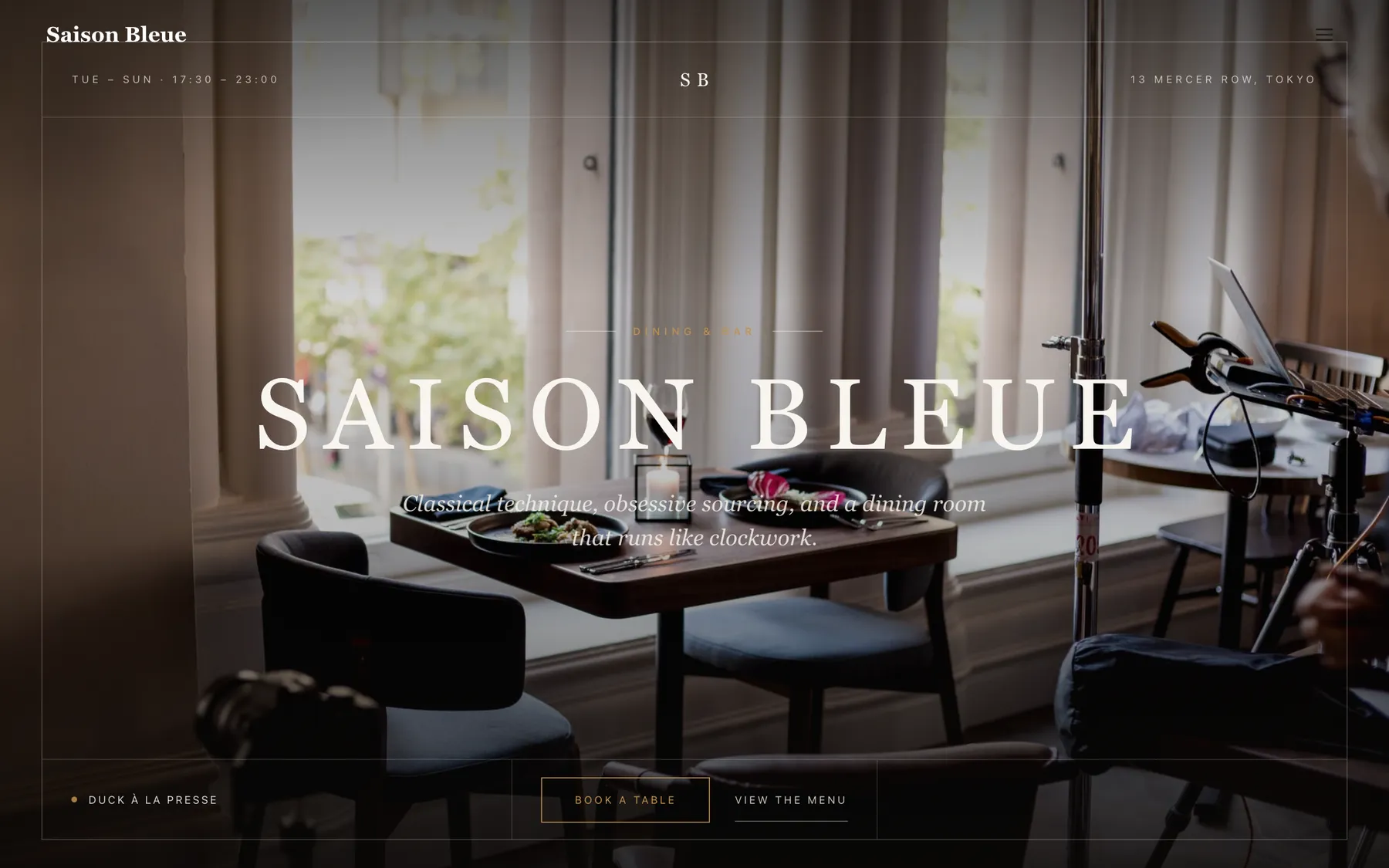
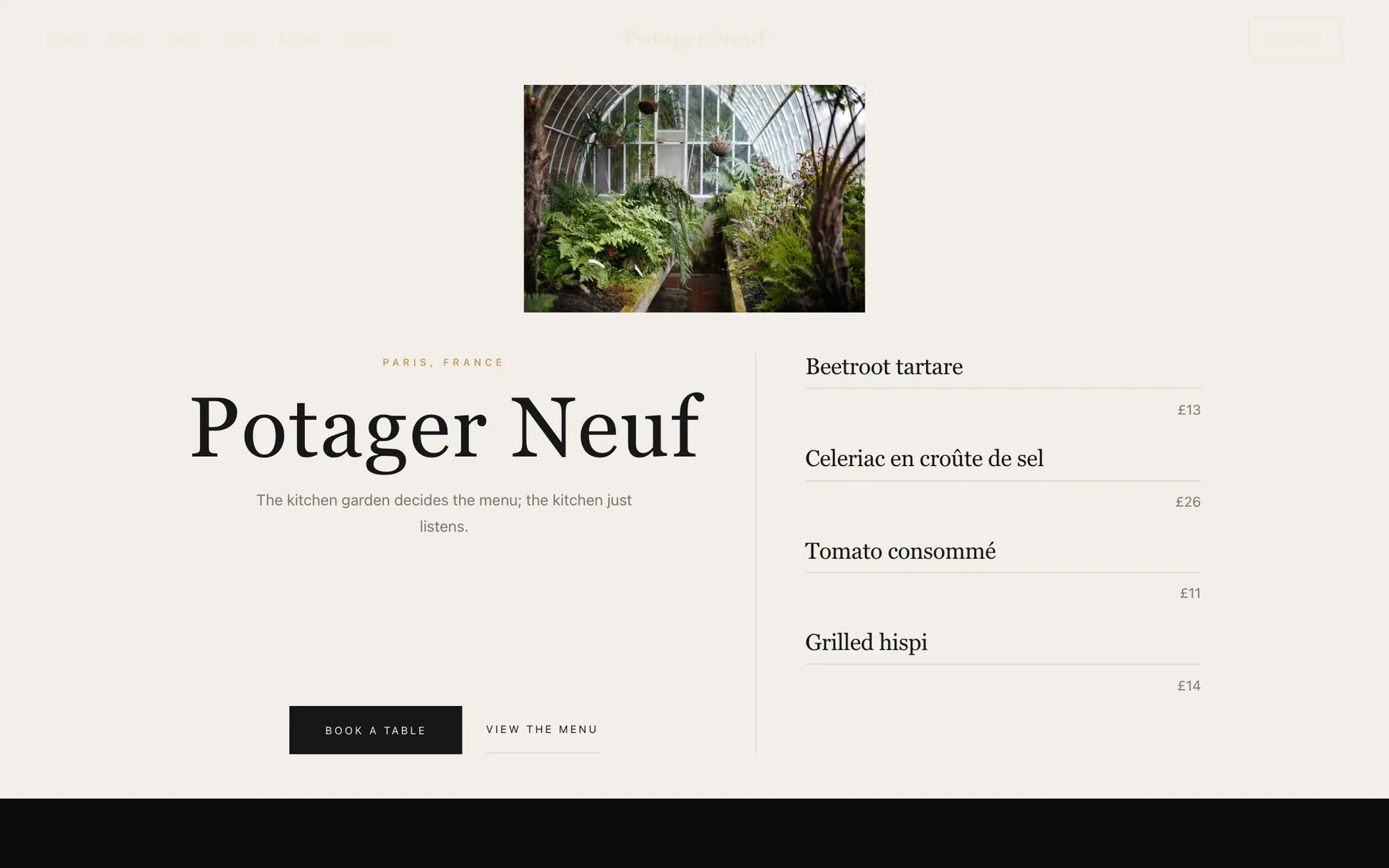
Big opening image, name & buttons, in the Vestibule treatment: Ruled inner frame over a vignetted room, status and address on the base rail.
Templates · Vegetable haute
For kitchens where the garden is the supplier: a near-black template with a menu-du-jour opening, an accordion menu, and a booking-first structure.
Every section is a builder module you can reorder, edit or delete, with no developer.
On bookings and orders, on every plan. Stripe’s standard card-processing fees apply to online payments.
Build and preview the whole site for nothing, and pay only when it goes live.
Starter is £19/mo excl. VAT and includes a complete restaurant website, a live structured menu, enquiry and newsletter forms, and managed search readiness. Growth is £39/mo excl. VAT and adds direct live bookings, a custom domain with managed SSL, and table and floor-plan operations. Full is £69/mo excl. VAT and adds online ordering and multi-site management for up to five restaurant sites. TableSpark commission is 0%. Stripe's standard card-processing fees apply to online payments.
The price is the argument: the best value of any complete restaurant website and management system in the UK, with every published figure in the full cost comparison. You skip the part where a bespoke build eats thousands of pounds and a season of your year, and start from something already finished. You keep the keys. Menus, prices, photographs and copy are all edited by you, whenever you want, without asking anyone. Phones, tablets and desktops are all first-class, and the plans bring reservations, tables, ordering and management with no commission from us at all.
Potager Neuf is near-black with a leaf green used exactly once per screen. Yours might be white tile and morning light, or brass and candles, or something nobody has built yet.
Rather than explain, here is the thing itself: the builder’s Theme controls on one side, the live site on the other, both real. You cannot break it, nothing saves, and no account is required to have a go. Go on.
Loading the live preview…
A vegetable-led kitchen at the top of the market has to overcome an assumption before it sells anything: that this is a compromise. The design does it by refusing every cue that vegetarian restaurants usually reach for — no wood grain, no hand-drawn leaves, no green everywhere. Near-black, precise type, one restrained green.
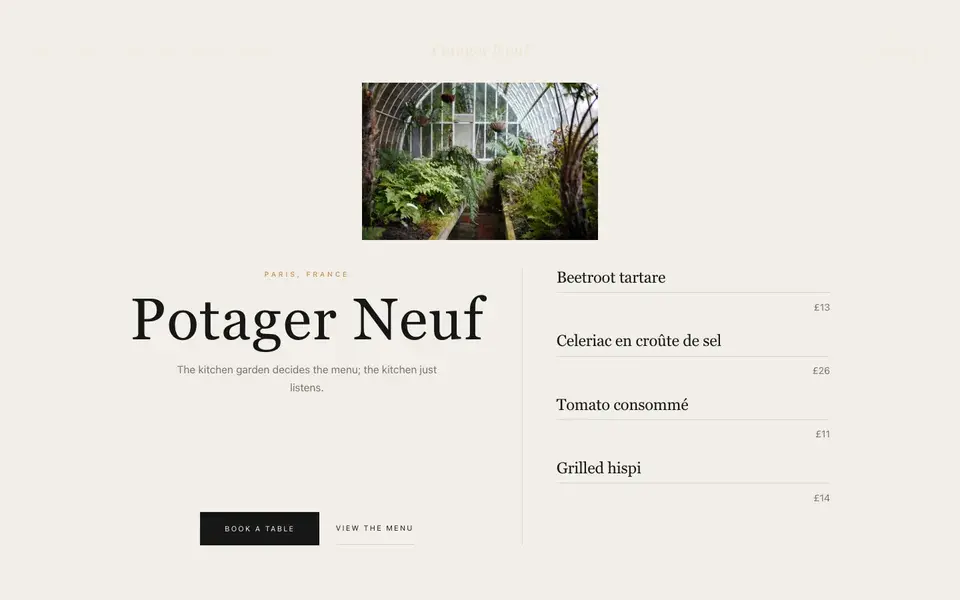
The opening is a menu du jour, which puts the produce on the first screen. When the garden is the story, the list of what came out of it today is the most persuasive hero available.
Nine blocks, arranged around a garden:
01
Big opening image, name & buttons, in the Vestibule treatment: Ruled inner frame over a vignetted room, status and address on the base rail.
02
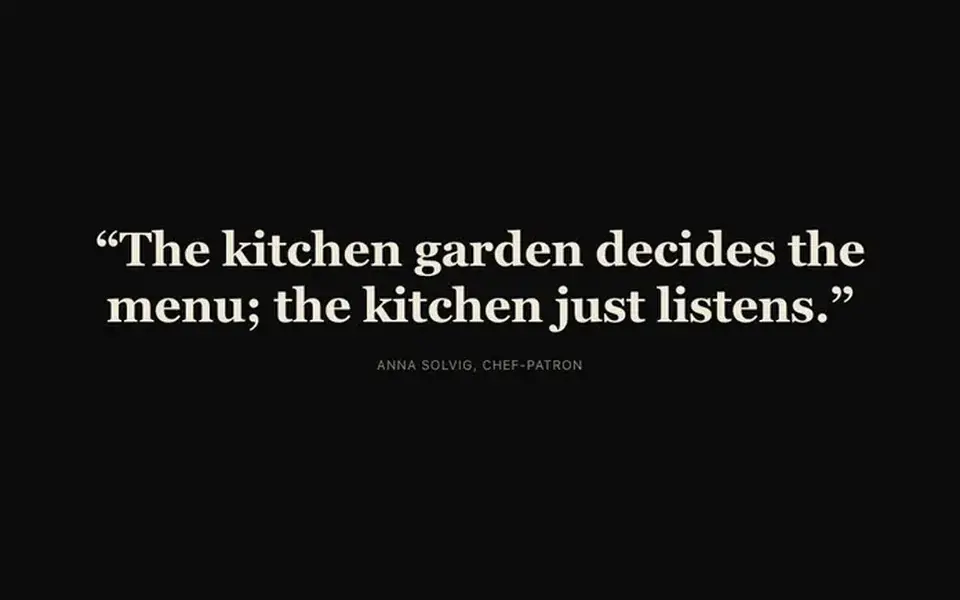
A large standout quotation.
03
Alternating image and text rows.
04
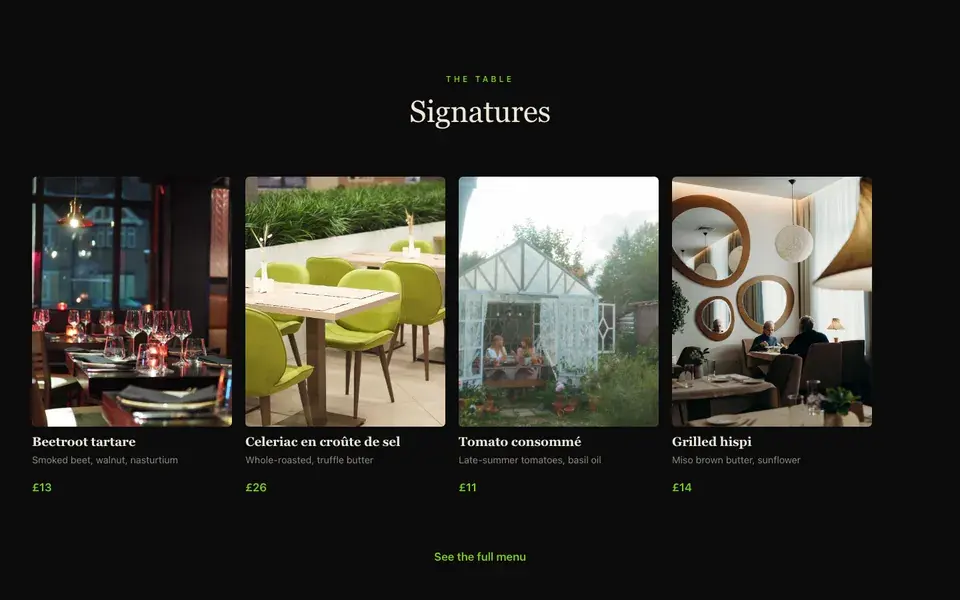
A few dishes on a sliding rail.
05
Full-width video or photo mood band.
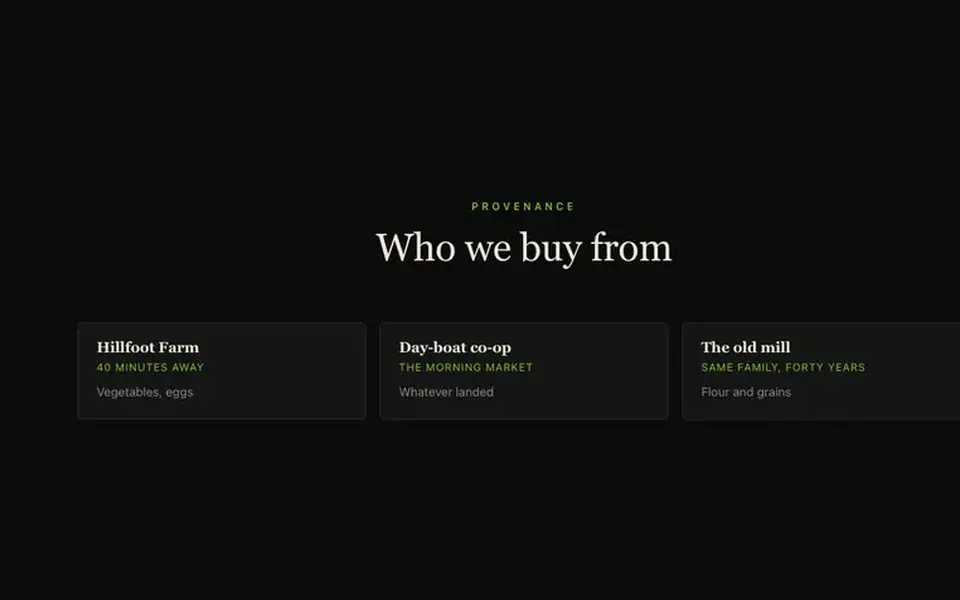
06
The growers and makers behind the menu.
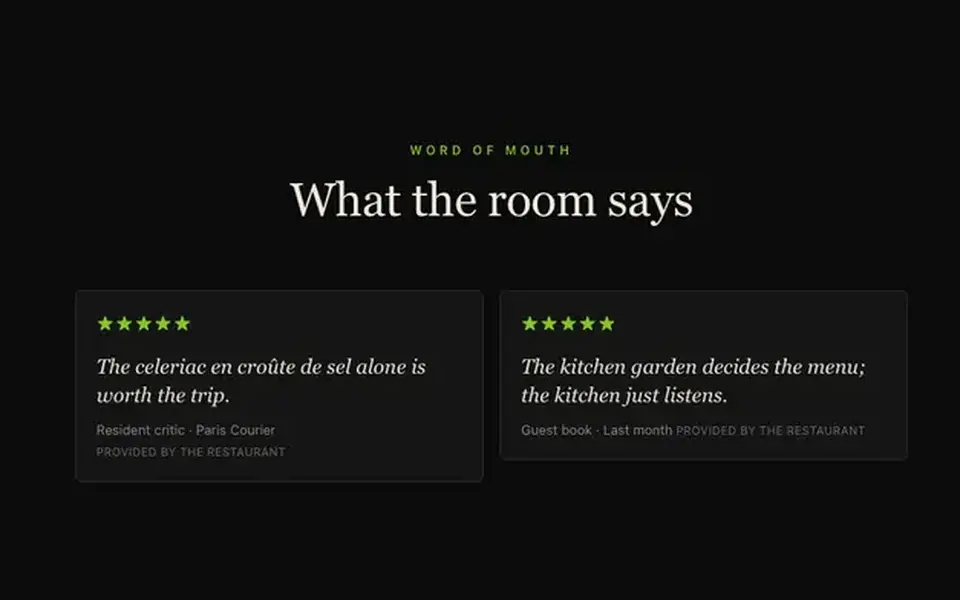
07
Guest quotes with stars.
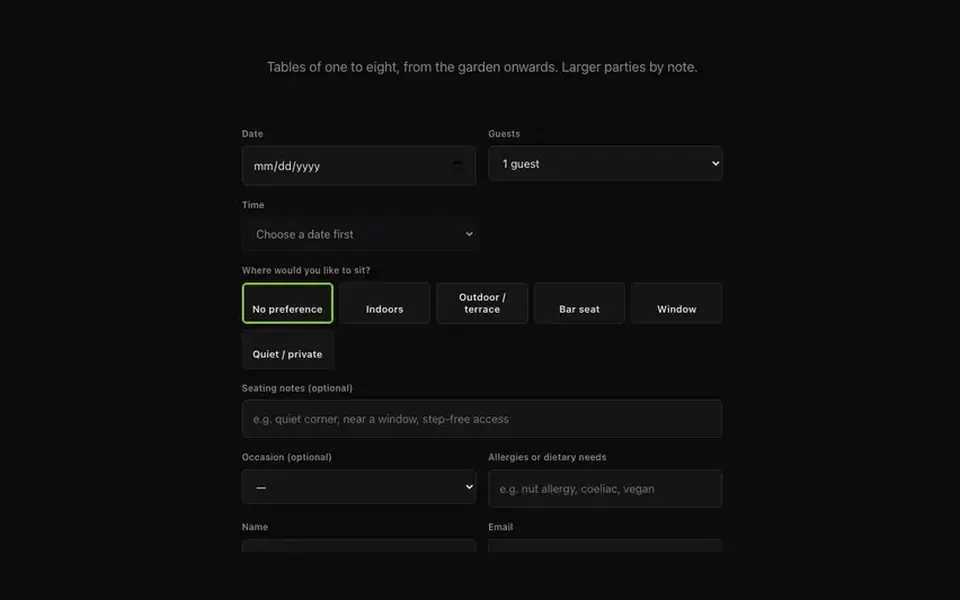
08
Live availability slot picker, saved to your Inbox.
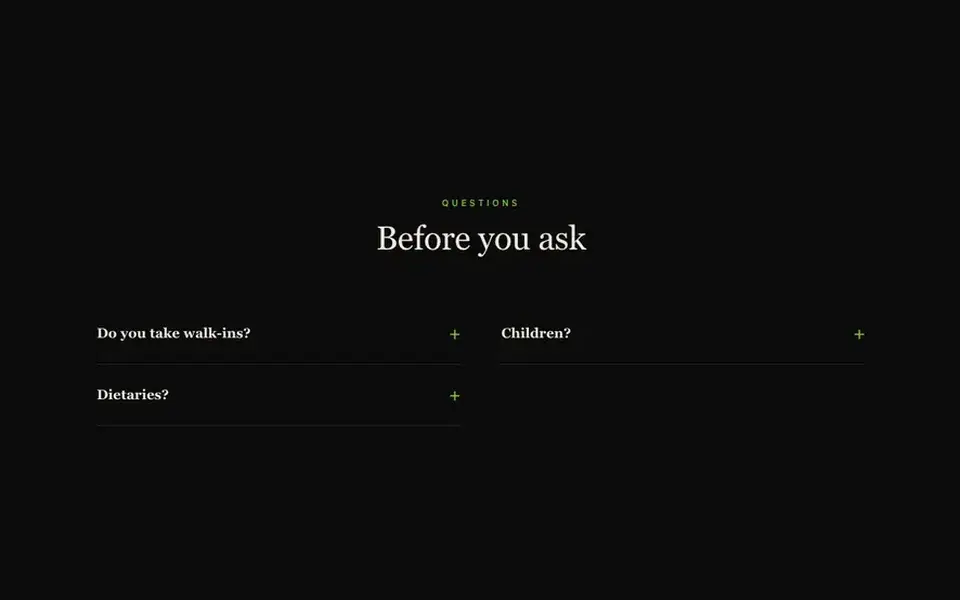
09
Accordion of questions.
Loading the live preview…
This template routes to reservations rather than a basket, which is right for a room that sells tables. The booking form offers only the sittings your service hours define and collects dietary requirements alongside the party size.
The booking lands in your TableSpark inbox with everything attached, and the guest gets a confirmation in your own branding immediately, with a link to release the table if plans change.
Loading the live preview…
Every Potager Neuf site on Growth and Full ships with an app your guests keep. It lives at /account on your own domain, so the guest signs in to your restaurant, not a marketplace.
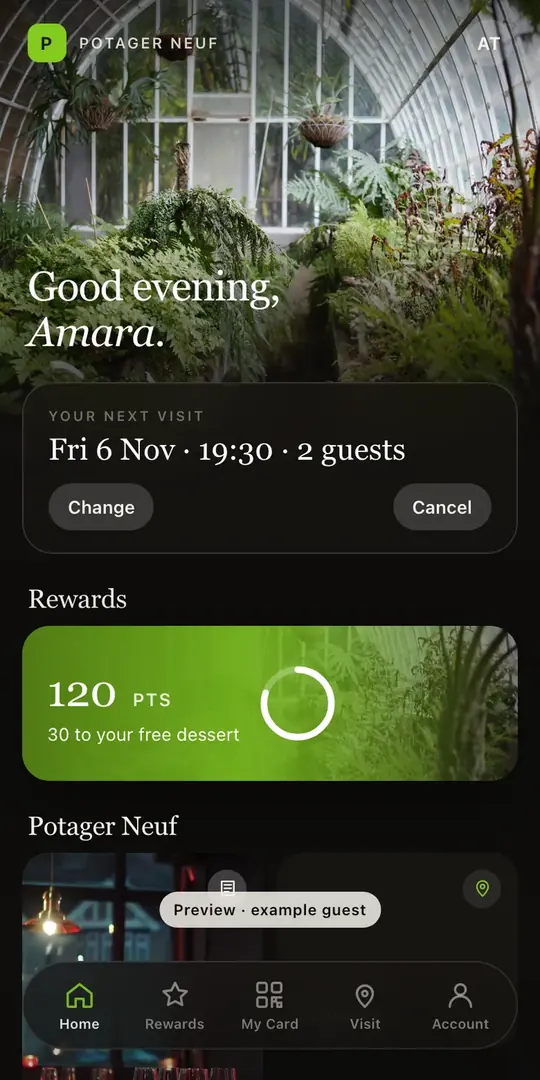
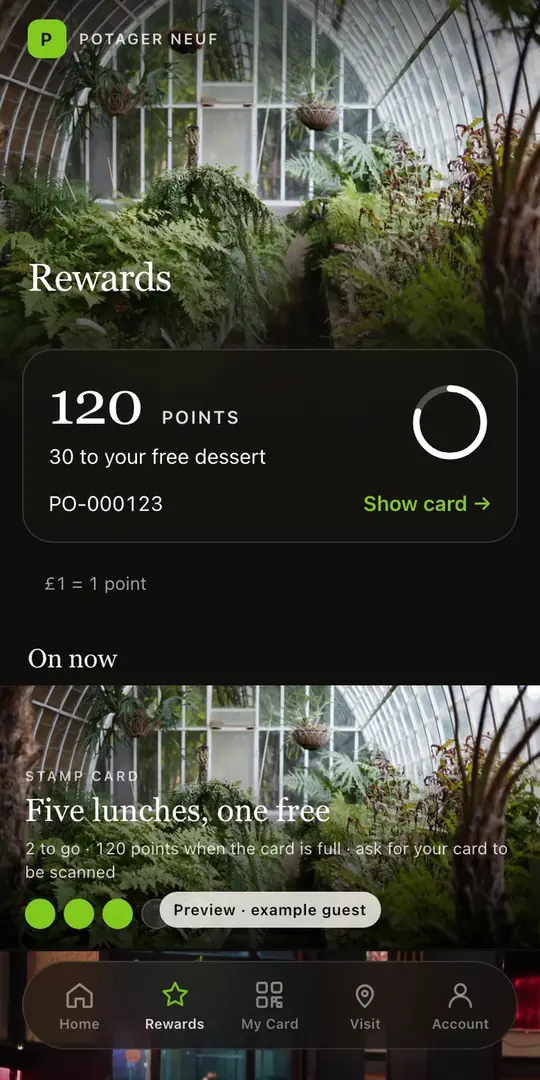
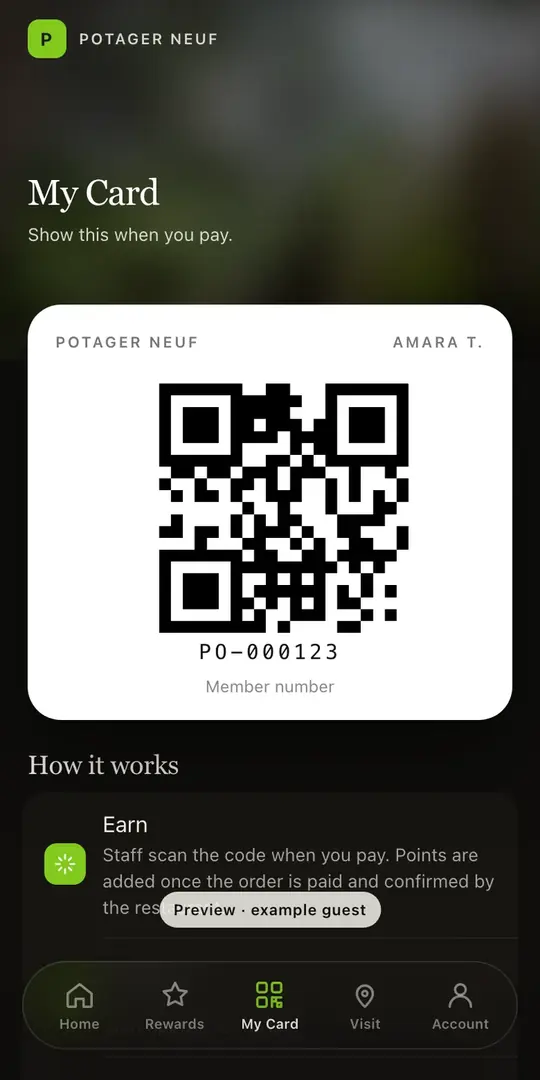
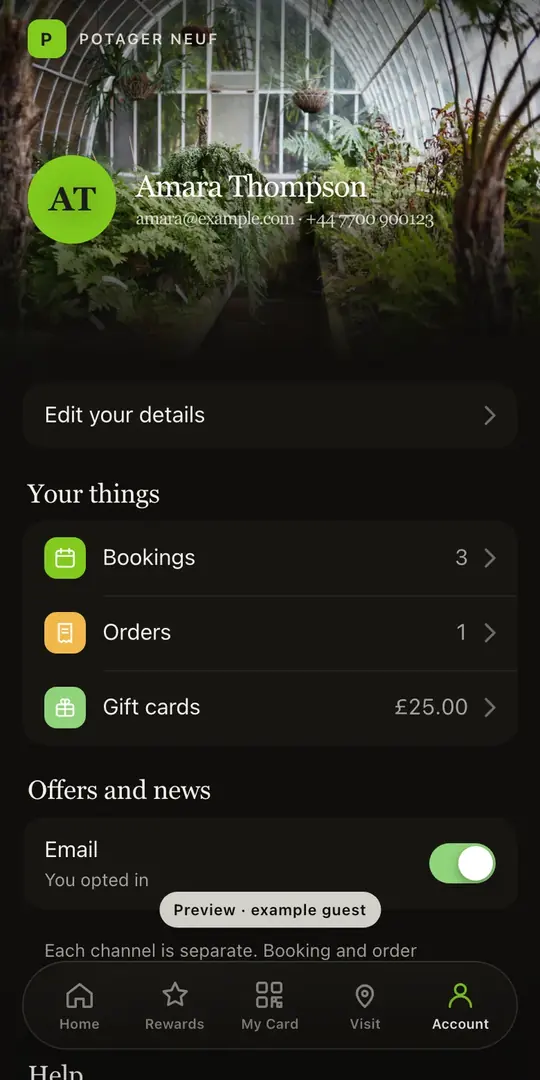
Included on the Growth and Full plans. Watch the Guest App course
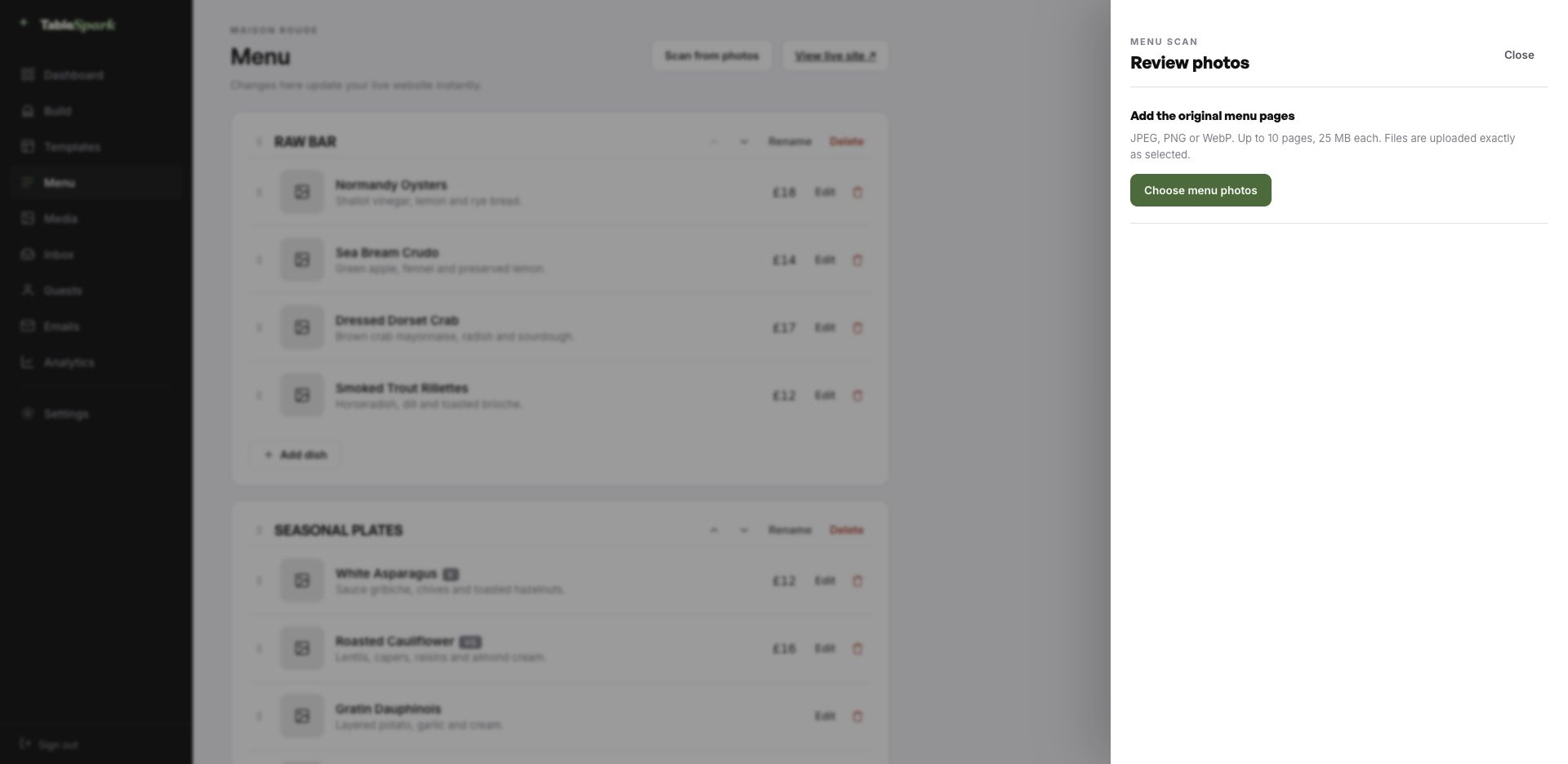
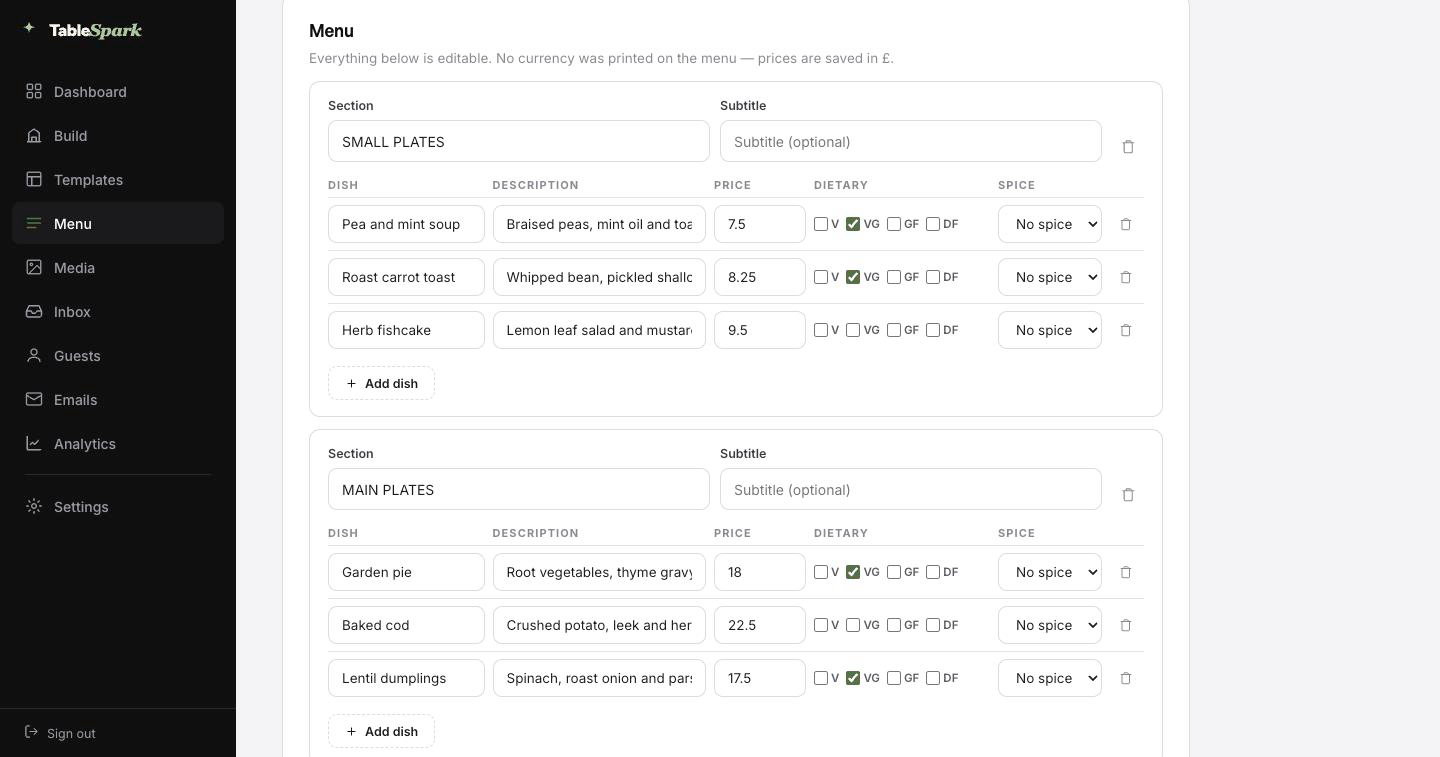
The tedious part comes first, and it is barely a part at all. Upload the menu exactly as it exists today, whether that is a printed card, a photograph of a board or an old PDF. Sections keep their order, dishes keep their descriptions, prices land in the price field, and dietary and spice marks come across where they were legible. You are the proofreader, not the typist.
That structure is the reason the rest of the site works. One menu then feeds the menu page, the highlights on the home page and the Restaurant structured data a search engine reads. Change a price once afterwards and all of them follow.
The title and description a search result shows are drafted for you too, by a Write with AI button that works from the page’s own content. You edit before it ships, every time.
Of the menu exactly as it is today, from a phone.
Sections in the right order, dishes with their descriptions, prices and marks.
Menu page, home-page highlights and the Restaurant schema — all fed by the same structured menu.
Most of the work was done before you arrived. The design, the layouts and the plumbing are all in place; what is missing is your restaurant. From opening the builder to a live site is one sitting, at which point guests can already book a table. Your inbox catches the booking; an automatic email catches the guest.
The money side is a single step: connect Stripe, and deposits and payments go directly into your account. Nothing is skimmed at any plan level — 0% commission. Stripe’s standard card-processing fees apply to online payments.
Step 01
1min
Pick Potager NeufThe complete site lands in your account, ready to edit.Step 02
4min
Change the name and the wordsClick, type, replace a photograph. The name updates site-wide.Step 03
3min
Upload your menuUpload a picture of the card; the AI does the sections and prices.Step 04
1min
PublishPublished, on your own address, with the booking form answering.Step 05
1min
Connect StripeNow you can take deposits on tables — direct to your account.In all
10min
From template to taking paymentsFive steps, one sitting.A restaurant’s address is part of its name. Publishing does not wait for a domain. Start on ours, move to yours — the same site, a different name over the door.
The technical work is ours: issuing and renewing the certificate, securing the connection, redirecting the bare domain, and keeping the search engines aimed at the live address through the change. You can keep the domain you have had for a decade — the change at your registrar is a single record.
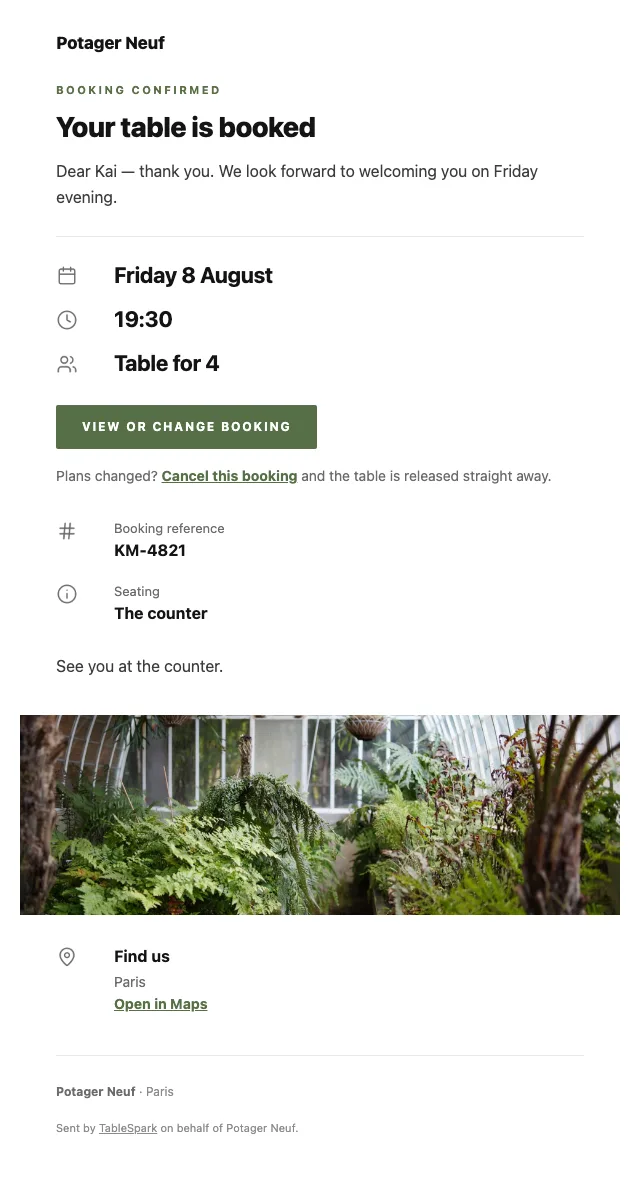
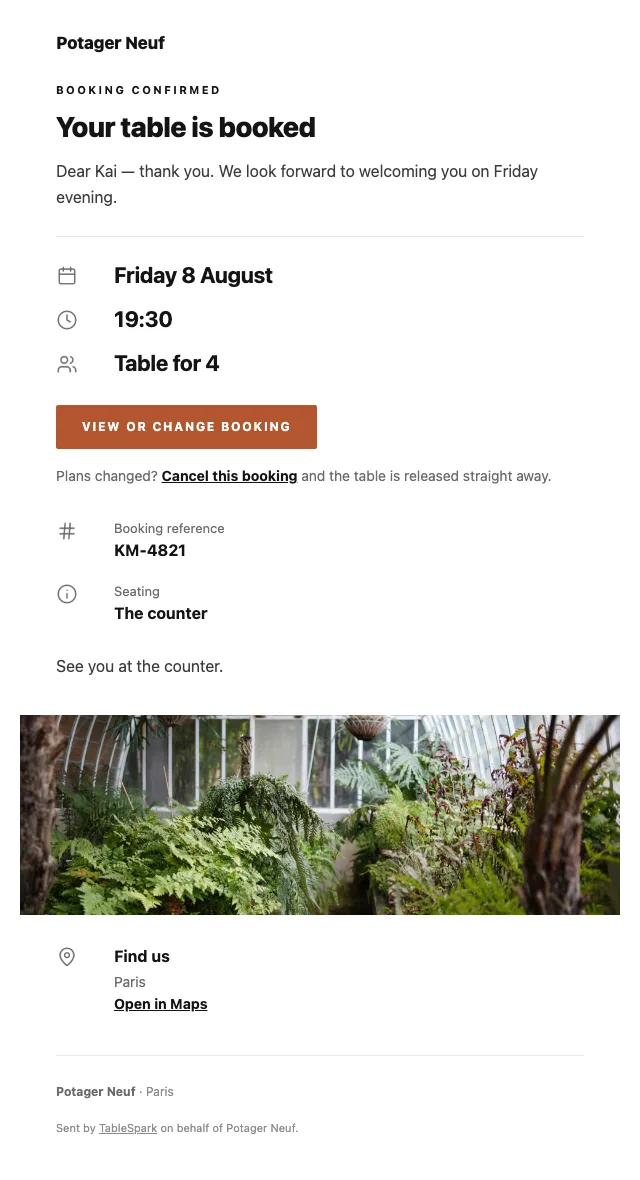
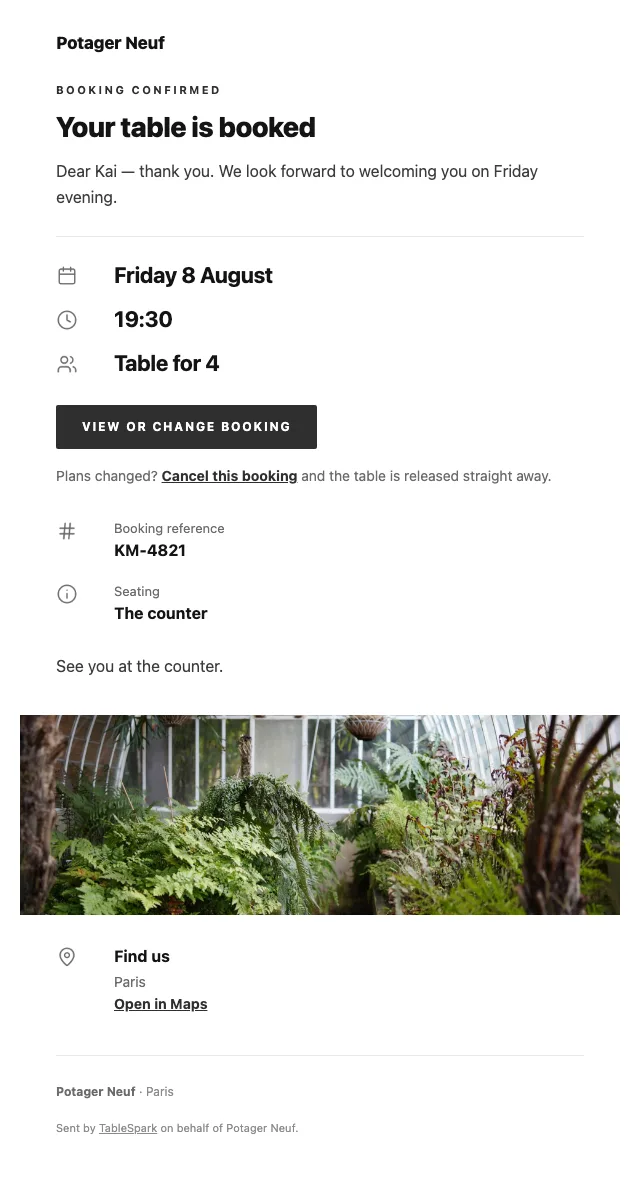
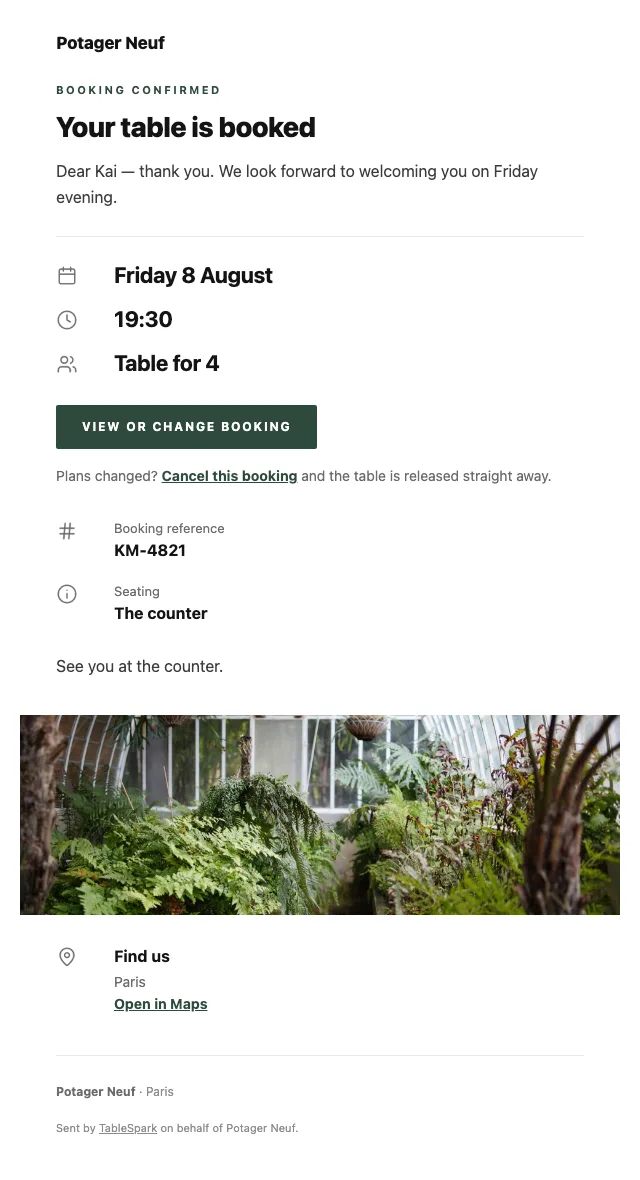
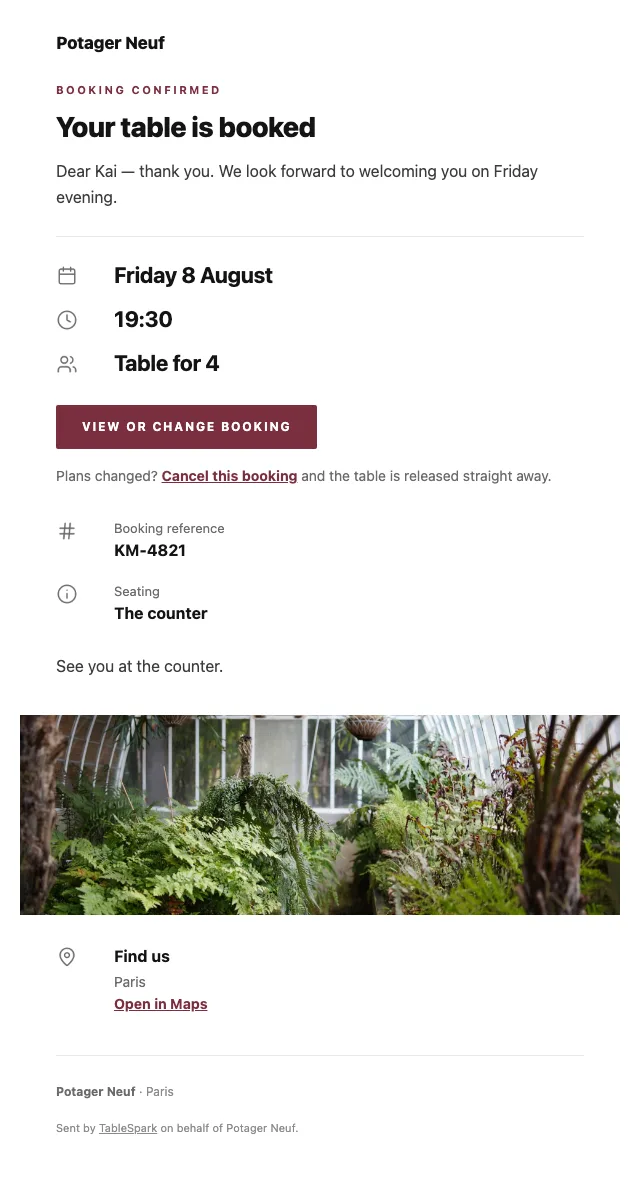
Something arrives in their inbox with your name on it. That is worth designing. It arrives at once, with the booking details, your address, your phone number and a link the guest can use to cancel without phoning. Everything after the booking — the reminder, the receipt, the cancellation — comes from here too.
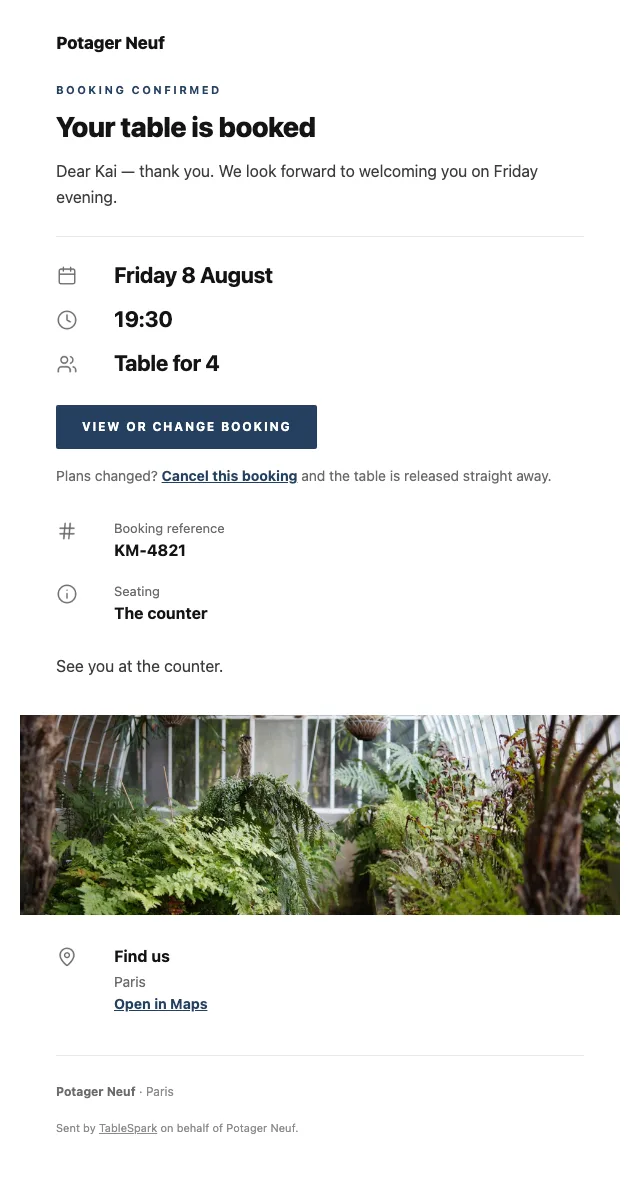
What the guest sees is your identity, not our template. Six templates; your colour; your logo; a cover shot; a left, centred or banded header; your sign-off; your links; your social accounts. Your domain, once connected, becomes the sending address as well as the web address.
Below, the same booking confirmation in six of the looks.
Getting a page online is easy. Getting it discovered, read and understood is the actual work. Live and invisible is a common combination — caused by stray robots directives, canonical conflicts, unlinked pages, PDF menus, missing schema, or verification that stalled halfway. The restaurant ends up buying back its own customers, because the people searching for it are meeting someone else’s page.
You inherit it finished. Nobody can sell you a ranking or guarantee indexing. This sells you the groundwork that makes both possible.
Reorder them, rename them, remove them. The set is a starting point.
All of these are standard modules — 68 of them in the library, most with several layout variants each.
Any one can be deleted, moved, or swapped for another. Nothing about the order is fixed.
Ships with 4 sections — From the garden, Roots & leaves, The hearth, Puddings — for you to overwrite.
All of it arrives with the booking in your TableSpark inbox.
Your job: take the picture and check the result. Ours: read it, structure it, and draft the search wording.
Publishing is always your decision.
Search engines Le Menu du Jour — Potager Neuf | Paris A vegetable-led menu written from the garden each day. Today’s dishes, the varieties and the price.Drafts the search title & description from this page’s content. Always review before publishing.
Stripe’s standard card-processing fees apply to online payments.
Deposits, refunds and the terms to write down
Build the whole thing, look at it, change your mind. You only pay when you go live.
Build the whole thing, look at it, change your mind. You only pay when you go live.
6 pages, and every one of them is here. Nothing below is a screenshot: the frame renders it through the same engine that publishes your site, so every tab is the real page and every link inside it works. Switch to Phone to watch the same design reflow.
The story page is where a garden kitchen makes its case: a long narrative, a sourcing block naming the gardens and growers, an interview, a timeline and a gallery of the beds rather than the plates. The events page handles the garden days and seasonal dinners.
The accordion suits a menu organised by vegetable or by garden bed rather than by course — the sections named, collapsed, opened by curiosity.
The description line carries the variety, the bed and the week, which is the specificity that makes a vegetable menu convincing. All of it is indexable text, which is how somebody searching for a variety by name arrives on your page.
Whichever layout you choose, the point is the same: every dish, description and price is real text in the page with Restaurant schema around it, not a PDF and not a photograph of a laminated sheet.
Running a French kitchen? See all French restaurant website templates.
What owners ask before they pick a template: the cuisine fit, the menu, the address, and what it costs.
It is cleaner to say it once and mark the exceptions. Dietary marks are set per dish, so a menu that is entirely vegetarian can note it at the top and use the marks for vegan, gluten-free and dairy-free instead — which is the information guests actually need.
Yes, provided it is text on a stable page — which it is. The same address is updated rather than replaced, so it builds history instead of starting again, and the structured data updates with it so a search engine always understands what you serve now.
Completely. Six base skins, an accent you can pick from presets or a colour wheel, separate background, text and surface colours, seven font pairings or any two faces you like, plus text size, radius and motion. Contrast is derived rather than fixed, so the site stays readable whatever you choose.
Yes. Publishing happens on a TableSpark address so nothing waits on DNS, and your own domain can take over at any point afterwards. We issue and renew the certificate, secure the connection, redirect the bare domain and keep canonical URLs, the sitemap and robots directives aimed at the live address through the move. Once connected, guest emails send from your domain too.
They get an email from you within seconds: when they are booked, how many are coming, where you are, how to reach you, and a self-service link to give the table back. Reminders, deposit receipts and cancellations follow the same design, which you control — six templates, your colour, logo and cover image, the header treatment, your sign-off, links and socials. Connect your domain and it sends from your address as well.
No — the builder is visual throughout. Click a block, retype the copy, swap the photograph, move it up or down. Nothing about running the site requires HTML.

Take this design, make it about your restaurant, and publish it today. Building costs nothing; you pay only when it goes live.