01
Hero
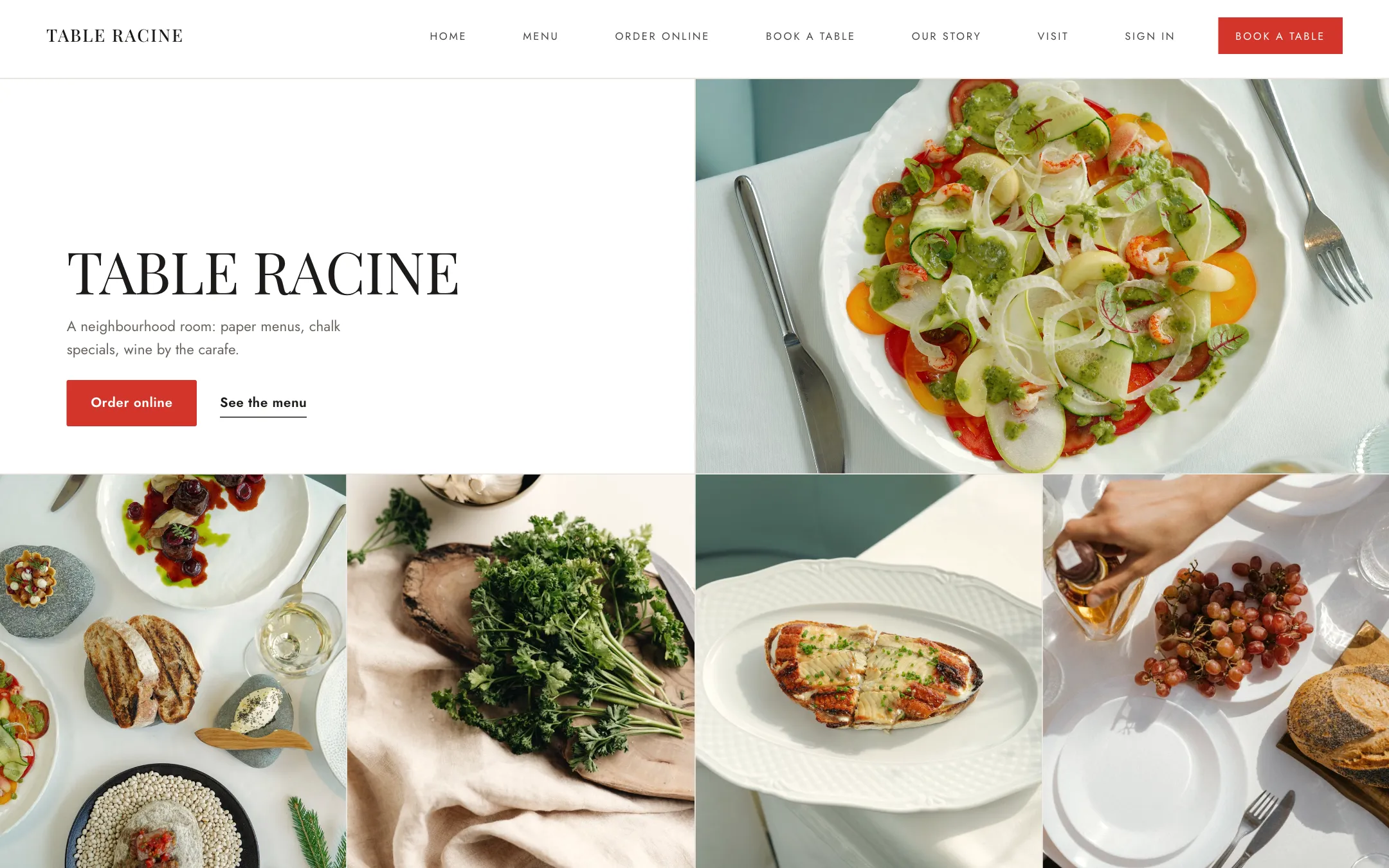
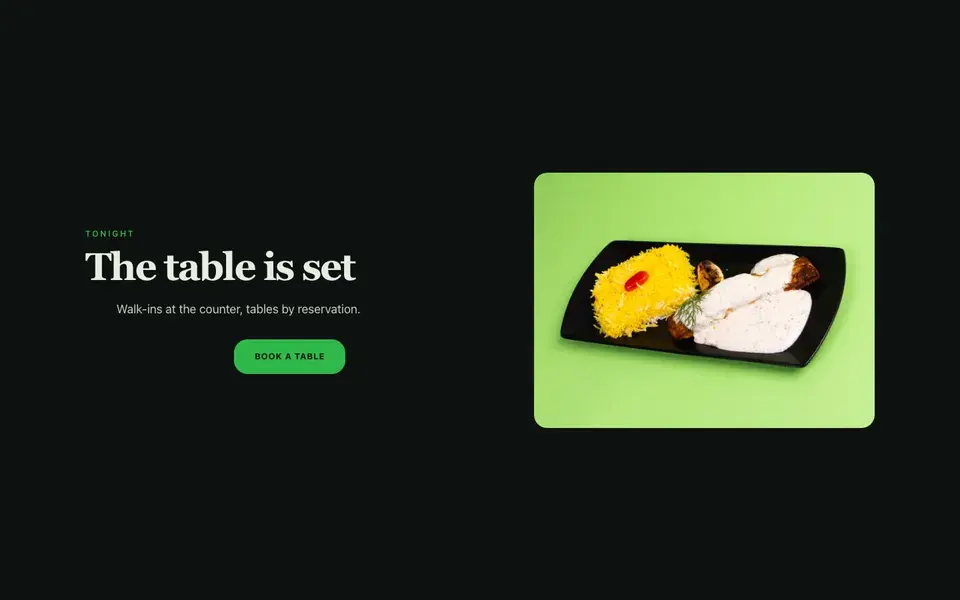
Big opening image, name & buttons.
Templates · Modern European
For city dining rooms with several services a day: a dark template with a day-in-four-parts opening, an indexed menu, and the full delivery-app ordering layout.
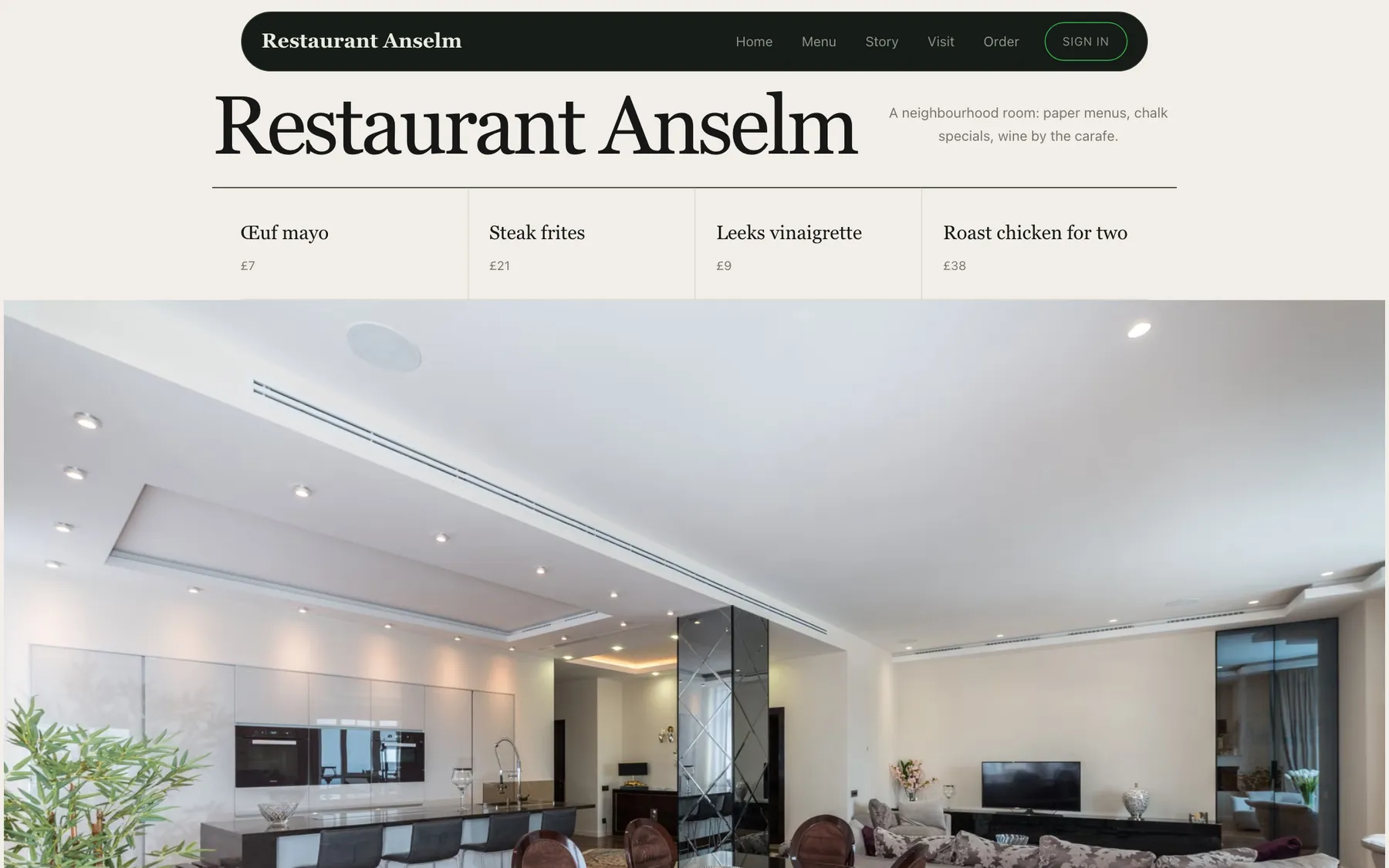
Every section is a builder module you can reorder, edit or delete, with no developer.
On bookings and orders, on every plan. Stripe’s standard card-processing fees apply to online payments.
Build and preview the whole site for nothing, and pay only when it goes live.
Starter is £19/mo excl. VAT and includes a complete restaurant website, a live structured menu, enquiry and newsletter forms, and managed search readiness. Growth is £39/mo excl. VAT and adds direct live bookings, a custom domain with managed SSL, and table and floor-plan operations. Full is £69/mo excl. VAT and adds online ordering and multi-site management for up to five restaurant sites. TableSpark commission is 0%. Stripe's standard card-processing fees apply to online payments.
An independent UK restaurant can be running all of this at one flat monthly price, and the full cost comparison shows why that is the best value. The expensive route is a bespoke build: thousands of pounds, months of waiting, and a developer on call for every price change. This is the other route. From then on nothing needs a developer — the menu, the prices and the pictures are edited by whoever is standing at the pass. Phone, tablet and desktop are all handled, and reservations, tables, ordering and management come with the plans — TableSpark takes 0% commission.
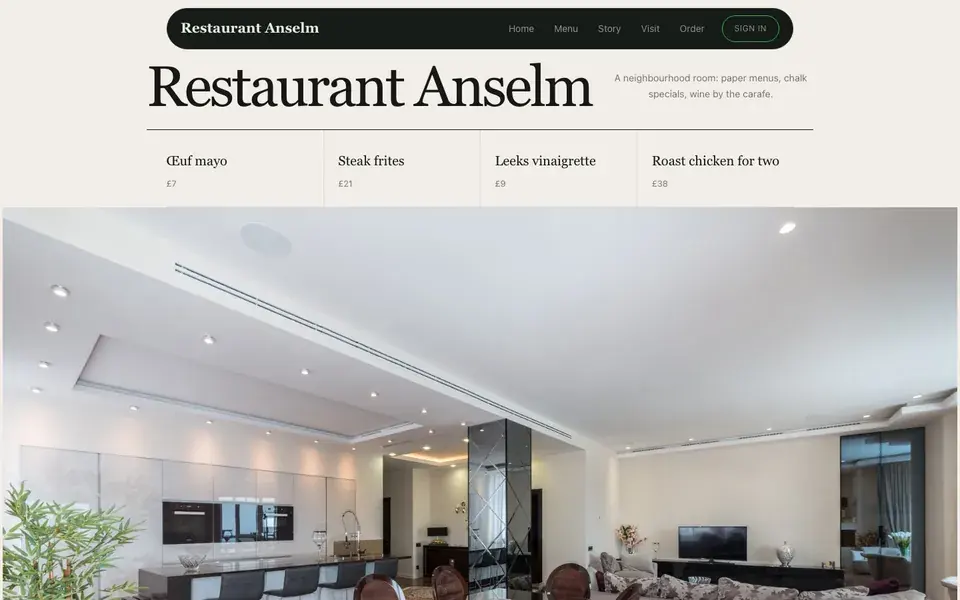
Restaurant Anselm is a dark room with a green accent pitched somewhere between bottle and pine. Yours might be white tile and morning light, or brass and candles, or something nobody has built yet.
The controls beside the frame are not an illustration of the Theme tab — they are the Theme tab, driving the same engine that publishes real restaurants. Press whatever you like; nothing is stored and nothing is signed up for. Go on.
Loading the live preview…
A city restaurant that serves breakfast, lunch, aperitivo and dinner has four businesses in one room, and most restaurant websites show only the last of them. This design opens by naming all four, with the hours for each, so a guest arriving at eleven in the morning knows they are welcome.
The palette is a dark room with a single green, and the type is a high-contrast serif over a plain sans. It is a formal-looking page carrying an informal offer, which is the right way round for a room that wants to be used all day.
Eight blocks, arranged as a day:
01
Big opening image, name & buttons.
02
Scrolling awards or words.
03
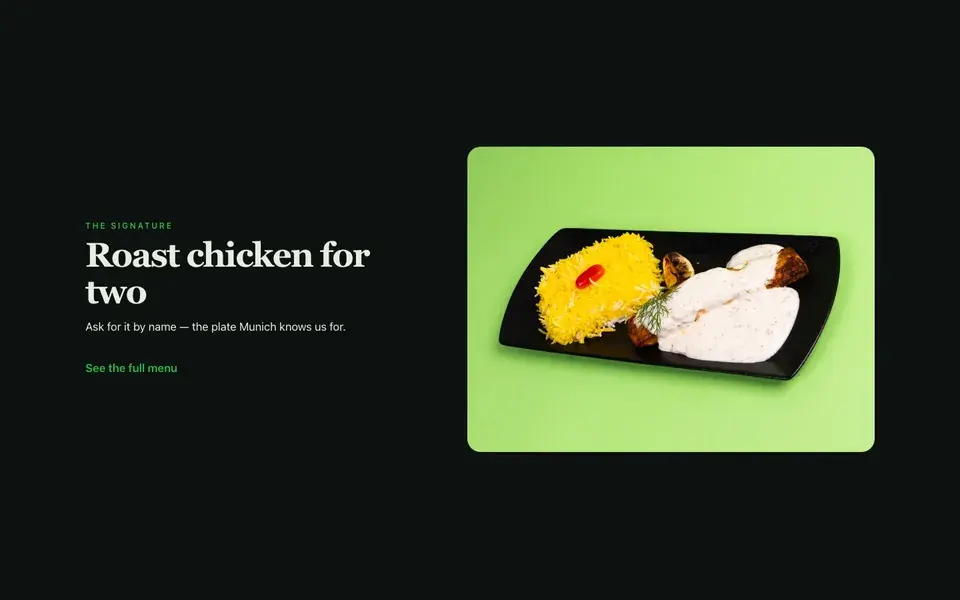
One dish, full screen — name, story, price.
04
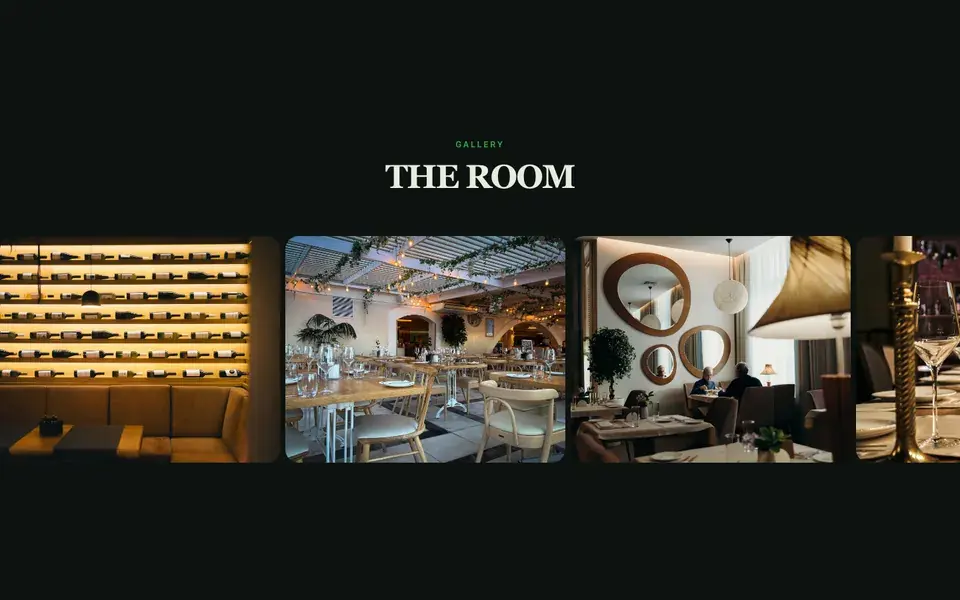
Grid, masonry or moving strip.
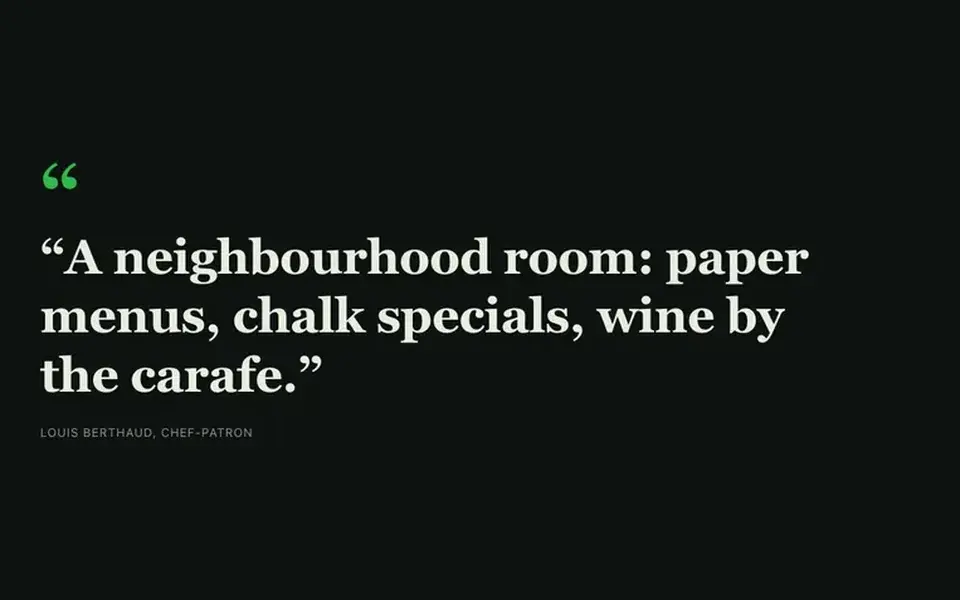
05
A large standout quotation.
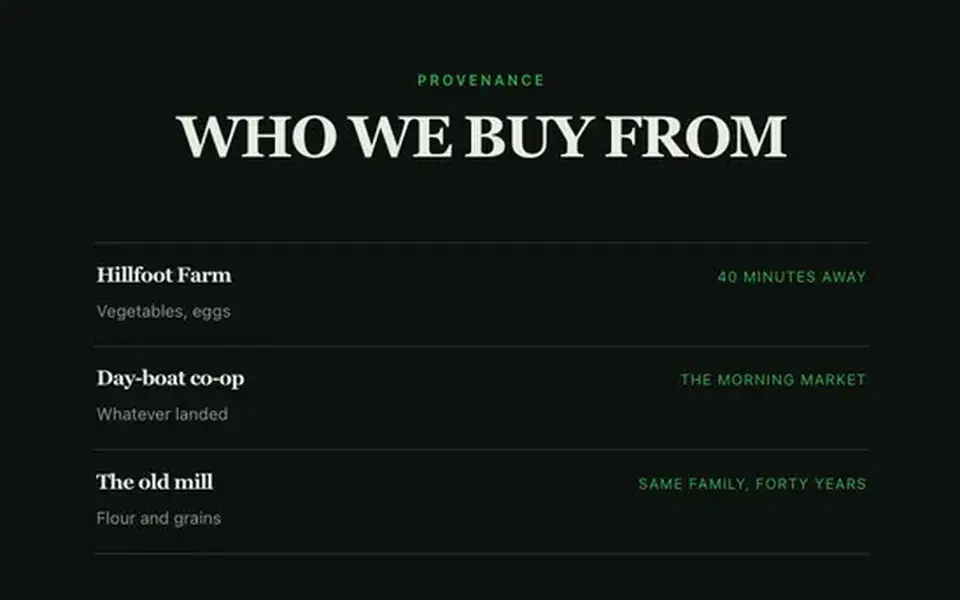
06
The growers and makers behind the menu.
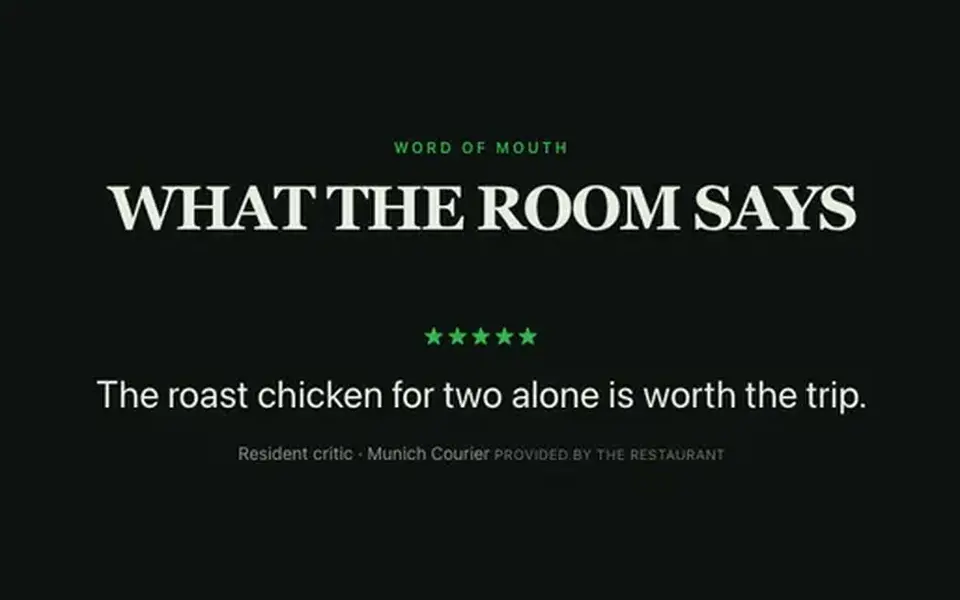
07
Guest quotes with stars.
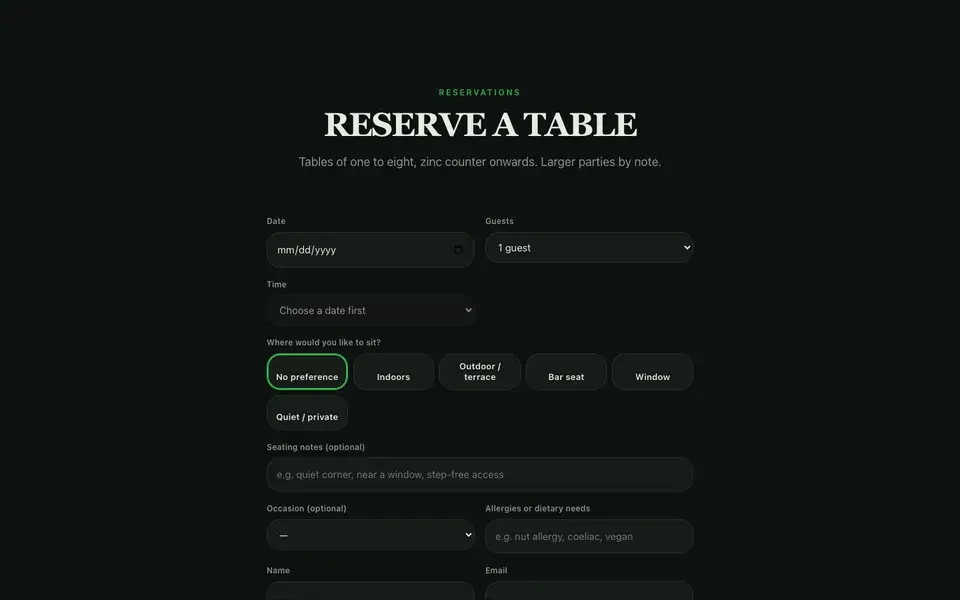
08
Live availability slot picker, saved to your Inbox.
09
Headline + button band.
Loading the live preview…
Restaurant Anselm uses the Classic list ordering layout — the printed-menu look, with dotted leaders running from each dish to its price.
It reads like the delivery apps your guests already know, except the restaurant keeps the relationship and the money. The basket stays on screen, and each mode asks only for what it needs: a table number, a phone number or an address.
Loading the live preview…
This is the frame that matters. It is the real ordering page at a real phone width — not a mock-up, not a video.
On a laptop the same page puts the basket in a panel beside the menu that follows the scroll.
Every Restaurant Anselm site on Growth and Full ships with an app your guests keep. It lives at /account on your own domain, so the guest signs in to your restaurant, not a marketplace.
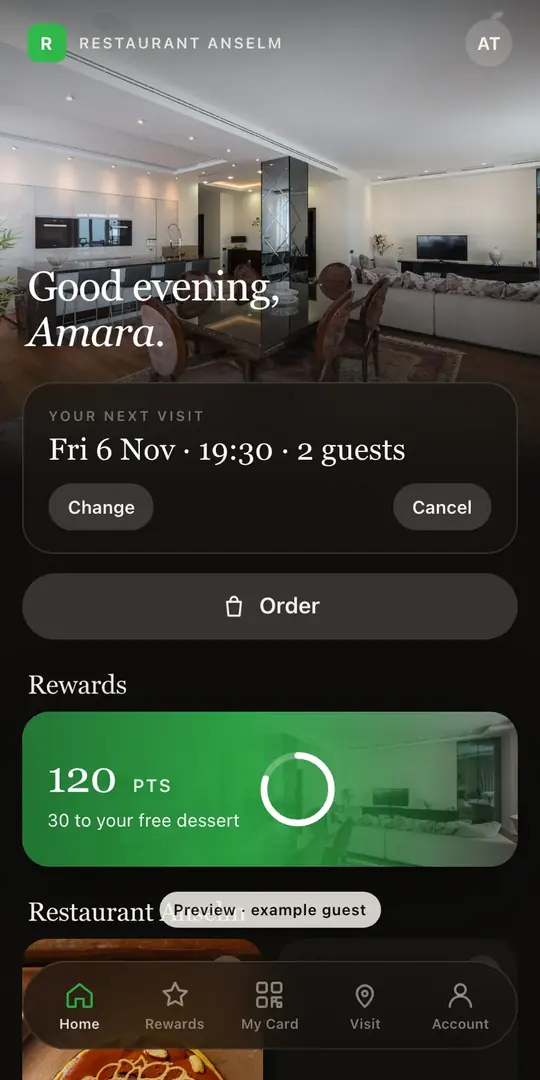
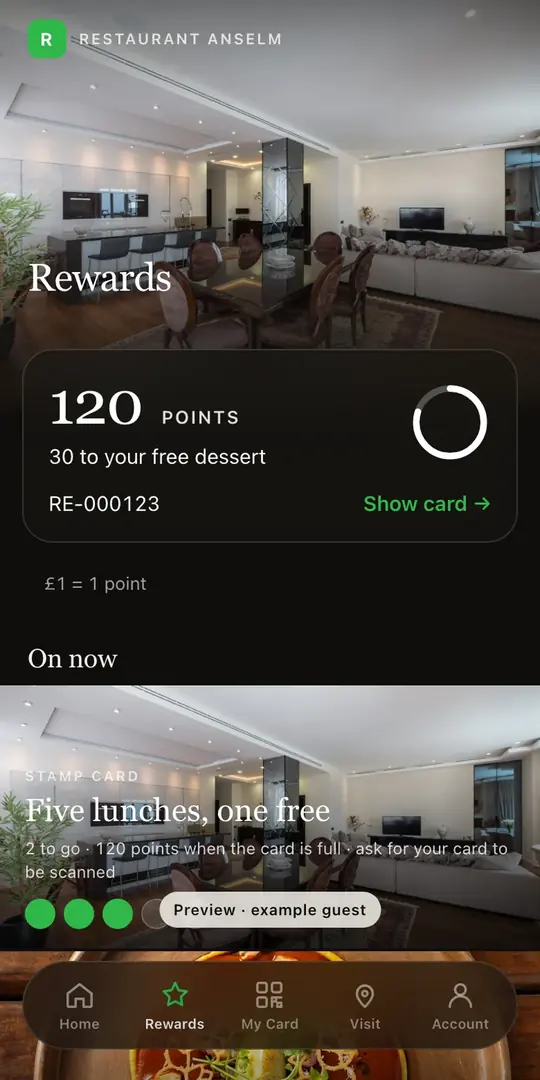
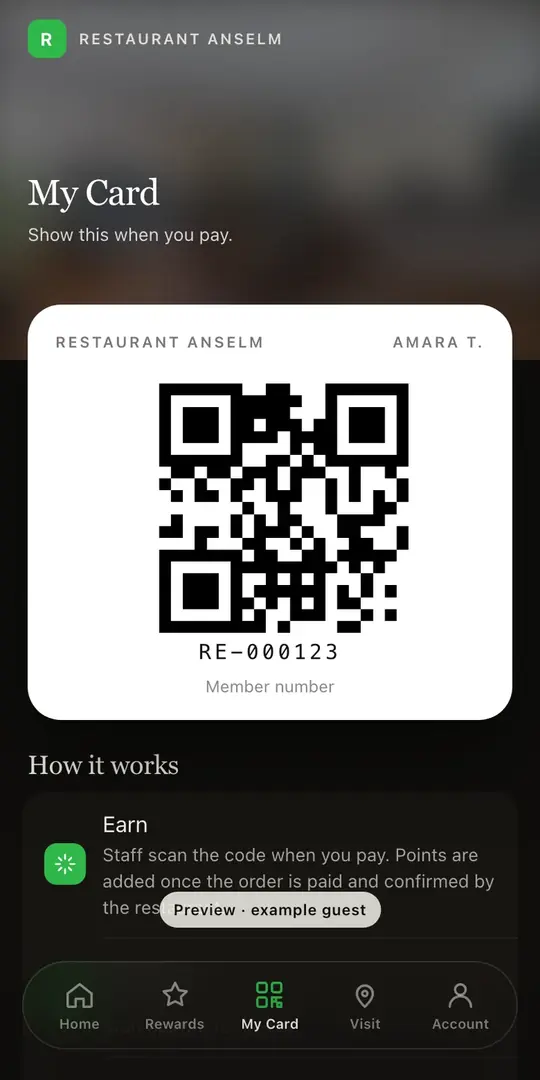
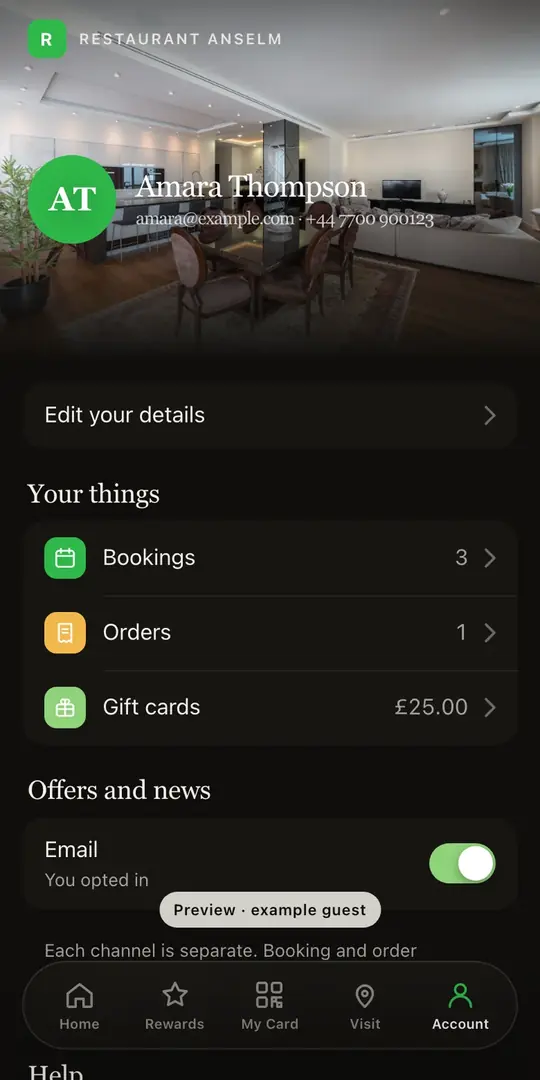
Included on the Growth and Full plans. Watch the Guest App course
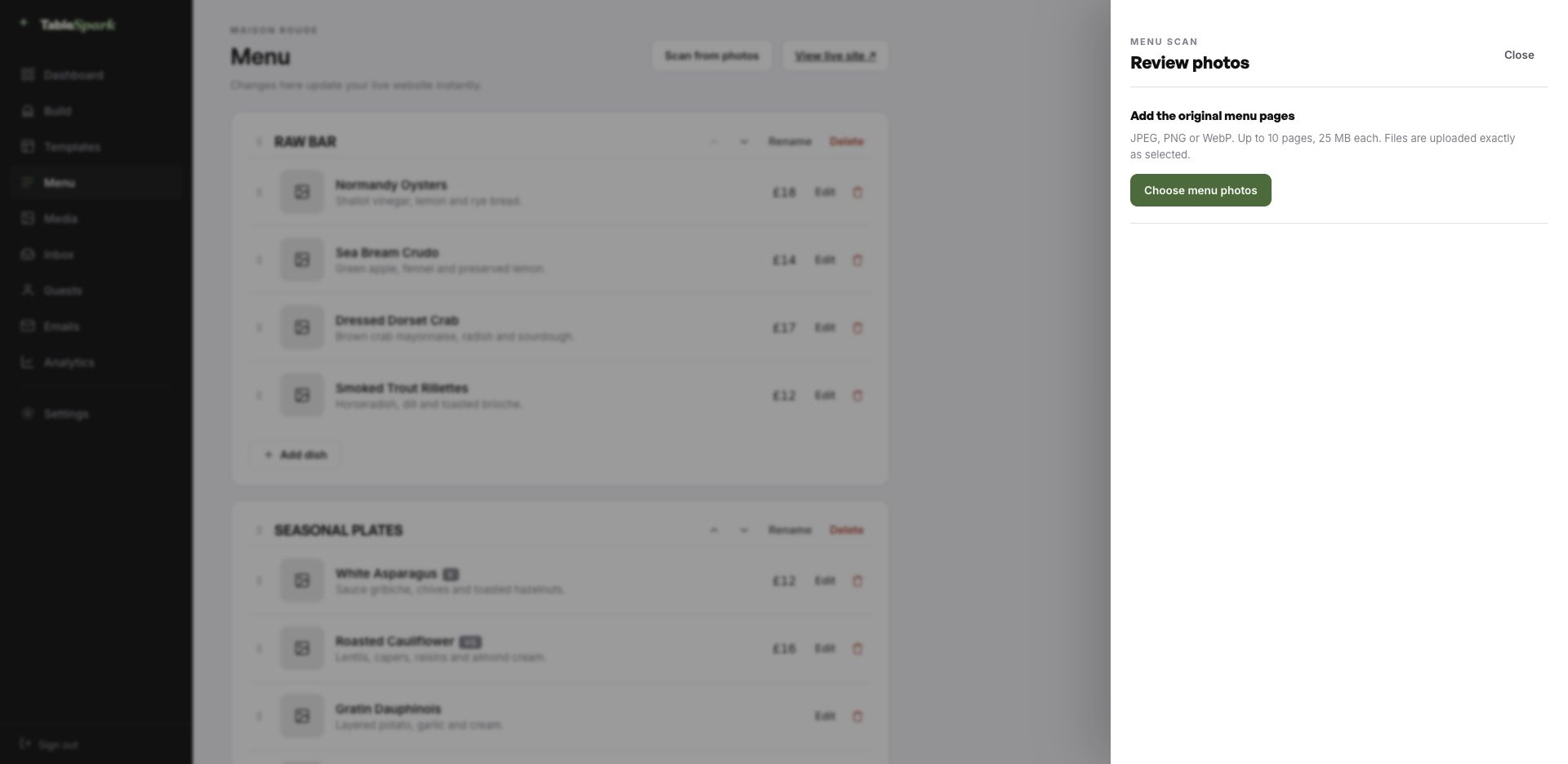
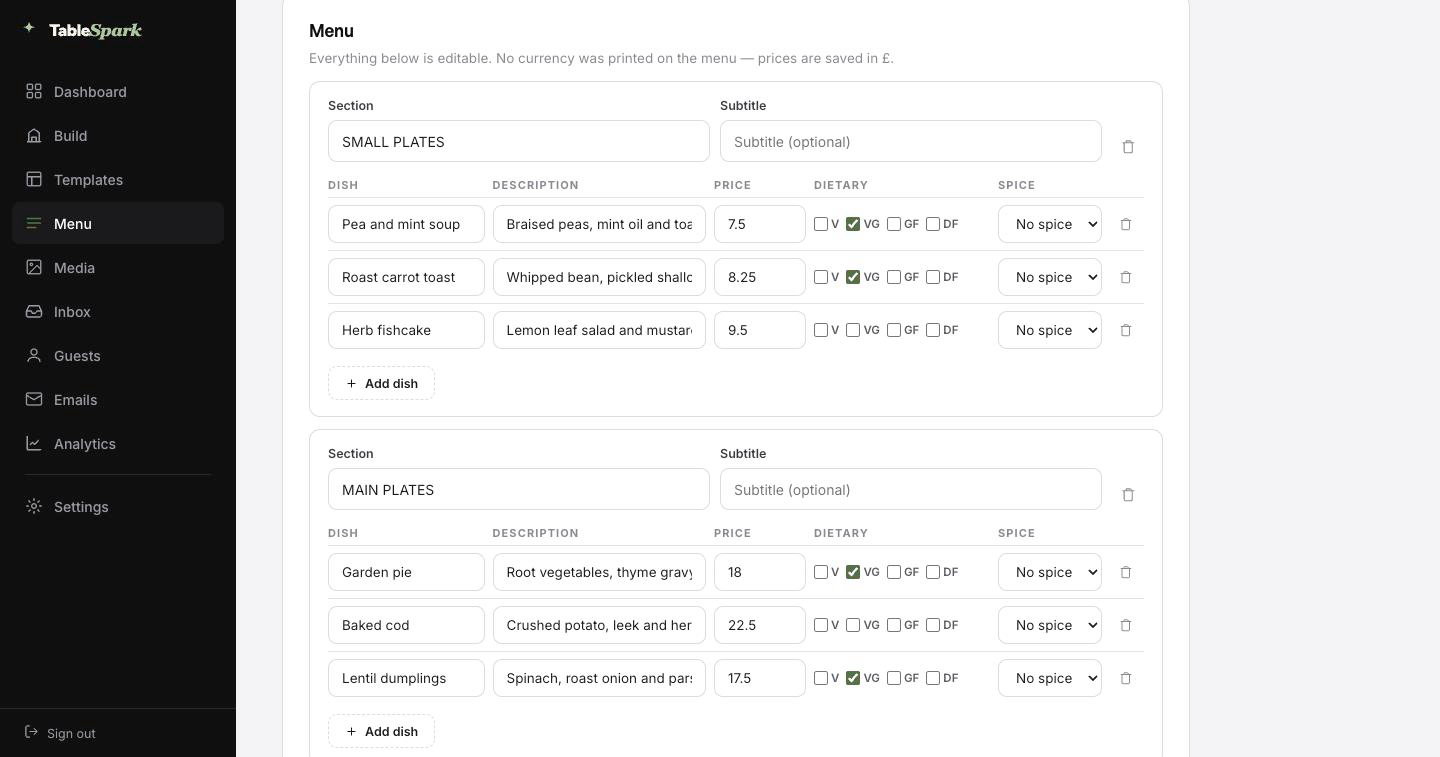
Here is the hour you were dreading, deleted. Photograph the card, the board or the takeaway sheet — up to ten pages at a time — and hand it to TableSpark. It is read into proper fields — section, dish, description, price, dietary marks, spice level — rather than pasted in as a lump of text. Then you read it through, correct whatever the lens misread, and save.
It behaves like data, because it is data. The same structured menu drives the menu page, the ordering page, the highlights on the home page and the Restaurant structured data a search engine reads. Change a price once afterwards and all of them follow.
For the search snippet, a Write with AI button drafts the title and description out of the page itself. It is a draft, not a decision: edit it, then publish.
A phone photograph of the menu you already hand to guests is enough.
Sections in order, dishes with descriptions and prices, dietary and spice marks read from the page.
Menu page, ordering page, home-page highlights and the Restaurant schema — each one updating from the same edit.
Nothing here needs to be built, because it already is. The hard parts are finished; the personal parts are not, and only you can do those. You go from opening the builder to a published site on their own address in one sitting, and the reservation form answers from the moment it publishes. You see it in the inbox, they see a confirmation in theirs, both within seconds.
Add your Stripe account and the same site takes booking deposits and order payments, with the money landing in your account rather than ours. TableSpark takes 0% commission at every plan level. Stripe’s standard card-processing fees apply to online payments. Nothing else is deducted.
Step 01
1min
Pick Restaurant AnselmAll the pages and the demo menu copy into your account.Step 02
4min
Change the name and the wordsType over anything. The restaurant name updates throughout.Step 03
3min
Upload your menuThe menu is built from a photograph rather than typed.Step 04
1min
PublishPublished — and the booking form answers from that moment.Step 05
1min
Connect StripeNow you can take deposits on tables and payment on orders — direct to your account.In all
10min
From template to taking paymentsFive steps, one sitting.An address is branding that people type. The TableSpark address gets you live in minutes; your own domain takes over the moment you want it to, with nothing rebuilt.
TableSpark manages the technical side: the certificate, the secure connection, the redirect from the bare domain to the one you chose, and keeping search engines pointed at the right address so the move does not cost you what you have already earned. An existing domain works fine. You get one instruction, not a documentation site.
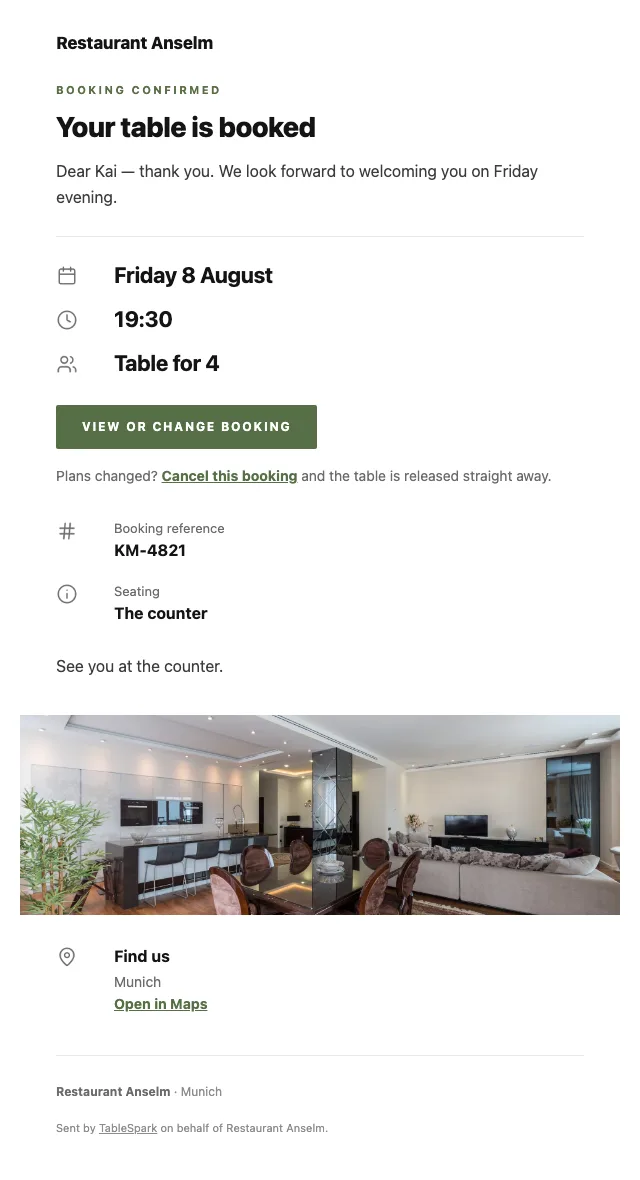
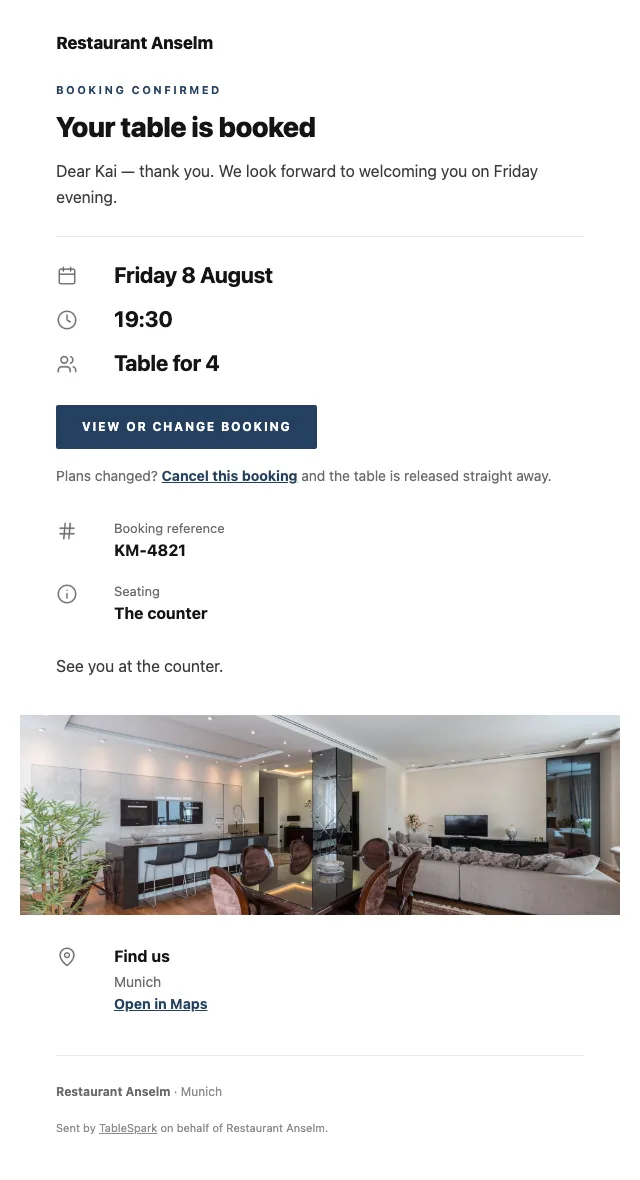
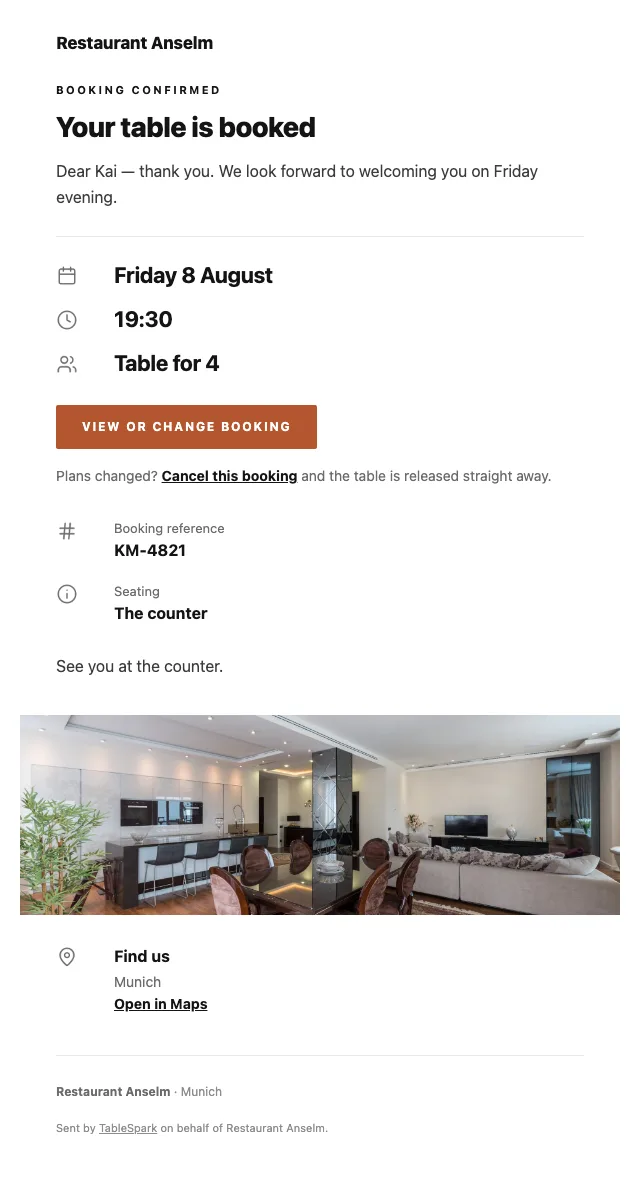
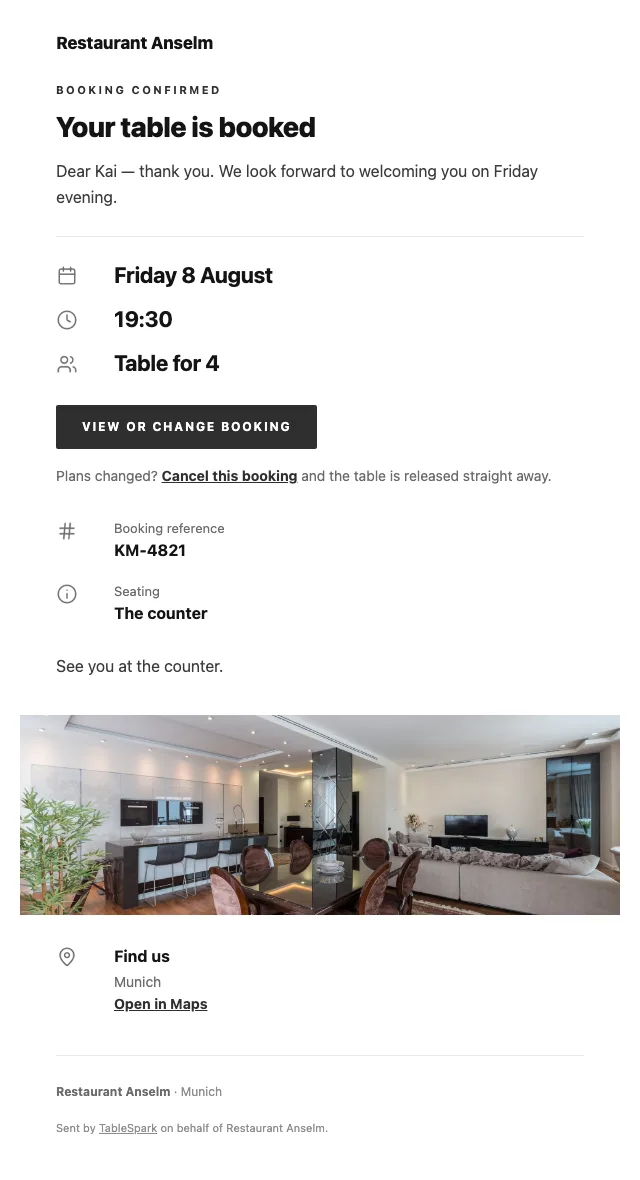
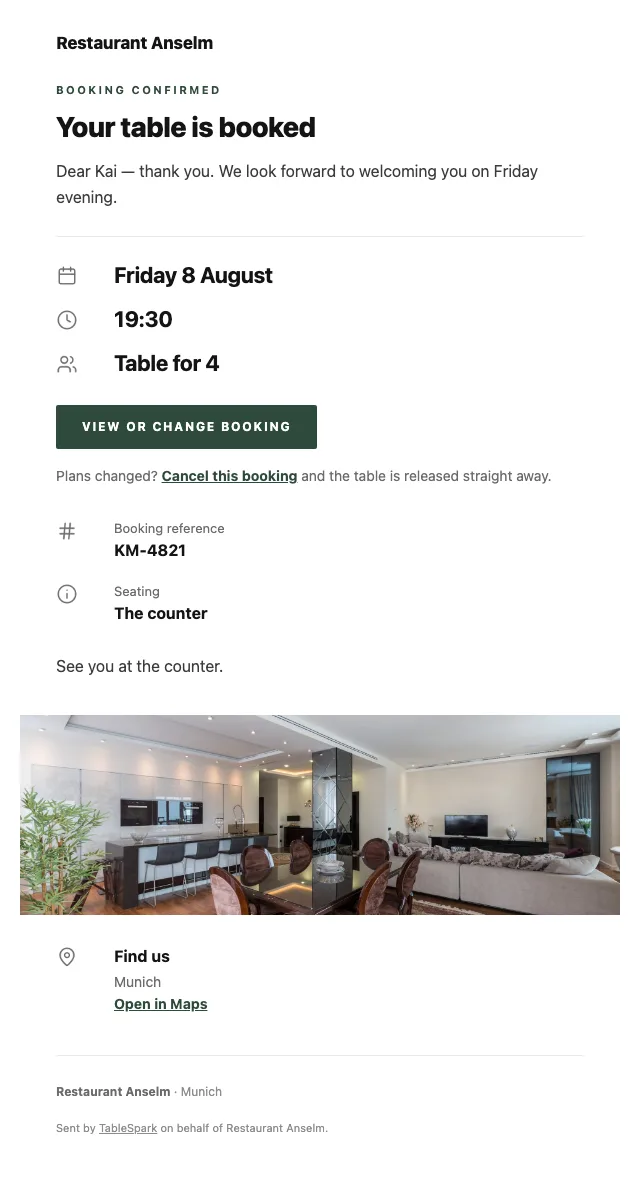
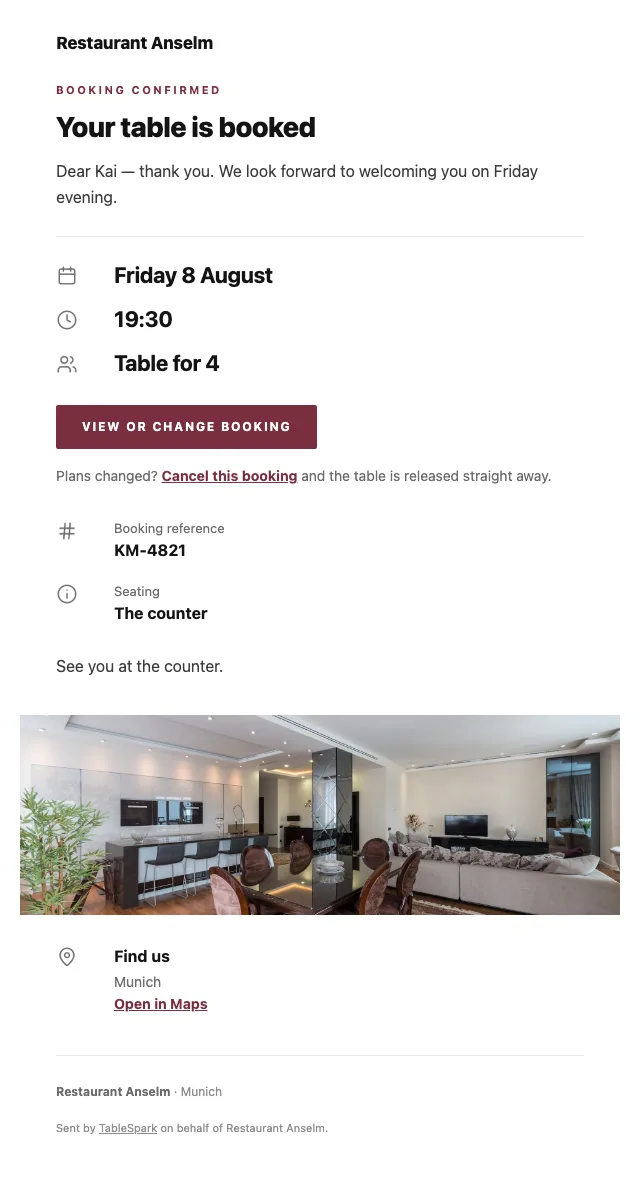
What lands in the inbox after a booking is doing more work than most restaurants realise. The confirmation goes out immediately: date and time, party size, the address and phone number, and a link that releases the table if something changes. It also carries the reminder the day before, the deposit receipt and any cancellation.
The design is not a TableSpark email with your name in it — it is your email. Six templates to choose between, then colour, logo, cover image, header style, sign-off wording, links and socials are all yours to set. Hook up the domain and even the sender is you.
Below, the same booking confirmation in six of the looks.
Any tool can put a page on the internet. Fewer can make sure a search engine understands what is on it. It fails quietly: noindex directives nobody noticed, conflicting canonical URLs, orphan pages, menus buried in PDFs, no structured data about the restaurant, and search verification that was never completed. The bill arrives as dependence — guests looking for your kitchen land on a directory or a marketplace that charges you for the introduction.
This is packaged into the site rather than sold separately. There is no promise of a position or of being indexed, because nobody can make one. There is a promise that you will not be hiring someone to fix the basics.
Every one can be renamed, reordered or removed, and new pages added.
There is nothing bespoke here. Every block is one of the 68 modules available to any TableSpark site, each with its own layouts.
Remove one, reorder them, or pull in a block you saw on another template.
Ships with 4 sections — Zinc counter, Plats du jour, Sides, Desserts — for you to overwrite.
Our cut is zero, permanently. The alternative is a platform that charges you for each order and then owns the guest.
Your domain, your inbox, your exportable guest records. Stripe’s standard card-processing fees apply to online payments.
See what 0% commission is worth over a year
You photograph and proofread. The software types, structures and drafts.
Nothing reaches the live site until you say so.
Search engines Menu — Restaurant Anselm | Munich Breakfast, lunch, aperitivo and dinner in one Munich room. All four menus, with hours and prices.Drafts the search title & description from this page’s content. Always review before publishing.
Stripe’s standard card-processing fees apply to online payments.
Booking deposits, explained properly
Make the entire site, sleep on it, start again if you want. Nothing is charged until you publish.
Make the entire site, sleep on it, start again if you want. Nothing is charged until you publish.
5 pages, and every one of them is here. Everything below is rendered, not photographed. The frame uses the same engine as a published site, so the tabs and the in-page links are all real. Phone shows the mobile layout.
The story page carries the room, the chef and the sourcing, with a timeline, an interview and a gallery. The visit page handles the practicalities of a room used differently at four times of day.
The indexed layout lists every menu first — breakfast, lunch, dinner, the bar — then opens each in turn. For a room with four services that structure is the only one that stays legible.
Each menu carries its own hours in the section subtitle, which answers the question guests actually ask. Descriptions carry the technique and the producer, and every price is a field rather than typography.
Layouts are a matter of taste. What is not optional is that every dish and price is readable text with Restaurant schema attached — a PDF menu would be invisible here.
The full delivery-app layout is here because an all-day room does real takeaway trade at lunch: a section rail, dishes beside it, and a basket that follows the scroll.
It is on your own domain, the order lands in your own inbox, the guest record is yours, and TableSpark takes 0% — which over a year of lunch trade is the difference between a marketing cost and a margin.
Dine-in wants a table number and nothing else; collection wants a number to ring; delivery wants somewhere to go. No mode asks for the others’ fields.
What owners ask before they pick a template: the cuisine fit, the menu, the address, and what it costs.
Yes — each is a separate menu with its own sections, prices, hours and publishing state, and all of them can appear on the menu page. The indexed layout is well suited to it, because a guest sees every menu named before opening any one of them.
Yes, and from the same inbox. The ordering page handles collection and delivery with their own hours, while the reservation form handles the dining room — service hours drive both independently, so lunch can be collection-only and dinner bookings-only if that is how you work.
Yes, and you do not have to sort it out before going live. Publish on a TableSpark address today; connect your own domain — new or one you have held for years — whenever it suits. The SSL certificate and its renewals, the secure connection, the bare-domain redirect and the canonical, sitemap and robots signals are all managed for you, so search visibility survives the change. The same domain can send your guest emails.
An immediate confirmation in your name with the booking details — date, time, covers, your address and phone number — plus a link that lets them cancel cleanly if plans change. The same system handles the reminder before service, any deposit receipt and cancellation notices. You design all of it: six templates, your accent, logo, cover photograph, header layout, sign-off, links and social accounts, sending from your own domain once connected.
Not a line. Sections are edited by clicking them, images by uploading them, order by dragging. The same block library that built this page is the one you use.
It is part of the Full plan, and there is no commission at any level — 0%. Stripe’s standard card-processing fees apply to online payments. Money is paid into your own account.

The whole site copies into your account in one click. Change the words, upload the menu, publish. Free until the moment you go live.