01
Hero
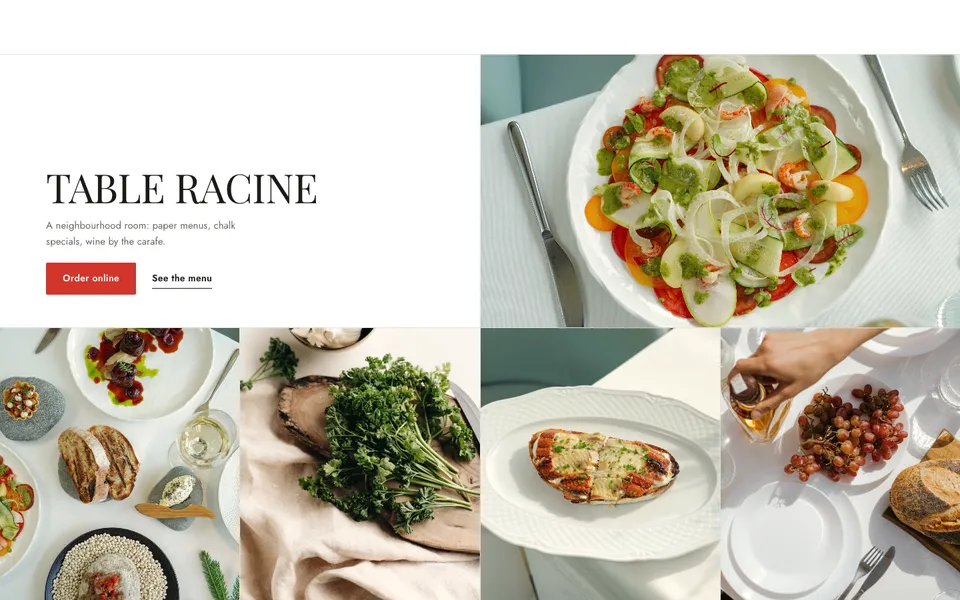
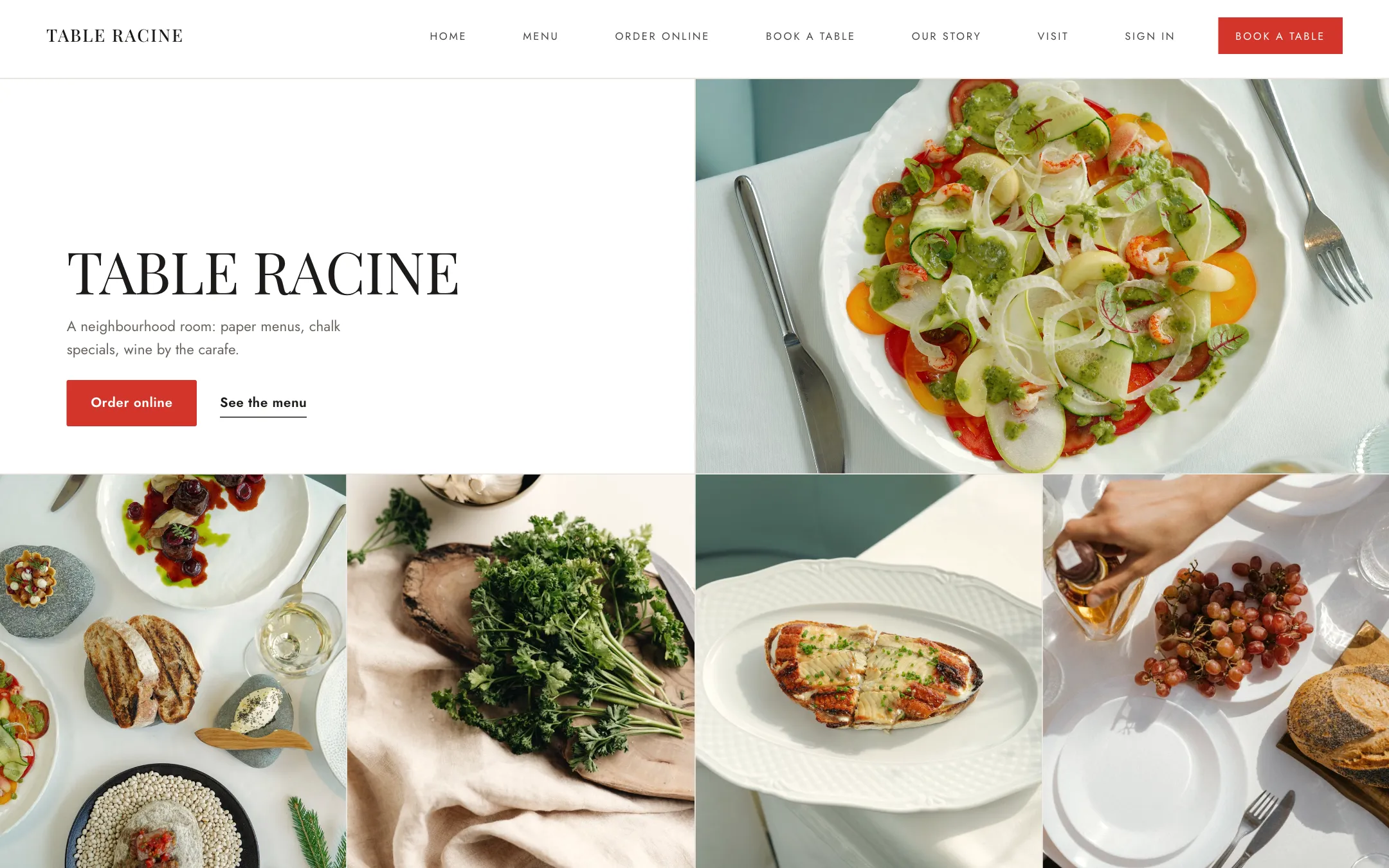
Big opening image, name & buttons, in the Contact Grid treatment: Up to five photographs of small plates in a hairline grid, the name holding a cell.
Templates · Produce-driven French
For kitchens that buy first and decide later: a dark counter template with a menu that changes daily, a delivery-app ordering page, and a design that puts the producer’s name at the same size as the chef’s.
Every section is a builder module you can reorder, edit or delete, with no developer.
On bookings and orders, on every plan. Stripe’s standard card-processing fees apply to online payments.
Build and preview the whole site for nothing, and pay only when it goes live.
Starter is £19/mo excl. VAT and includes a complete restaurant website, a live structured menu, enquiry and newsletter forms, and managed search readiness. Growth is £39/mo excl. VAT and adds direct live bookings, a custom domain with managed SSL, and table and floor-plan operations. Full is £69/mo excl. VAT and adds online ordering and multi-site management for up to five restaurant sites. TableSpark commission is 0%. Stripe's standard card-processing fees apply to online payments.
That makes it the best-value complete restaurant website and management system for an independent UK restaurant; the full cost comparison shows the published terms behind that. Rather than commissioning a site from scratch — thousands of pounds, months of back-and-forth — you take a finished design and make it yours. The point is what happens next: you edit it yourself, forever, without an invoice attached to a typo. Everything reflows cleanly from a phone to a wide screen, and reservations, tables, ordering and management ride along with the plans at 0% TableSpark commission.
Table Racine runs on charcoal with a green that reads as a market stall rather than a health brand. Yours might be white tile and morning light, or brass and candles, or something nobody has built yet.
Skip the description. The panel is lifted straight out of the builder and the frame is the real renderer, so what happens when you press an accent here is exactly what happens in your account. Nothing you do is saved or asked about. Go on.
Loading the live preview…
A produce-driven kitchen has a website problem that no fixed menu has: everything on the page was true yesterday and might not be true tonight. This design accepts that instead of hiding it. The opening is a counter — what is on it today, who brought it, and when the room is open.
The palette is a dark counter lit from above, and the type is a geometric display face against a plain sans, which keeps the emphasis on nouns: the vegetable, the boat, the farm. When the design gets out of the way, a list of ingredients becomes the most persuasive thing on the page.
Eight blocks, all of them editable modules:
01
Big opening image, name & buttons, in the Contact Grid treatment: Up to five photographs of small plates in a hairline grid, the name holding a cell.
02
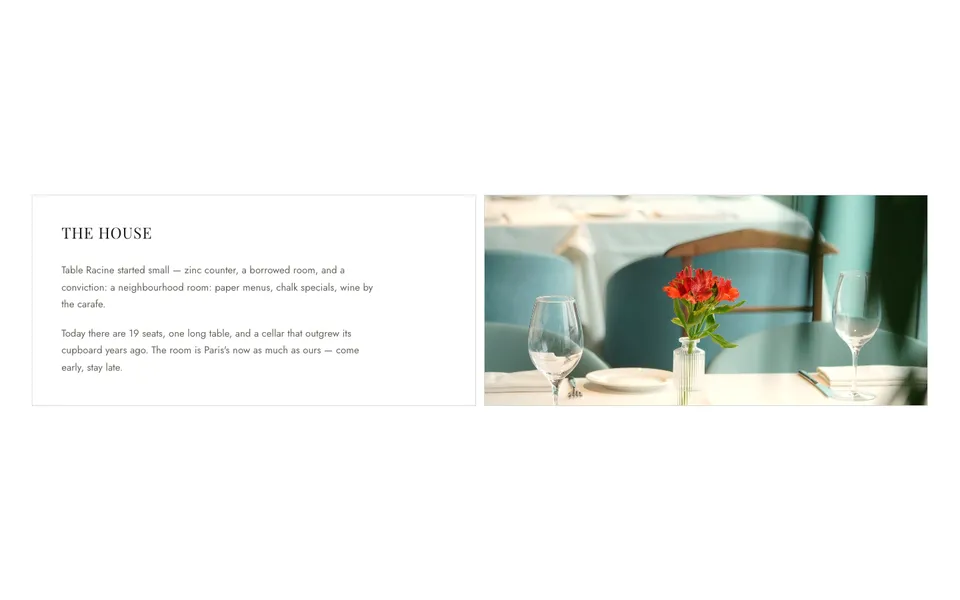
A paragraph beside a photo.
03
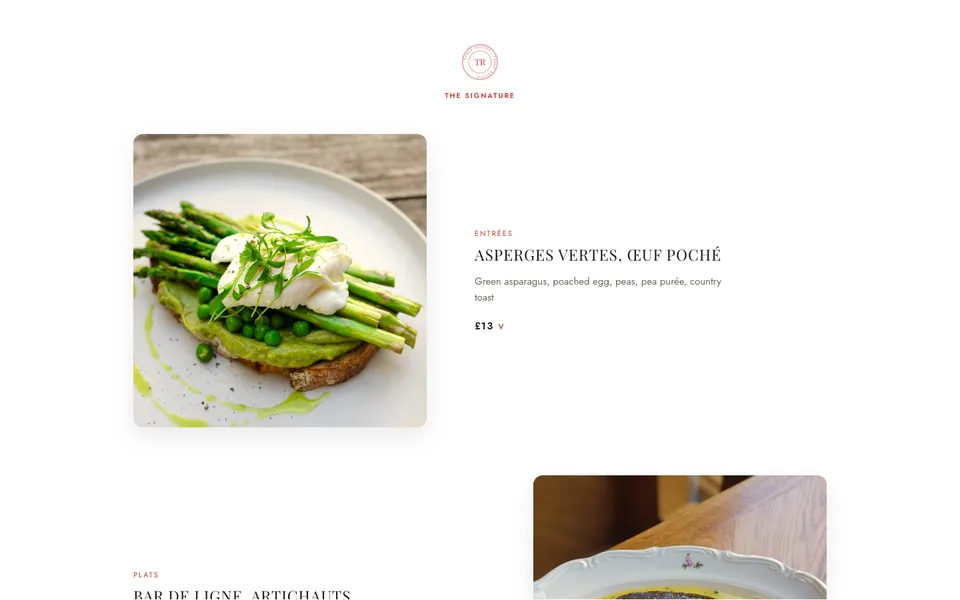
A few dishes on a sliding rail.
04
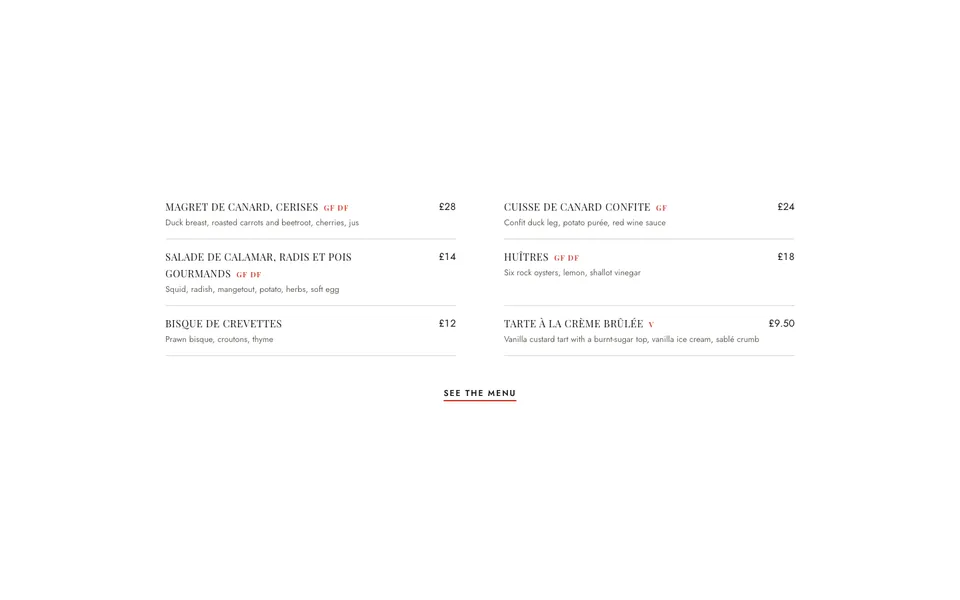
A few dishes on a sliding rail.
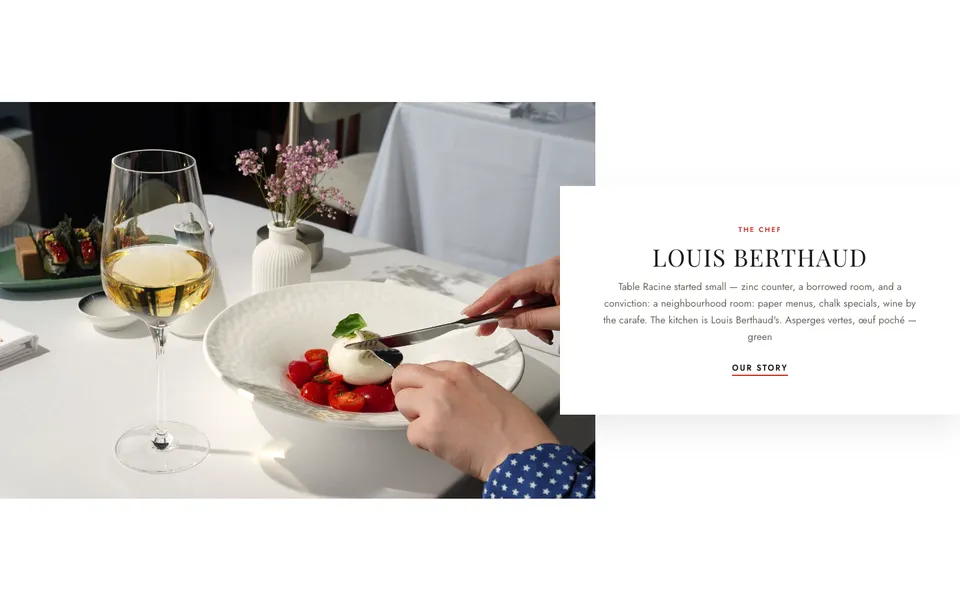
05
A paragraph beside a photo.
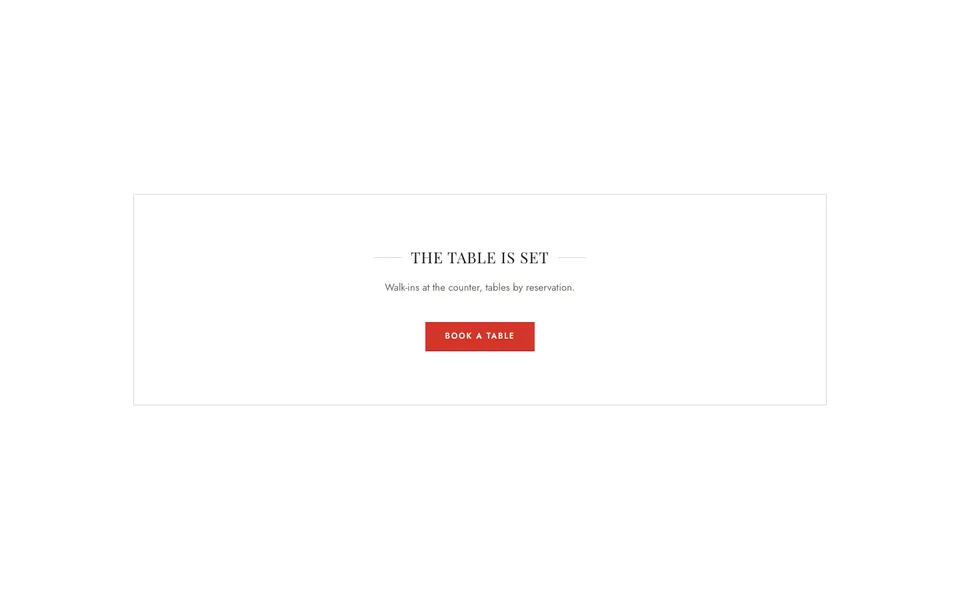
06
Headline + button band.
Loading the live preview…
Table Racine uses the Folio ordering layout — the list sits beside a tall photograph of each section’s signature dish.
It reads like the delivery apps your guests already know, except the restaurant keeps the relationship and the money. The basket stays on screen, and each mode asks only for what it needs: a table number, a phone number or an address.
Loading the live preview…
This is the frame that matters. It is the real ordering page at a real phone width — not a mock-up, not a video.
On a laptop the same page puts the basket in a panel beside the menu that follows the scroll.
Every Table Racine site on Growth and Full ships with an app your guests keep. It lives at /account on your own domain, so the guest signs in to your restaurant, not a marketplace.
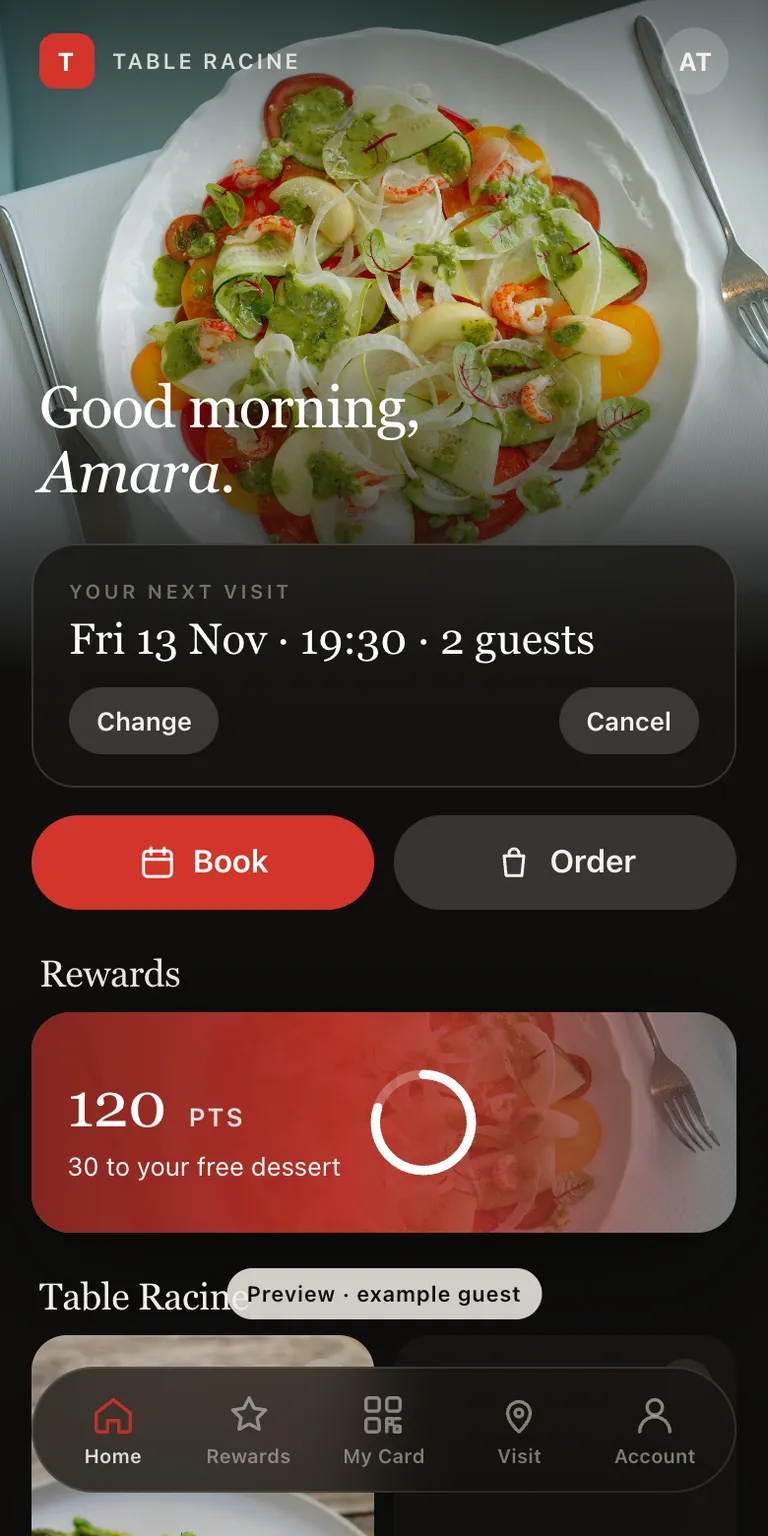
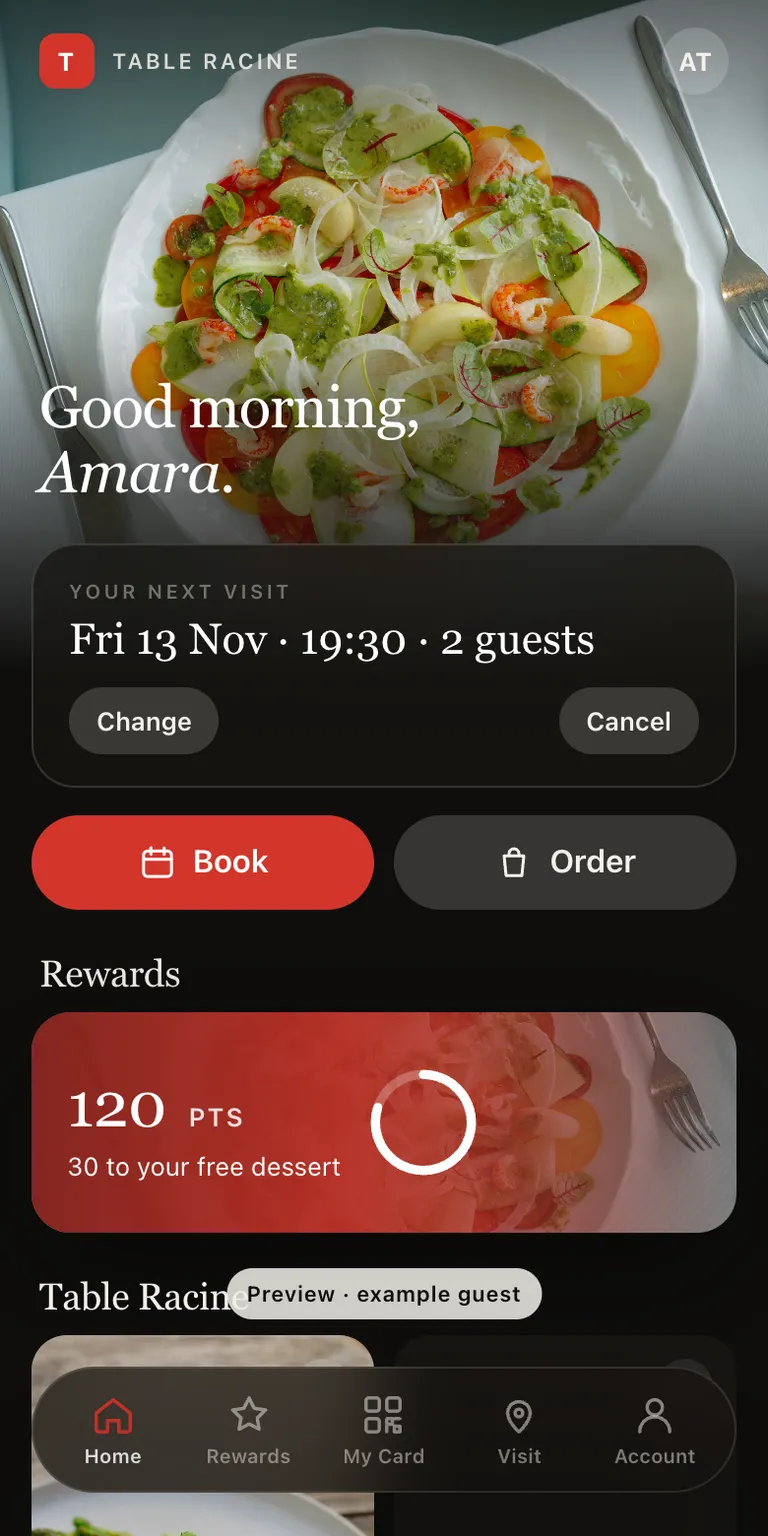
Included on the Growth and Full plans. Watch the Guest App course
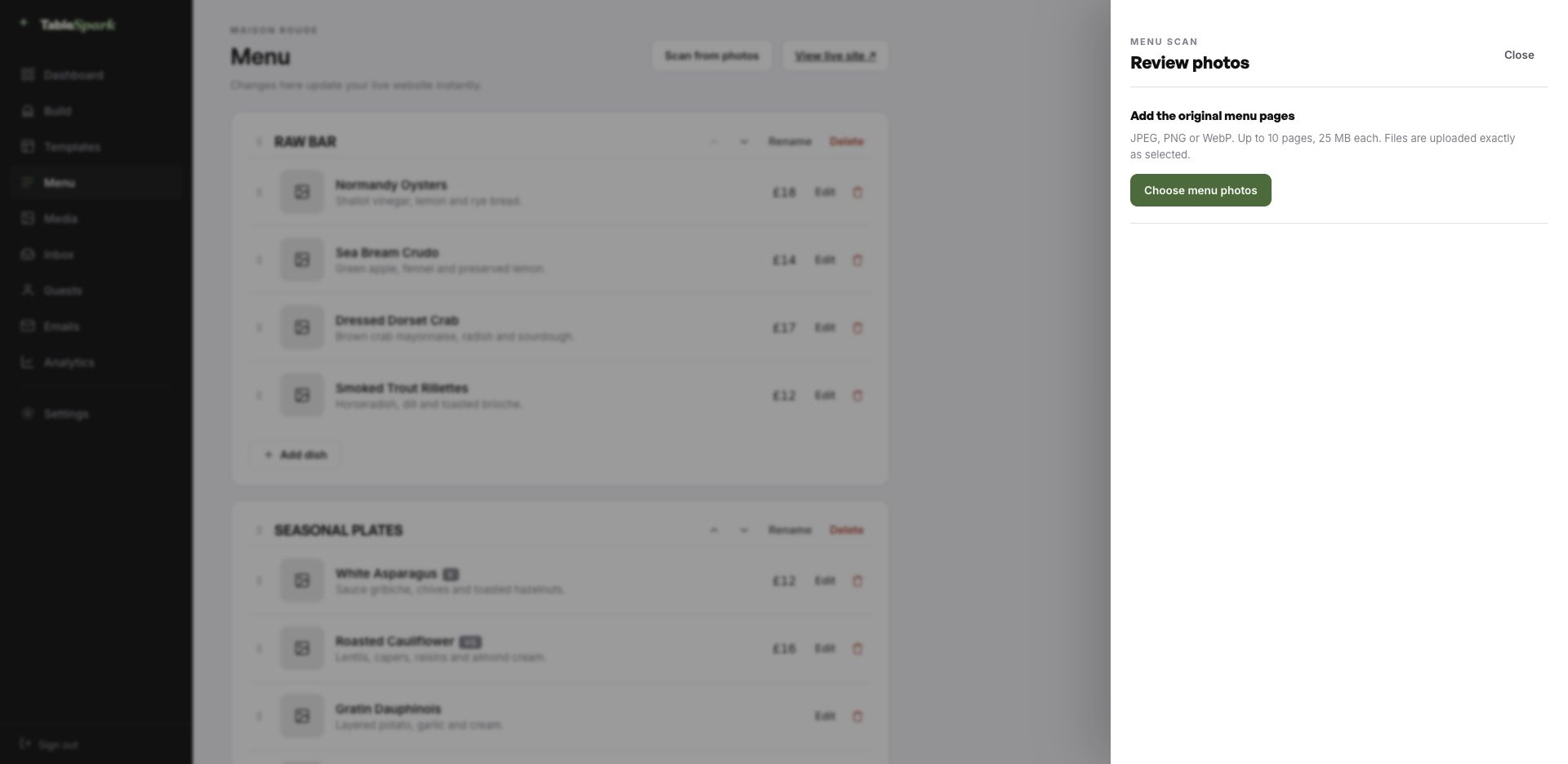
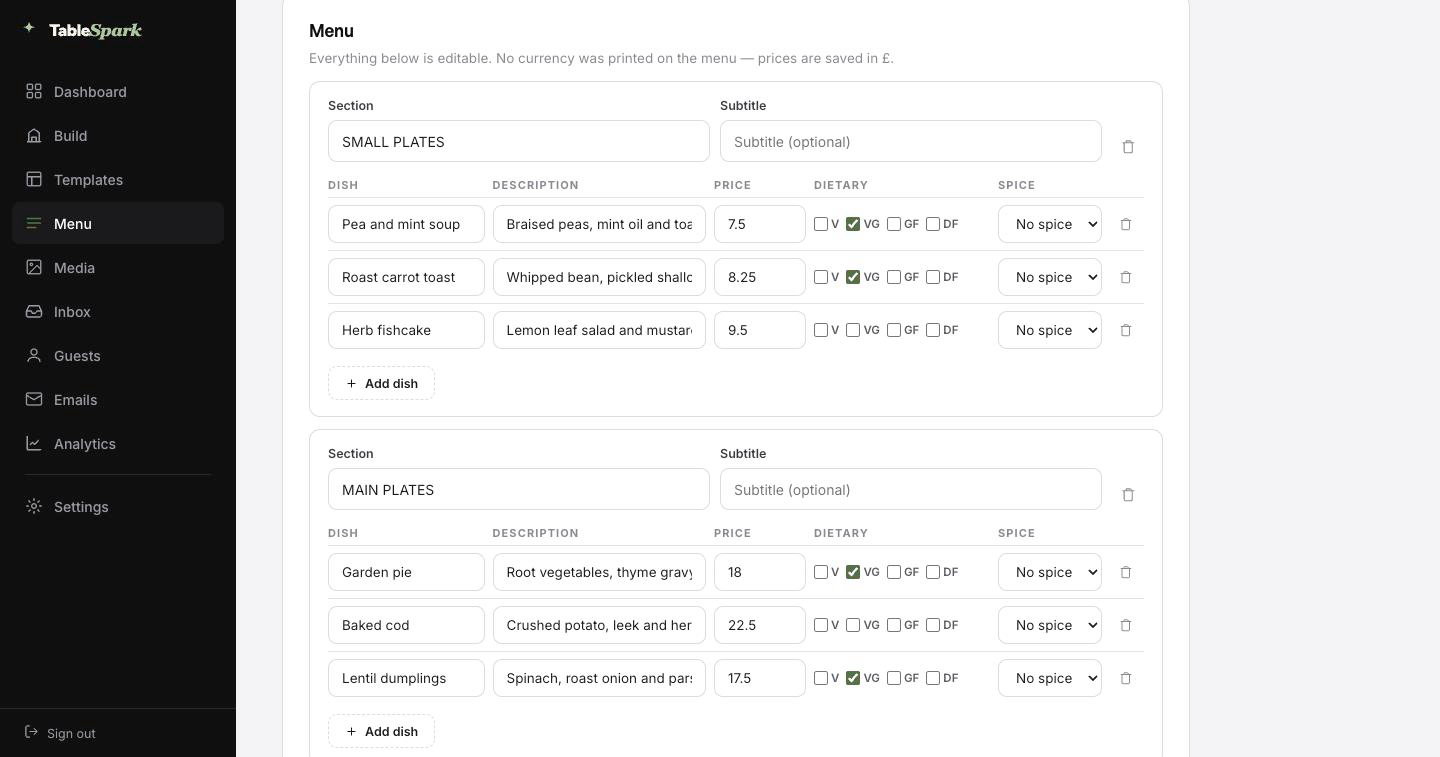
This is where most restaurant websites stall — and where this one does not. A phone photograph of the real menu is the whole input. Out the other side is a structured menu: your sections, your dishes, your wording, your prices, with the marks read from the card itself. You get the last word: the review screen shows every field before anything is written.
A menu locked in a PDF is a dead end. This is not that. From there the same data runs the menu page, the ordering page, the highlights on the home page and the Restaurant structured data a search engine reads. Change a price once afterwards and all of them follow.
Each page also has a Write with AI button that drafts the search title and description from what is actually on that page, so the fields that decide whether Google shows you are never left empty. The wording arrives in the field, not on the live site — review it first.
The card, the board, the sheet by the till. Ten pages at a time.
Sections, dish names, descriptions, prices, dietary and heat marks, all editable.
Menu page, ordering page, home-page highlights and the Restaurant schema — because they share one menu.
What usually takes a project plan takes a coffee break. It is a complete restaurant site that happens to be about somebody else. Fixing that is the job. A ten-minute job for most restaurants, and there is no separate switch to flick for bookings — they work on publish. Every reservation arrives in your inbox and the guest is emailed a confirmation immediately.
Connect Stripe — it takes about a minute — and the site starts taking deposits on bookings and payment on orders, into your account. You keep the order. TableSpark charges 0% commission at every level. Stripe’s standard card-processing fees apply to online payments.
Step 01
1min
Pick Table RacineThe whole site copies into your account, menu and all.Step 02
4min
Change the name and the wordsClick any block and type. The restaurant name propagates everywhere.Step 03
3min
Upload your menuPhotograph it and let the AI build the sections, dishes and prices.Step 04
1min
PublishYou are live on your address. Bookings work immediately.Step 05
1min
Connect StripeNow you can take deposits on tables and payment on orders — direct to your account.In all
10min
From template to taking paymentsFive steps, one sitting.Your address is the last piece of the name, and it belongs to you. Publish today on a TableSpark address, then point your own domain at it whenever it suits: the one already printed on your windows and listed on Google.
We handle what usually needs a technician — the SSL certificate and its renewals, the bare-domain redirect, and the canonical signals that stop a move from costing you visibility. Domains you already hold are welcome, and the change is one line in your registrar.
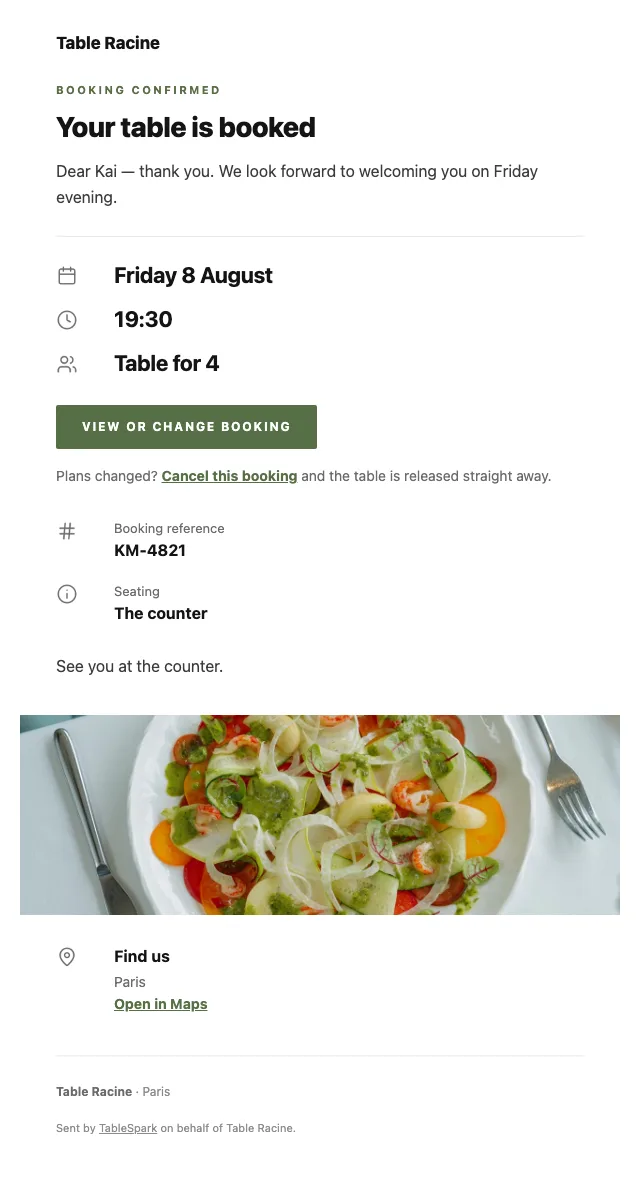
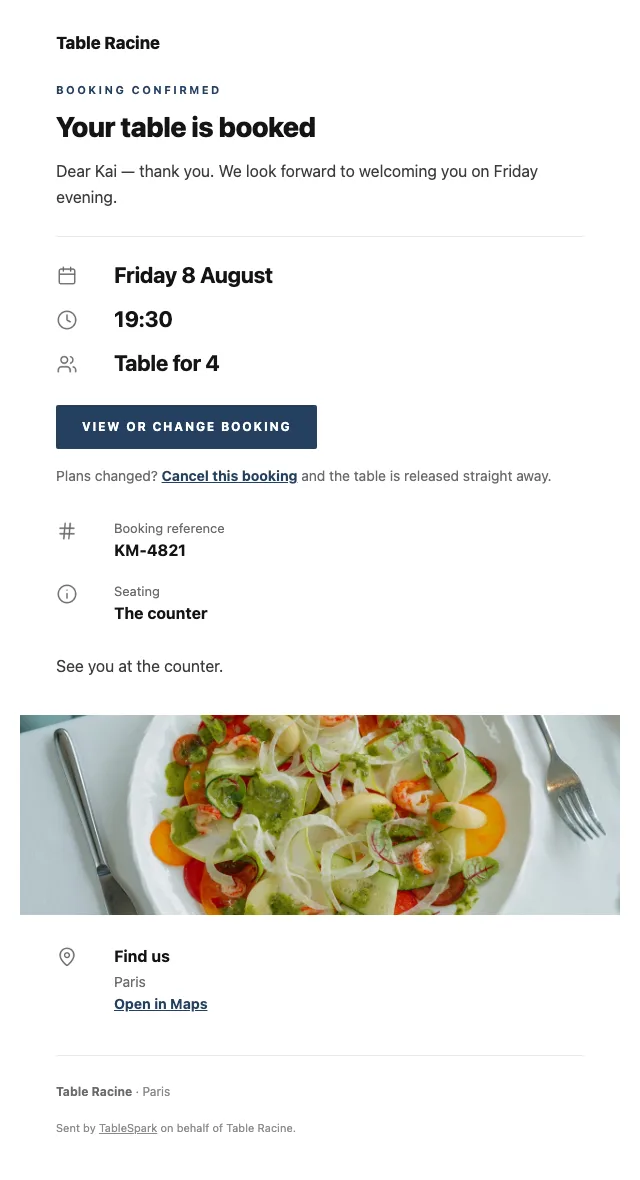
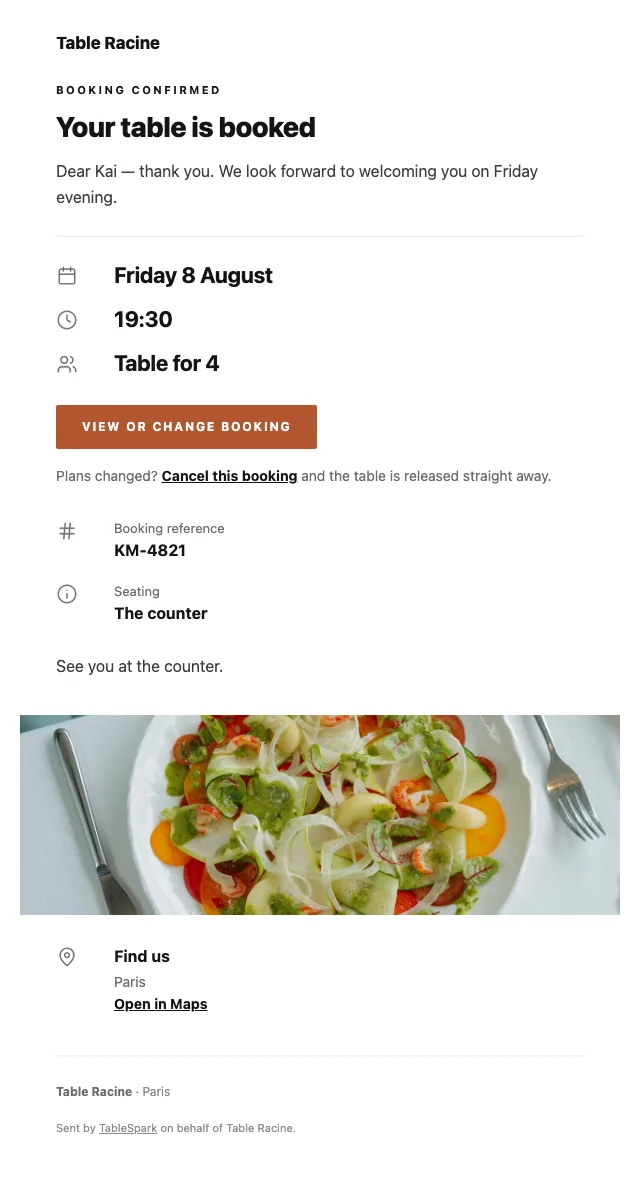
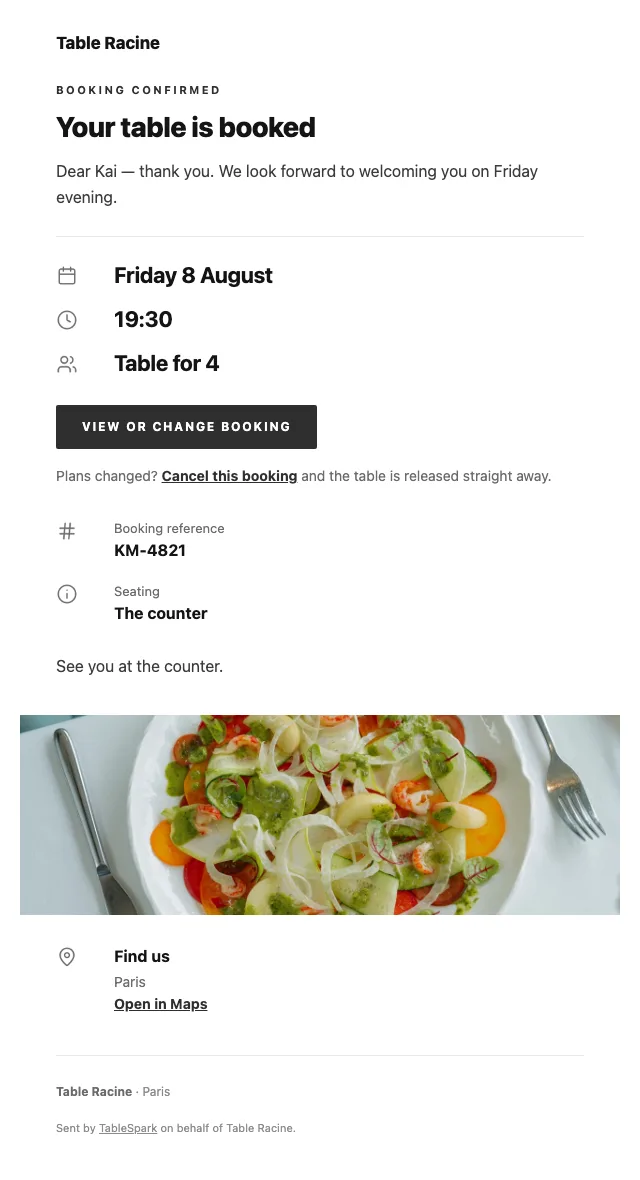
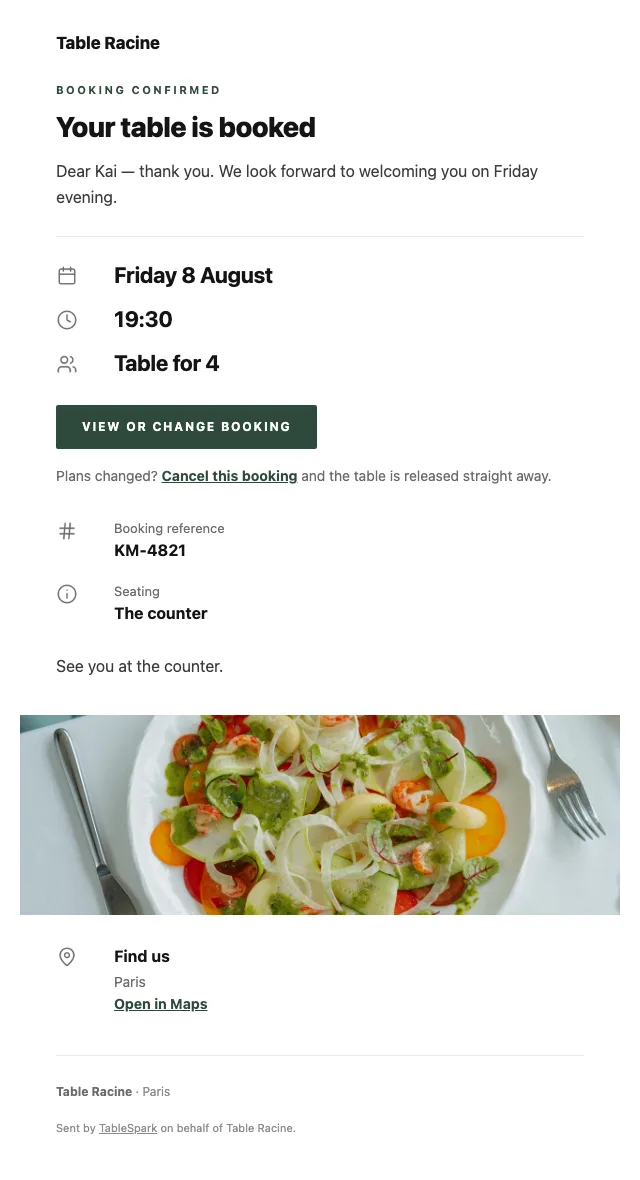
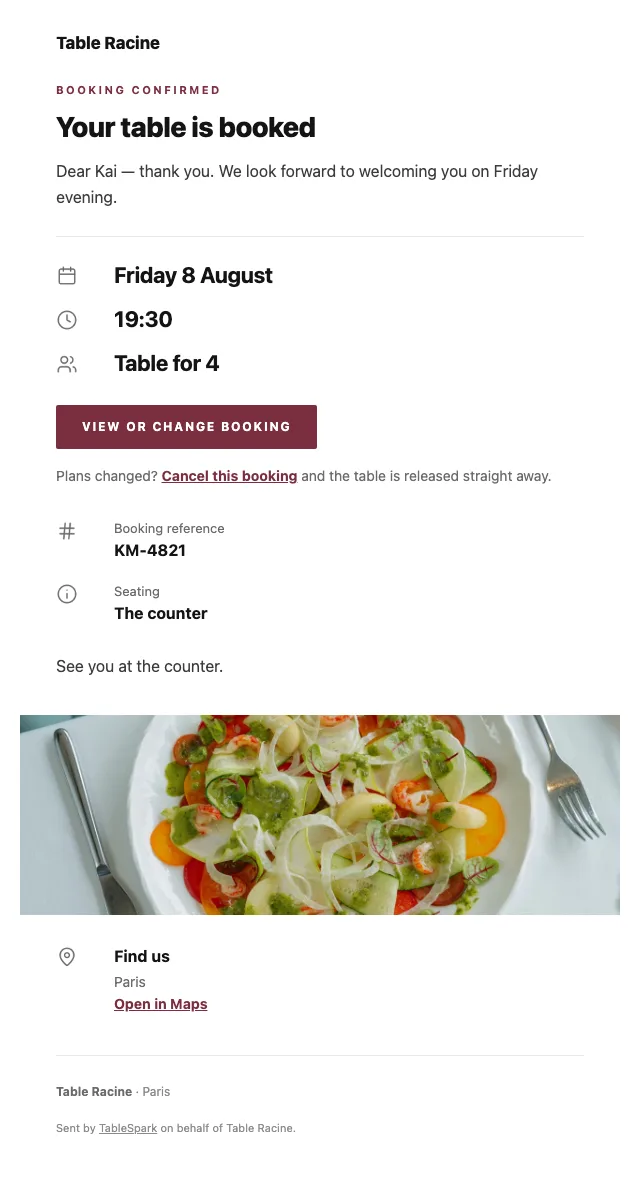
The booking is not the last thing a guest hears from you — it is the first. Each booking triggers an email in your name: the date and time they chose, how many are coming, where to find you, and a link to hand the table back if plans move. Reminders before service, deposit receipts and cancellation notices come from the same place.
It belongs to your restaurant visually, not to the software. The choices are six base designs, an accent colour, a logo, a cover photograph, three header treatments, a personal sign-off, links and social marks. With your domain connected it also sends from your address, so the email is from the restaurant in every sense a guest can check.
Below, the same booking confirmation in six of the accent colours you can pick.
A working address is the beginning of search visibility, not the end of it. The failure modes are boring and fatal: a noindex tag, canonicals that contradict each other, pages nothing points at, a menu only a human can read, no restaurant structured data, unverified search accounts. The consequence is paid discovery. Someone types your restaurant’s name and meets a listings site, a marketplace, or the place across the road.
The whole checklist is done for you. Nobody can guarantee a ranking or that Google will index a given page; what can be guaranteed is that the technical groundwork is not your problem.
All of them optional, all of them editable, and more can be added.
There is nothing bespoke here. Every block is one of the 70 modules available to any TableSpark site, each with its own layouts.
Remove one, reorder them, or pull in a block you saw on another template.
Ships with 4 sections — Entrées, Plats, Fromages, Desserts — for you to overwrite.
TableSpark charges 0% commission — not per order, not per plan. Stripe’s standard card-processing fees apply to online payments. A marketplace charges both a fee and the customer relationship.
This runs on your own domain, into your own inbox, with a guest record you can export whenever you like.
See what 0% commission is worth over a year
You supply the photograph and the final read-through. TableSpark supplies the typing, the structure and the first draft of the search copy.
Nothing publishes without you pressing publish.
Search engines Today’s Menu — Table Racine | Paris A menu written each morning from what arrived. Today’s dishes, producers and prices at Table Racine.Drafts the search title & description from this page’s content. Always review before publishing.
Stripe’s standard card-processing fees apply to online payments.
What a fair restaurant deposit looks like
Assemble it, fill it, preview it — all without paying. Publishing is the only thing that costs.
Assemble it, fill it, preview it — all without paying. Publishing is the only thing that costs.
6 pages, and every one of them is here. Everything below is rendered, not photographed. The frame uses the same engine as a published site, so the tabs and the in-page links are all real. Phone shows the mobile layout.
The story page is where a produce-led restaurant makes its argument: a long narrative, a sourcing block for named suppliers, a values triad, and a gallery of the market rather than the plate. The visit page covers hours, the door, the map and the questions a small room gets asked daily.
The menu is an index: sections named first, then opened in sequence. For a kitchen where the menu is rewritten most mornings that is the fastest structure to maintain — you are editing a list, not rearranging a gallery of photographs that no longer match what arrived.
The sourcing detail belongs in the description field, and this template expects it there: the grower, the boat, the variety, the age. It reads well to a guest and it is exactly the kind of specific text that a search engine can use when somebody searches for a producer by name.
The layout can change; what does not is that each dish, its description and its price are text on the page, wrapped in Restaurant schema — rather than a PDF or a picture of a card.
The ordering page is the full delivery-app treatment: a section rail down one side, the dish list beside it, and a basket that follows the scroll. For a kitchen with a retail counter or a lunch trade it turns the site into a working order channel rather than a menu with a phone number.
Because the same menu data drives both the menu page and the ordering page, a dish taken off at eleven in the morning disappears from both. Nothing goes stale in one place while staying live in the other, which is the failure that makes most restaurant ordering pages untrustworthy.
Dine-in wants a table number and nothing else; collection wants a number to ring; delivery wants somewhere to go. No mode asks for the others’ fields.
Running a French kitchen? See all French restaurant website templates.
What owners ask before they pick a template: the cuisine fit, the menu, the address, and what it costs.
It is a few minutes. The menu editor is a list — rename a section, retype a dish, change a price, save — and everything that reads from it updates at once: the menu page, the ordering page, any home-page highlight and the structured data. There is no republishing step and no separate PDF to regenerate.
Yes, in two places. Each dish description can carry the grower, boat or variety, and there is a dedicated sourcing block for listing producers with a line each. Both are real text on the page, which means a guest can read them and a search engine can index them — useful when somebody searches for a farm or a fishing port by name.
No — photograph it and upload it. TableSpark reads the menu and builds the structured version for you: sections in order, dish names, descriptions, prices, and the dietary and spice marks where they are legible. You review the result and correct anything the camera got wrong. From there it is real data, not a picture, so the same menu drives the menu page, the ordering page, the home-page highlights and the Restaurant structured data a search engine reads — change a price once and all of them follow.
About one sitting. The template arrives complete, so you are editing rather than building: the name, the copy, the menu, then publish. Bookings answer immediately and appear in your inbox, with an automatic confirmation to the guest. Connecting a payment account adds deposits and order payments, which go directly to your own account — TableSpark takes no commission on any plan. Stripe’s standard card-processing fees apply to online payments.
Every one of them, in the Theme tab: palette, the display and body typefaces, corner radius, motion, the header layout and how it behaves on scroll. The template is a starting point, not a cage — and switching a colour never breaks the layout, because the design reads its values from the theme rather than hard-coding them.
Yes — and bringing a domain you already own is the common case. You go live on a TableSpark address first, then point your domain across; you get the exact DNS record to change. The certificate, HTTPS, bare-domain redirect and the search-engine housekeeping are handled here so the switch does not cost you visibility. Your guest emails can then send from that domain as well.

Copy this design into your account, change the words, add your menu and publish — usually the same afternoon. Free to build; you only pay when you go live.