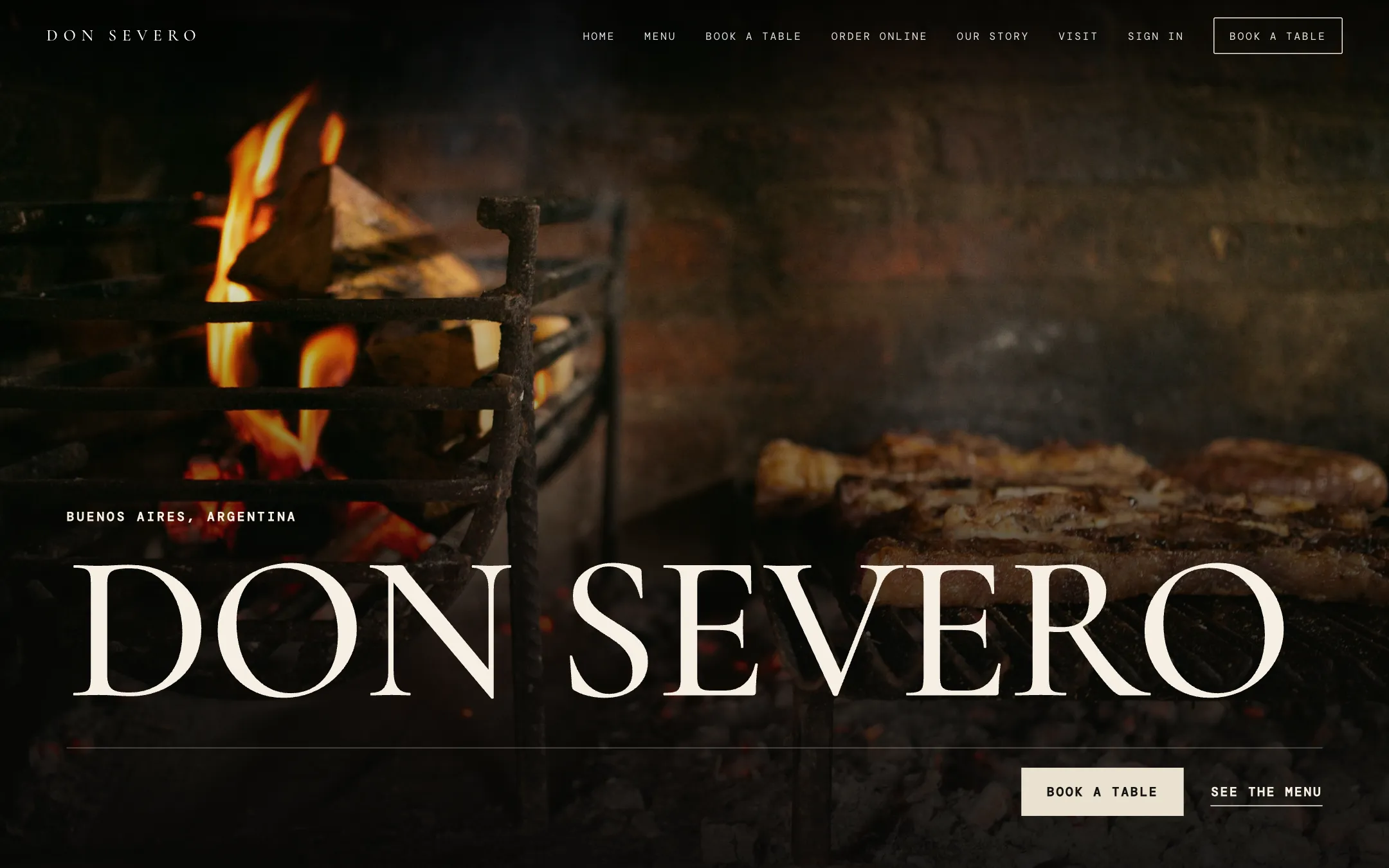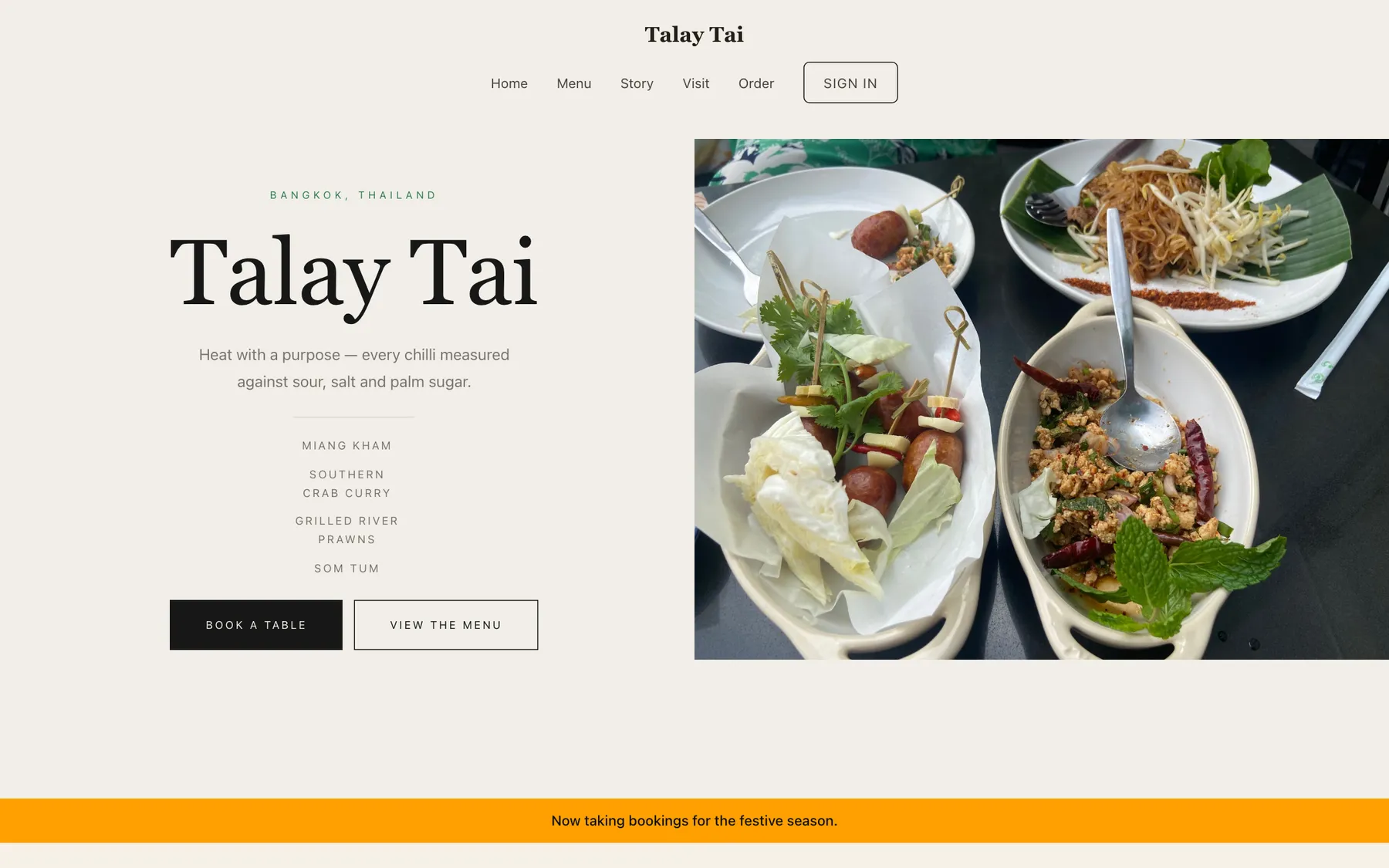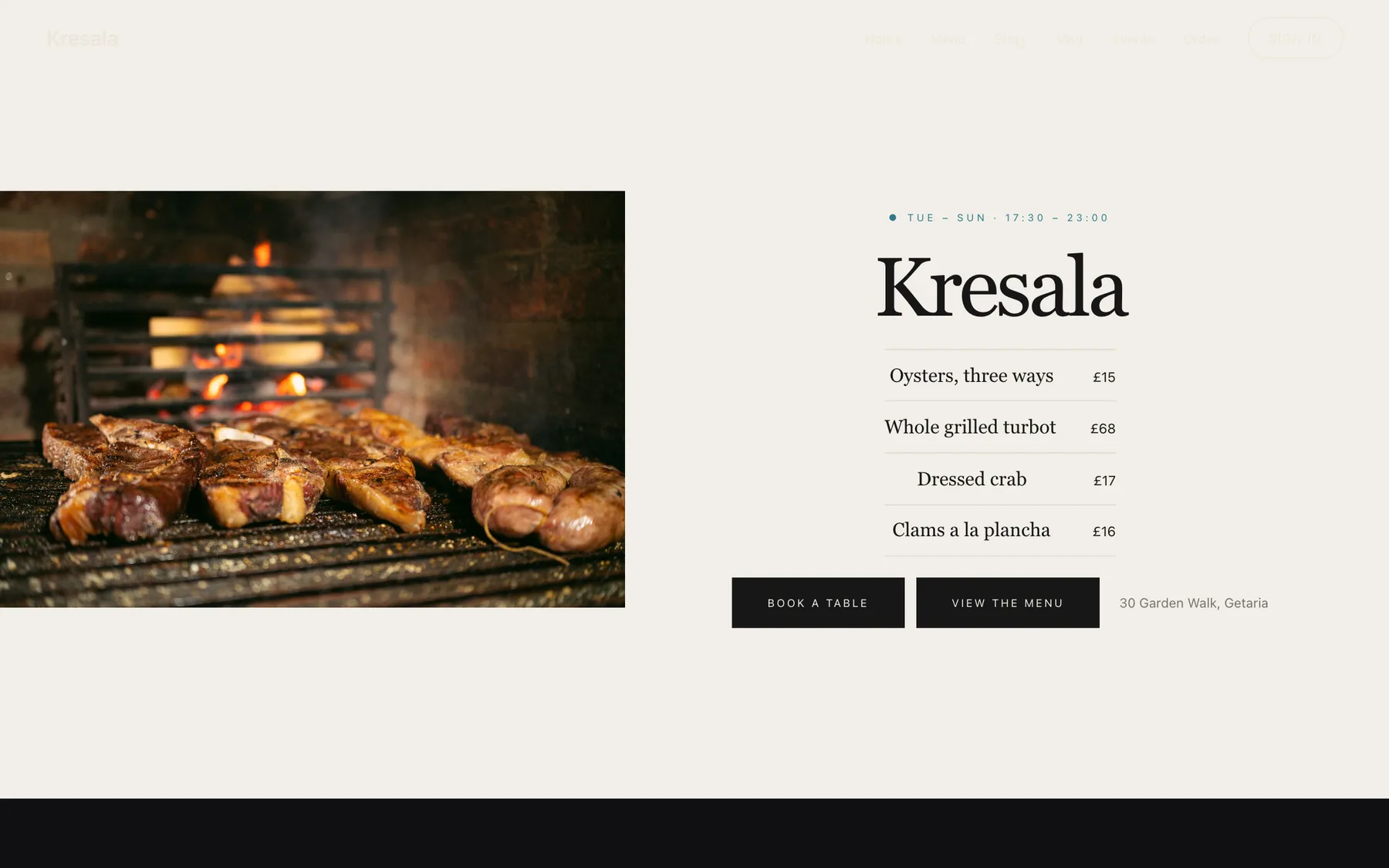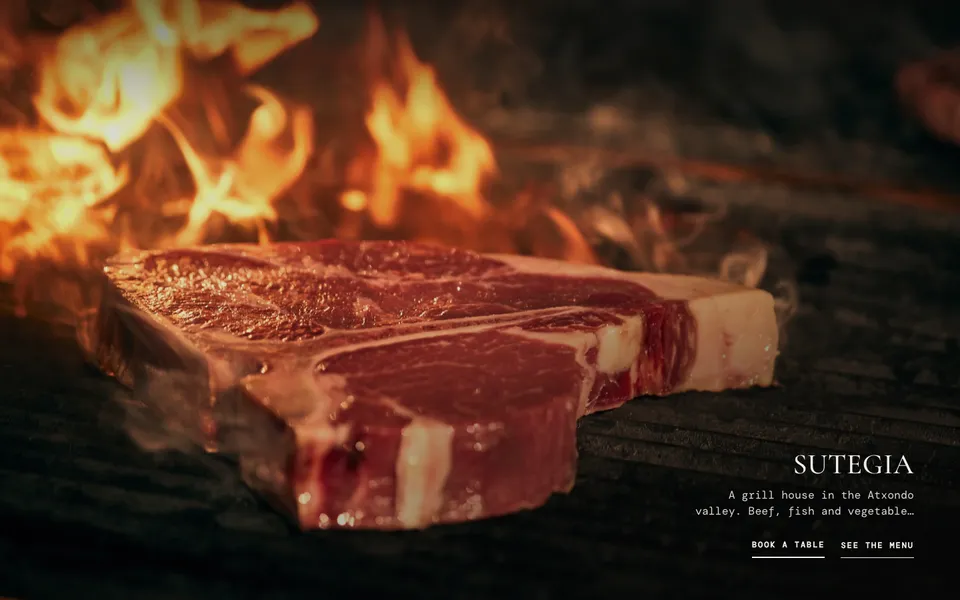
01
Hero
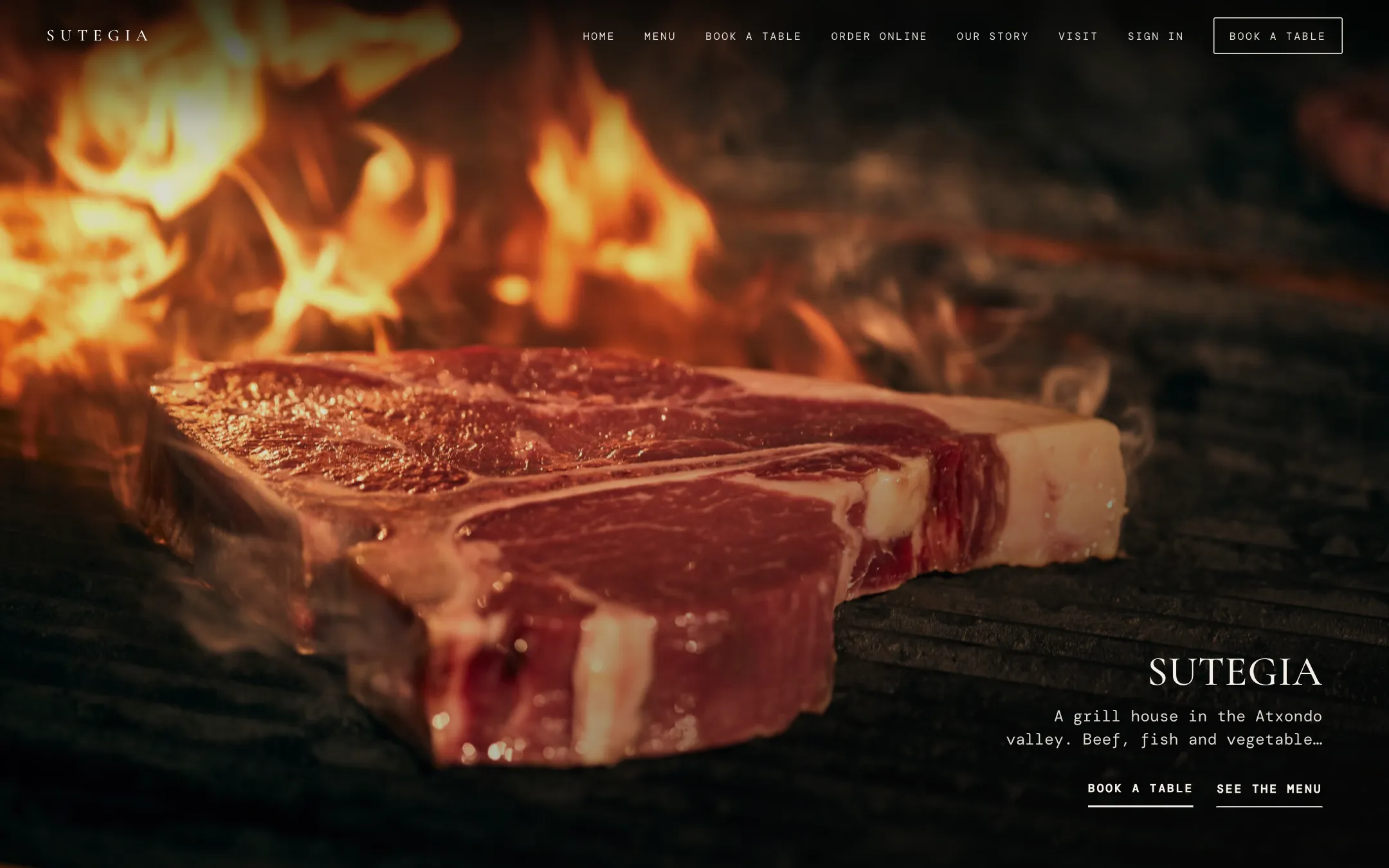
Big opening image, name & buttons, in the Caption treatment: A single photograph with a two-line caption at the bottom right and nothing else.
Templates · Basque live-fire grill
For asadors and live-fire kitchens: everything cooked over embers, nothing hidden behind a sauce. A near-black template with one low-lit photograph, small ivory capitals and the menu read like a printed card. This page is the whole template, rendered live.
Every section is a builder module you can reorder, edit or delete, with no developer.
On bookings and orders, on every plan. Stripe’s standard card-processing fees apply to online payments.
Build and preview the whole site for nothing, and pay only when it goes live.
Starter is £19/mo excl. VAT and includes a complete restaurant website, a live structured menu, enquiry and newsletter forms, and managed search readiness. Growth is £39/mo excl. VAT and adds direct live bookings, a custom domain with managed SSL, and table and floor-plan operations. Full is £69/mo excl. VAT and adds online ordering and multi-site management for up to five restaurant sites. TableSpark commission is 0%. Stripe's standard card-processing fees apply to online payments.
It is a site that actually runs a restaurant rather than merely describing one, for one published monthly price. What a bespoke build charges thousands for and delivers in months, you get today, finished, for the price of a couple of covers. Ownership is the whole point. Prices, dishes, photographs and hours are edited by you, in seconds, at no extra cost. Small screens come first and the rest follows, and the plans carry reservations, table management, ordering and reporting — at 0% TableSpark commission.
Sutegia opens as a room at night lit by the grill, near-black with ivory type, because that is the light the food is cooked in. Yours might be white tile and morning light, or brass and candles, or something nobody has built yet.
The controls beside the frame are not an illustration of the Theme tab — they are the Theme tab, driving the same engine that publishes real restaurants. Press whatever you like; nothing is stored and nothing is signed up for. Go on.
Loading the live preview…
A live-fire kitchen sells one idea: this was cooked over wood, an hour ago, by someone watching it. Everything else is noise. So the design is deliberately quiet — pale paper, generous margins, one hot accent — and lets photographs of embers and dripping fat do the shouting. Nothing on the page competes with the fire.
The opening is one photograph of the fire with the name set small beneath it, and every group after it sits in a hairline-framed panel. Guests who have driven an hour into the hills want to see the grill, the menu and the times, not a slideshow.
Eight blocks, each one a module you can reorder or remove:
01
Big opening image, name & buttons, in the Caption treatment: A single photograph with a two-line caption at the bottom right and nothing else.
02
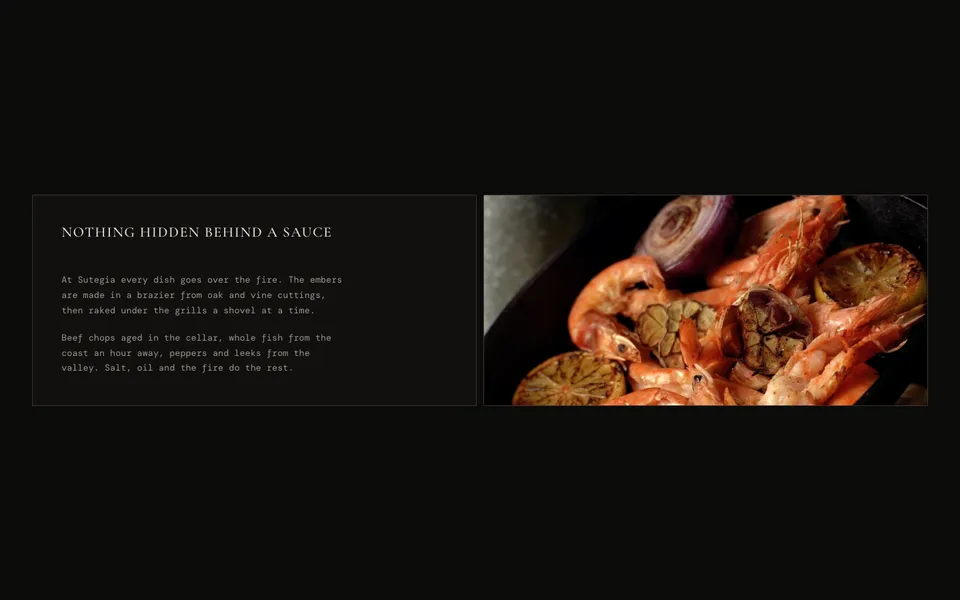
A paragraph beside a photo.
03
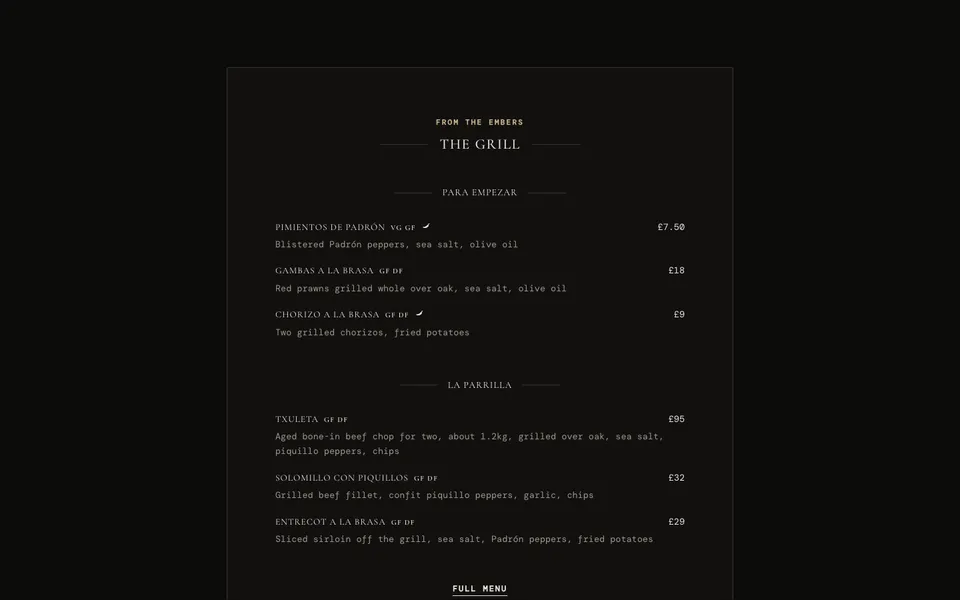
A few dishes on a sliding rail.
04
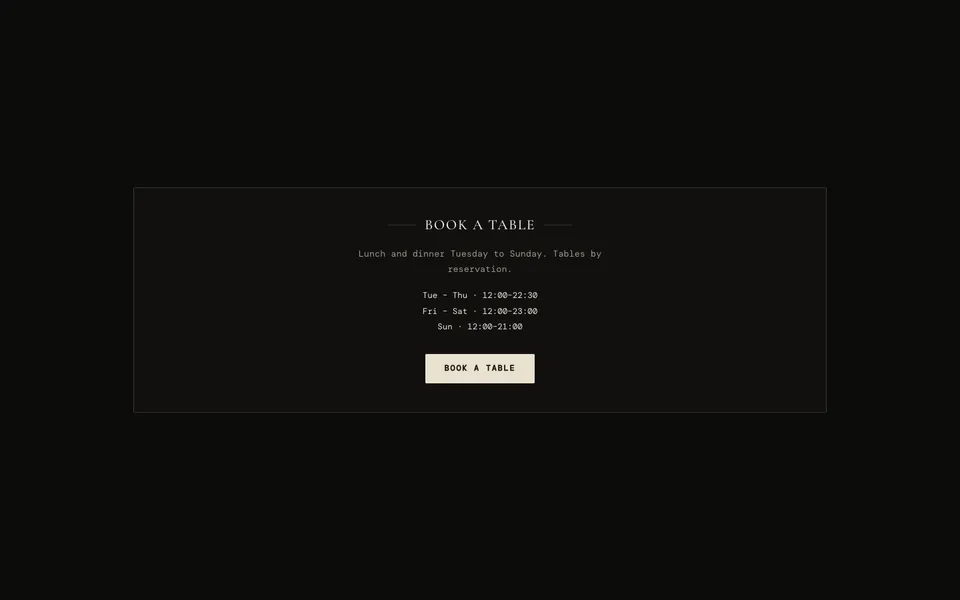
Headline + button band.
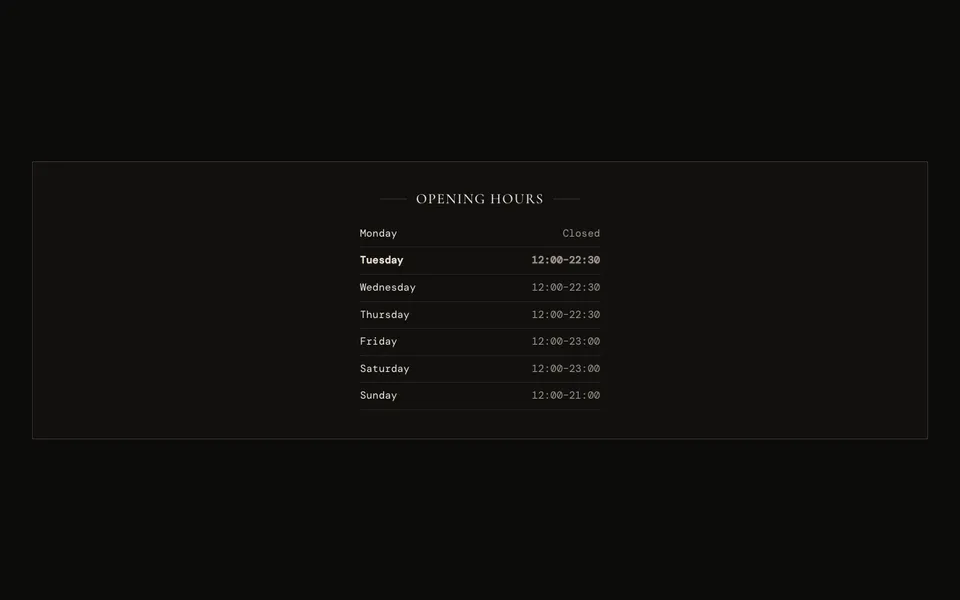
05
Address, phone & hours.
Loading the live preview…
Sutegia uses the Showcase ordering layout — on a laptop each section opens on a wide photograph with its dishes as large photo cards; on a phone it keeps the delivery-app rows.
It reads like the delivery apps your guests already know, except the restaurant keeps the relationship and the money. The basket stays on screen, and each mode asks only for what it needs: a table number, a phone number or an address.
Loading the live preview…
This is the frame that matters. It is the real ordering page at a real phone width — not a mock-up, not a video.
On a laptop the same page puts the basket in a panel beside the menu that follows the scroll.
Every Sutegia site on Growth and Full ships with an app your guests keep. It lives at /account on your own domain, so the guest signs in to your restaurant, not a marketplace.
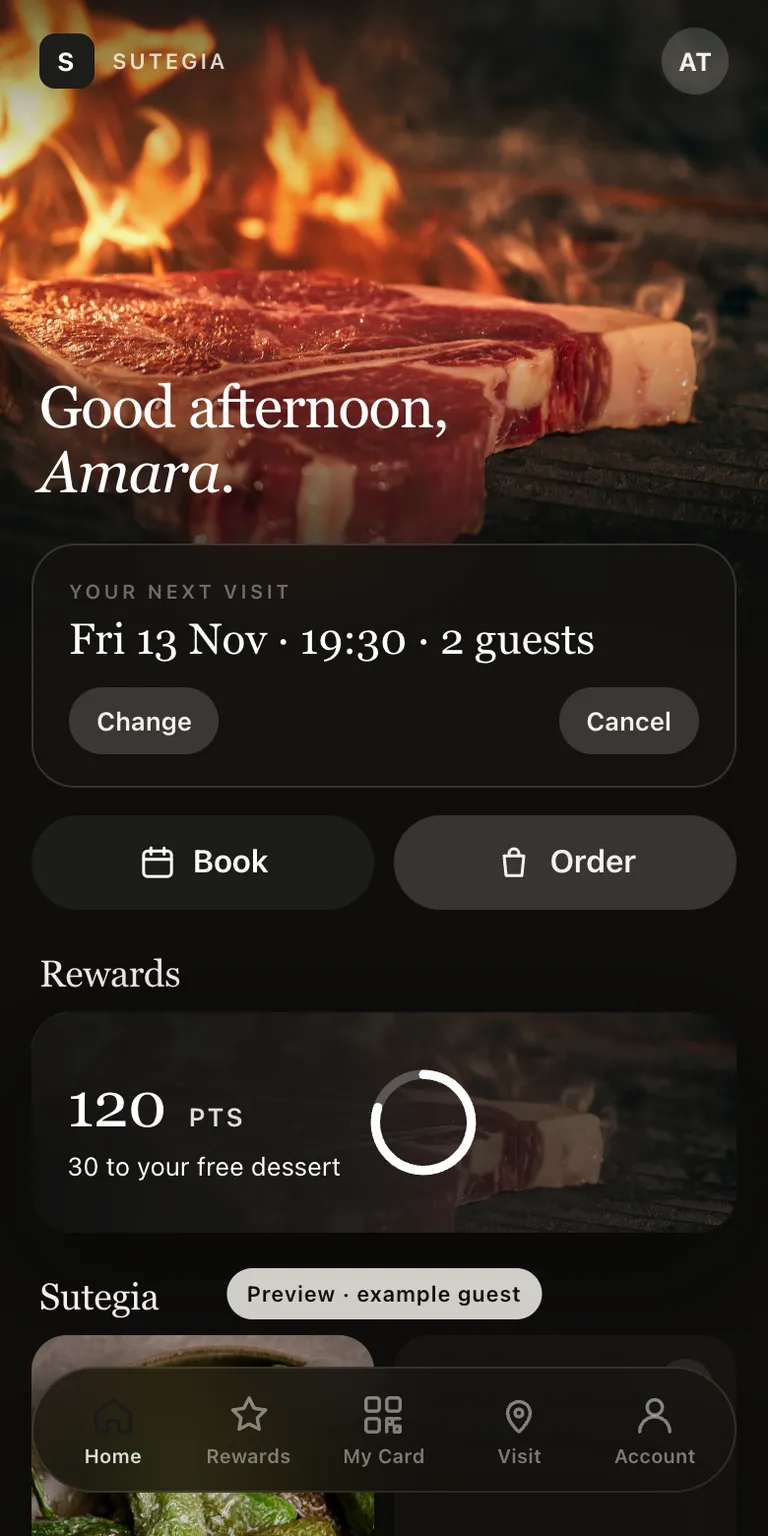
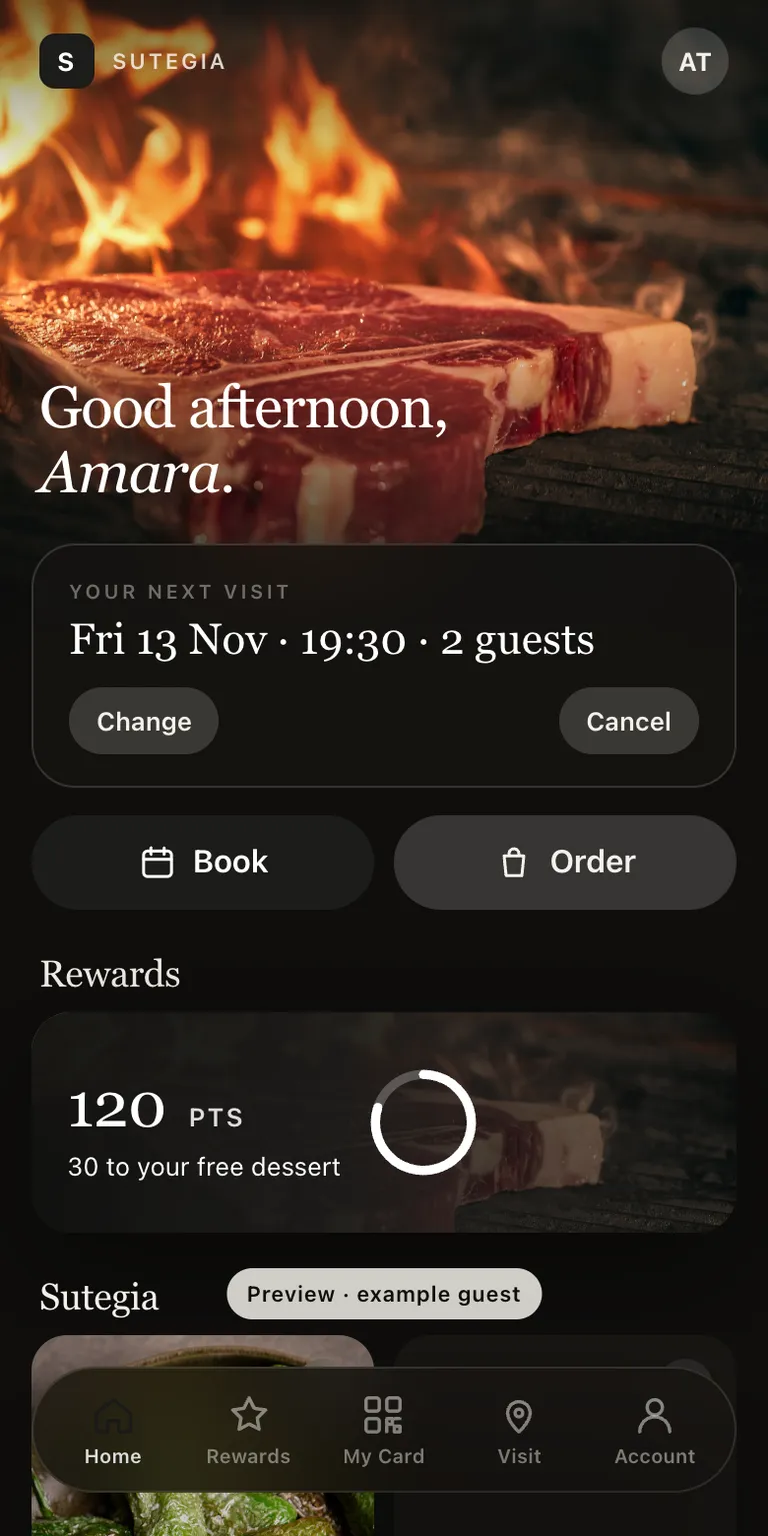
Included on the Growth and Full plans. Watch the Guest App course
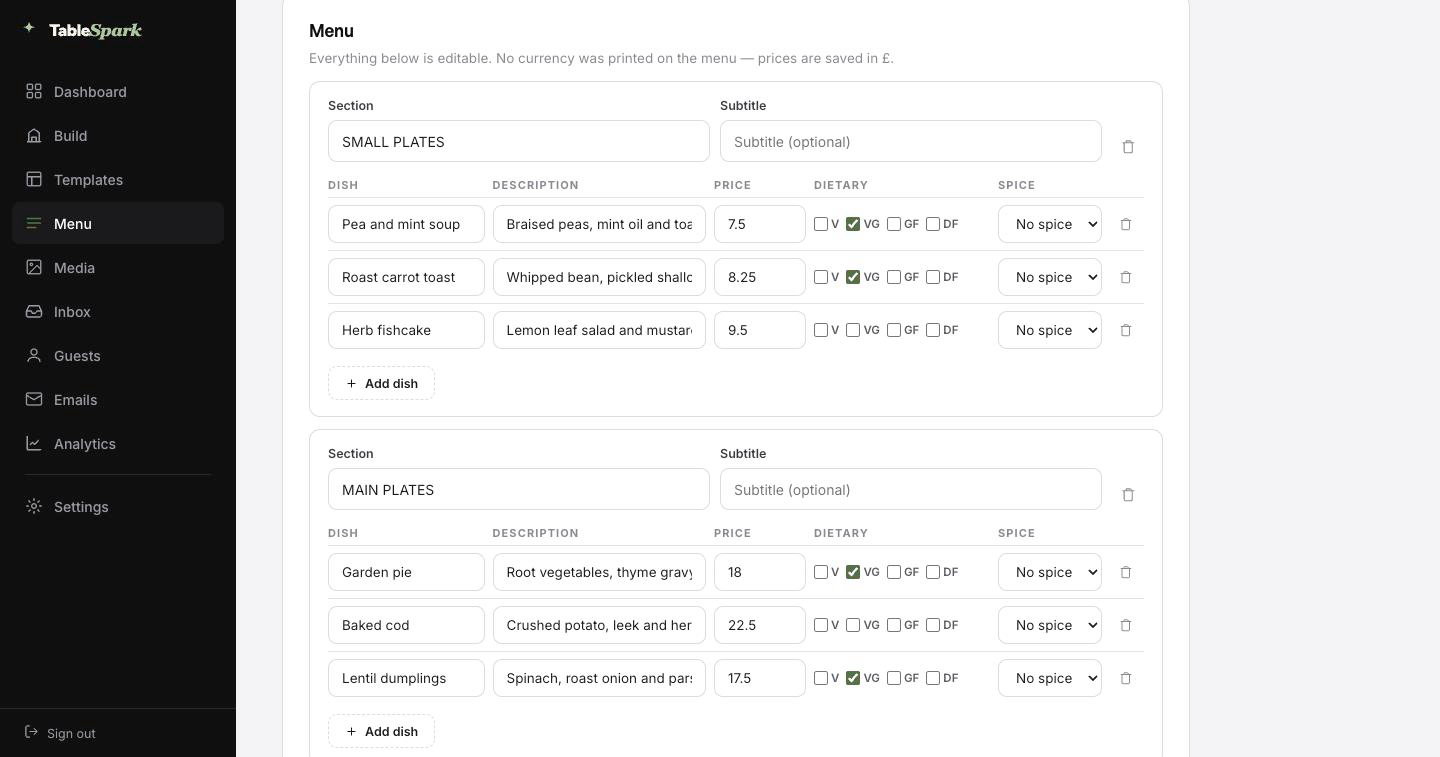
Start with the job everyone puts off. Photograph your menu — the printed card, the chalkboard, the laminated takeaway sheet — and upload it. It comes back as a real menu — sections in order, dishes, descriptions, prices, dietary marks and spice levels, all filled in. It lands in front of you for approval first, with every value editable.
The important part: this is structured data, not an image of a menu. That same menu immediately drives the menu page, the ordering page, the highlights on the home page and the Restaurant structured data a search engine reads. Change a price once afterwards and all of them follow.
Every page carries a Write with AI button for the search title and description — it reads the page you are on and writes the first draft. Read it, sharpen it, publish it. The order matters.
The card, the board, the sheet by the till. Ten pages at a time.
Sections, dish names, descriptions, prices, dietary and heat marks, all editable.
Menu page, ordering page, home-page highlights and the Restaurant schema — because they share one menu.
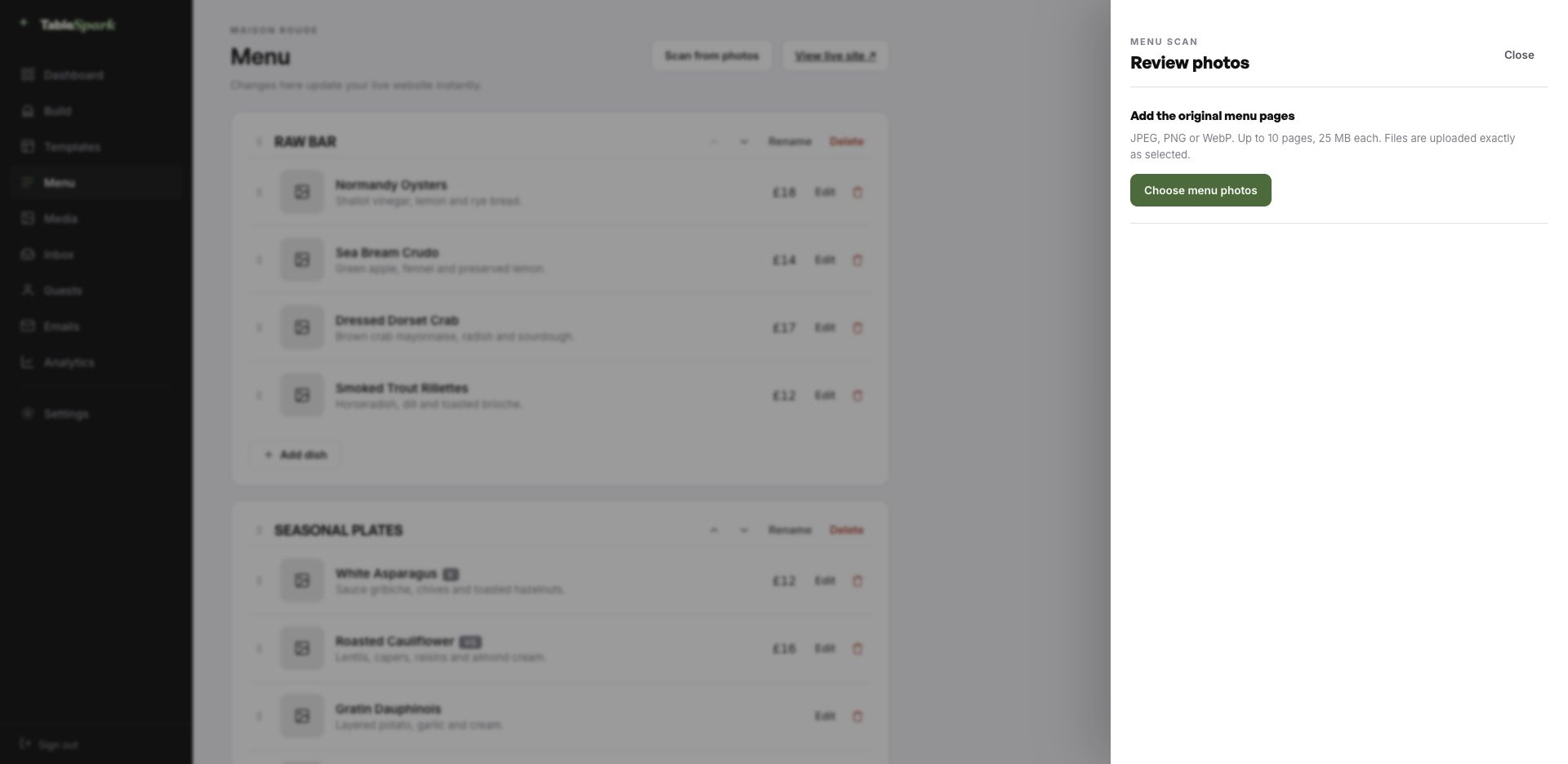
There is no kick-off call and no staging link to approve. Everything is designed and wired — you are changing the words and the photographs. One sitting, give or take, and it is live — with the reservation form answering immediately. Both sides get told at once — the booking in your inbox, the confirmation in theirs.
Money is one connection away. Link your Stripe account and the site can take deposits on bookings and payment on orders, paid directly to you. No per-order fee, no revenue share, 0% commission on any plan. Stripe’s standard card-processing fees apply to online payments.
Step 01
1min
Pick SutegiaThe whole site copies into your account, menu and all.Step 02
4min
Change the name and the wordsClick any block and type. The restaurant name propagates everywhere.Step 03
3min
Upload your menuPhotograph it and let the AI build the sections, dishes and prices.Step 04
1min
PublishYou are live on your address. Bookings work immediately.Step 05
1min
Connect StripeNow you can take deposits on tables and payment on orders — direct to your account.In all
10min
From template to taking paymentsFive steps, one sitting.The address on your napkins should be the address that loads. Start on a TableSpark address, then bring your own domain across — the site does not change, only the name it answers to.
The certificate, its renewal, the secure connection and the redirects are managed here, along with the canonical and sitemap signals that make a domain move safe. Bring your own, and the setup screen tells you the one value to paste and where.
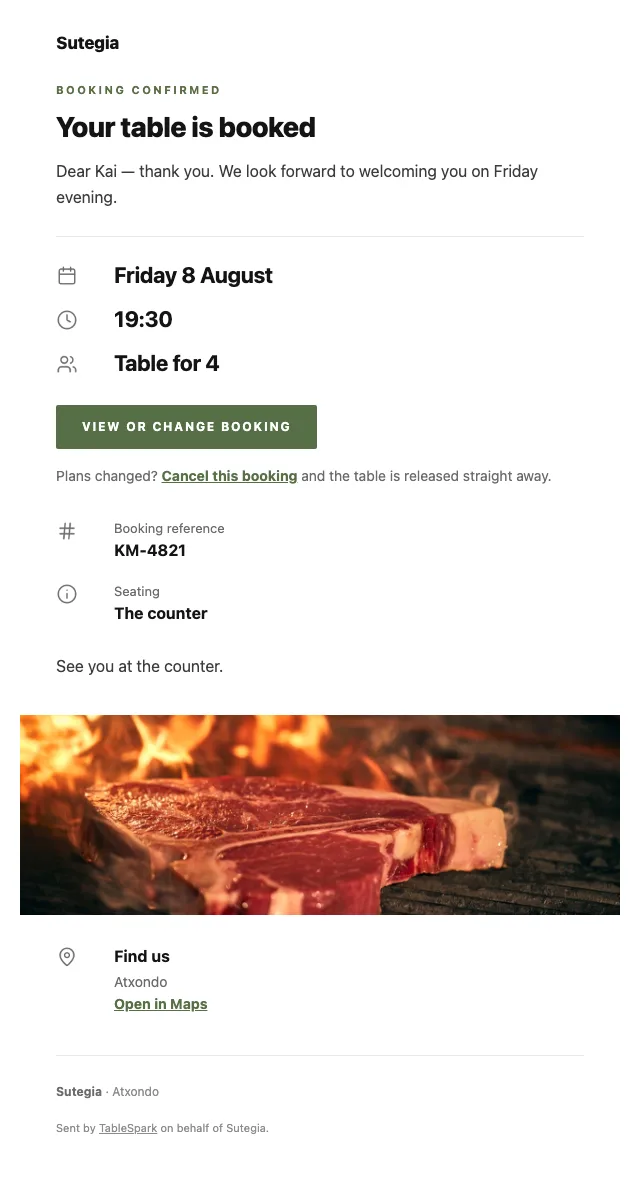
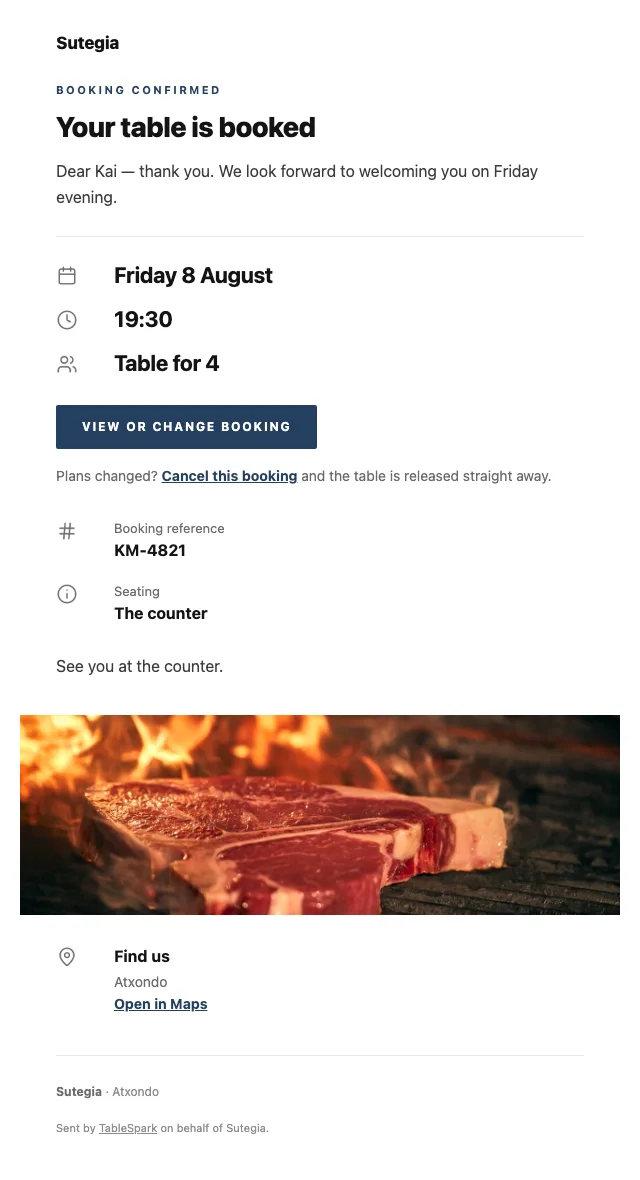
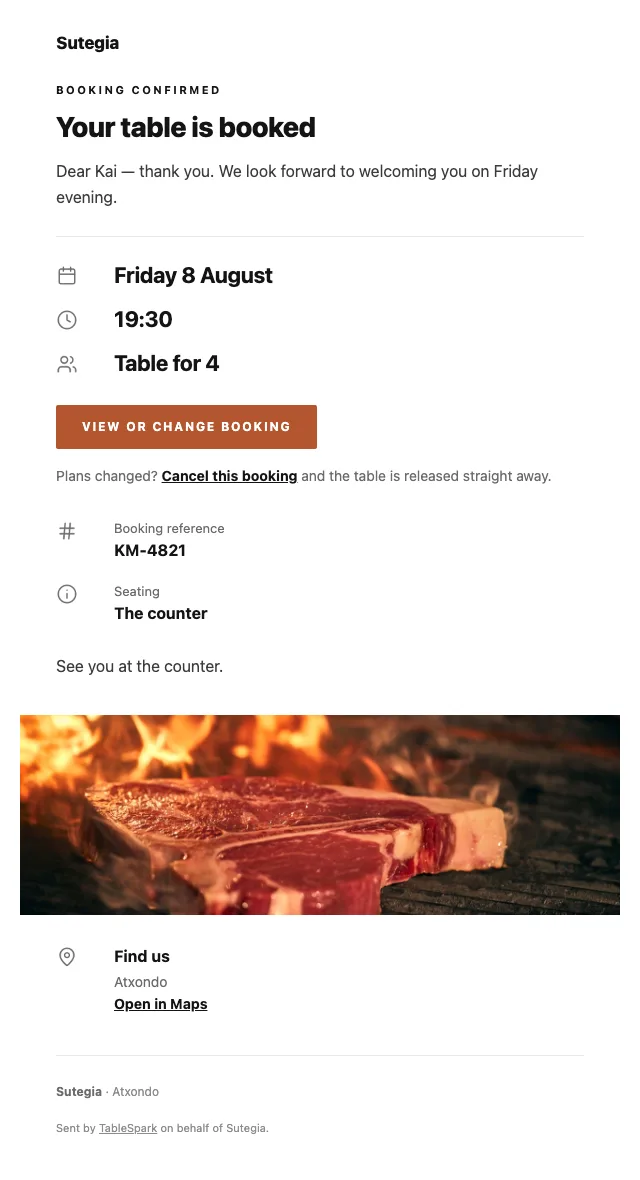
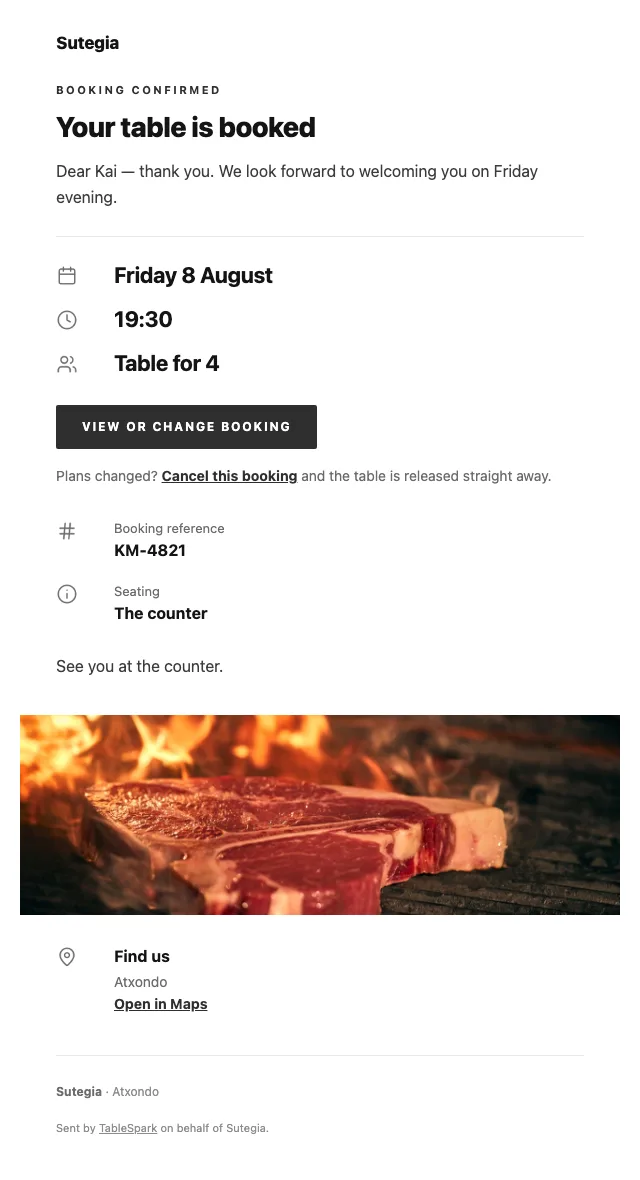
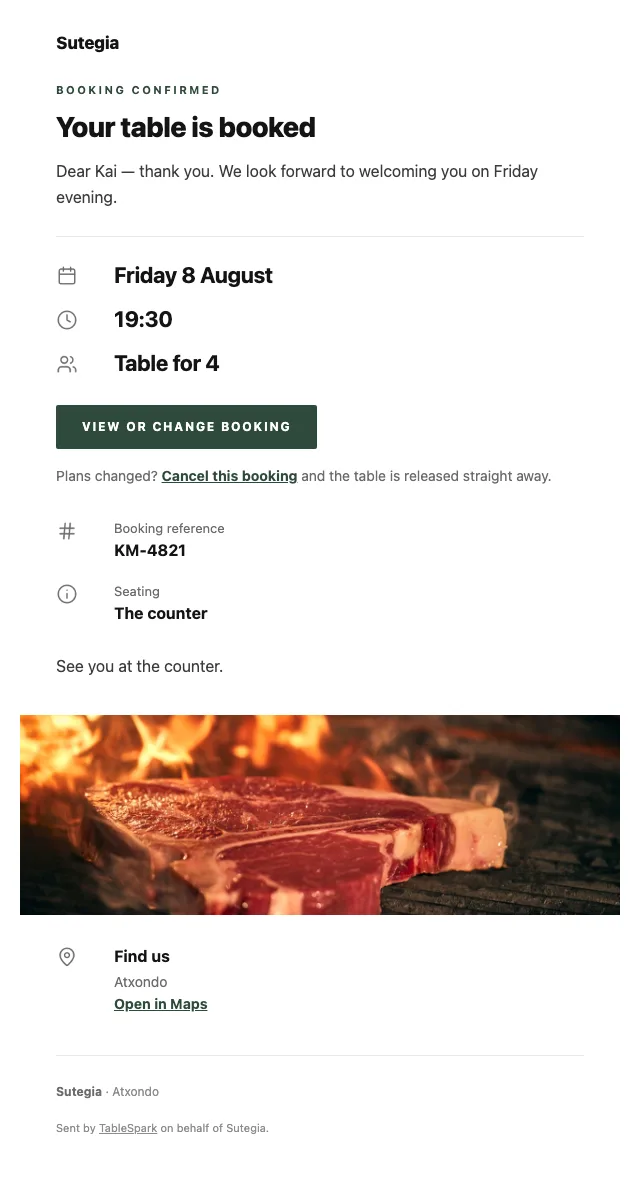
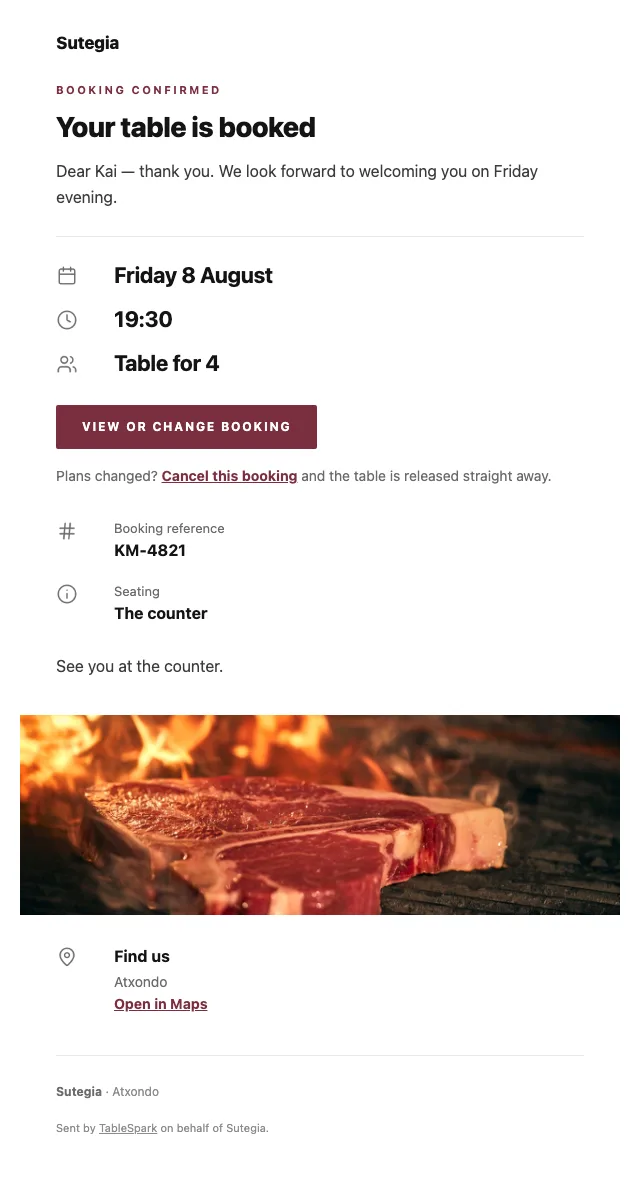
A confirmation email is the only piece of your restaurant a guest keeps in their pocket for a week. The guest is emailed straight away with the particulars — date, time, party size, address, phone — and a link to release the table themselves. Service reminders, deposit receipts and cancellations all travel on the same design.
You are not stuck with our house style. Choose from six styles and make the rest yours: accent colour, logo, cover photograph, header layout, sign-off, links and social accounts. Connect the domain and the sender address becomes yours, which is what makes it read as genuinely from you.
Below, the same booking confirmation in six of the accent colours you can pick.
Publishing a page and being present in search are separate achievements. A site can be live at a working link and still be missing from Google: a stray noindex, conflicting canonicals, orphaned pages, a menu locked inside a PDF, missing structured restaurant data or unfinished search verification will each do it. That gap gets filled by directories and marketplaces, which are delighted to charge you for guests who were already looking for you by name.
That groundwork is already laid here. Neither rankings nor indexing can be guaranteed by anyone — but the setup that so often prevents them is complete here.
All of them optional, all of them editable, and more can be added.
Every block above comes from the same library your own site draws on — 70 modules, each with its own layout variants.
Do not want one? Delete it. Want a block from another template? Add it. The page is a stack, not a picture.
Ships with 4 sections — Para empezar, La parrilla, Pescados, Postre y txakoli — for you to overwrite.
Our cut is zero, permanently. The alternative is a platform that charges you for each order and then owns the guest.
Your domain, your inbox, your exportable guest records. Stripe’s standard card-processing fees apply to online payments.
See what 0% commission is worth over a year
You bring the menu and the last word. TableSpark brings the typing, the fields and a first draft of the search copy.
Nothing goes live on its own.
Search engines Menu — Sutegia | Basque grill, Atxondo Chuleta, grilled prawns and ember-cooked vegetables from a wood-fired Basque asador. Full menu and weights.Drafts the search title & description from this page’s content. Always review before publishing.
Stripe’s standard card-processing fees apply to online payments.
Booking deposits, explained properly
Everything up to the moment you go live is free, including changing your mind twice.
Everything up to the moment you go live is free, including changing your mind twice.
6 pages, and every one of them is here. Everything below is rendered, not photographed. The frame uses the same engine as a published site, so the tabs and the in-page links are all real. Phone shows the mobile layout.
The story page is where a fire kitchen earns its prices: the house, the cook and how the embers are made, in two framed panels with photographs of the grill between them. The visit page carries the practicalities and a way to book.
The menu runs as a lettered index — sections listed first, then each one opening in turn — which is exactly how a grill menu wants to be read. There is no photograph of every plate, because a grill menu is a list of ingredients and weights, and photographs of six different cuts of beef help nobody.
Cuts sold by weight are the awkward case on most restaurant sites, and the portion-group field handles it properly: a chuleta shows its 600g and 1kg weights as chips, each with its own price. Sourcing lines — the farm, the boat, the age of the animal — sit in the description field where guests actually read them, and where a search engine can index them.
The layout can change; what does not is that each dish, its description and its price are text on the page, wrapped in Restaurant schema — rather than a PDF or a picture of a card.
The ordering page uses dense rows rather than photo tiles, which is the honest layout for a grill: guests are choosing between cuts and weights, not browsing pictures. Each row carries the dish, the description, the price and an add button that becomes a quantity stepper as soon as something is in the basket.
Because the same rows carry size options as inline chips, choosing between 600g and 1kg costs one tap and never opens a modal. Collection is the common case for an asador doing takeaway trade, and that mode only asks for a name and a phone number — nobody is typing a delivery address for a chuleta they are collecting in twenty minutes.
Dine-in wants a table number and nothing else; collection wants a number to ring; delivery wants somewhere to go. No mode asks for the others’ fields.
Running a Steakhouse & Grill kitchen? See all Steakhouse & Grill restaurant website templates.
What owners ask before they pick a template: the cuisine fit, the menu, the address, and what it costs.
Yes — that is what portion groups are for. Set the sizes and the price for each, and the menu shows each weight as a chip with its own price beneath the dish. The ordering page carries the same options as inline choices, so a guest picks 600g or 1kg with one tap. Market-price fish can be handled the same way and updated between services.
Yes. The visit page carries a map, written directions, parking notes and a “before you come” block for the things a pin cannot say — the turning that looks like a private drive, the last mile without signal. All of it is real text on the page, which is also what a search engine reads when somebody looks for you by village name.
About one sitting. The template arrives complete, so you are editing rather than building: the name, the copy, the menu, then publish. Bookings answer immediately and appear in your inbox, with an automatic confirmation to the guest. Connecting a payment account adds deposits and order payments, which go directly to your own account — TableSpark takes no commission on any plan. Stripe’s standard card-processing fees apply to online payments.
Every part of it. The Theme tab controls the base skin, the accent, the background, text and surface colours, both typefaces, the text scale, corner radius, motion and the header. Change any of them and the whole site follows, because nothing hard-codes a colour.
Yes — and bringing a domain you already own is the common case. You go live on a TableSpark address first, then point your domain across; you get the exact DNS record to change. The certificate, HTTPS, bare-domain redirect and the search-engine housekeeping are handled here so the switch does not cost you visibility. Your guest emails can then send from that domain as well.
A confirmation in the restaurant’s name, immediately, with the date and time, the party size, your address and phone number, and a cancellation link so a change of plan does not cost you the cover. Pre-service reminders, deposit receipts and cancellation notices share it. The look is entirely yours — six templates, accent colour, logo, cover photograph, header layout, sign-off wording, links, social accounts — and your domain becomes the sending address once connected.

One click copies the entire design into your account. Everything after that is editing — and it is free until you publish.