01
Hero
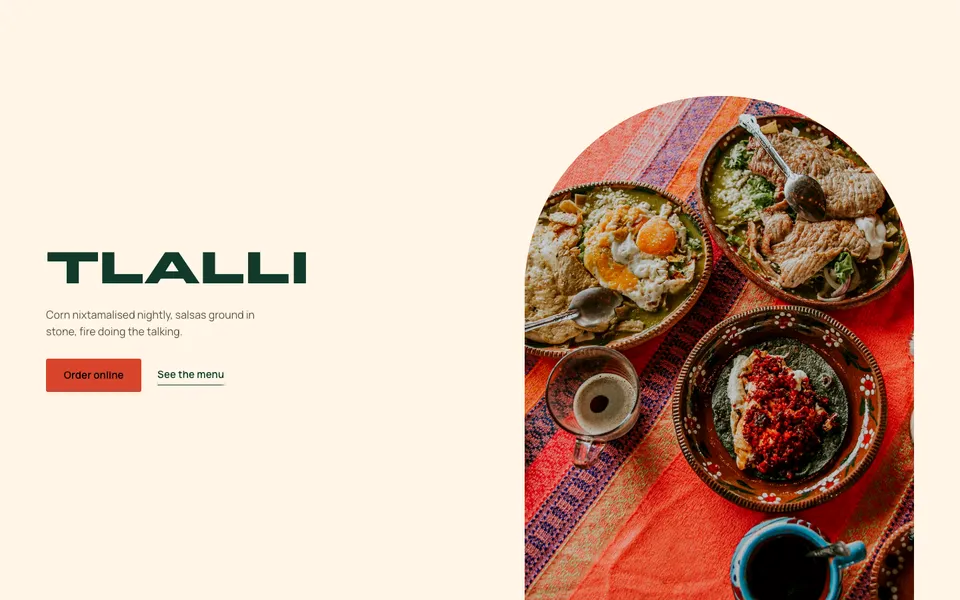
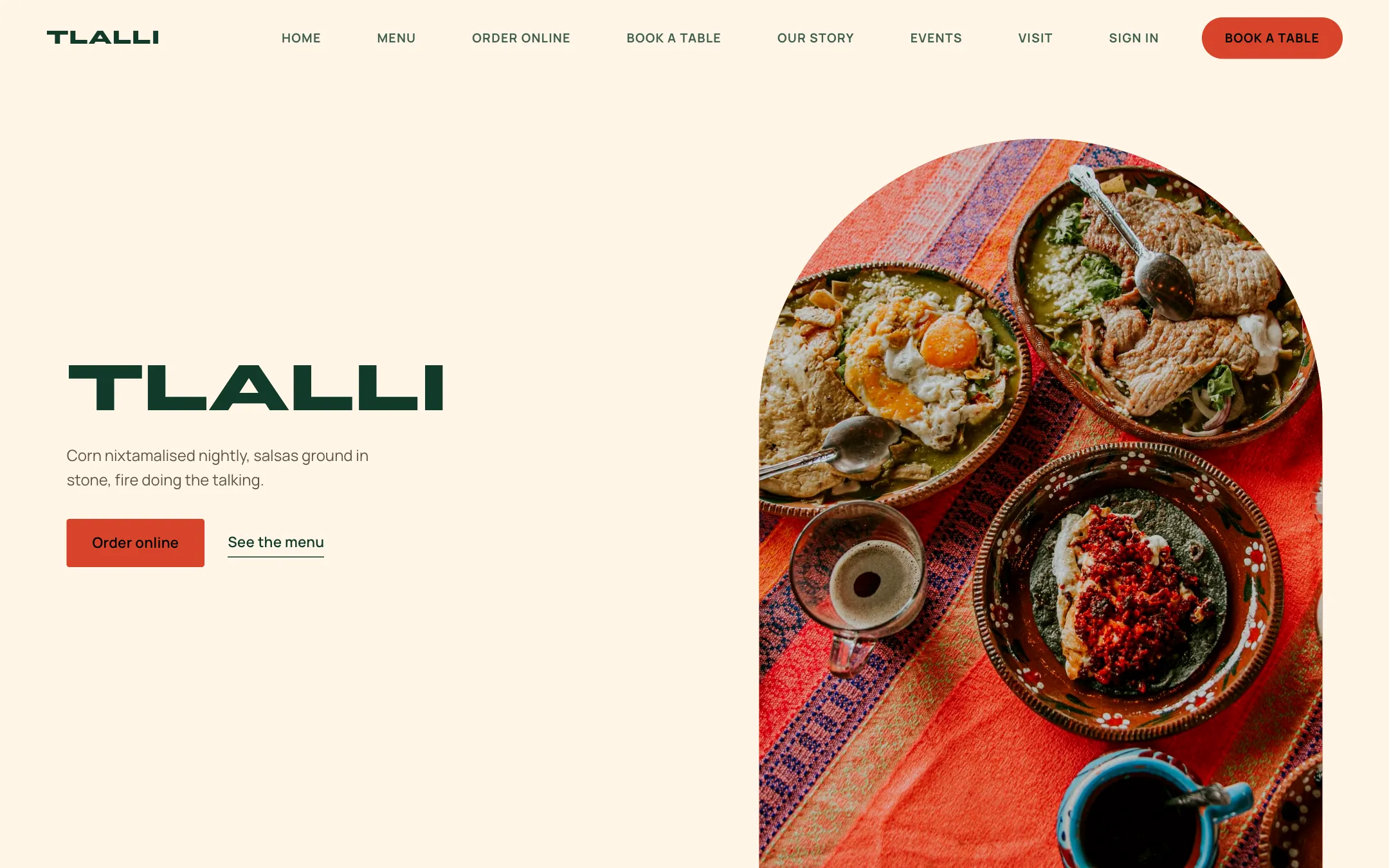
Big opening image, name & buttons, in the Arched Window treatment: Cream paper with the photograph set in a tall arched window beside the name.
Templates · Modern Mexican
For kitchens working with milpa produce, nixtamal and salsas that take three days: colour without kitsch, and a menu structure that can explain a dish without shrinking it. The entire template renders live below.
Every section is a builder module you can reorder, edit or delete, with no developer.
On bookings and orders, on every plan. Stripe’s standard card-processing fees apply to online payments.
Build and preview the whole site for nothing, and pay only when it goes live.
Starter is £19/mo excl. VAT and includes a complete restaurant website, a live structured menu, enquiry and newsletter forms, and managed search readiness. Growth is £39/mo excl. VAT and adds direct live bookings, a custom domain with managed SSL, and table and floor-plan operations. Full is £69/mo excl. VAT and adds online ordering and multi-site management for up to five restaurant sites. TableSpark commission is 0%. Stripe's standard card-processing fees apply to online payments.
That is the whole website and the whole system, at the best value on offer to an independent UK restaurant; the full cost comparison has the figures. A bespoke build costs thousands and takes months; this one is already designed, and you can publish it this afternoon. And it stays yours to run: change a price at four in the afternoon and it is live before service. Every template is optimised for phone, tablet and desktop, and the plans carry reservations, tables, ordering and management — with 0% TableSpark commission.
Tlalli is warm limewash with an orange that belongs to a market awning rather than a chilli emoji. Yours might be white tile and morning light, or brass and candles, or something nobody has built yet.
Skip the description. The panel is lifted straight out of the builder and the frame is the real renderer, so what happens when you press an accent here is exactly what happens in your account. Nothing you do is saved or asked about. Go on.
Loading the live preview…
Modern Mexican cooking has a presentation problem online: the shorthand available to it — sombreros, cactus, terracotta gradients — belongs to a different restaurant entirely. This design refuses all of it. The palette is limewashed wall and one saturated orange, the type is geometric rather than folkloric, and the imagery does the cultural work without a single cliché.
The opening is a painted sign, which is the honest reference: hand-lettered names on plaster, the way a fonda announces itself on a Mexico City street. It carries the restaurant’s name at size, one line about what the kitchen does, and the two things a guest wants — the menu and a table.
Nine blocks build the page, all of them editable modules:
01
Big opening image, name & buttons, in the Arched Window treatment: Cream paper with the photograph set in a tall arched window beside the name.
02
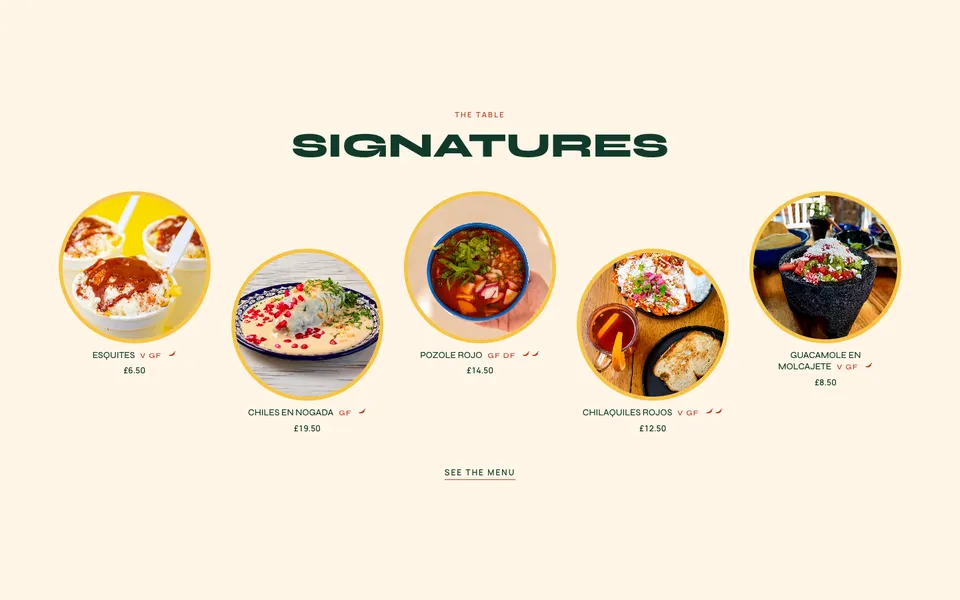
A few dishes on a sliding rail.
03
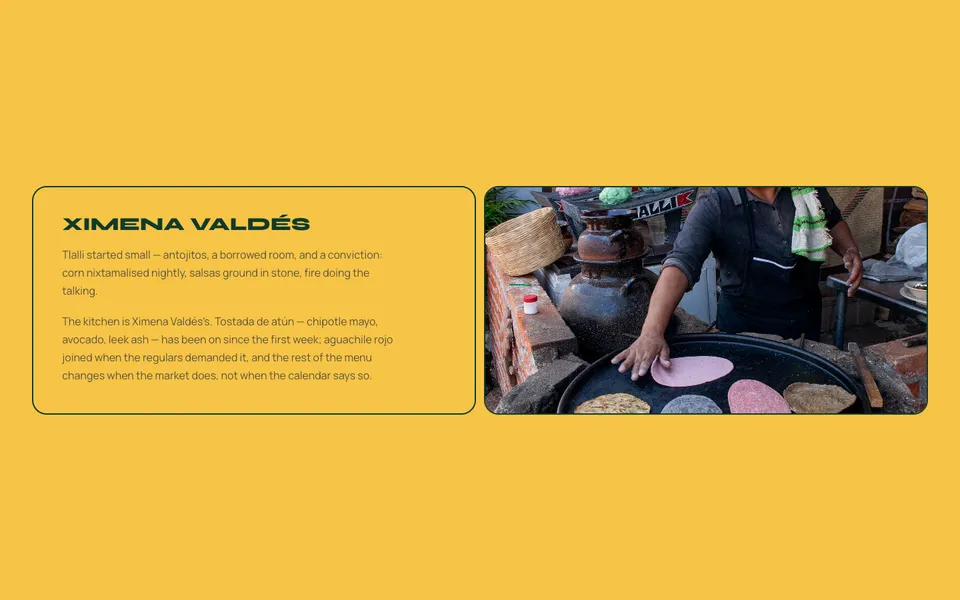
A paragraph beside a photo.
04
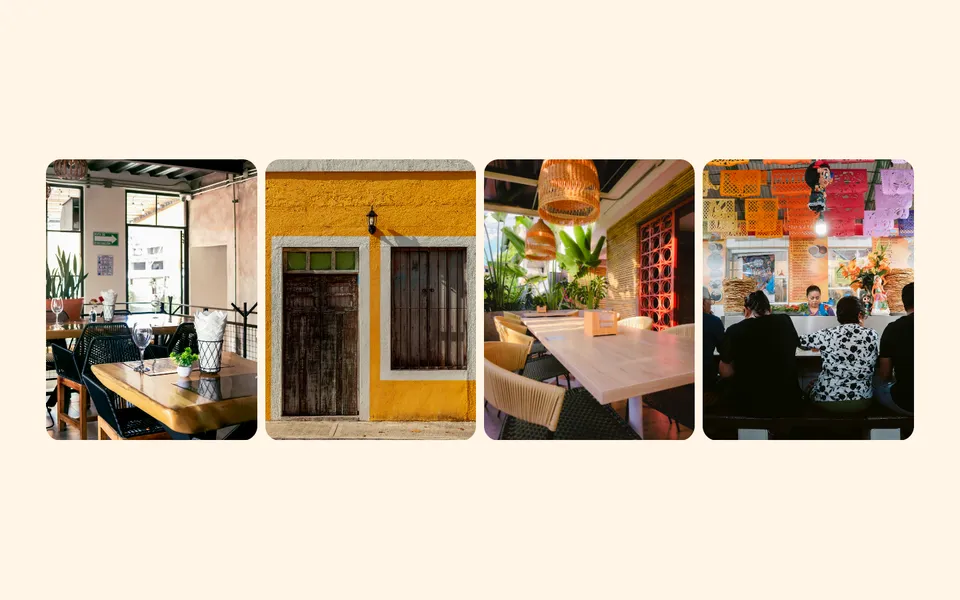
Grid, masonry or moving strip.
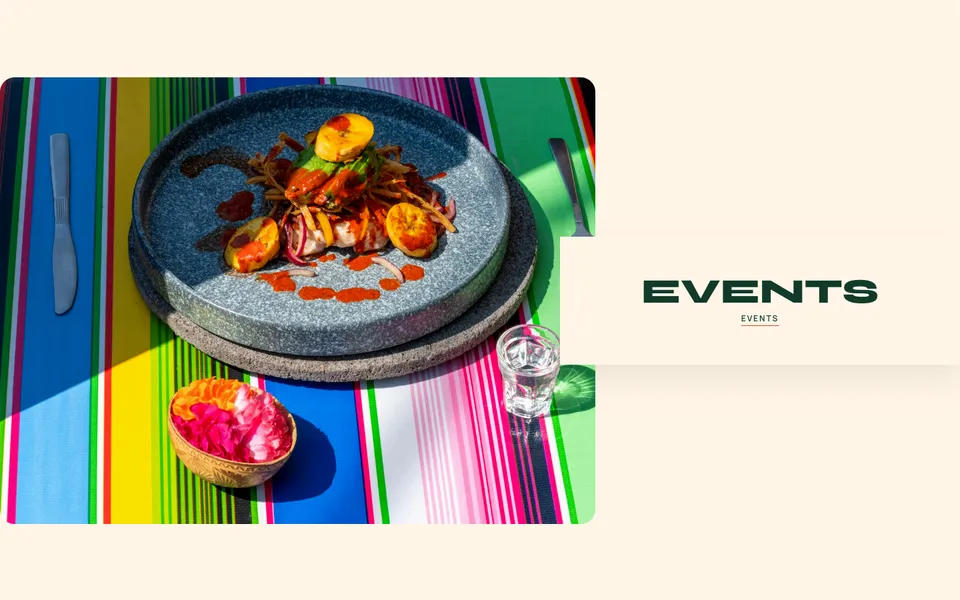
05
A paragraph beside a photo.
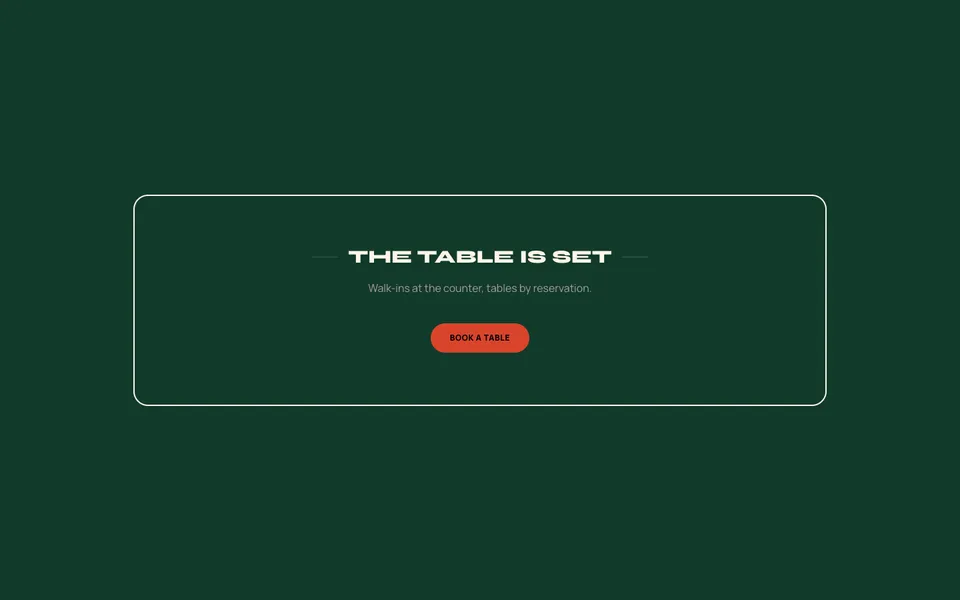
06
Headline + button band.
Loading the live preview…
Tlalli uses the Showcase ordering layout — on a laptop each section opens on a wide photograph with its dishes as large photo cards; on a phone it keeps the delivery-app rows.
It reads like the delivery apps your guests already know, except the restaurant keeps the relationship and the money. The basket stays on screen, and each mode asks only for what it needs: a table number, a phone number or an address.
Loading the live preview…
This is the frame that matters. It is the real ordering page at a real phone width — not a mock-up, not a video.
On a laptop the same page puts the basket in a panel beside the menu that follows the scroll.
Every Tlalli site on Growth and Full ships with an app your guests keep. It lives at /account on your own domain, so the guest signs in to your restaurant, not a marketplace.
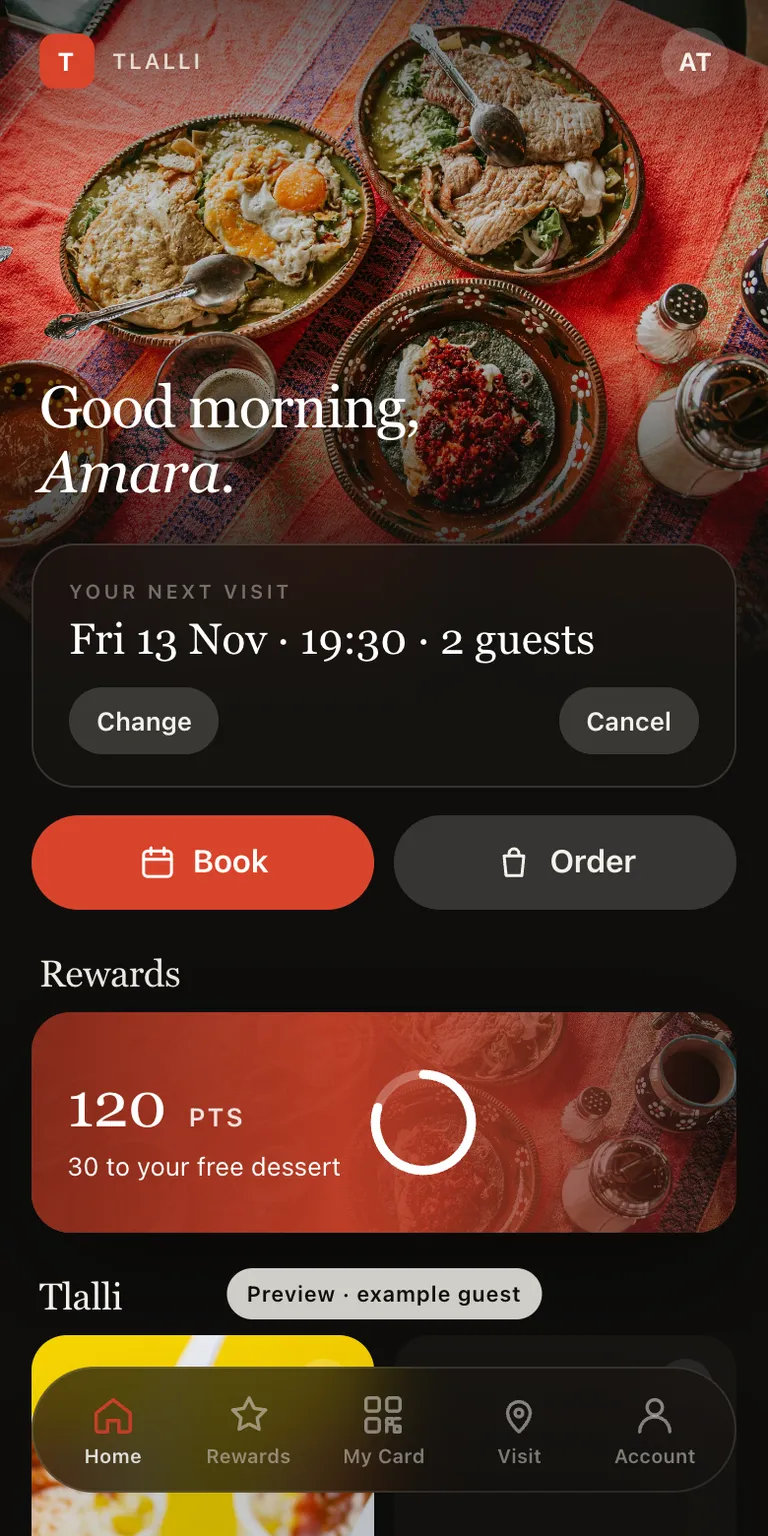
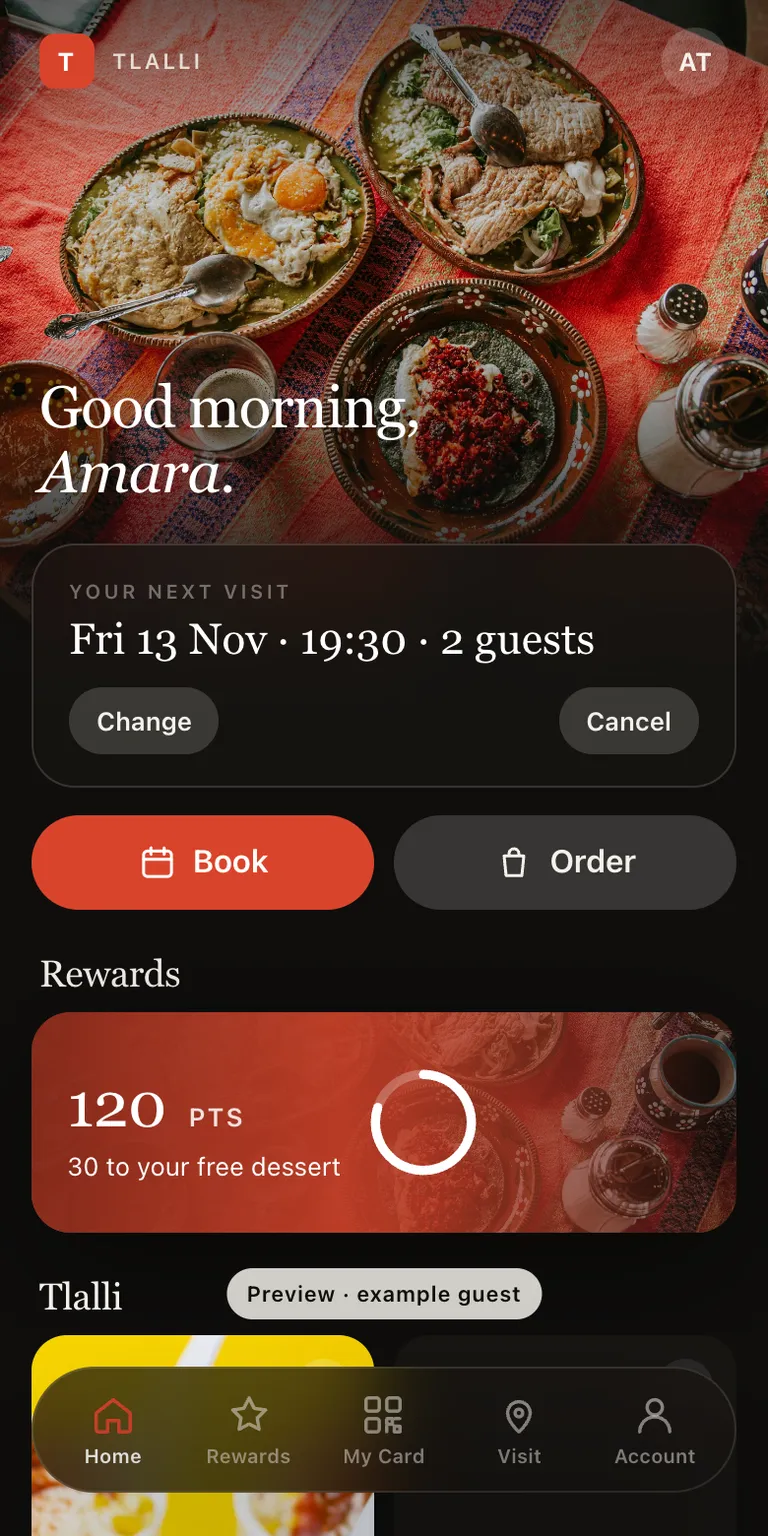
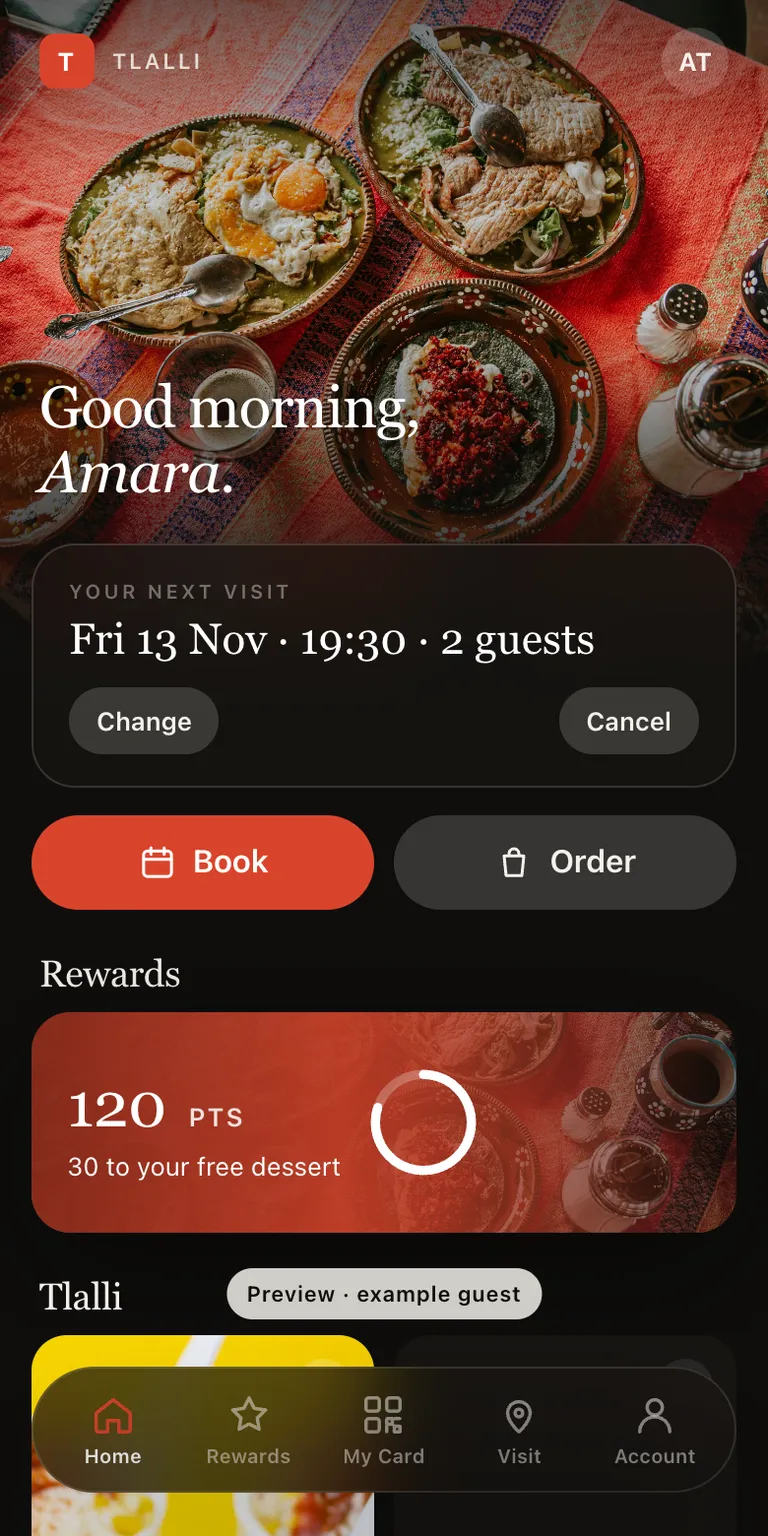
Included on the Growth and Full plans. Watch the Guest App course
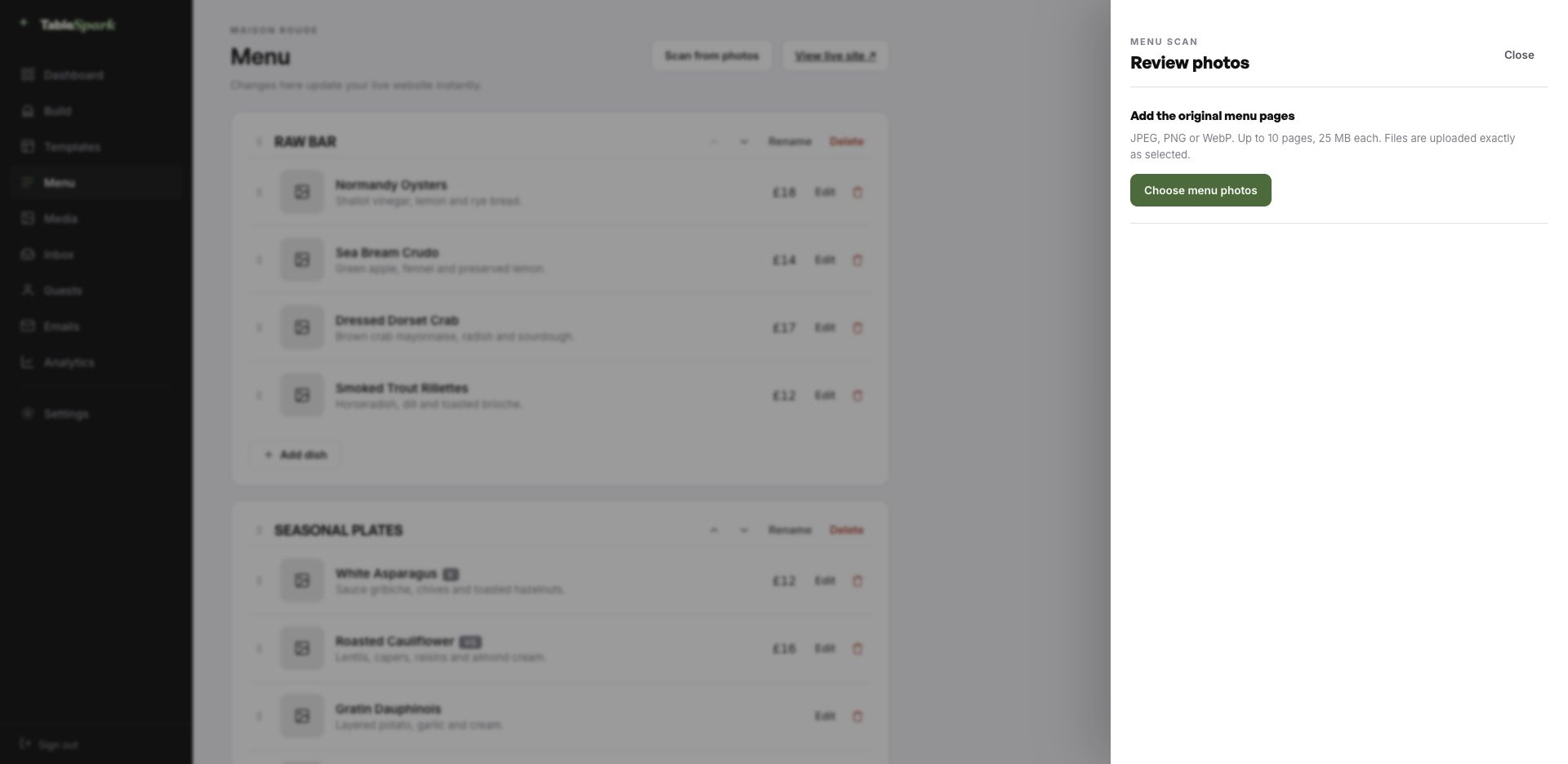
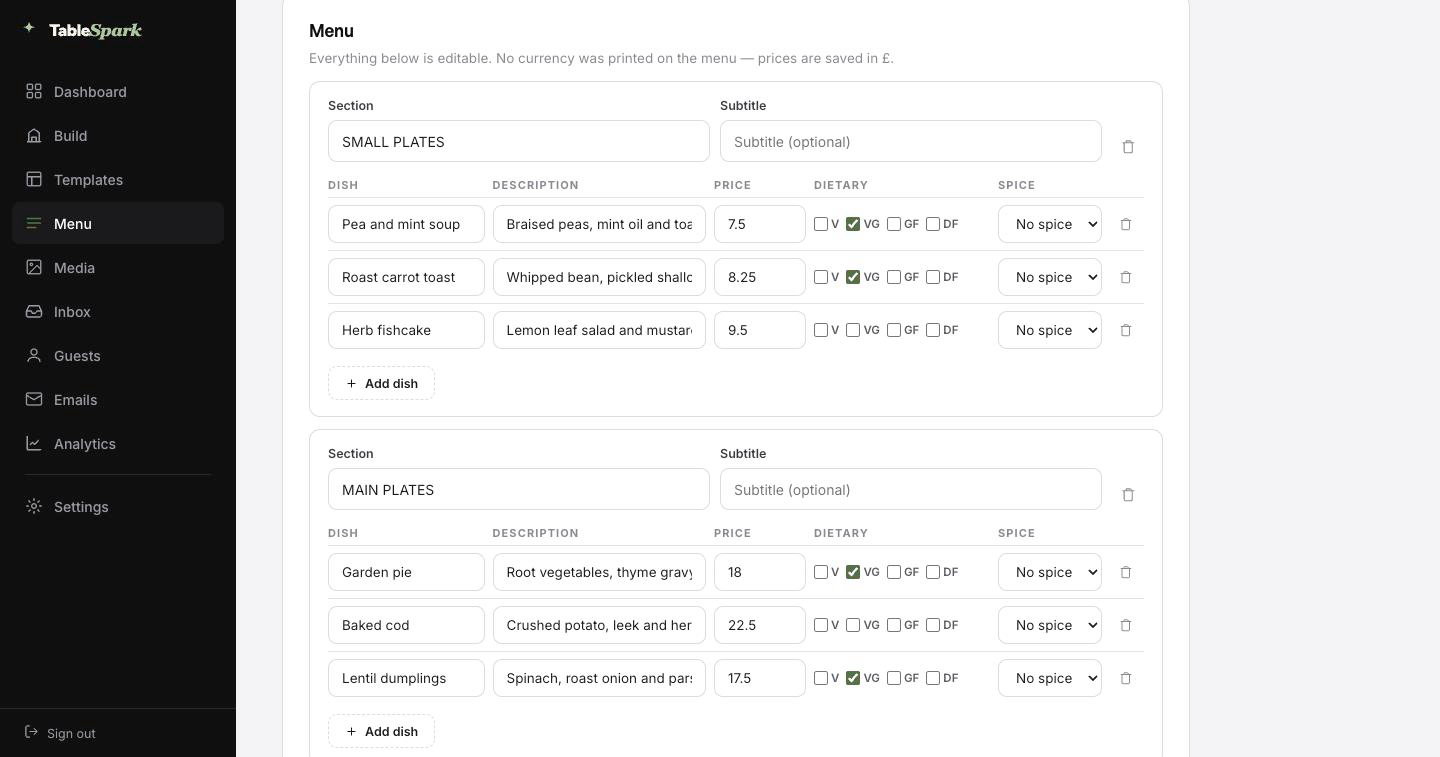
Nobody starts a website looking forward to retyping ninety dishes. Point a phone at whatever your menu currently lives on and send it over. The AI turns it into sections, dishes, descriptions and prices, and picks up the dietary marks and heat levels it can see. Read it back, adjust anything the photograph fumbled, and that is the menu built.
A photograph of a menu is decoration; a structured menu is infrastructure. The same structured menu drives the menu page, the ordering page, the highlights on the home page and the Restaurant structured data a search engine reads. Change a price once afterwards and all of them follow.
And the fields nobody enjoys writing — the search title and description — are drafted by a Write with AI button that reads the page first. The AI writes the first version; you decide whether it is the last.
A phone photograph of the menu you already hand to guests is enough.
Sections in order, dishes with descriptions and prices, dietary and spice marks read from the page.
Menu page, ordering page, home-page highlights and the Restaurant schema — each one updating from the same edit.
You are not commissioning a website; you are moving into one. The site works from the first second — it simply has the wrong name on the door. One sitting covers it — and the second it is live, the booking form is taking reservations. It lands in the inbox with the party size and the time, and the guest is confirmed by email at once.
Attach your own Stripe account and the site can charge for orders and hold deposits on tables — the funds are yours from the start. We take 0%. Not on the first order, not on the thousandth. Stripe’s standard card-processing fees apply to online payments.
Step 01
1min
Pick TlalliEverything copies across — pages, blocks, menu, the lot.Step 02
4min
Change the name and the wordsEvery block is edited in place. Change the name once.Step 03
3min
Upload your menuA photograph of the menu becomes a structured menu.Step 04
1min
PublishLive. The reservation form starts working immediately.Step 05
1min
Connect StripeNow you can take deposits on tables and payment on orders — direct to your account.In all
10min
From template to taking paymentsFive steps, one sitting.The web address is something guests read aloud, so it should sound like you. You can be live before lunch on a TableSpark address and on your own domain by the weekend, with no rebuild in between.
Everything fiddly about a domain — SSL, renewals, bare-domain redirects, canonical URLs surviving the move — is managed on your behalf. Already own the name? Keep it — you get the exact record to update, in plain English.
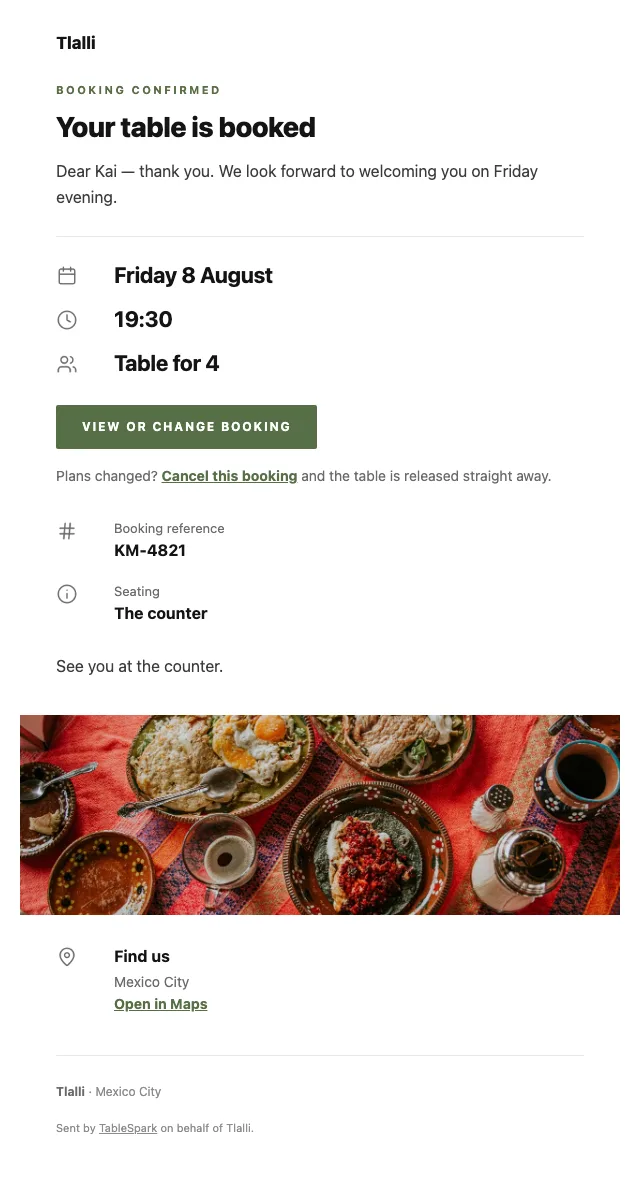
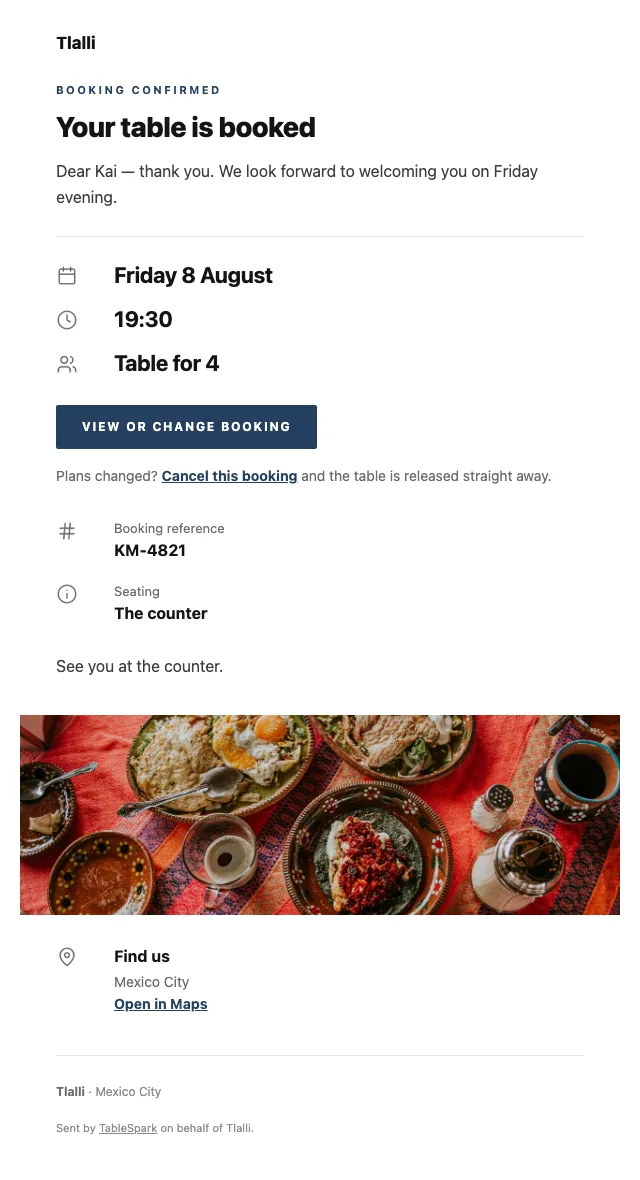
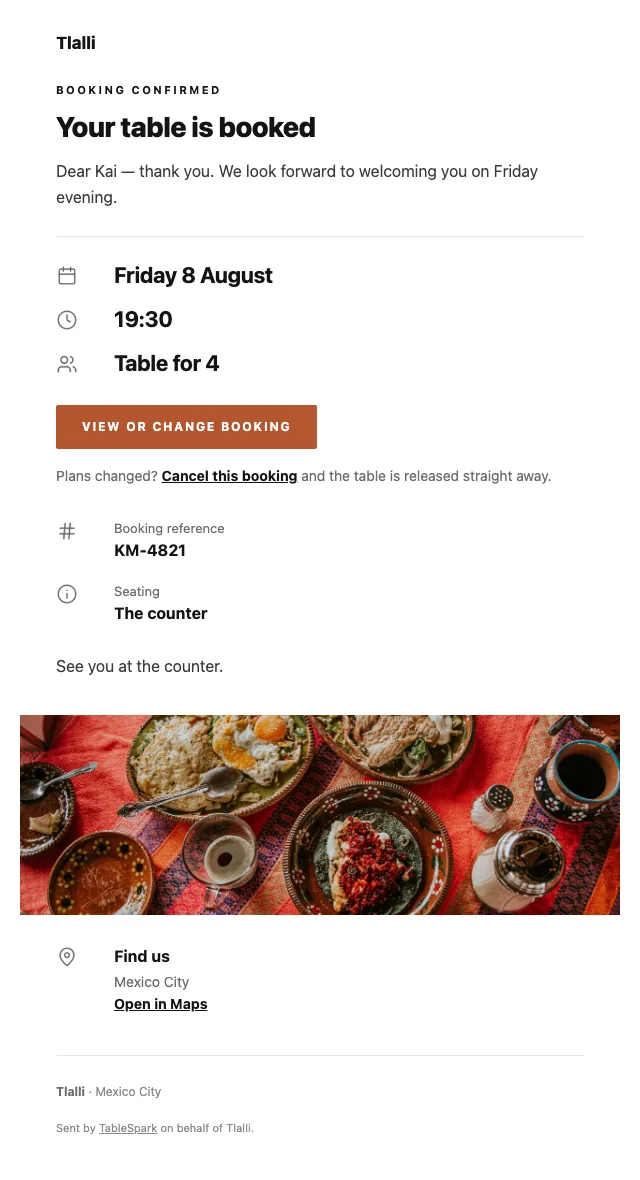
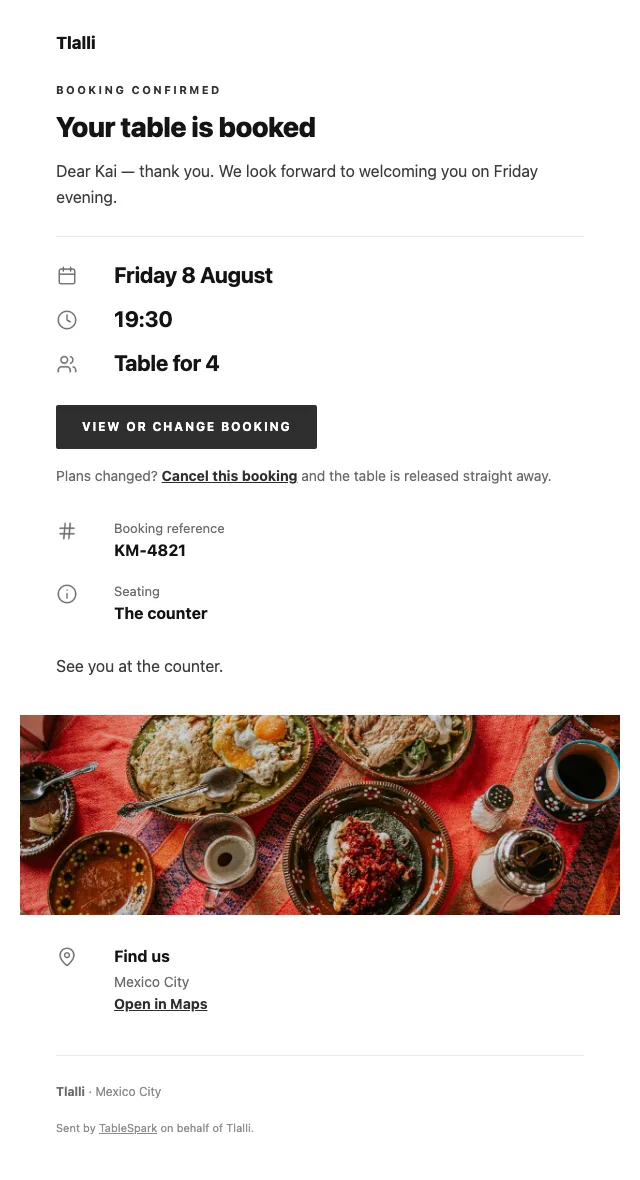
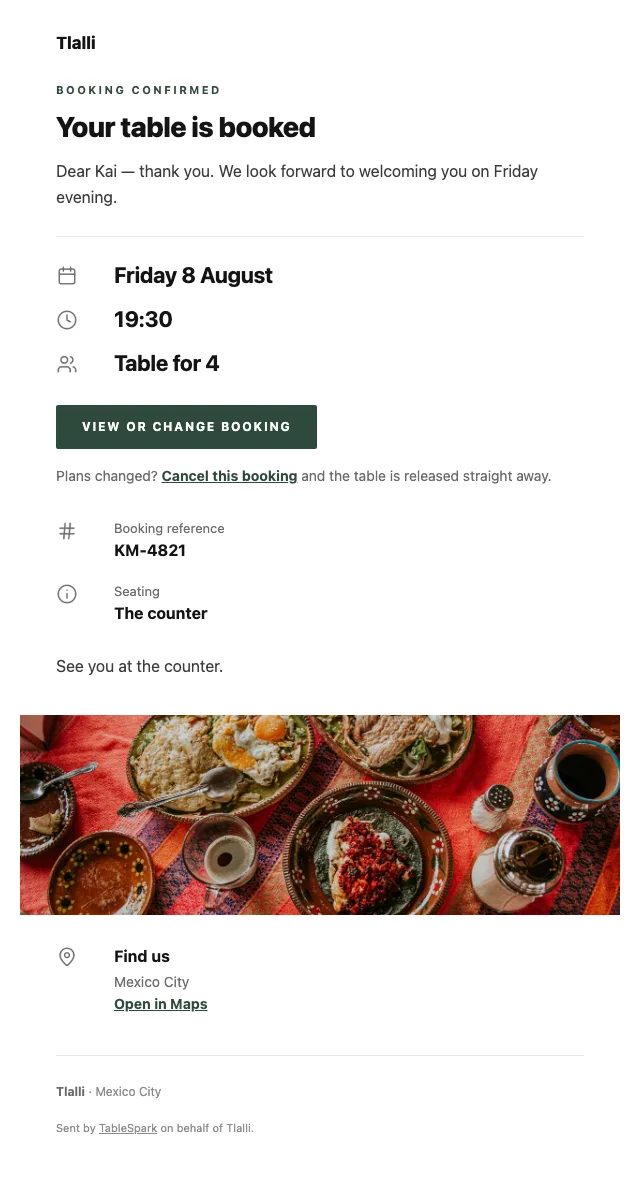
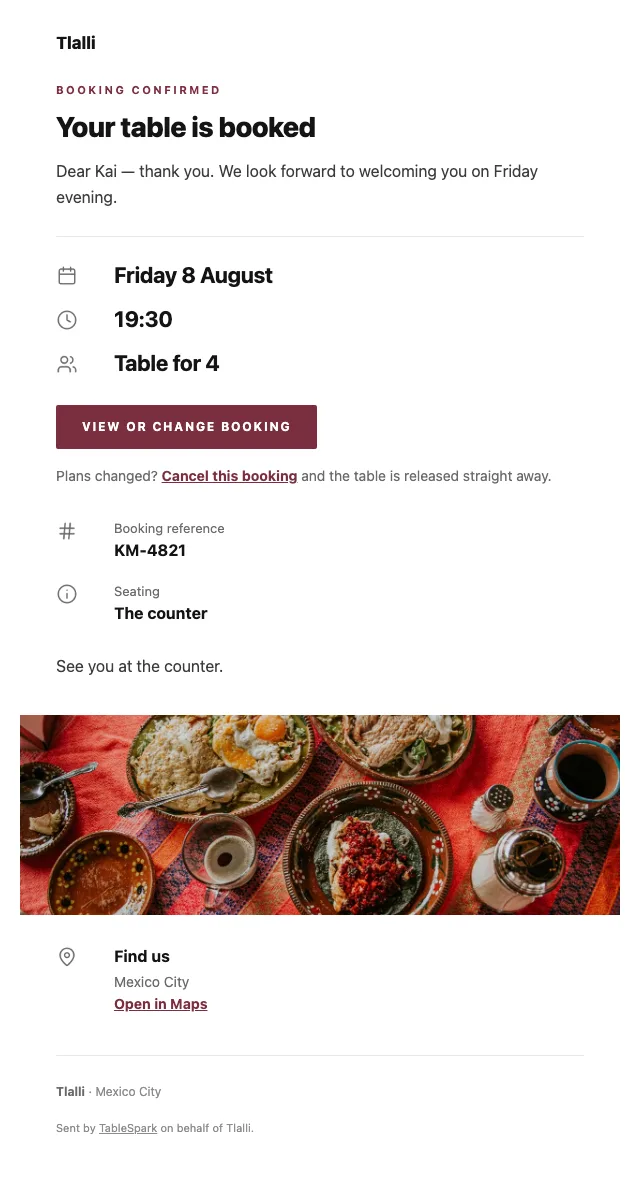
The email that follows a booking is read more carefully than any page on the site. As soon as a table is confirmed, the guest gets an email in your name carrying the date, the time, the number of covers, your address, your phone number and a way to cancel cleanly. Reminders, receipts and cancellations follow the same treatment, so nothing looks bolted on.
It carries your restaurant, not our branding. Pick one of six templates, then set the accent, the logo, a cover image, how the header sits, the sign-off line, your links and your social marks. When your domain is connected the mail is sent from your own address, which is also what keeps it out of a promotions tab.
Below, the same booking confirmation in six of the accent colours you can pick.
Being published and being findable are two different things, and only one of them happens automatically. The usual culprits are mundane: a robots rule nobody removed, two canonicals pointing different ways, orphaned pages, the menu published as a PDF, no structured restaurant data, search verification half done. The cost lands on the restaurant — guests searching your name, your menu or your street reach directories and commission-charging marketplaces first, and you end up paying for the traffic you should already own.
All of that is finished before you arrive. Search results are not something anyone can promise you. A correctly configured site is, and that is what this is.
All of them optional, all of them editable, and more can be added.
Each of these is a module from the same set of 70 that every TableSpark site can use, and most have multiple layout options.
Delete, reorder or replace any of them — the page is built, not drawn.
Ships with 5 sections — Antojitos, Mariscos, Platos fuertes, Postres — for you to overwrite.
Our cut is zero, permanently. The alternative is a platform that charges you for each order and then owns the guest.
Your domain, your inbox, your exportable guest records. Stripe’s standard card-processing fees apply to online payments.
See what 0% commission is worth over a year
You bring the menu and the last word. TableSpark brings the typing, the fields and a first draft of the search copy.
Nothing goes live on its own.
Search engines Menu — Tlalli | Modern Mexican, Mexico City Milpa vegetables, nixtamal masa and slow salsas. The full Tlalli menu, with prices and heat levels.Drafts the search title & description from this page’s content. Always review before publishing.
Stripe’s standard card-processing fees apply to online payments.
Booking deposits, explained properly
Assemble it, fill it, preview it — all without paying. Publishing is the only thing that costs.
Assemble it, fill it, preview it — all without paying. Publishing is the only thing that costs.
7 pages, and every one of them is here. None of this is an image. The frame runs the real renderer — the one that publishes live restaurants — so each tab is the actual page and the links go where they say. Press Phone and watch it reflow.
The story page has room for the part that matters most to a milpa kitchen: named growers, the maize varieties, why a particular valley. There is a timeline, a chef’s interview and a gallery, and the events page carries the private-dining and mezcal-tasting enquiries that a room like this fields weekly.
The menu opens as an accordion: sections collapsed by default, each expanding in place. That suits a kitchen with eight short sections and a long tail of salsas and sides — the guest sees the shape of the whole menu on one screen, then opens only what they care about.
It also solves the explanation problem. Dishes that need a sentence — what nixtamal is, why the mole took a week, which chilli is doing the work — get that sentence in the description field, visible without leaving the page. The spice scale is set per dish rather than per section, because a menu where everything is marked hot is a menu nobody trusts.
Whatever the arrangement, the menu is text and not a picture — every dish, description and price indexable, with Restaurant schema around it.
Ordering is deliberately stripped back here: a clean typographic list rather than a photo grid, which is right for a kitchen where half the menu is salsas, tortillas and sides that nobody needs a picture of. Adding is a single tap; the running total sits in a bar that stays on screen.
Modifier groups earn their keep on a menu like this — corn or flour, one salsa or three, with or without queso — and they appear as chips on the dish row rather than in a pop-up. A guest ordering six tacos with different fillings never leaves the list.
Each mode collects only what it must: a table number for dine-in, a telephone number for collection, an address for delivery.
Running a Mexican & Latin kitchen? See all Mexican & Latin restaurant website templates.
What owners ask before they pick a template: the cuisine fit, the menu, the address, and what it costs.
Yes, and the scale is per dish rather than per section. Each item gets none, one, two or three chillies, set in the menu editor, and it shows on the menu page, the ordering page and the structured data. Because it is a field rather than a note typed into the description, guests can trust it — and you can adjust one dish without editing a paragraph.
That is what modifier groups are for. Set a group once (corn or flour; choose one salsa; extras) and attach it to the dishes it applies to. On the ordering page the choices appear as chips on the dish row itself, so selecting takes a tap and never opens a modal. Required choices are enforced before the dish can be added.
Yes — and bringing a domain you already own is the common case. You go live on a TableSpark address first, then point your domain across; you get the exact DNS record to change. The certificate, HTTPS, bare-domain redirect and the search-engine housekeeping are handled here so the switch does not cost you visibility. Your guest emails can then send from that domain as well.
A confirmation in the restaurant’s name, immediately, with the date and time, the party size, your address and phone number, and a cancellation link so a change of plan does not cost you the cover. Pre-service reminders, deposit receipts and cancellation notices share it. The look is entirely yours — six templates, accent colour, logo, cover photograph, header layout, sign-off wording, links, social accounts — and your domain becomes the sending address once connected.
None at all. The whole site is blocks you click and edit — text in place, photographs uploaded, sections dragged into a new order. No HTML is involved on your side.
Ordering is on the Full plan. TableSpark commission is 0% — the money goes to the restaurant. Stripe’s standard card-processing fees apply to online payments. There is no per-order fee from us at any plan level.

Copy this design into your account, change the words, add your menu and publish — usually the same afternoon. Free to build; you only pay when you go live.