01
Hero
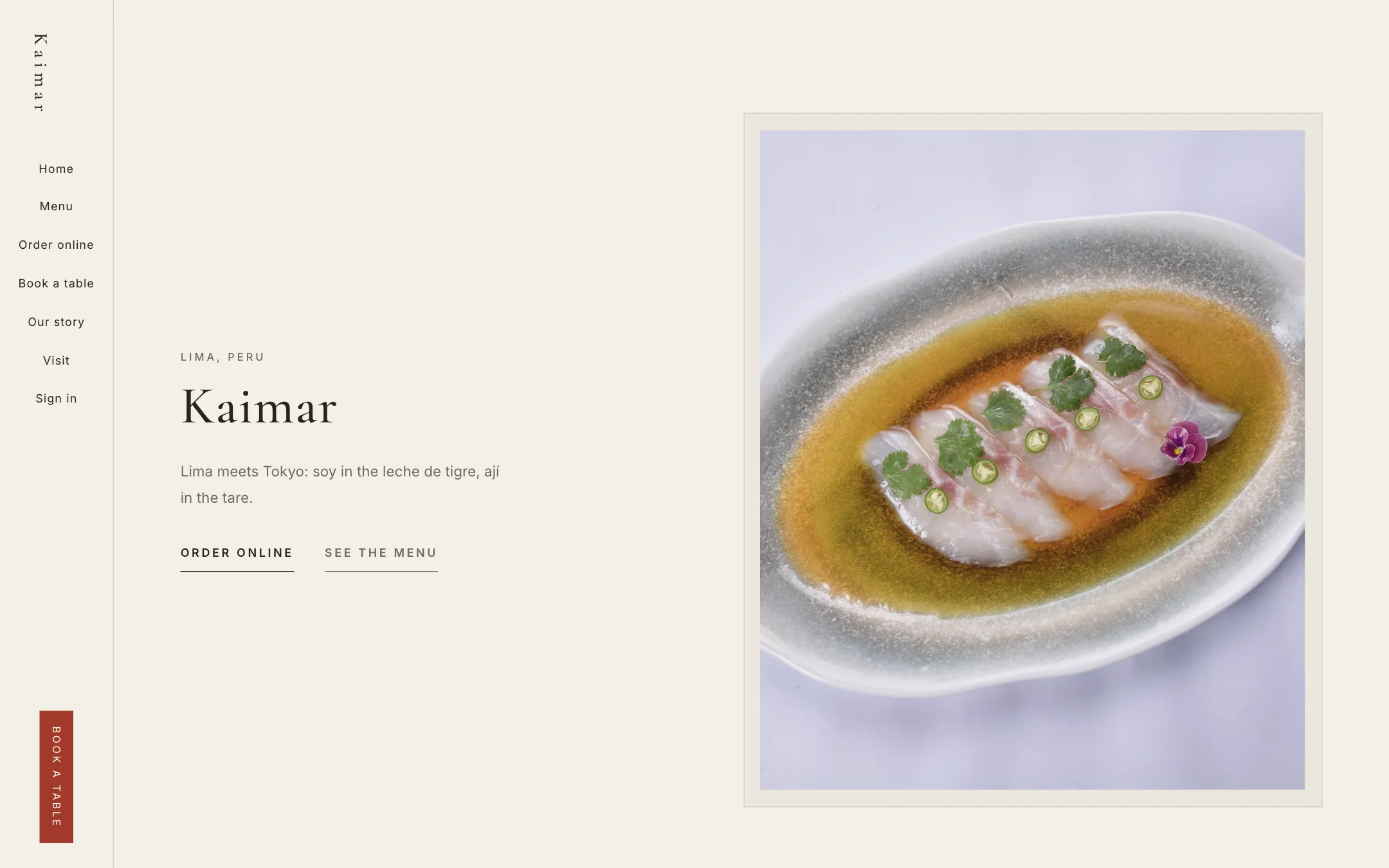
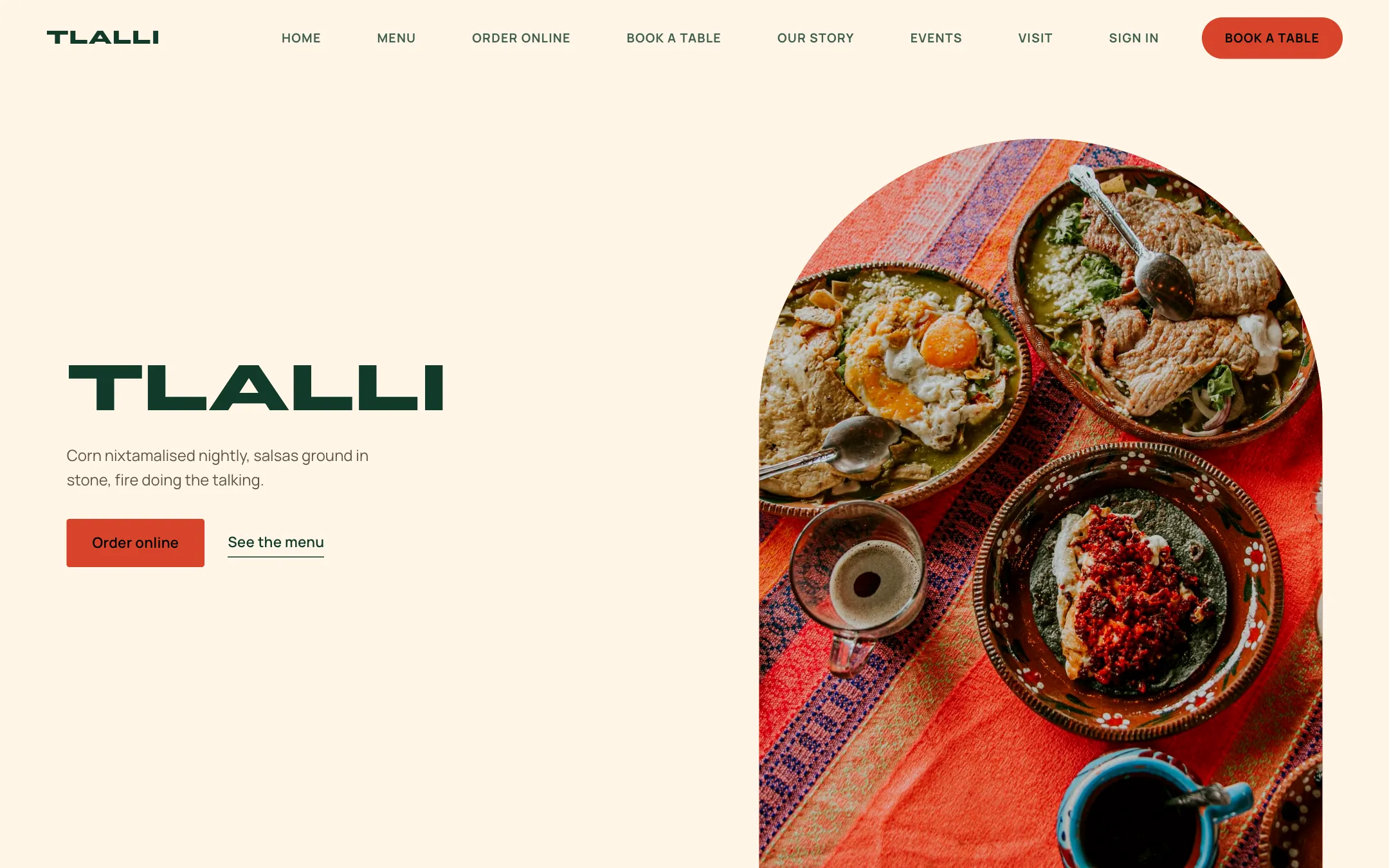
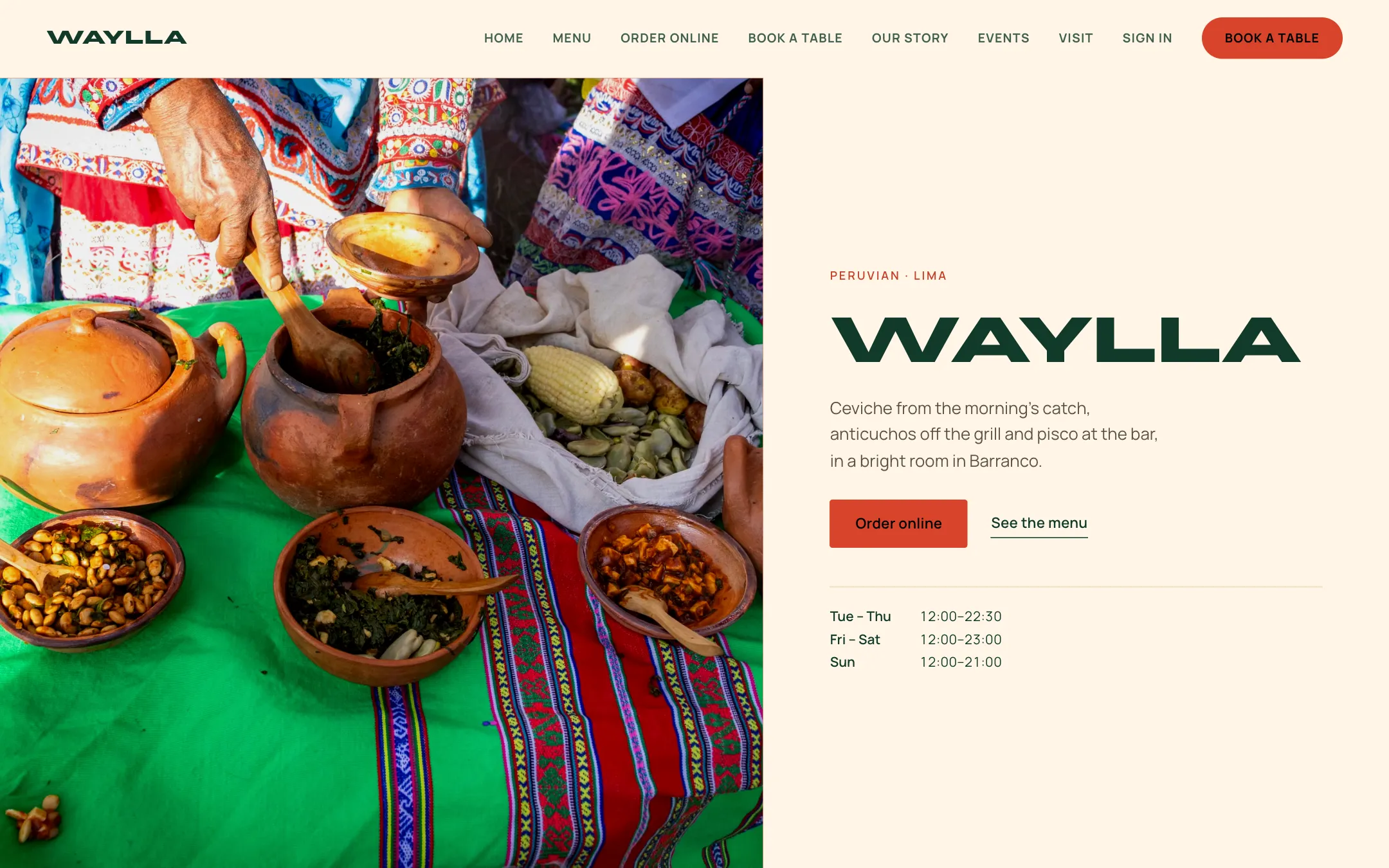
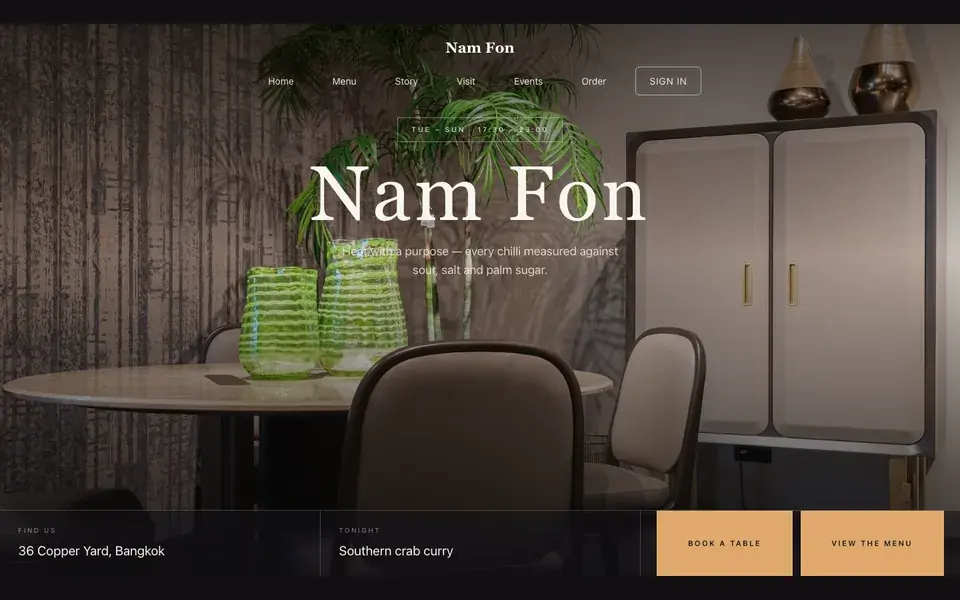
Big opening image, name & buttons, in the Course Ledger treatment: Tonight's numbered courses beside a full-height dish photograph.
Templates · Modern Thai (seasonal)
For Thai kitchens working with a seasonal calendar: a dark template with a sunset-tonight opening, a rail-based menu, and a classic priced list for ordering.
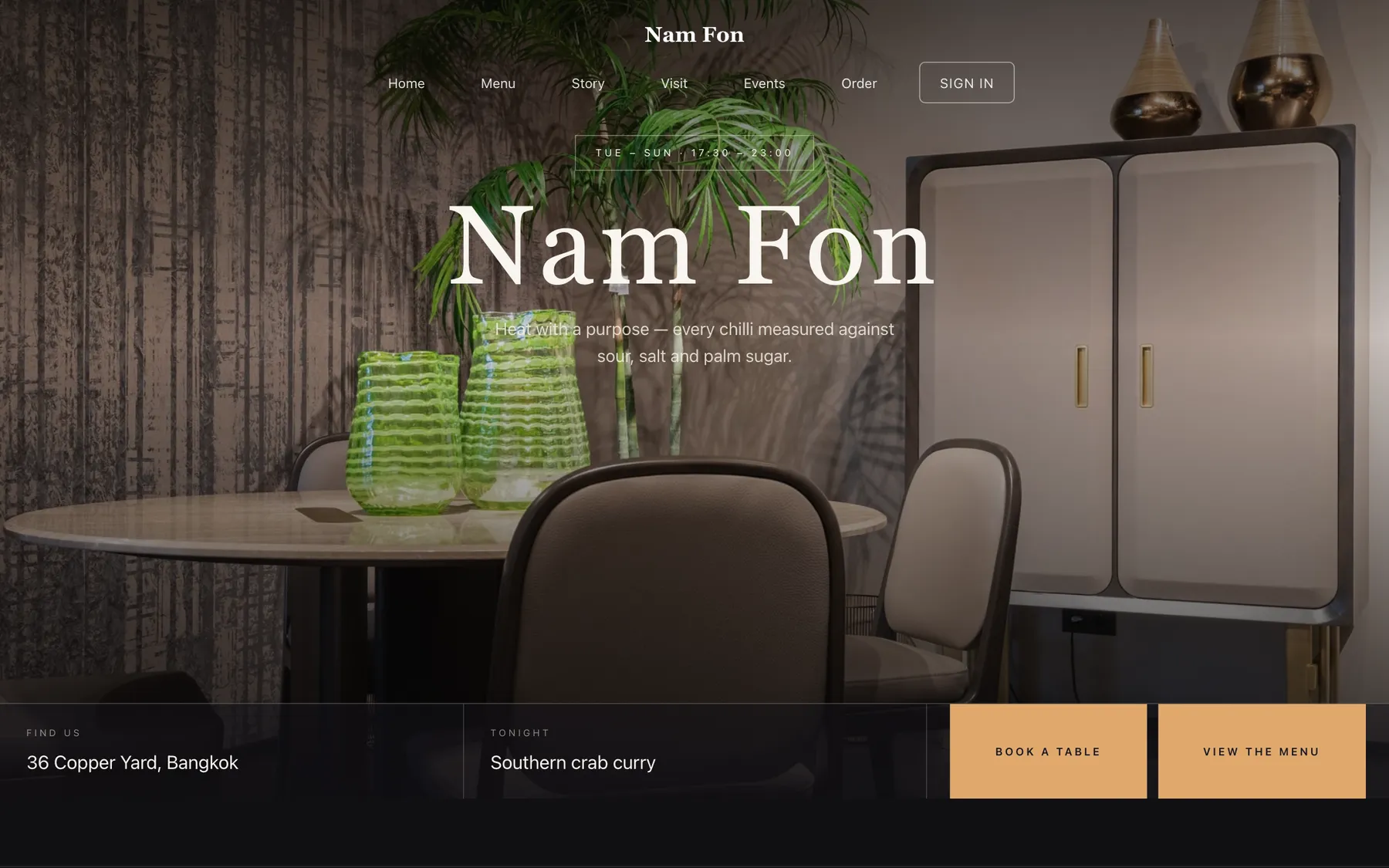
Every section is a builder module you can reorder, edit or delete, with no developer.
On bookings and orders, on every plan. Stripe’s standard card-processing fees apply to online payments.
Build and preview the whole site for nothing, and pay only when it goes live.
Starter is £19/mo excl. VAT and includes a complete restaurant website, a live structured menu, enquiry and newsletter forms, and managed search readiness. Growth is £39/mo excl. VAT and adds direct live bookings, a custom domain with managed SSL, and table and floor-plan operations. Full is £69/mo excl. VAT and adds online ordering and multi-site management for up to five restaurant sites. TableSpark commission is 0%. Stripe's standard card-processing fees apply to online payments.
An independent UK restaurant can be running all of this at one flat monthly price, and the full cost comparison shows why that is the best value. The expensive route is a bespoke build: thousands of pounds, months of waiting, and a developer on call for every price change. This is the other route. From then on nothing needs a developer — the menu, the prices and the pictures are edited by whoever is standing at the pass. Phone, tablet and desktop are all handled, and reservations, tables, ordering and management come with the plans — TableSpark takes 0% commission.
Nam Fon is a dark room with an amber accent pitched at the hour before service. Yours might be white tile and morning light, or brass and candles, or something nobody has built yet.
There is no demo video and no sales call. What you see on the right is the actual Theme panel from the builder, wired to the actual site renderer on the left. Press a colour. It will not ask you to register and it will not remember what you did. Go on.
Loading the live preview…
A seasonal Thai kitchen is doing something that most guests do not associate with Thai food, and the design has to establish that quickly. The opening leads with tonight — the hour, the sitting, what is being cooked — rather than with a generic hero, because seasonality is a claim best made specifically.
The dark ground with an amber accent reads as a room at dusk. It gives the plating photography a warm surround and lets short dish names sit at display size without looking sparse.
Eight blocks, arranged around tonight:
01
Big opening image, name & buttons, in the Course Ledger treatment: Tonight's numbered courses beside a full-height dish photograph.
02
Scrolling awards or words.
03
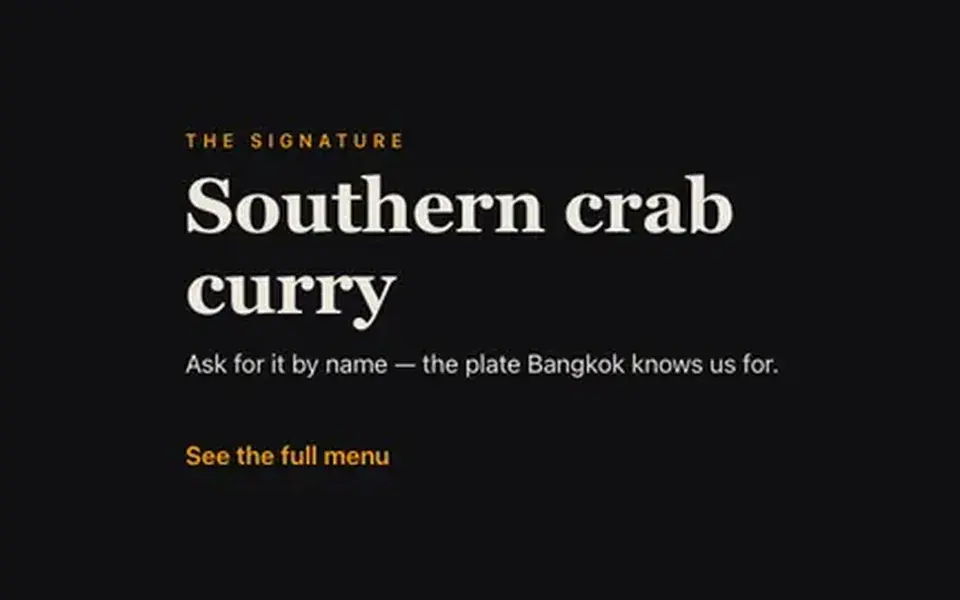
One dish, full screen — name, story, price.
04
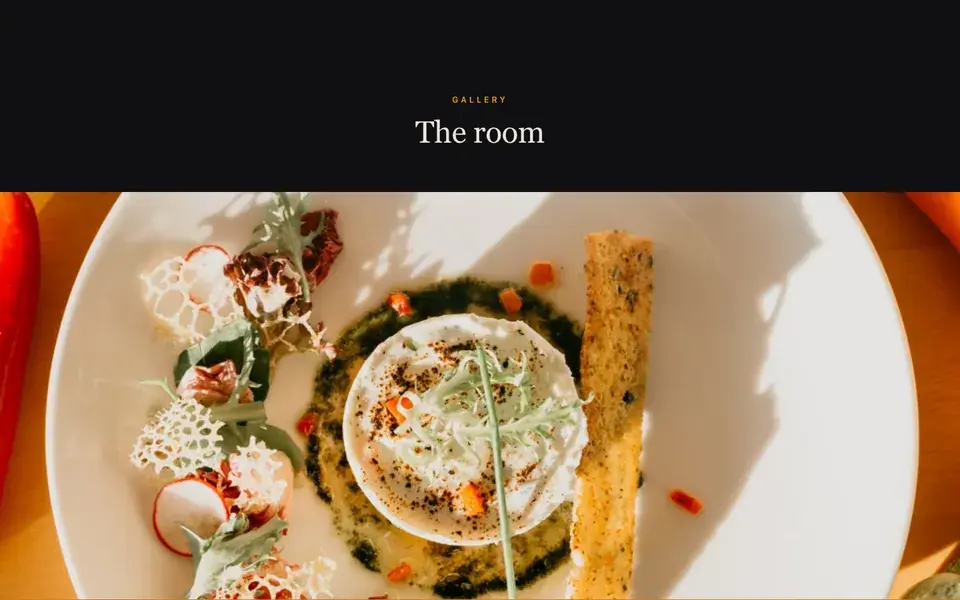
Grid, masonry or moving strip.
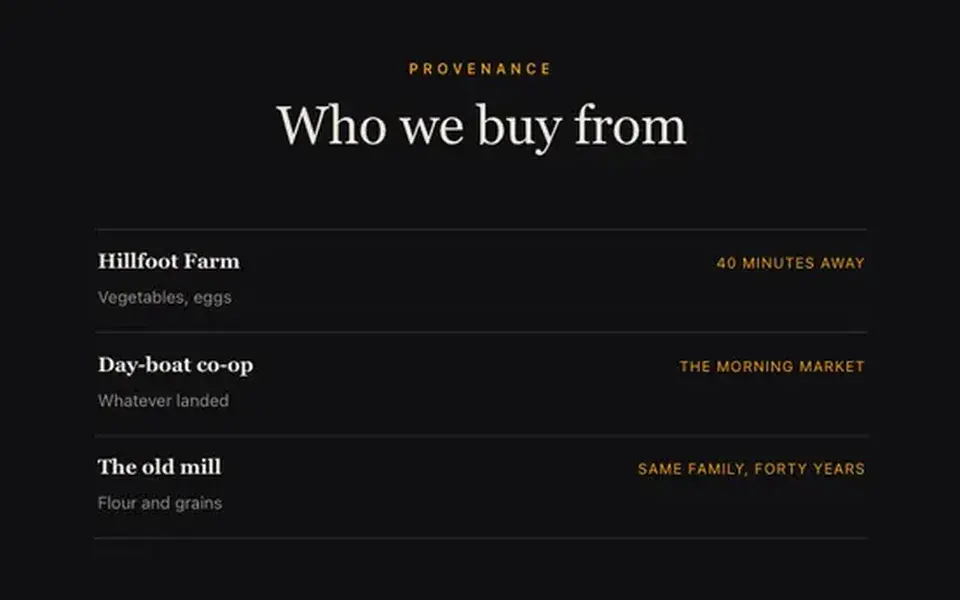
05
The growers and makers behind the menu.

06
A large standout quotation.
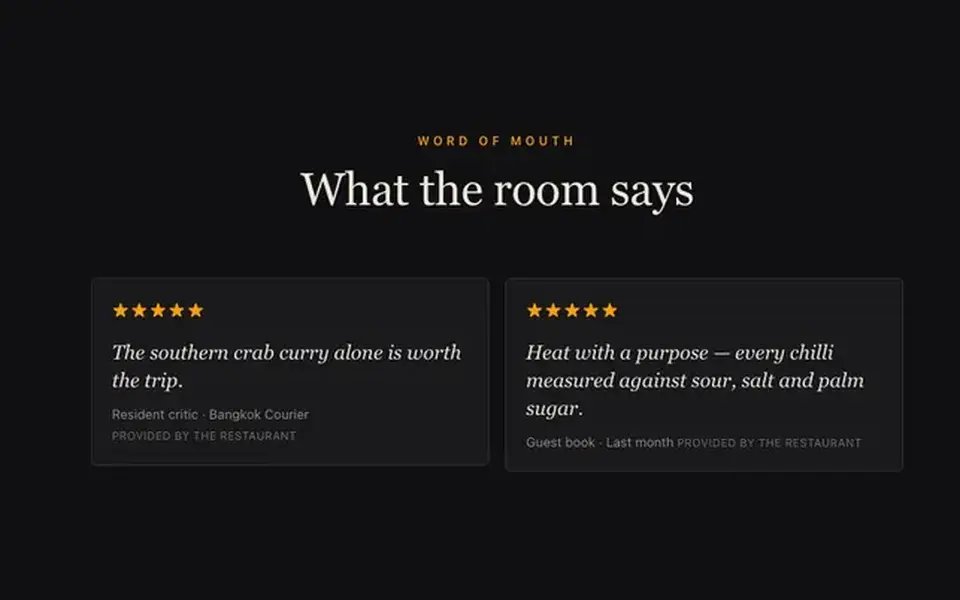
07
Guest quotes with stars.
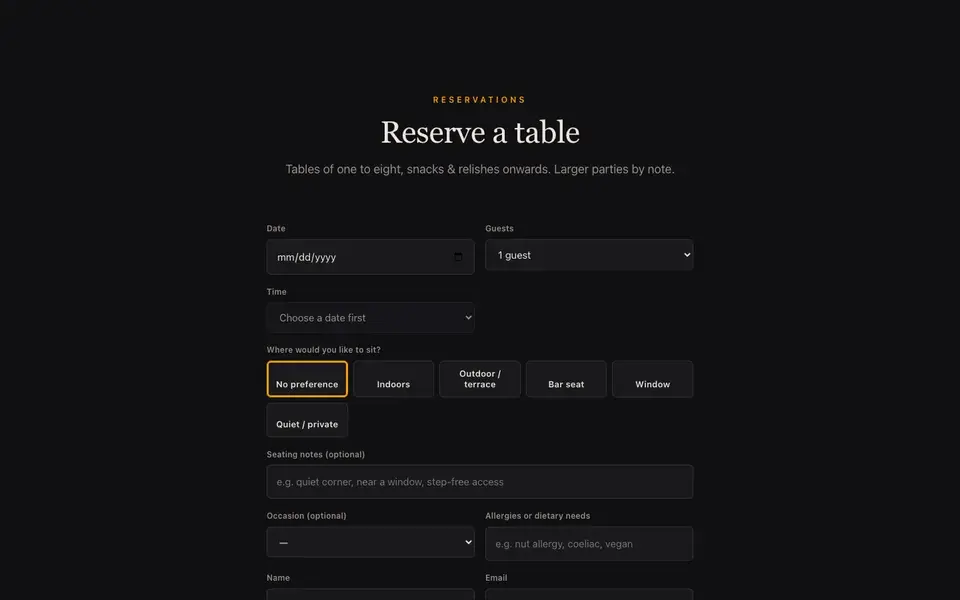
08
Live availability slot picker, saved to your Inbox.
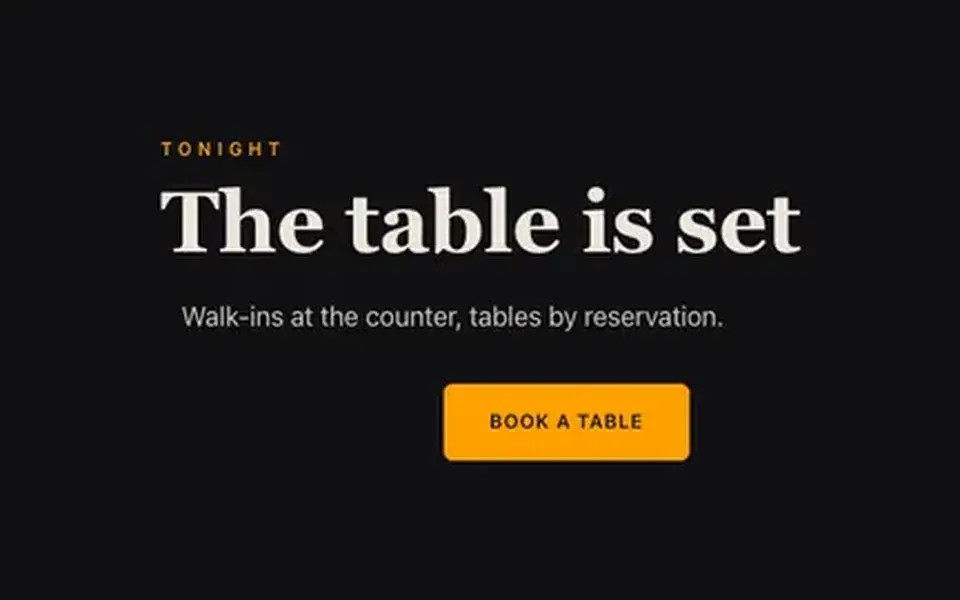
09
Headline + button band.
Loading the live preview…
Nam Fon uses the Classic list ordering layout — the printed-menu look, with dotted leaders running from each dish to its price.
It reads like the delivery apps your guests already know, except the restaurant keeps the relationship and the money. The basket stays on screen, and each mode asks only for what it needs: a table number, a phone number or an address.
Loading the live preview…
This is the frame that matters. It is the real ordering page at a real phone width — not a mock-up, not a video.
On a laptop the same page puts the basket in a panel beside the menu that follows the scroll.
Every Nam Fon site on Growth and Full ships with an app your guests keep. It lives at /account on your own domain, so the guest signs in to your restaurant, not a marketplace.
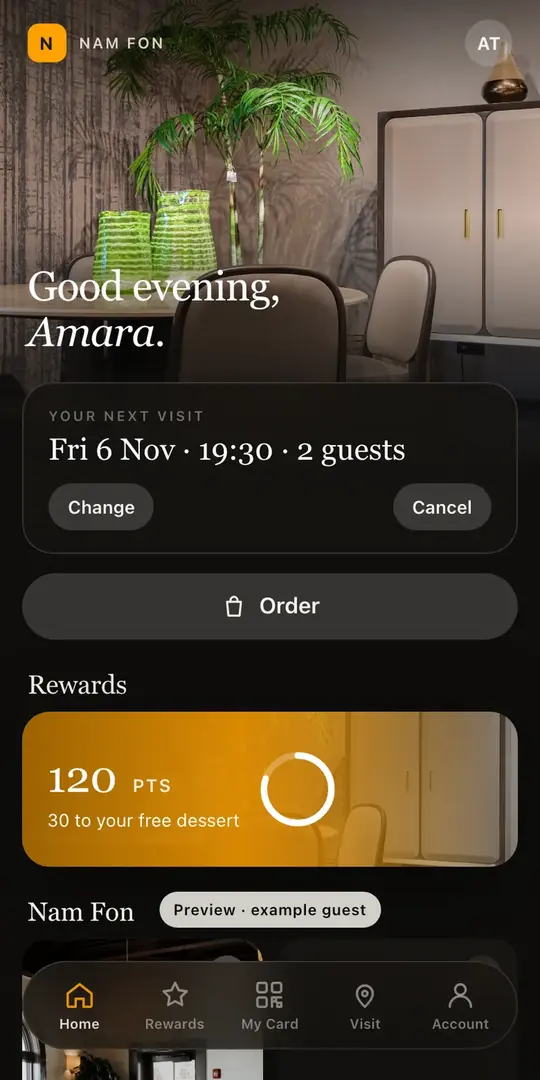
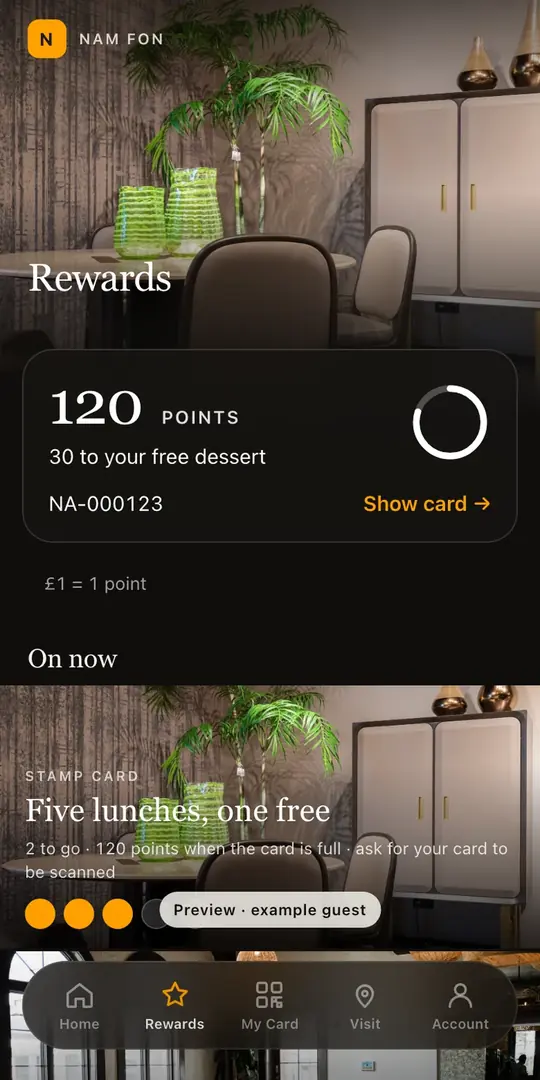
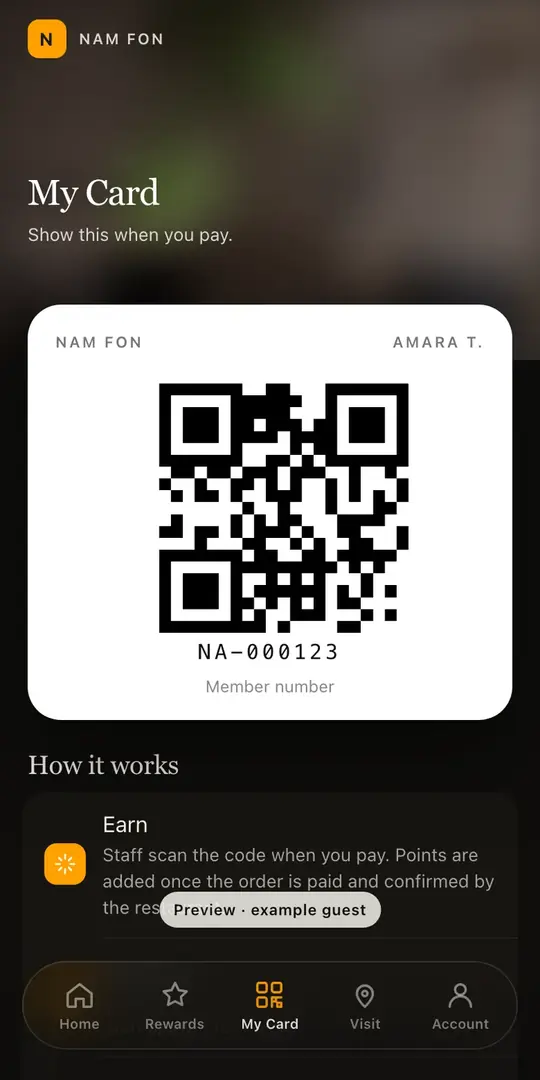
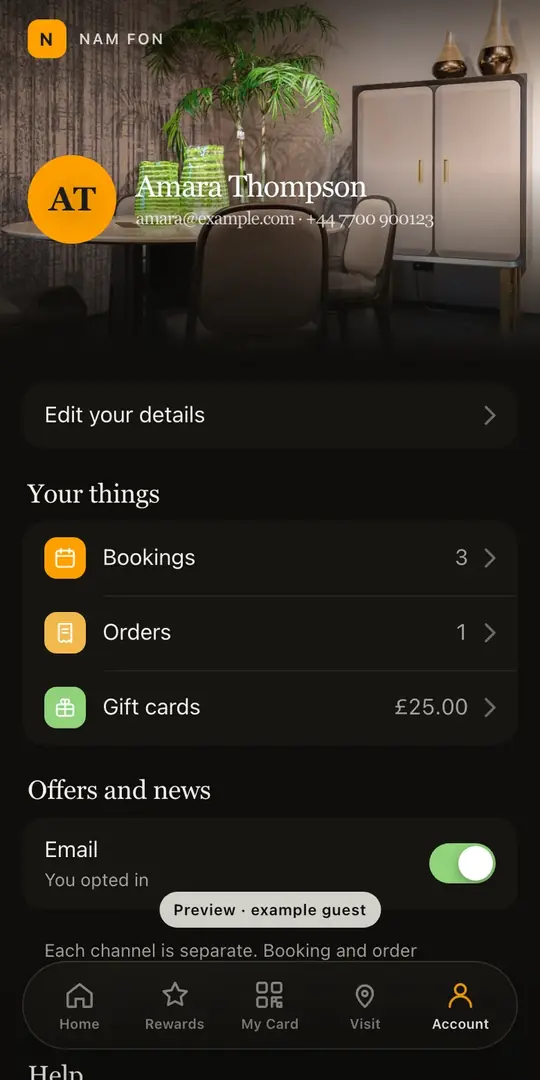
Included on the Growth and Full plans. Watch the Guest App course
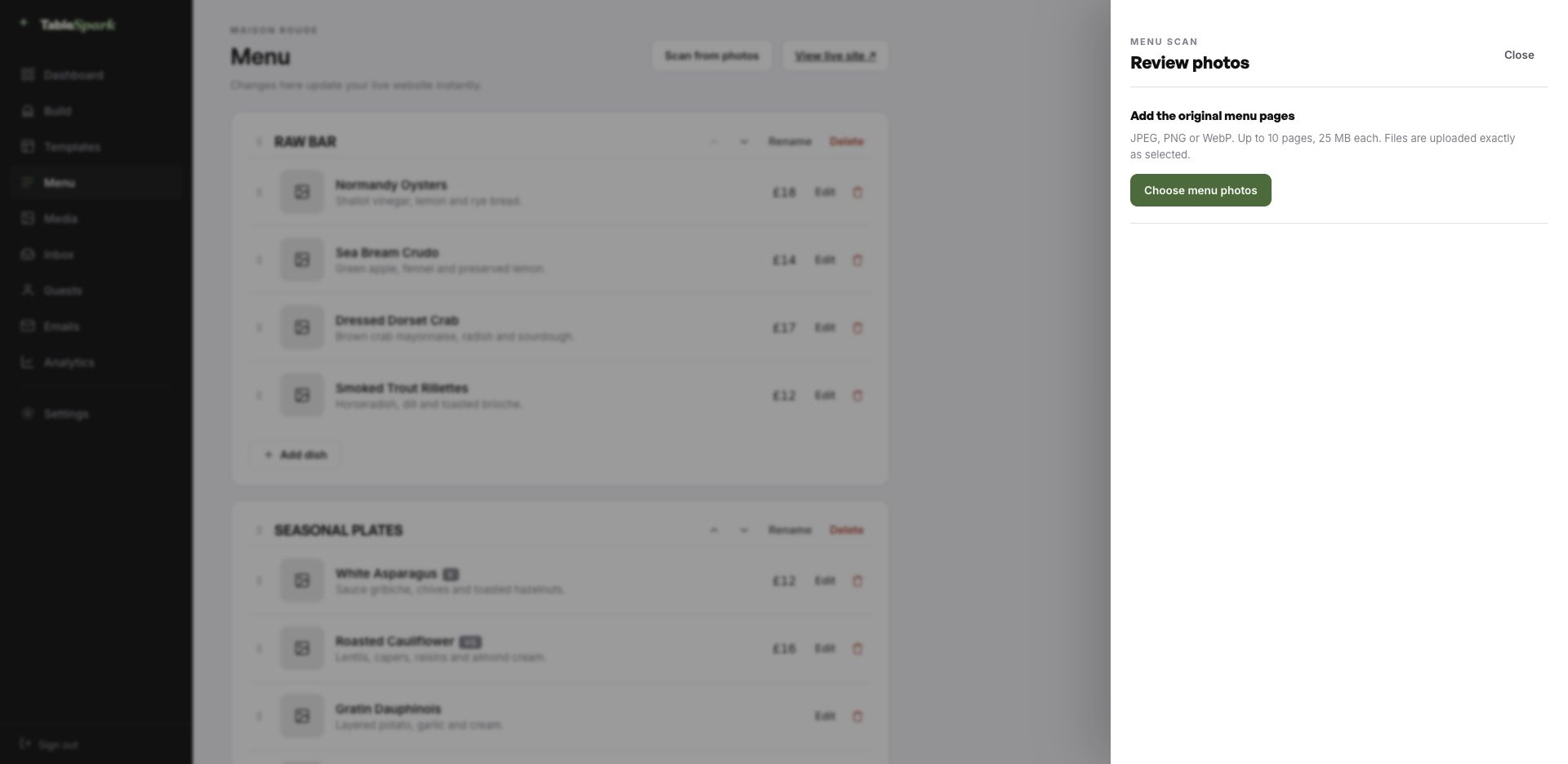
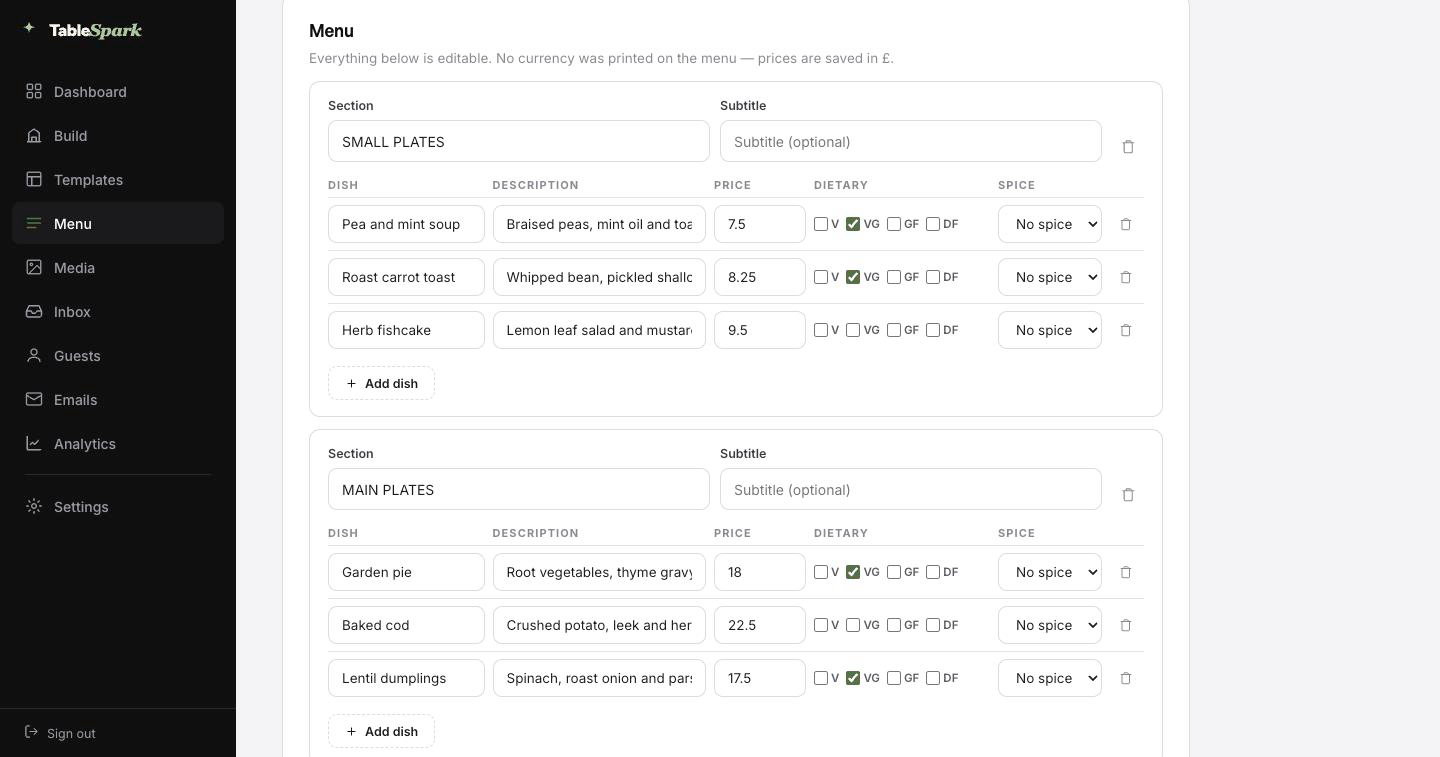
Here is the hour you were dreading, deleted. Photograph the card, the board or the takeaway sheet — up to ten pages at a time — and hand it to TableSpark. It is read into proper fields — section, dish, description, price, dietary marks, spice level — rather than pasted in as a lump of text. Then you read it through, correct whatever the lens misread, and save.
It behaves like data, because it is data. From there the same data runs the menu page, the ordering page, the highlights on the home page and the Restaurant structured data a search engine reads. Change a price once afterwards and all of them follow.
For the search snippet, a Write with AI button drafts the title and description out of the page itself. It is a draft, not a decision: edit it, then publish.
The card, the board, the sheet by the till. Ten pages at a time.
Sections, dish names, descriptions, prices, dietary and heat marks, all editable.
Menu page, ordering page, home-page highlights and the Restaurant schema — because they share one menu.
Nothing here needs to be built, because it already is. The hard parts are finished; the personal parts are not, and only you can do those. You go from opening the builder to a published site on their own address in one sitting, and the reservation form answers from the moment it publishes. You see it in the inbox, they see a confirmation in theirs, both within seconds.
Add your Stripe account and the same site takes booking deposits and order payments, with the money landing in your account rather than ours. TableSpark takes 0% commission at every plan level. Stripe’s standard card-processing fees apply to online payments. Nothing else is deducted.
Step 01
1min
Pick Nam FonEverything copies across — pages, blocks, menu, the lot.Step 02
4min
Change the name and the wordsEvery block is edited in place. Change the name once.Step 03
3min
Upload your menuA photograph of the menu becomes a structured menu.Step 04
1min
PublishLive. The reservation form starts working immediately.Step 05
1min
Connect StripeNow you can take deposits on tables and payment on orders — direct to your account.In all
10min
From template to taking paymentsFive steps, one sitting.An address is branding that people type. The TableSpark address gets you live in minutes; your own domain takes over the moment you want it to, with nothing rebuilt.
TableSpark manages the technical side: the certificate, the secure connection, the redirect from the bare domain to the one you chose, and keeping search engines pointed at the right address so the move does not cost you what you have already earned. An existing domain works fine. You get one instruction, not a documentation site.
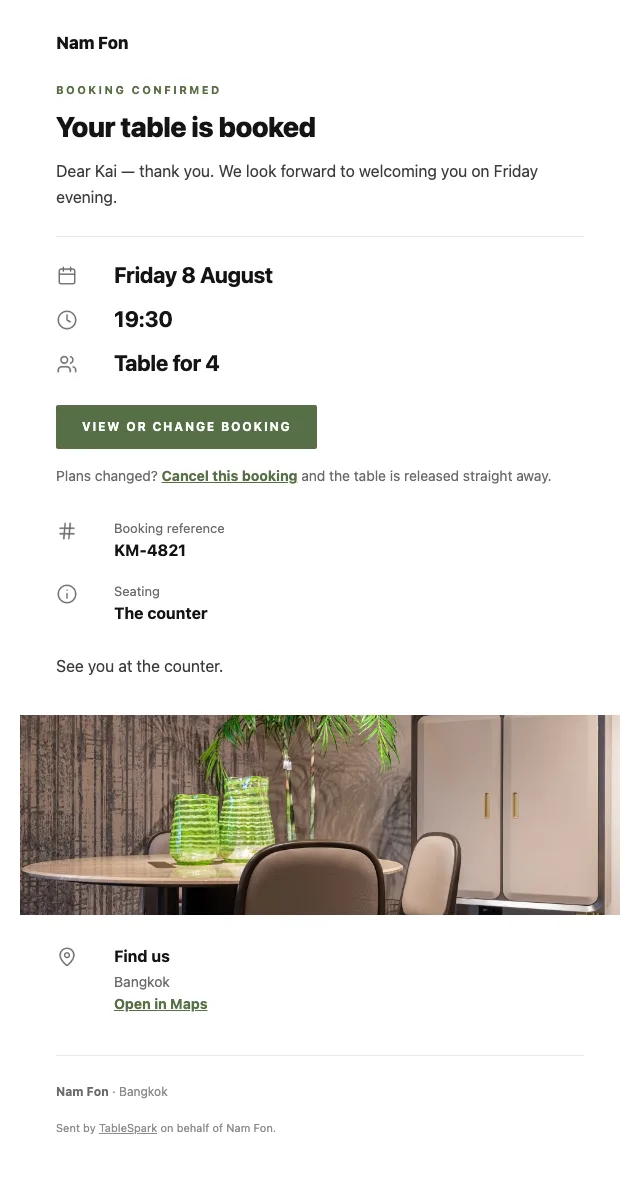
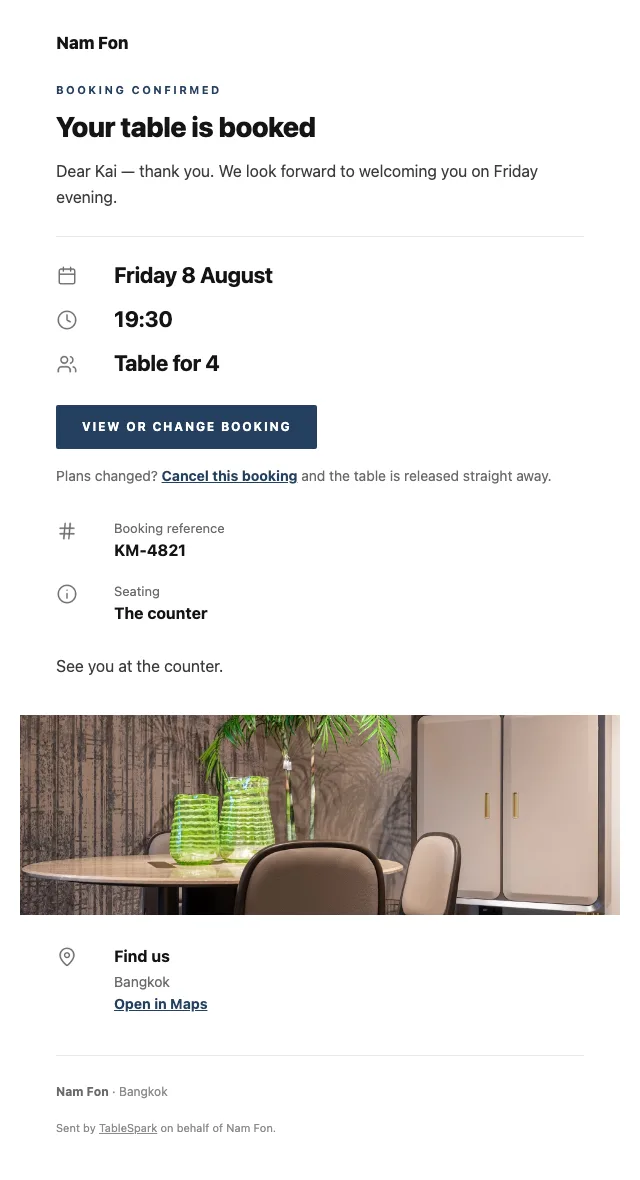
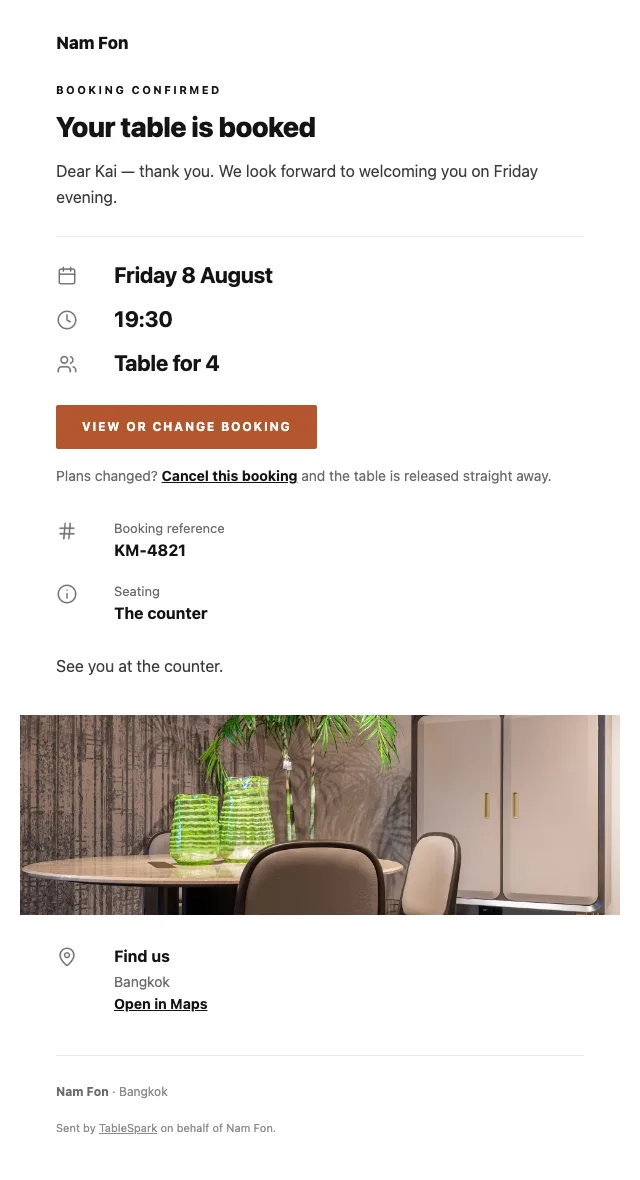
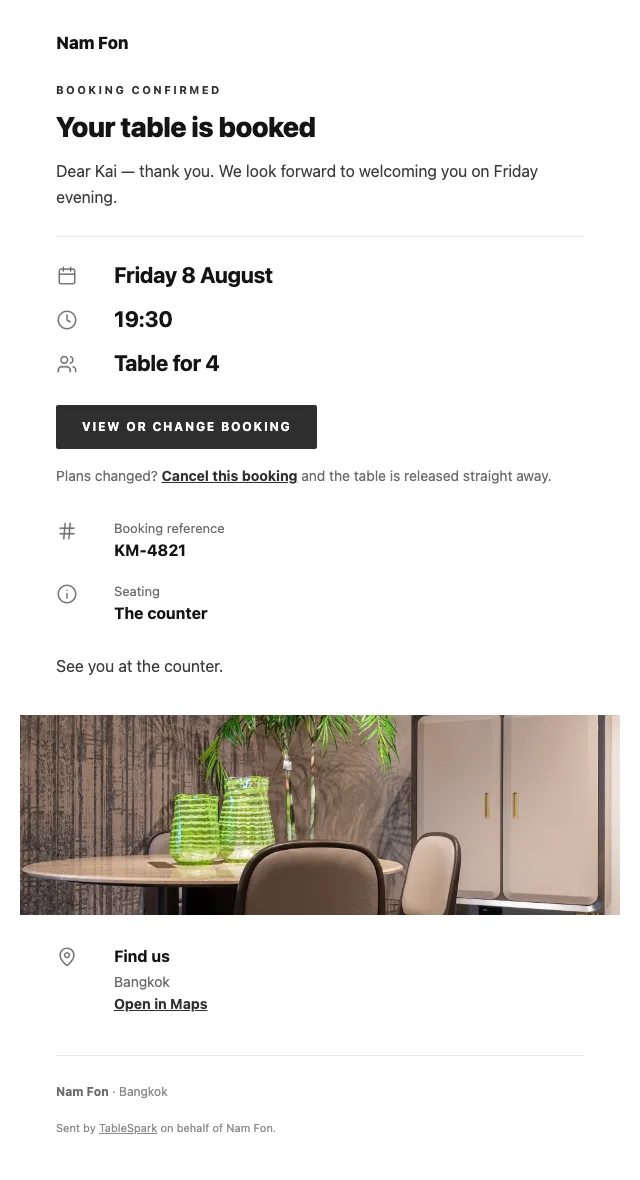
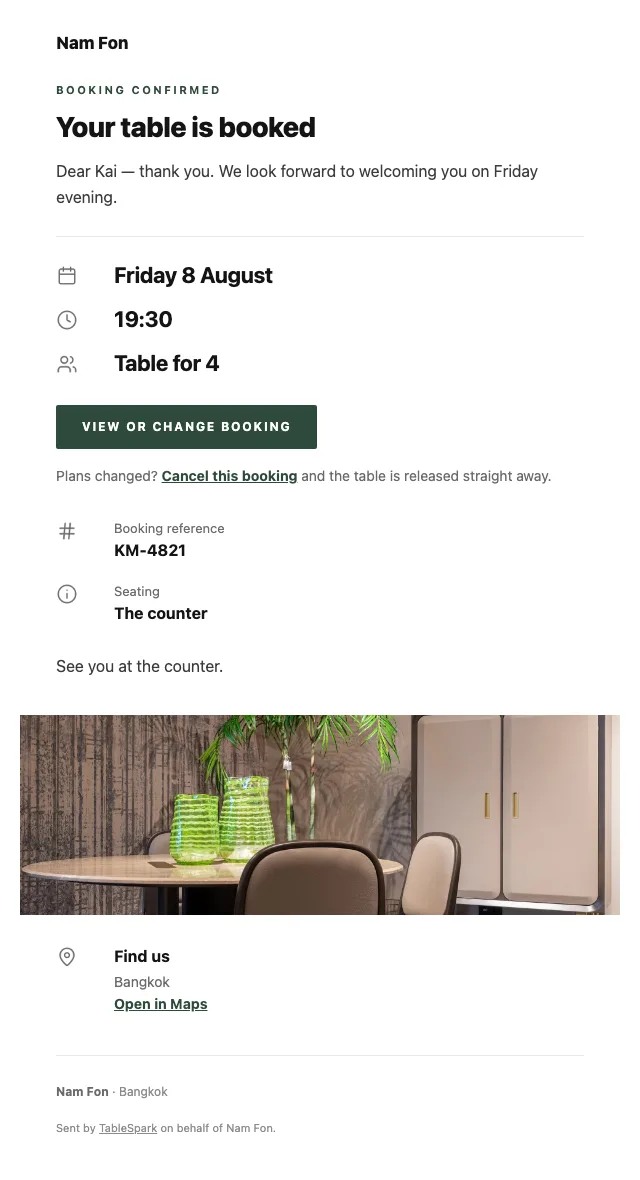
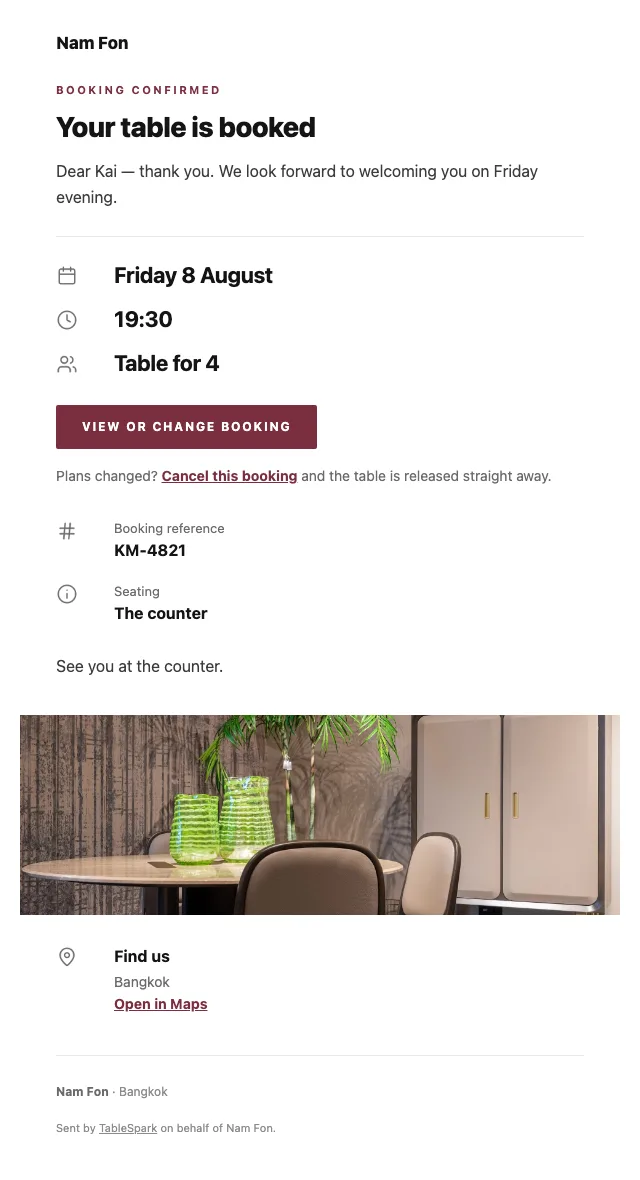
What lands in the inbox after a booking is doing more work than most restaurants realise. The confirmation goes out immediately: date and time, party size, the address and phone number, and a link that releases the table if something changes. It also carries the reminder the day before, the deposit receipt and any cancellation.
The design is not a TableSpark email with your name in it — it is your email. Six templates to choose between, then colour, logo, cover image, header style, sign-off wording, links and socials are all yours to set. Hook up the domain and even the sender is you.
Below, the same booking confirmation in six of the looks.
Any tool can put a page on the internet. Fewer can make sure a search engine understands what is on it. It fails quietly: noindex directives nobody noticed, conflicting canonical URLs, orphan pages, menus buried in PDFs, no structured data about the restaurant, and search verification that was never completed. The bill arrives as dependence — guests looking for your kitchen land on a directory or a marketplace that charges you for the introduction.
This is packaged into the site rather than sold separately. There is no promise of a position or of being indexed, because nobody can make one. There is a promise that you will not be hiring someone to fix the basics.
Every one can be renamed, reordered or removed, and new pages added.
Every block above comes from the same library your own site draws on — 68 modules, each with its own layout variants.
Do not want one? Delete it. Want a block from another template? Add it. The page is a stack, not a picture.
Ships with 4 sections — Snacks & relishes, Curries, From the charcoal, Sweet — for you to overwrite.
We take 0%, on every plan, for ever. Stripe’s standard card-processing fees apply to online payments. A marketplace takes a percentage of each order and keeps the customer.
Here the page is on your domain, the order is in your inbox, and the guest’s details are yours to export.
Why we charge nothing per order
You photograph and proofread. The software types, structures and drafts.
Nothing reaches the live site until you say so.
Search engines Tonight — Nam Fon | Modern Thai, Bangkok A seasonal Thai menu that changes with the calendar. Tonight’s courses, heat levels and prices.Drafts the search title & description from this page’s content. Always review before publishing.
Stripe’s standard card-processing fees apply to online payments.
How to set a booking deposit that guests accept
Everything up to the moment you go live is free, including changing your mind twice.
Everything up to the moment you go live is free, including changing your mind twice.
6 pages, and every one of them is here. Everything below is rendered, not photographed. The frame uses the same engine as a published site, so the tabs and the in-page links are all real. Phone shows the mobile layout.
The story page is where a seasonal kitchen explains its calendar: narrative, sourcing, interview, timeline and gallery. The events page carries the seasonal dinners and collaborations, each findable long after the announcement.
The rail layout suits a seasonal menu of many short courses: each section a swipeable strip, everything visible without a long scroll, and every dish able to carry the photograph that explains it.
Section subtitles carry the season and the region; descriptions carry the ingredient and the technique. Heat is set per dish rather than assumed, which for a Thai menu is the single most useful piece of structured data on the page.
Layouts are a matter of taste. What is not optional is that every dish and price is readable text with Restaurant schema attached — a PDF menu would be invisible here.
The classic priced list is right for a kitchen selling composed plates. It reads like the printed menu, scans quickly, and does not pretend to be something it is not.
The basket behaves properly regardless: quantities, inline options, a total that stays in view, and payment into your own Stripe account with no commission taken by us. Stripe’s standard card-processing fees apply to online payments.
Each mode collects only what it must: a table number for dine-in, a telephone number for collection, an address for delivery.
Running a Thai kitchen? See all Thai restaurant website templates.
What owners ask before they pick a template: the cuisine fit, the menu, the address, and what it costs.
Keep the same page and update it — the address accumulates history and authority rather than starting again each season. If a past menu matters, it can live on the story page as part of the narrative. What matters for search is that one stable page always shows what you serve now.
Yes. A one-to-three chilli scale is set on each item and shows on the menu page, the ordering rows and the structured data. Only the dishes that are hot get marked, which makes the marking worth trusting.
An instant confirmation on your behalf holding the booking details, your address and contact number, and a link that releases the table if something changes. The reminder before service, the deposit receipt and any cancellation notice use the same design — and that design is yours: six templates, your accent, your logo, a cover photograph, three header treatments, your own sign-off, your links and your socials. Once your domain is connected the email sends from it.
No. Every section on every page is edited in the builder: click a block, change the words, drop in a photograph. Nothing on this page was hand-written HTML — it is the same block library your own site is built from.
Ordering is on the Full plan. TableSpark commission is 0% — the money goes to the restaurant. Stripe’s standard card-processing fees apply to online payments. There is no per-order fee from us at any plan level.
There is no need. Send in a photograph of the card, the board or an old PDF; the AI reads it into proper fields and shows you everything before it saves. The payoff comes later: because the menu is structured rather than pictorial, changing one price updates the menu page, the ordering page, the home-page highlights and the Restaurant structured data in the same moment.

One click copies the entire design into your account. Everything after that is editing — and it is free until you publish.